

MOD features
Money
Screenshots
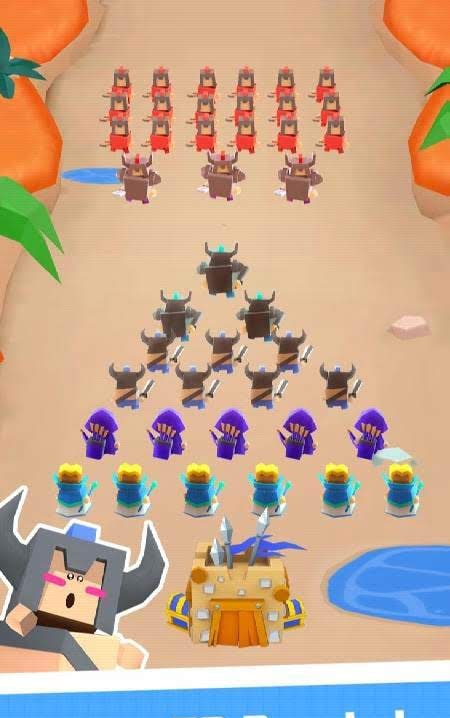
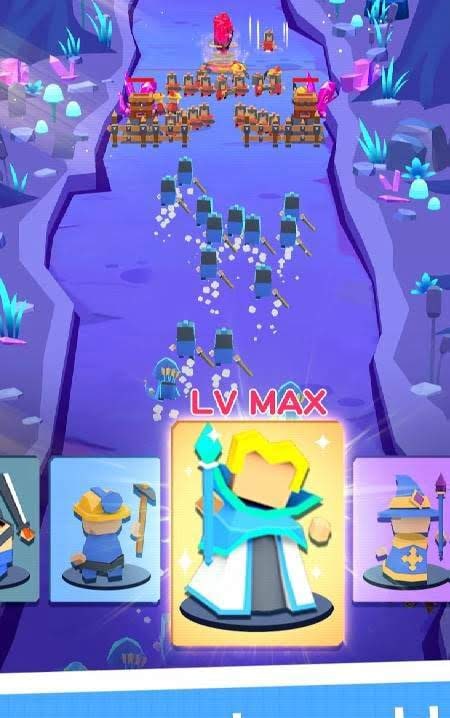
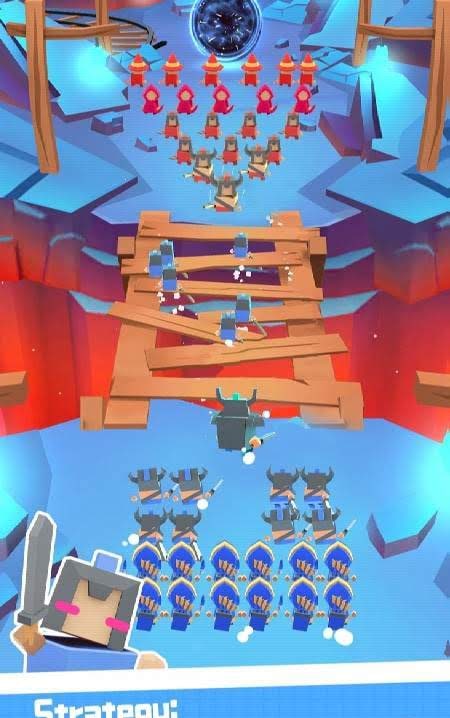
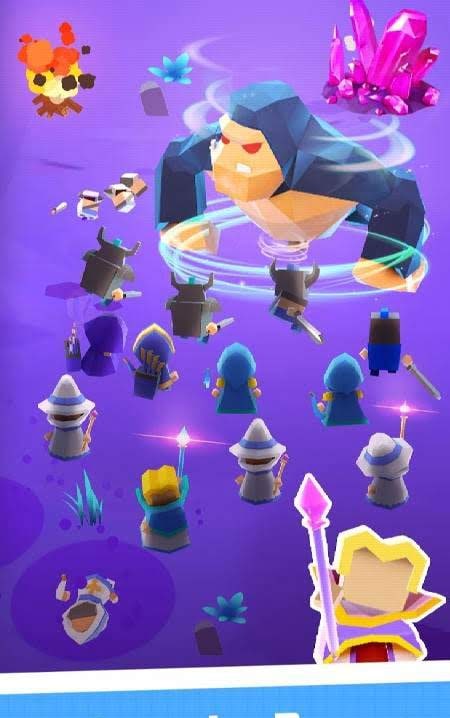
Description
Go Backout - is a casual project with low-poly graphics featuring quite charming scenery and amusingly belligerent units. The gameplay is a blend of a clicker and merge mechanics to obtain cooler units. In this case, these are fighters charging into the attack. Gamers must replenish their squad with recruits, turn them into veterans, and eventually into elite warriors, strike down enemies encountered along the way, and enjoy many other activities that won't let them get bored. And between battles, you should think about more global changes and upgrades to spend less effort in the future, and so on.
Go Backout - is a real-time strategy game with engaging battles in a cartoonish style.
Players are invited to take part in exciting battles where they must command a specific squad of soldiers, gather resources, and defend their own domain. The game differs from typical multiplayer strategies where you have to build and upgrade a castle. This time, you don't need to build anything; it's enough to simply hire warriors, train them, and send them to defend your own borders.
The gameplay can be roughly divided into three parts: first, you need to hire warriors by spending coins, and if two fighters of the same level appear on the playing field, you can merge them to get an upgraded guardian with a higher level (archers, swordsmen, mages, and resource gatherers needed during battle); second, you must send diggers to mine crystals while simultaneously summoning warriors, as the enemy can attack at any second; and third, first defend the settlement, and only then try to destroy the enemy army and seize all the valuable resources accumulated by the opponent.
Victories will bring you keys that allow you to open a choice of three chests. They may contain coins, crystals, or an additional slot for new warriors. Overall, the game turned out to be quite interesting, diverse, and engaging, allowing you to enjoy the gameplay for a long time.
How to install
- Download the APK file above to your phone.
- Allow “Install unknown apps” when prompted.
- Open the downloaded APK and tap Install.
- If the package includes OBB/XAPK data, follow the bundled instructions.
MOD APKs are modified builds, so Play Protect may show a warning. Install only if you trust the file; use at your own risk.