
Screenshots
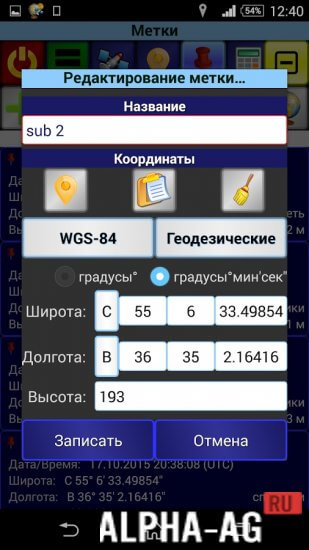
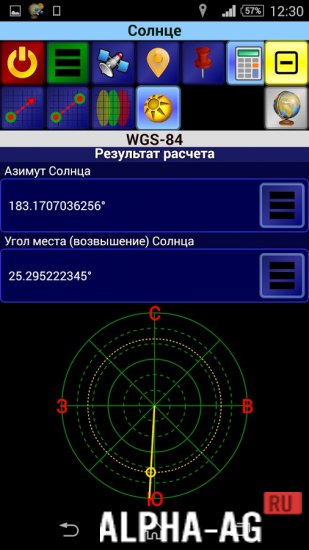

Description
SurveyorUseful and convenient program, which will come in handy for professionals in this field or students to solve practical assignments by performing various geodetic calculations.
Gameplay
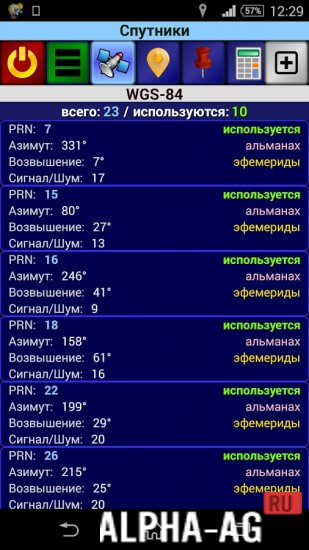
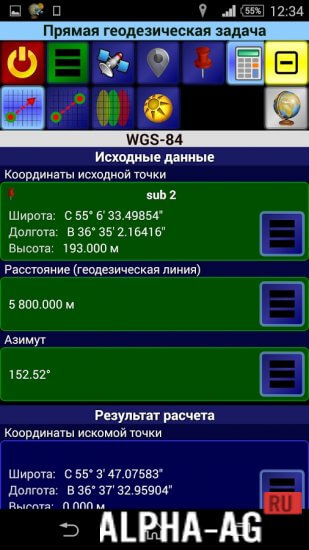
With this app, every user will be able to perform calculations of the required terrain using 6 different geodetic coordinate systems. In any of these systems, the calculation can be presented in 3 projections such as: Gauss-Krüger, geocentric, and geodetic.
In this app, you will be able to specify coordinates in any of the available systems and in any projection. Having specified coordinates in one projection, they will automatically be available in other projections and systems as well. You will also be able to save coordinates to use them later for calculating other tasks.
In the main menu, you can find a hint feature to help you understand the app's functionality. To use them, you must open the control panel tab and click on "Hint".
Thanks to its multifunctionality, this program will be very useful for entertainment purposes or for specialists in this field.Key Features
After you have performed the calculation, you will have the opportunity to share the finished result with other devices. In this program, you will be able to customize the control panel as you wish.
You will have the ability to change the appearance, choose a font that suits you, or set hotkeys.On our website you can download the Surveyor app for Android for free.
1 07 Apr Additional information:- Android version required: 4.0 or later
- Age restrictions: 3+
- Russian localization: present
- Cache installation: not required
Subscribe to our YouTube channel!
Add a commentHow to install
- Download the APK file above to your phone.
- Allow “Install unknown apps” when prompted.
- Open the downloaded APK and tap Install.
- If the package includes OBB/XAPK data, follow the bundled instructions.
MOD APKs are modified builds, so Play Protect may show a warning. Install only if you trust the file; use at your own risk.