

Screenshots

Description
Game Booster 4x Faster Mod APK is a dedicated optimization utility engineered to elevate overall gaming performance across Android devices. It gives players both automated boosts and granular manual controls, offering extensive customization options to fine-tune how titles run.
With the Game Booster 4x Faster MOD APK edition, users gain unrestricted access to every premium feature right out of the box. This unlocked release enables all pro-tier performance tweaks and advanced system configurations that remain locked behind a paywall in the standard build.
Mod Features of Game Booster 4x Faster
- Premium features unlocked: Grants complete, unrestricted access to all high-end optimization tools and deep system settings without paying for an in-app upgrade.
Packaged under com.g19mobile.gamebooster, version 2.1.5 of the Game Booster 4x Faster MOD APK comes in at an ultra-light 8M file size. Note that this modded build features a custom signature, meaning you must uninstall any official Play Store version before installing it.
Overview of Game Booster 4x Faster
Game Booster 4x Faster is a powerful Android utility developed to refine mobile system performance and maximize hardware efficiency while running demanding games. By applying deep operating-system tweaks, it intelligently funnels processing power, RAM, and background resources directly to your active game right before launch. This targeted allocation delivers a remarkably fluid and stable gameplay experience, turning lag-prone budget and mid-range devices into responsive gaming machines by overcoming raw hardware bottlenecks.
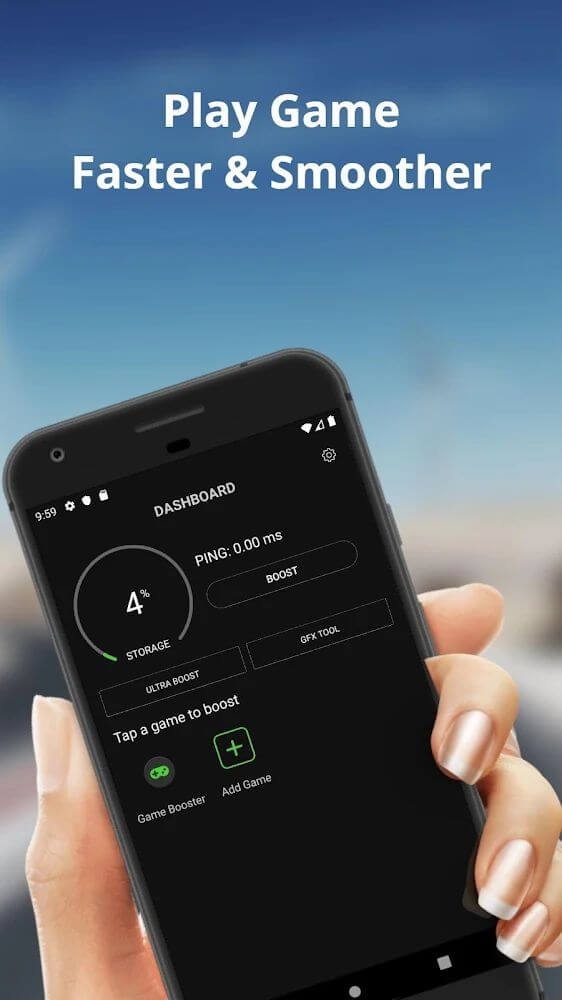
The app features an intuitive, clutter-free dashboard designed for effortless navigation. At the heart of the interface is a single streamlined action button that quickly scans and populates an organized catalog of all games installed on your phone or tablet. Gamers can smoothly choose titles, add them to the managed optimization list, or exclude them whenever needed. Once a title is placed under active management, launching it with full acceleration applied requires nothing more than a single tap on its icon.
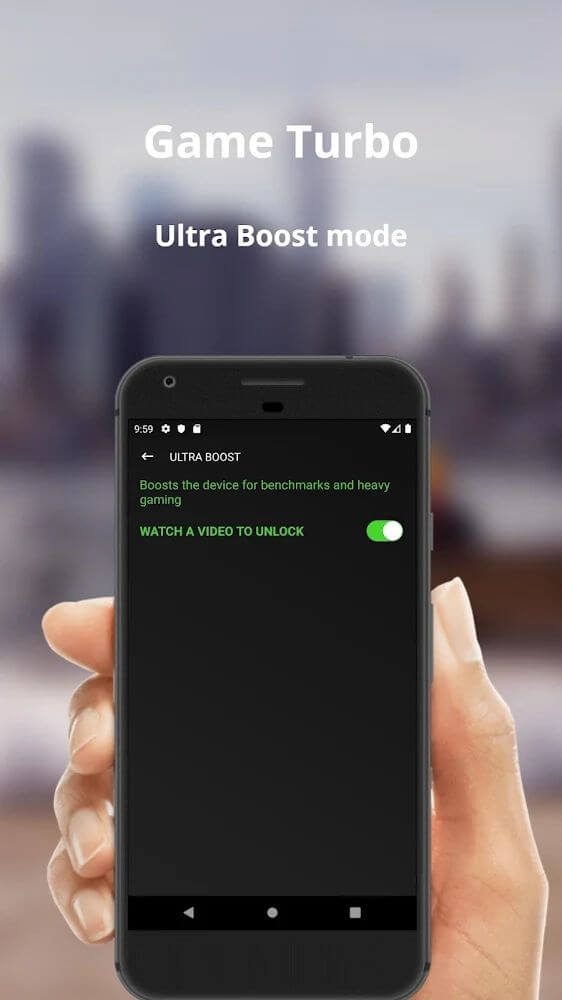
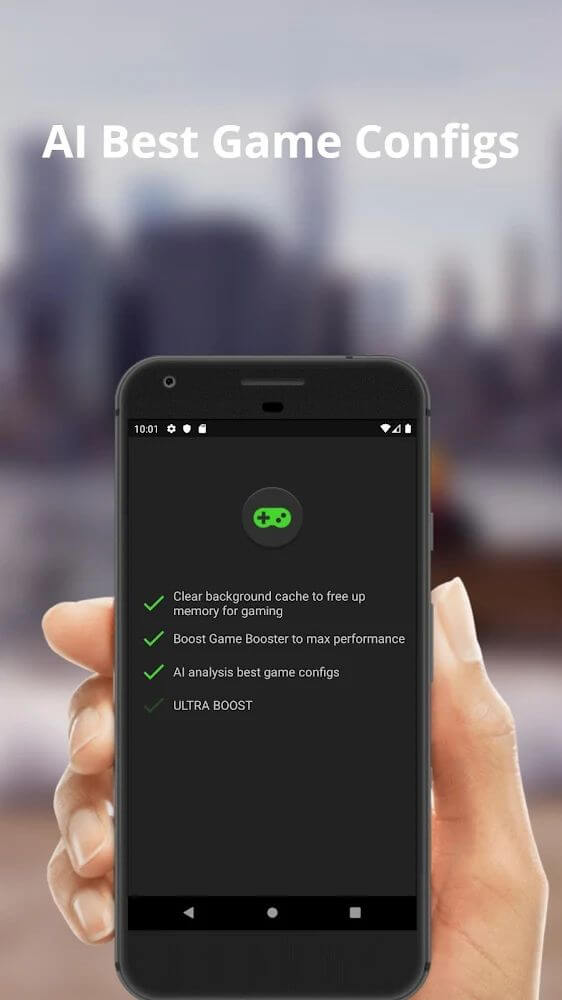
Players can take advantage of both automated and hands-on optimization modes. The automated profile evaluates real-time system workload and adjusts background parameters dynamically to maintain smooth frame rates and peak responsiveness in demanding titles like Free Fire and PUBG. Meanwhile, those who prefer manual management can dive into custom settings to tweak parameters, controls, and configurations according to their personal gaming setup.
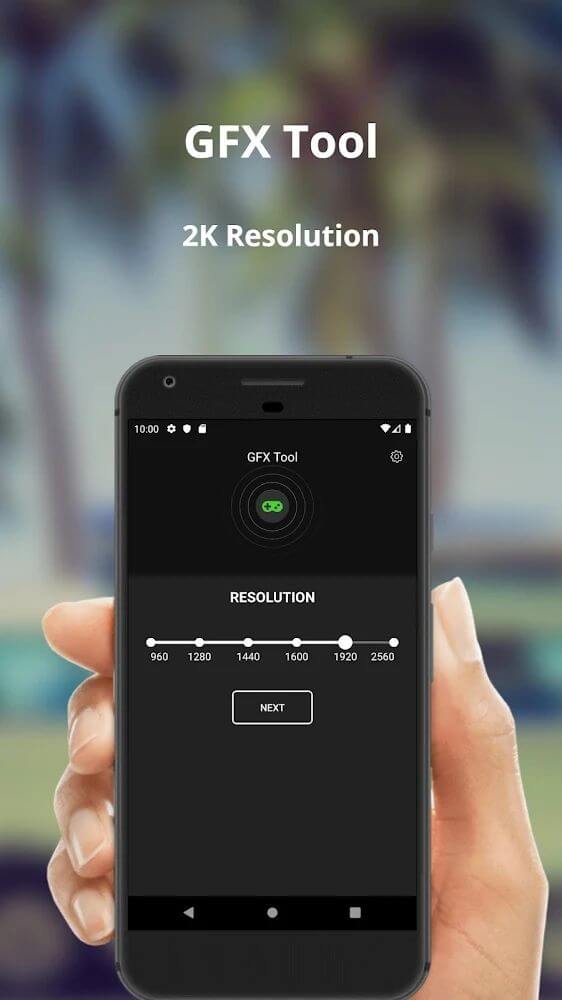
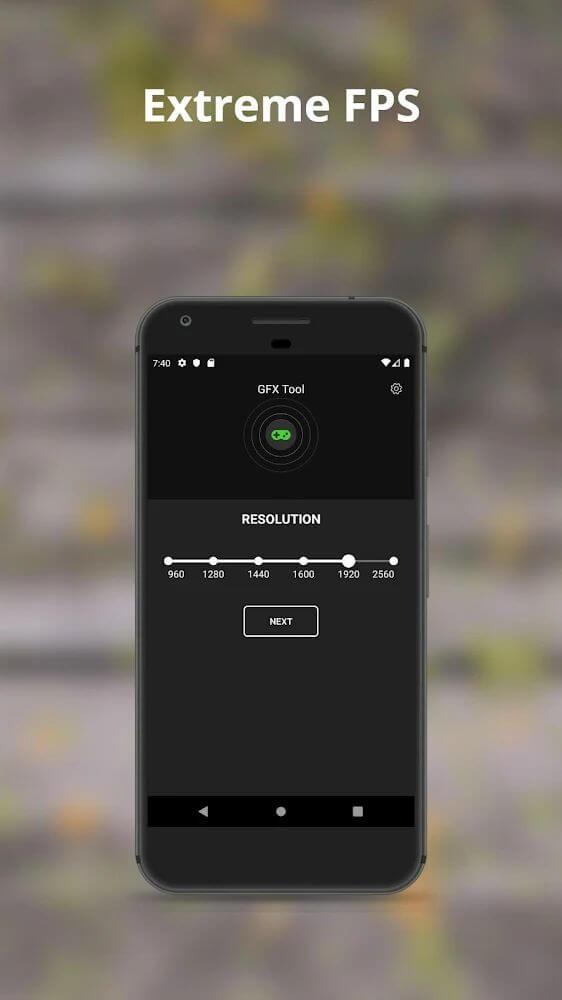
Display resolution is another core metric you can customize directly inside the app. A versatile selection of display settings lets you recalibrate screen resolution to complement both your panel size and specific game requirements. This is exceptionally beneficial on large displays to preserve sharp visuals, while downscaling the rendering resolution can drastically reduce GPU load and keep thermal throttling in check during intense sessions.
Beyond resolution scaling, the utility provides dedicated tools to adjust target FPS values. Balancing frame rate is just as vital as managing resolution, since pushing FPS beyond what your hardware can sustain introduces stuttering, higher battery draw, and thermal spikes. The tool empowers users with modern high-refresh-rate displays (going far beyond legacy 30Hz panels to 60Hz and above) to unlock smoother animations, while also allowing lower-tier hardware to lock in balanced frame targets for stutter-free gameplay.
Complementing resolution and frame rate adjustments, the app also puts graphics quality under your full command. Striking the ideal compromise between graphical fidelity, resolution, and refresh rate depends entirely on your phone's capabilities and personal taste. On entry-level hardware, lowering these visual demands is often crucial to attain playable performance, and this utility makes dialing in those ideal presets quick, accessible, and pain-free.
Key Features
- One-tap plus icon to add and manage custom game libraries
- Intelligent automated performance tuning mode
- Granular display resolution scaling tools
- FPS unlocker and frame stabilization controls
- Adjustable graphics quality presets for custom visuals
- Optimized presets for heavy titles such as PUBG and Free Fire
- Visual calibration to eliminate frame drops and screen tearing
Related MOD APKs
- Game Booster 4x Faster Pro
- MovieBox ID: Stream Movies, TV Series, K-Dramas & Anime for Free
- KWGT Kustom Widget Pro
- SnapTube
FAQ
Does Game Booster 4x Faster MOD APK come with Premium unlocked?
Yes, this 2.1.5 build includes Premium Unlocked from the start. It works much like the G19 Mobile version, and every modification is active right after you install it.
Which version of Game Booster 4x Faster MOD APK is the latest?
Version 2.1.5 matches the G19 Mobile release dated August 26, 2026. We don't host older builds. To update, install this file over your current app; if Android reports a signature conflict, uninstall the earlier version first.
Is it safe to download Game Booster 4x Faster MOD APK?
This 2.1.5 release is the G19 Mobile app with Premium Unlocked and holds a 3.8 rating from 30 users. It doesn't need root access. Play Protect may show a warning during installation, which is normal, so always grab the file from GameMod.dev.
Can I run Game Booster 4x Faster MOD APK on a PC or iPhone?
This is an Android file, so it won't install on iPhone or iPad. To run the 8M package on a computer, open it in an Android emulator such as BlueStacks or LDPlayer by dragging the file into the emulator window.
How to install
- Download the APK file above to your phone.
- Allow “Install unknown apps” when prompted.
- Open the downloaded APK and tap Install.
- If the package includes OBB/XAPK data, follow the bundled instructions.
MOD APKs are modified builds, so Play Protect may show a warning. Install only if you trust the file; use at your own risk.