
MOD features
Claim rewards without watching ads
Screenshots
Description
Gamblox is an exceptional find for fans of retro-inspired arcade adventures who also want the freedom to craft their own custom titles. This interactive sandbox delivers both a rich library of diverse mini-games and an intricate, fully equipped level editor. With this creative suite, players can build original stages, share them with the worldwide community, play-test creations by other members, and explore endless user-generated content. Coupled with limitless creative control and unique mechanics, it is a dream platform for anyone who enjoys unconventional gameplay and retro vibes.
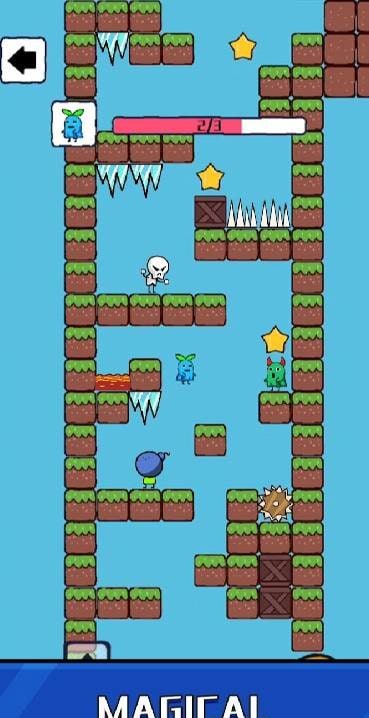
Gamblox is a versatile collection of fast-paced casual games testing reaction and focus, complete with a built-in creator studio for developing custom titles. Far more than just a place to enjoy thrilling arcades, bite-sized RPGs, and clever puzzles, the app unleashes your imagination by providing an all-in-one developer toolkit to build and publish your own projects directly to the platform's catalog.
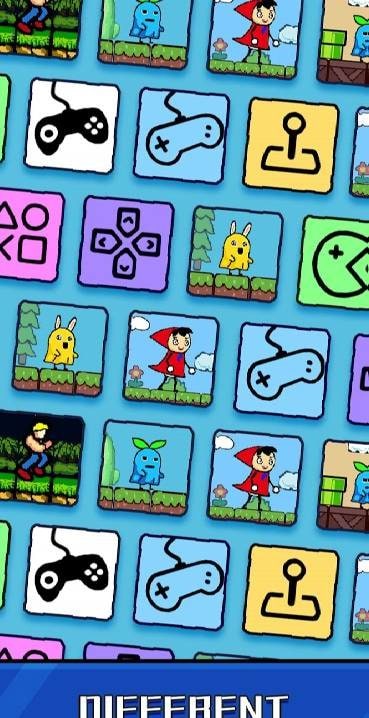
The main hub features convenient navigation tabs that let you easily browse games designed by official creators and fellow players alike. There is even a dedicated section highlighting trending authors who build top-rated arcades and set unbeatable high scores. The community catalog is primarily packed with nostalgic 2D platformers, adrenaline-pumping runners, and casual RPG adventures. Jump into any title that catches your eye and put your skills to the ultimate test.
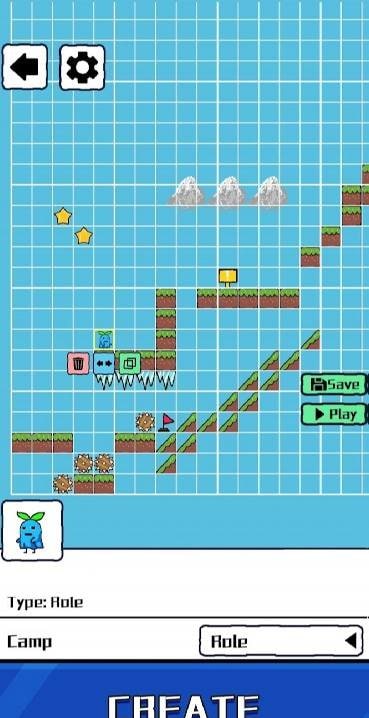
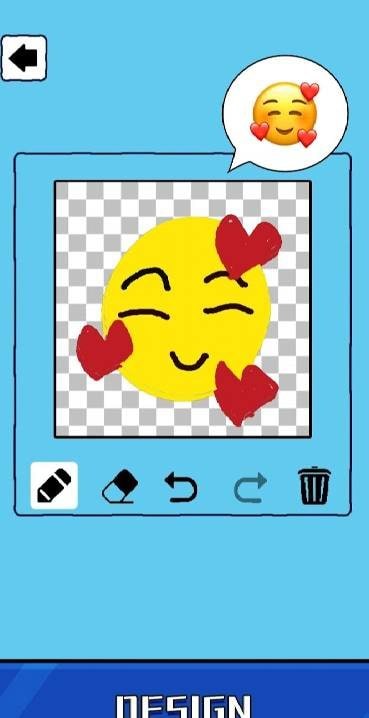
The integrated toolset empowers you to design personalized adventure mini-games with ease. Players can draw sprite templates, construct original storylines, lay out detailed maps, set tricky traps, place vicious monsters, and assign rewards for completing quest objectives. To ensure playability before publishing to the public library, you must clear the completed level yourself. Share your newly minted projects with friends, gather valuable player reviews, and level up your game design abilities.
How to install
- Download the APK file above to your phone.
- Allow “Install unknown apps” when prompted.
- Open the downloaded APK and tap Install.
- If the package includes OBB/XAPK data, follow the bundled instructions.
MOD APKs are modified builds, so Play Protect may show a warning. Install only if you trust the file; use at your own risk.