
Screenshots

Description
Fotor Mod APK is a polished, easy-to-use photo editing and graphic design app that helps beginner photographers and designers turn their ideas into finished visuals.
The Fotor Photo Editor MOD APK unlocks the Pro features of the app, giving you access to every premium editing tool and design asset. With this build, you can use the full set of advanced effects, templates, and adjustment options without paying for a subscription.
What's Modified in Fotor Photo Editor
- Pro Unlocked: Gives you full access to the complete set of professional photo editing tools, premium effects, and design templates that are normally limited to paying subscribers.
This Fotor Photo Editor MOD APK is version 8.2.10.1, is 290 MB in size, and uses the package name com.everimaging.photoeffectstudio. The file is re-signed, so it cannot be installed over a copy downloaded from the official store.
About Fotor Photo Editor
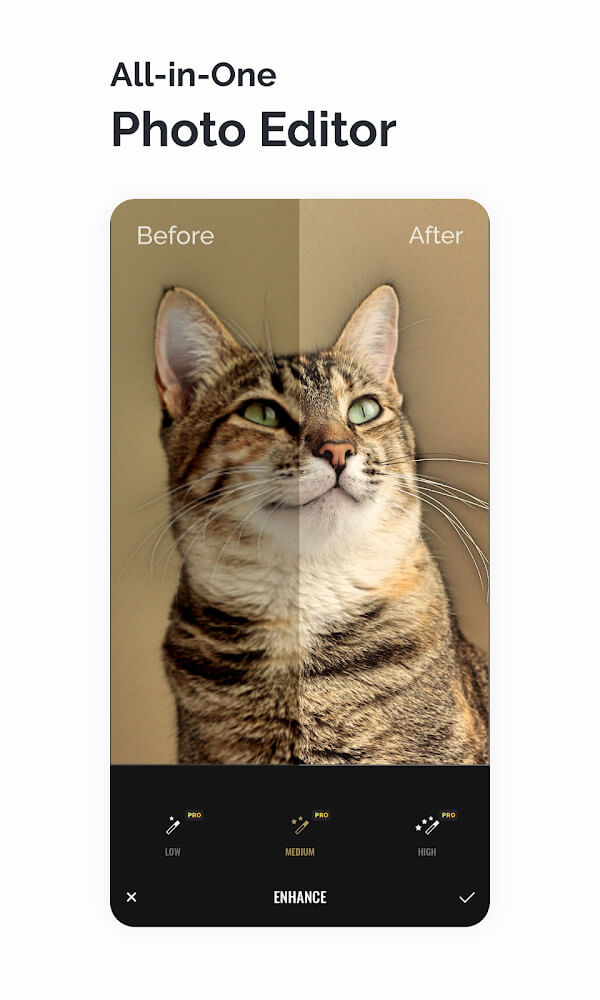
Fotor Photo Editor lets you explore professional photography in a simple, enjoyable environment. It includes thousands of professional-grade filters, borders, and lens effects. With a single tap you can apply different vintage, modern, and black-and-white styles, and the app also offers precise controls for brightness, shadows, and color balance. Fotor is especially impressive because of its algorithm that displays live previews of every filter on your photo, so you see exactly how the final image will look before you apply it. Thousands of users have used this feature to create polished, professional-looking photos without any formal training. Fotor's core goal is to enhance image quality and visual appeal, rather than simply covering a picture with strange effects.
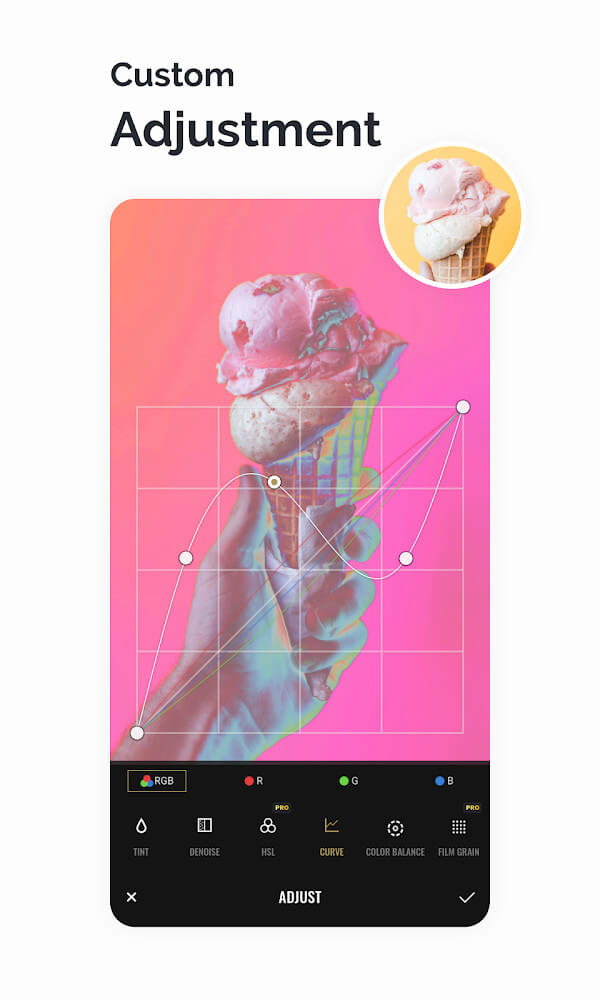
Beyond the automatic filters, the app provides a range of advanced editing tools, including Curve, HSL, Color Balance, Dehaze, and Denoise. Curve editing improves tonal range and contrast, HSL lets you adjust individual colors, Color Balance corrects the temperature of a photo, and Dehaze and Denoise address clarity and noise issues. These tools are backed by additional lighting and tone adjustments, so you can choose bright, airy looks or moodier, darker tones when they better suit your artistic vision.
The app also includes a Design Maker. You can browse a large library of ready-made layout templates, pick one, and add it to your project. The templates cover many occasions, such as everyday life, advertising, and business events, and they are fully editable, which makes them handy for marketing materials, social media posts, and other graphics. New templates and design assets are added every week so you can stay on top of current trends. Alongside the design tools, classic editing features such as crop and paste make it easy to move from editing a photo to building a finished graphic.
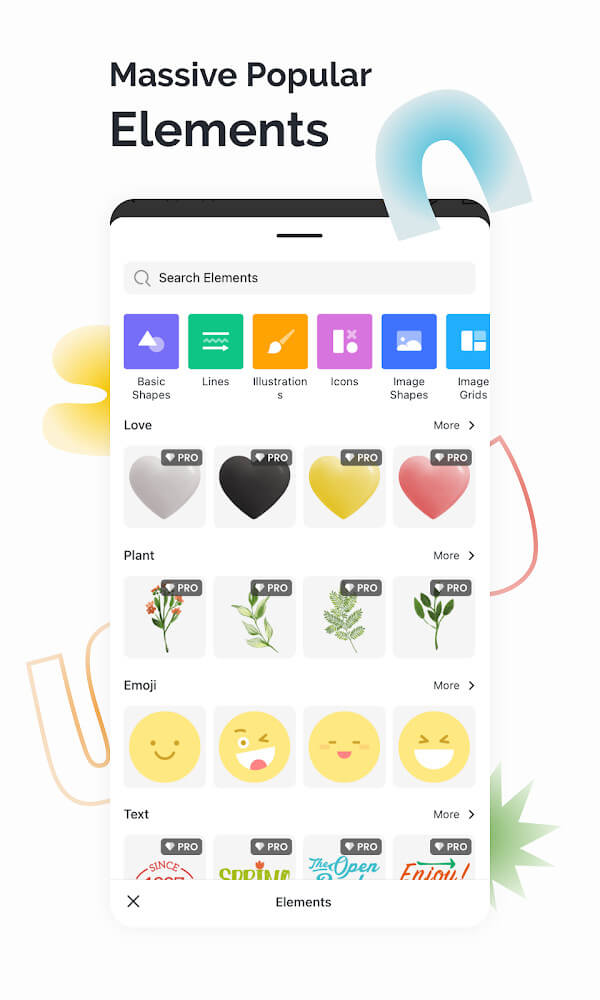
To make the experience more complete, the app offers thousands of stickers as well as numerous graphic elements, including frames, fonts, and backgrounds. Whether you are working on a simple design or a more complex project, there is something for you. For advanced compositions, the app also provides a collection of mosaics and stock photos. The font library is huge, and new professional design materials and templates are released to users every week.
A set of unrestricted tools gives you control over both basic and advanced structural changes to an image. Basic features include cropping a photo into a specific shape or size, rotating it in four directions, and flipping it horizontally or vertically. For more advanced work, the app offers distortion and stretching tools. For instance, you can straighten a sloping horizon or shift the focal point of an image to better communicate an idea. Combined with the perspective adjustment tools and the high-quality effects and filters, these options let you create unique, artistic photos.
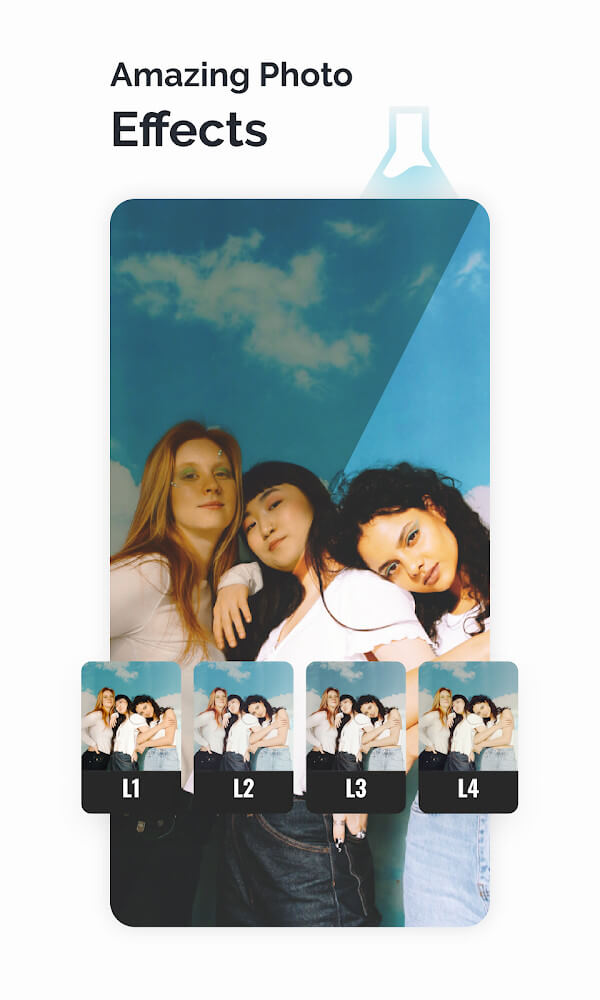
The app offers more than 100 professional effects, including a wide selection of true film simulations, vintage looks, and distinctive classic styles, all of which you can apply in a tap to give your photos a more elegant and artistic feel. Unlike many similar apps, these effects deliver a look that is rarely found elsewhere. Many users find they prefer them over standard photo filters. Effects are only the start. Pro features unlock advanced editing tools and professional design elements, such as backdrops and add-ons, that are essential for finishing a project. With all of this at your fingertips, even someone with no photography experience can create images with a polished, professional touch.
Key features
- Curve, HSL, Color Balance, Dehaze, and Denoise tools
- Over 100 professional photo effects and trendy filters
- Design Maker with templates for ads and business use
- Sticker library with thousands of stickers and expressive elements
- Perspective tools, including distortion and stretching
- Weekly updates for templates, frames, and background materials
Related MOD APKs
- GoArt
- Picsart Photo Editor
- Adobe Lightroom
- VSCO
FAQ
Is Premium unlocked in the Fotor Photo Editor MOD APK?
This 8.2.10.1 build of Fotor Photo Editor comes with Pro Unlocked. It works the same way as the official Everimaging Ltd. release, and every feature is available right after installation.
What is the latest version of the Fotor Photo Editor MOD APK?
Version 8.2.10.1 matches the Everimaging Ltd. update released on August 1, 2026. We don't keep older versions on GameMod.dev. To update, install this file over your current app; if you see a signature error, uninstall the previous version first.
Is the Fotor Photo Editor MOD APK safe to download?
This 8.2.10.1 Fotor Photo Editor build from Everimaging Ltd. only adds Pro Unlocked. It has a 3.6 rating from 221 users and doesn't require root access. A Play Protect warning during installation is normal, so always download the file from this page.
Does the Fotor Photo Editor MOD APK remove the watermark?
This version includes Pro Unlocked. In Fotor Photo Editor, watermark-free export is a premium feature, so check the export screen after installing to confirm.
How to install
- Download the APK file above to your phone.
- Allow “Install unknown apps” when prompted.
- Open the downloaded APK and tap Install.
- If the package includes OBB/XAPK data, follow the bundled instructions.
MOD APKs are modified builds, so Play Protect may show a warning. Install only if you trust the file; use at your own risk.