
Screenshots

Description
Take control of your connection! Lock your device to 4G/5G LTE and stop it from bouncing between different networks. This gives you the most stable connection possible, with low latency and fast data. Grab it now!
Tired of losing signal right when you need it most? Force LTE Only (4G/5G) MOD APK is a network management app that puts you in charge of how your mobile data behaves. Whether you're a mobile gamer, someone making professional video calls, or simply want to squeeze more value out of your data plan, this app has you covered.
Smartphones are designed to save battery, so they often switch between 4G, 3G, and 2G networks. That can lead to sluggish data speeds and frustrating signal dead zones. With Force LTE Only, you can bypass those automatic switches and stay locked on a 5G or 4G LTE network.
What this app has to offer:
Control Your Networks: Say goodbye to unnecessary switching between data modes. Decide how your device connects and keep it locked on either 4G or 5G.
Gain an Edge in Gaming and Streaming: Limiting your connection to LTE or 5G dramatically cuts down on lag spikes. It's a real game changer for fast-paced action or strategy titles where every millisecond counts.
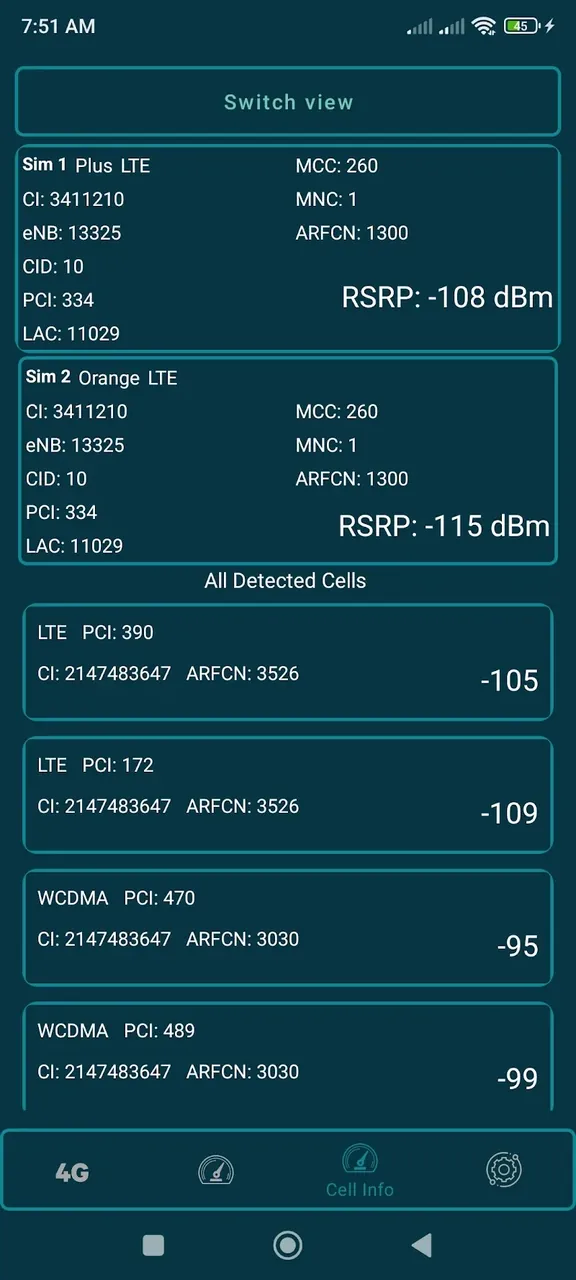
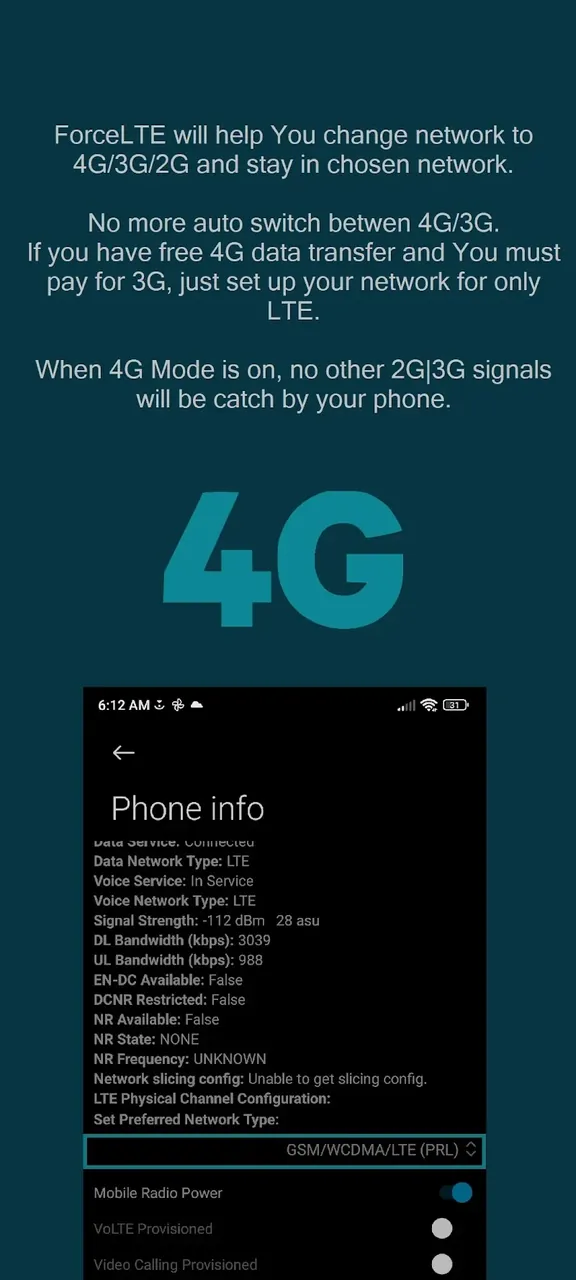
Monitor Your Signal: Dig into the hidden menus to access detailed network statistics that the average user never gets to see.
Save Money: Many carriers offer unlimited LTE plans. By forcing your phone to use only 4G, you avoid 3G data surcharges and can lower your overall mobile costs.
Longer Battery Life: By stopping your phone from constantly hunting for a better signal, you reduce strain on the hardware and help preserve battery power.
Configuration Options:
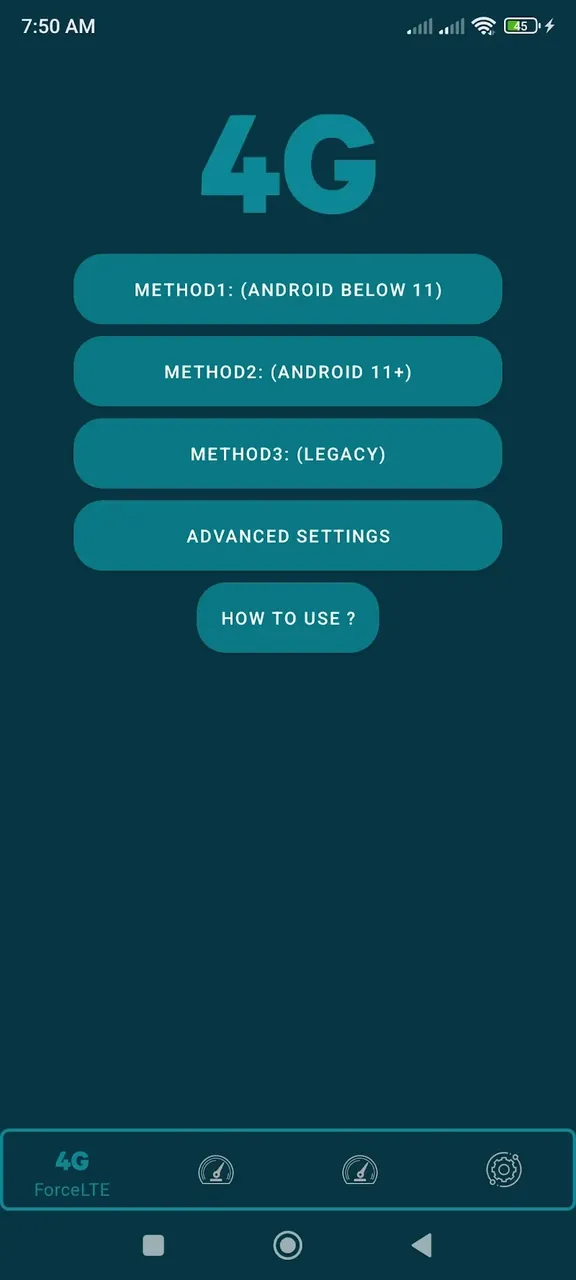
Force LTE Only is simple to use yet highly capable. When you open the app, you'll find the "Secret Settings" or "Advanced Network" section, where the "Set Preferred Network Type" option lives. From there, you can choose NR (5G), LTE (4G), or any older data mode you prefer. This is especially handy when 5G coverage is available but unstable, and you'd rather stick with 4G.
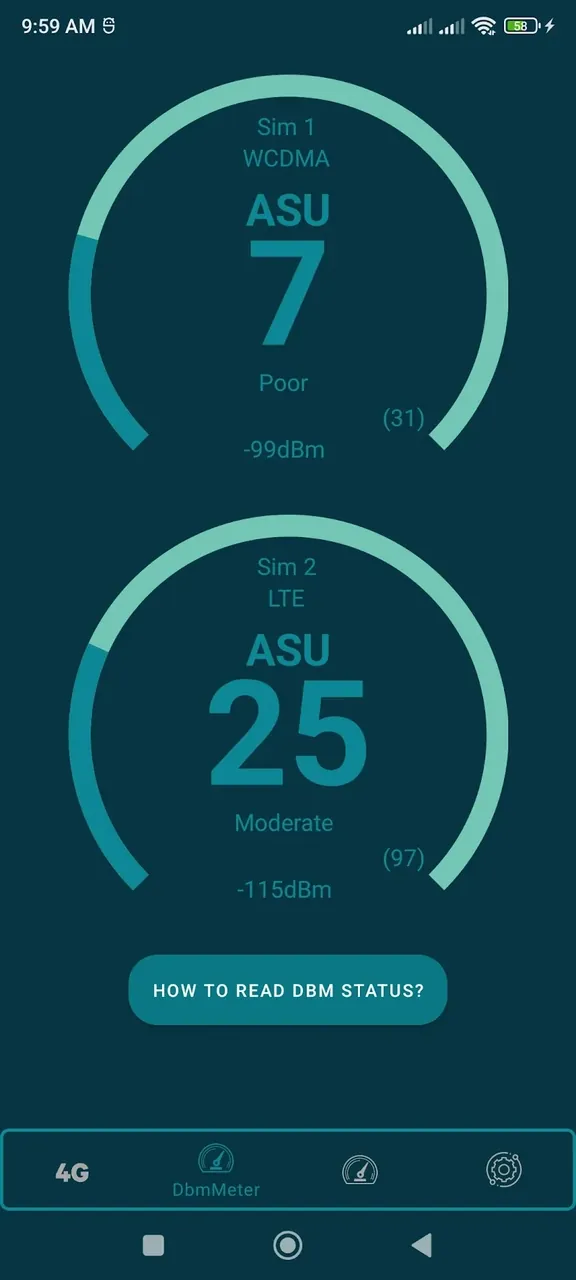
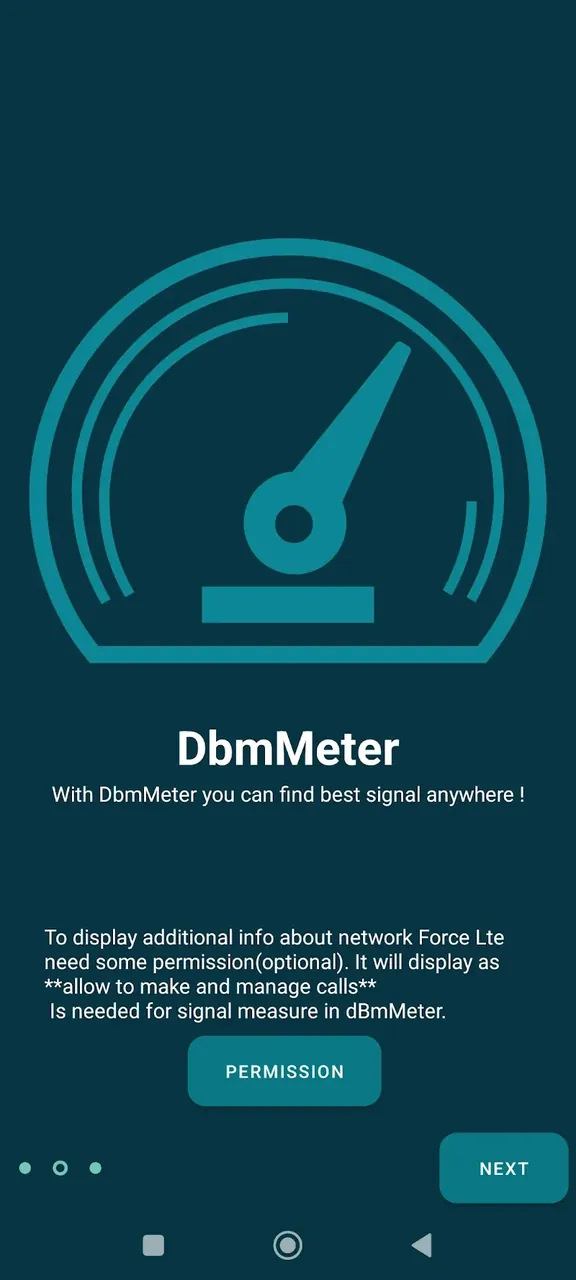
The app also includes a comprehensive dashboard that displays your RSRP and RSSI values. This helps you identify the most stable connection both at the office and at home, so your online gaming sessions stay uninterrupted.
Conclusion:
Why settle for whatever connection your provider hands you? With Force LTE Only (4G/5G) MOD APK, you choose the connection you want. It's ideal for anyone seeking tighter control and stability, from frequent travelers to dedicated gamers who need fast, reliable performance on the go. Say goodbye to weak signals with Force LTE Only!
How to install
- Download the APK file above to your phone.
- Allow “Install unknown apps” when prompted.
- Open the downloaded APK and tap Install.
- If the package includes OBB/XAPK data, follow the bundled instructions.
MOD APKs are modified builds, so Play Protect may show a warning. Install only if you trust the file; use at your own risk.