

MOD features
Unlocked
Screenshots
Description
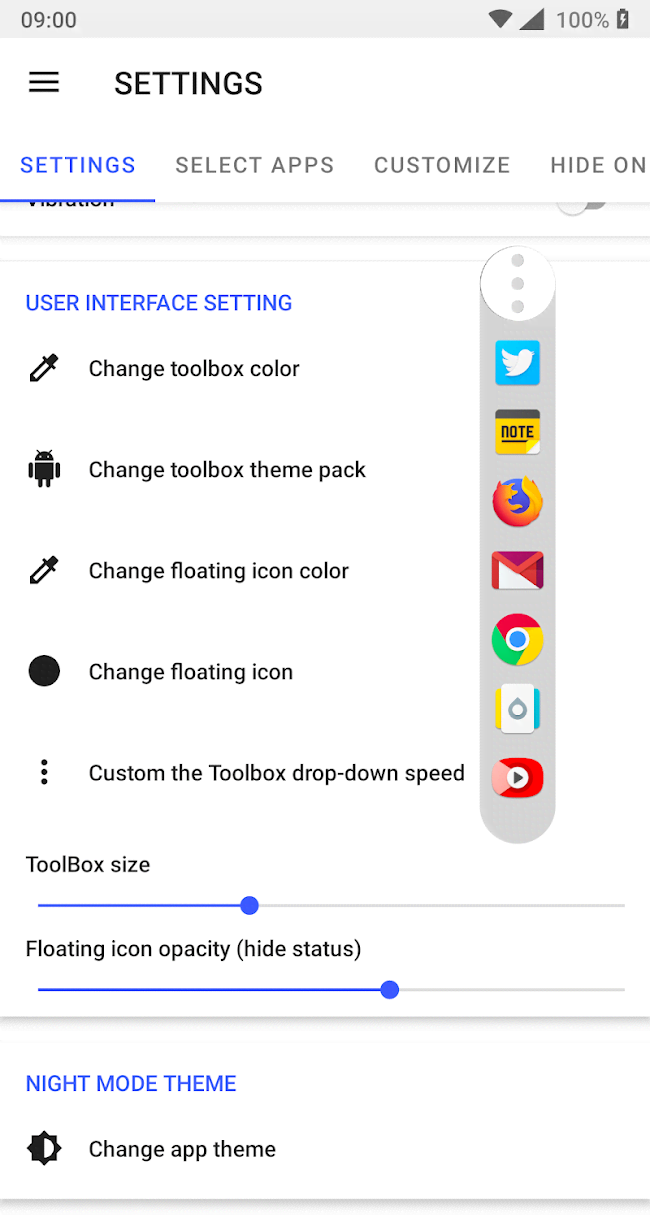
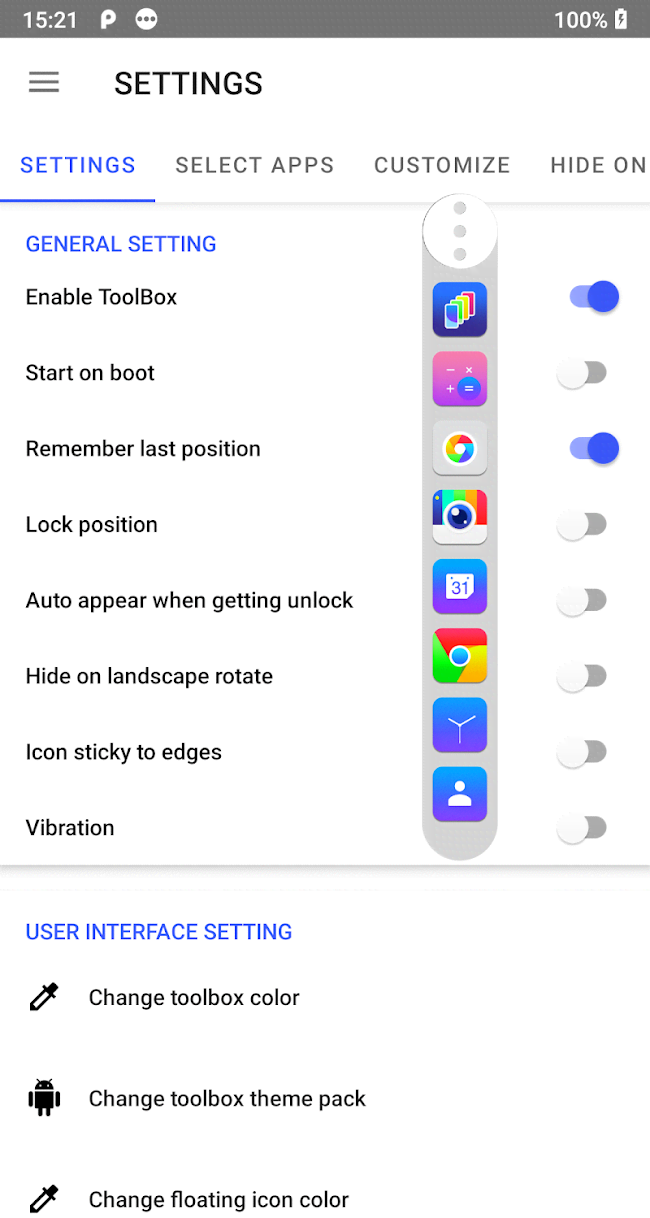
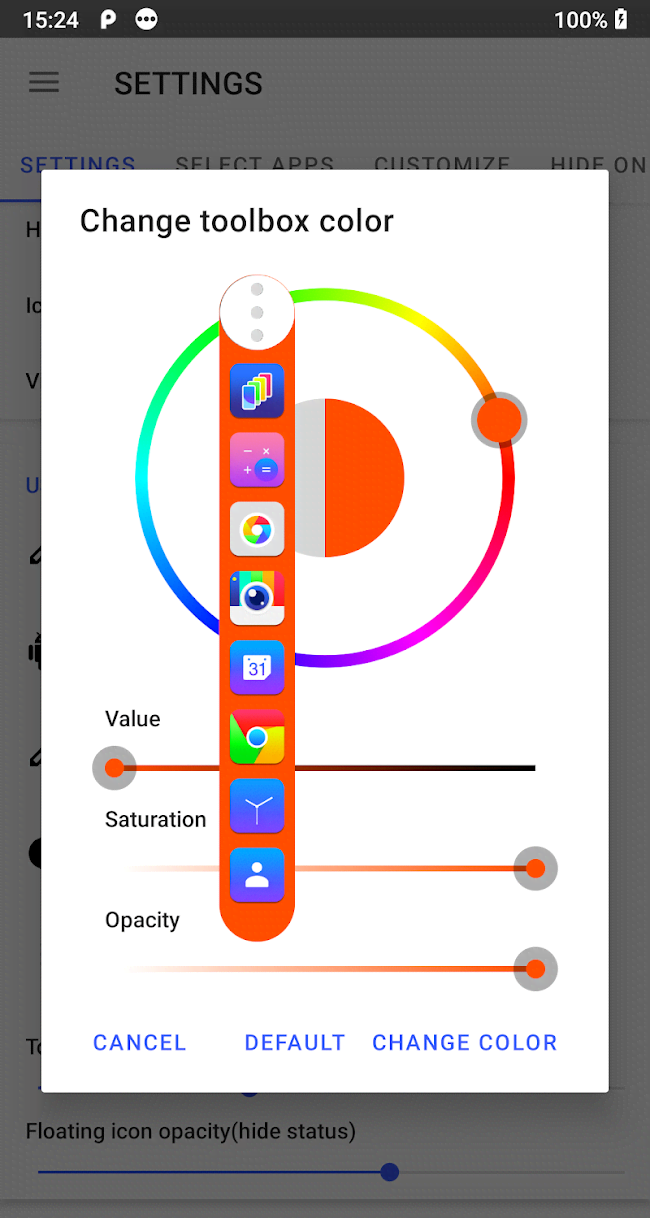
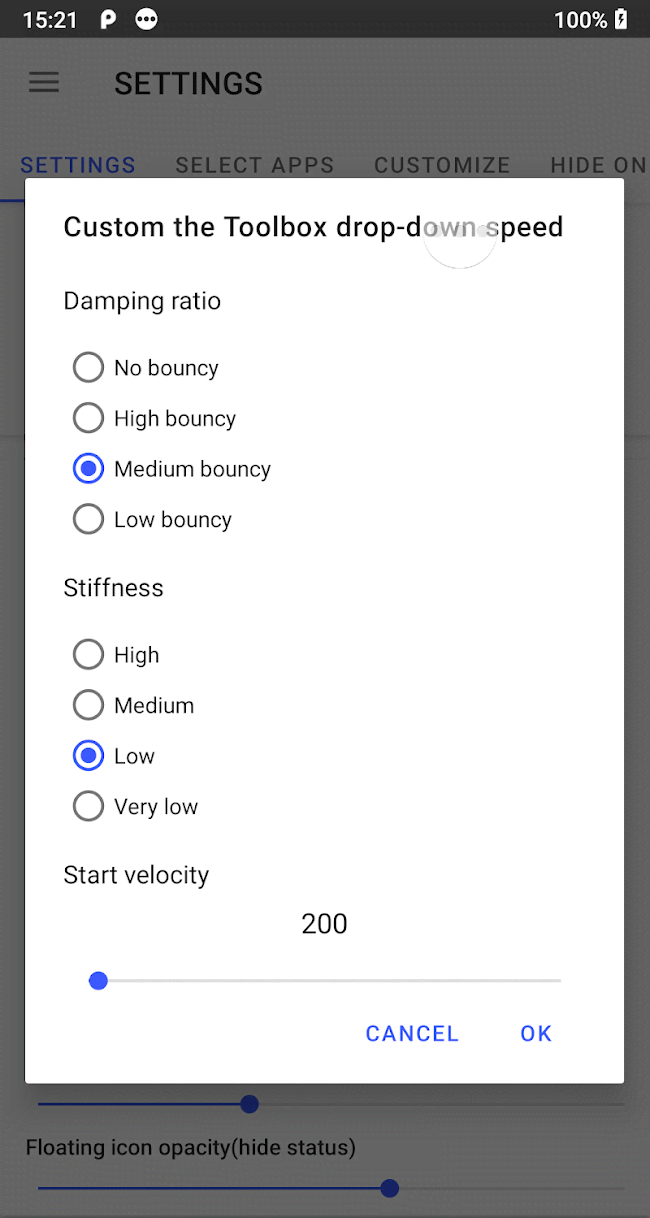
Floating ToolBox - an interesting app-cum-editor for creating custom icons and then placing them on the home screen of a mobile device. Users can select any application installed on their gadget, use a variation of the original image, or upload their own (giving them complete and unrestricted freedom of choice), and then configure specific parameters. Tapping the icon can then either launch the project immediately or bring up a context menu with predefined actions. This not only transforms the visual appearance, but also speeds up interaction.
How to install
- Download the APK file above to your phone.
- Allow “Install unknown apps” when prompted.
- Open the downloaded APK and tap Install.
- If the package includes OBB/XAPK data, follow the bundled instructions.
MOD APKs are modified builds, so Play Protect may show a warning. Install only if you trust the file; use at your own risk.