

Screenshots



Description
ChainfireSize
14 MBVersion
0.73Requirements
4.2 and upGet it on
Report this app
Images
Mod Info
- PRO features Unlocked
Description
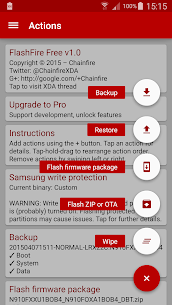
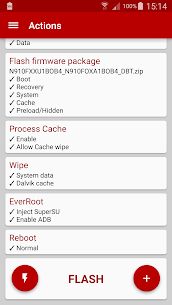
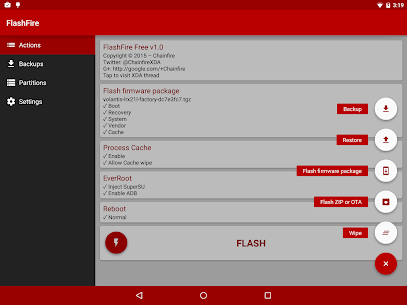
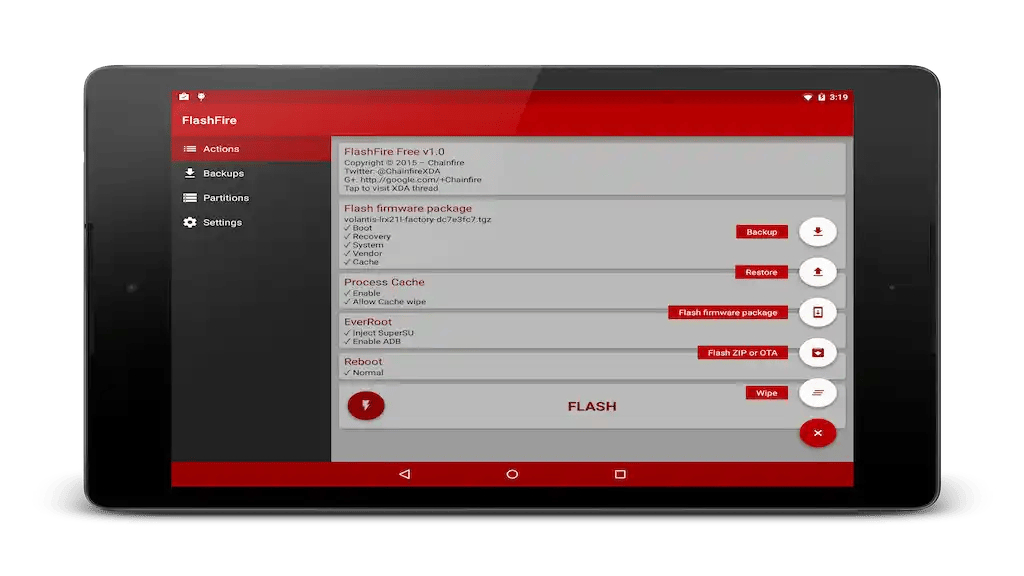
FlashFire is the most advanced on-device firmware flasher available for rooted Android devices. It can flash full firmware packages from various manufacturers, as well as apply over-the-air (OTA) and ZIP updates – all while maintaining root, and without using a custom recovery. It also offers full device backup and restore functionalities in several formats. Relevant files can be stored on internal storage, SD cards, USB connected storage, or can even be streamed directly to and from your computer using USB or Wi-Fi.
FlashFire is the spiritual successor to the Mobile ODIN app, which was a similar solution (using completely different methods under the hood) exclusively for Samsung devices on older Android versions.
FlashFire is an extremely powerful application, it should be used with caution. Data loss, soft-bricks, and even hard-bricks are possible if used incorrectly. Unless you are an expert user, consult FlashFire’s website and the XDA discussion thread before doing anything potentially destructive.
Note: currently all functionality is unlocked without purchasing Pro. This may change in the future!
Website: http://flashfire.chainfire.eu/
Changelogs: http://forum.xda-developers.com/showpost.php?p=59962696&postcount=8
XDA discussion thread: http://forum.xda-developers.com/general/paid-software/flashfire-t3075433
Developer's apps
DSLR Controller APK (Full Version) 1.06 Chainfire 1 MB 500 Firepaper MOD APK (Pro Unlocked) 3.00 Chainfire 2 MB [root] LiveBoot MOD APK (Pro Unlocked) 1.92 Chainfire 1 MBRelated apps
SmartCookieWeb 17.0-beta3 SmartCookieWeb 5.40 MB No Ads Aloha Browser 8.12.1 Aloha Mobile 151.42 MB Premium Unlocked Facemoji Emoji Keyboard Pro 3.6.8.4 Nexileap 39.99 MB Pro Unlocked Notifications archive 1.6.10 Difer 9.25 MB Premium Unlocked Ice Box – Apps freezer 3.30.14 G Ruoxin He 16.44 MB Pro UnlockedHow to install
- Download the APK file above to your phone.
- Allow “Install unknown apps” when prompted.
- Open the downloaded APK and tap Install.
- If the package includes OBB/XAPK data, follow the bundled instructions.
MOD APKs are modified builds, so Play Protect may show a warning. Install only if you trust the file; use at your own risk.