
Screenshots
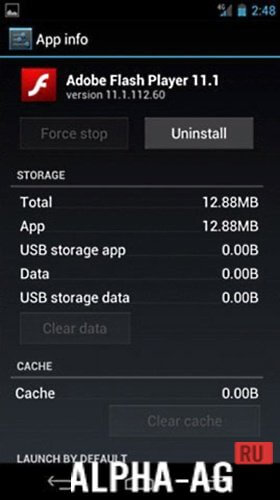
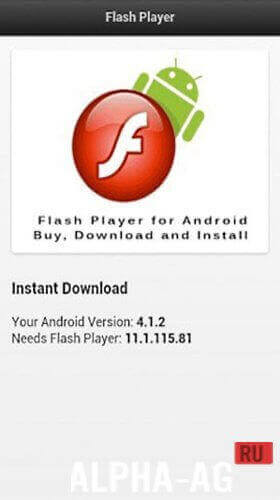

Description
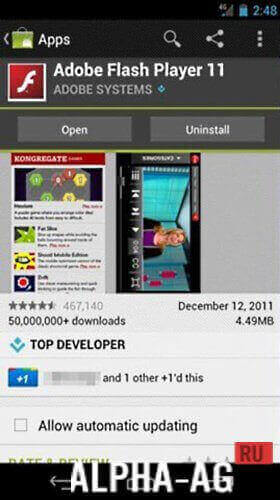
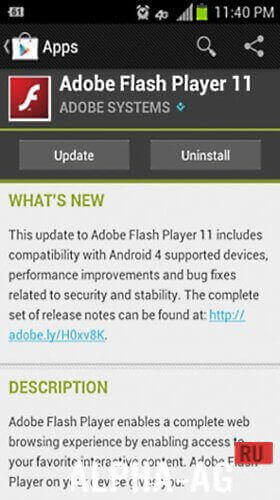
Flash Player for AndroidThis program will open up completely new possibilities for you. You will be able not only to play flash games directly on websites, but also to watch videos in various online cinemas via the Internet.
Characteristics
Many may rightly note that this technology is becoming obsolete. So why is it needed at all? However, these questions will disappear on their own when the user encounters problems displaying content on a website.
This applies not only to images, but also to games, videos, and much more. This is due to the fact that the device may not support the flash plugin. However, by installing this application, users will be able to get rid of this problem.Notably, these days more and more developers are abandoning this technology. They are convinced that it is too heavy, and therefore prefer more modern counterparts.
However, not all users want and are able to abandon their favorite resources that use flash technology.If you are among them, then simply download the installation file and proceed with the installation. Before doing this, it is recommended to restart your mobile device.
Features
- Fast and stable performance.
- Lightweight size, taking up very little space in the mobile device's memory.
- Playback of a huge number of animation formats.
- 3D graphics accelerator.
- Optimized performance of all modules.
Here you can download Adobe Flash Player (Adobe Flash Player) for Android (Android).
1 18 Sep Additional information:- Android version required: 4.0 or higher
- Age rating: 3+
- Russian localization: present
- Cache installation: not required
Subscribe to our YouTube channel!
Add a commentHow to install
- Download the APK file above to your phone.
- Allow “Install unknown apps” when prompted.
- Open the downloaded APK and tap Install.
- If the package includes OBB/XAPK data, follow the bundled instructions.
MOD APKs are modified builds, so Play Protect may show a warning. Install only if you trust the file; use at your own risk.