

Screenshots
Description
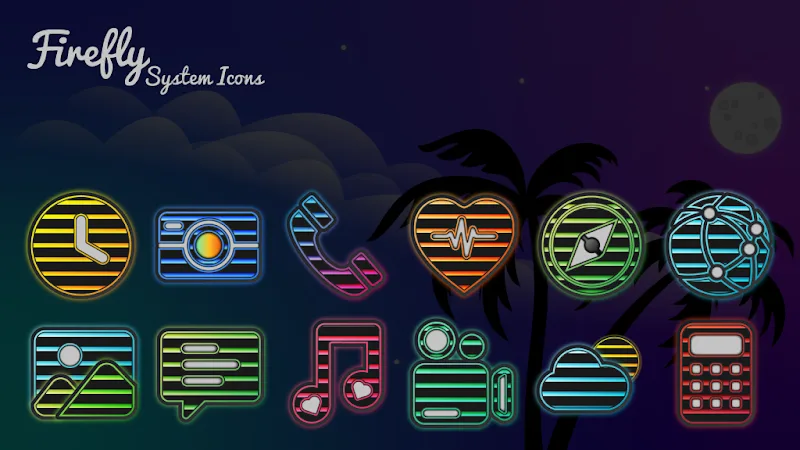
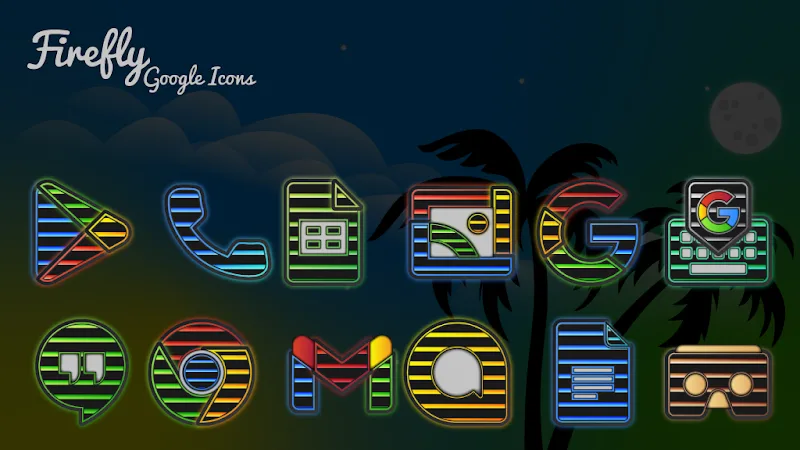
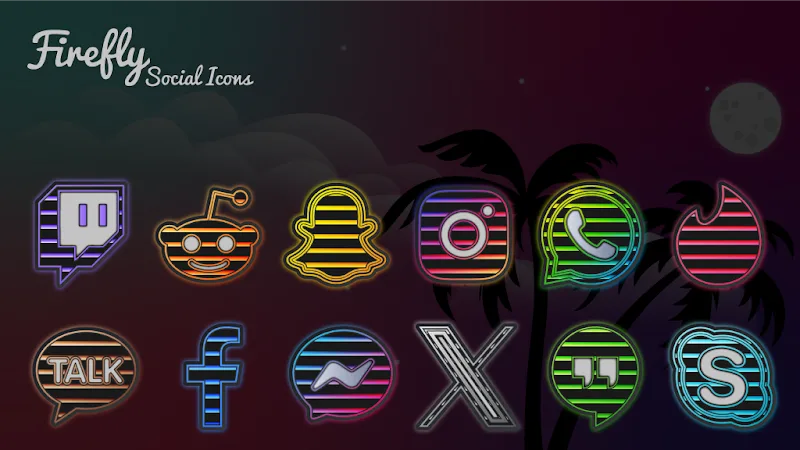
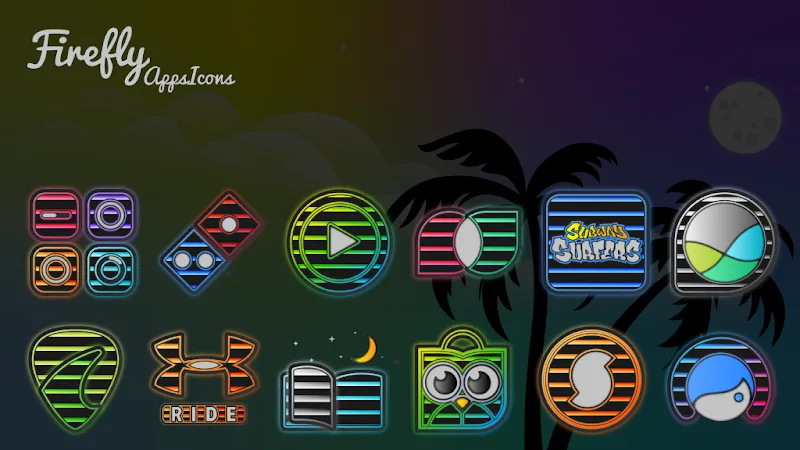
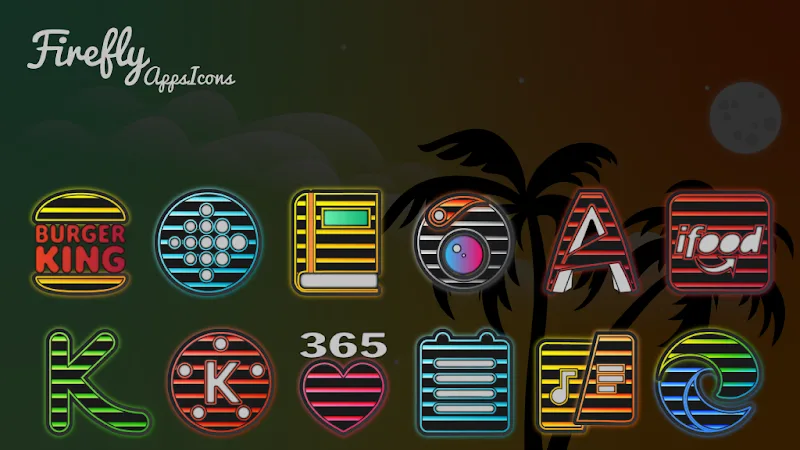
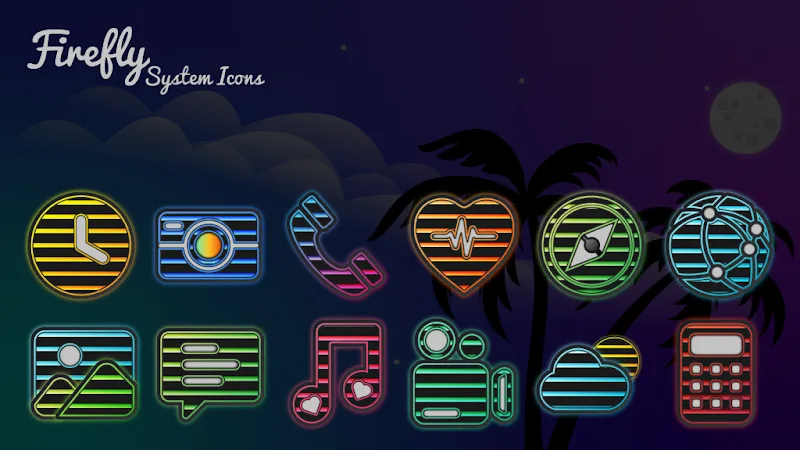
True to its title, Firefly Dark Neon transforms your Android device with striking glowing sign-style aesthetics. Each app shortcut is converted into a luminous neon billboard reminiscent of vibrant city nightlife. This setup instantly immerses you in a futuristic, cyberpunk-like atmosphere worthy of a sci-fi blockbuster. From the moment you unlock your phone, the brilliant visual style leaves a lasting impression, letting you revitalize your home screen using vivid gradient neon accents contrasted against pure AMOLED dark tones for crisp, standout clarity.
Diverse Design and Visual Customization
Featuring more than 2,400 handcrafted icons, this pack provides a polished, unified, and cutting-edge aesthetic across all your installed apps. In addition, you get an exclusive selection of artisan wallpapers alongside dynamic calendar support, encouraging you to switch up your look whenever you want. Built-in icon masking guarantees that even unthemed icons blend seamlessly into the neon theme. For anyone who enjoys creating a distinctive, customized mobile setup, this is the ultimate solution.
- Rich icons: Over 2,400 icons
- Unique wallpapers: 23 handcrafted options
- App masking: Maintain visual harmony
Broad Compatibility and Effortless Setup
Compatible with an extensive variety of mainstream Android launchers, this icon pack ensures a quick and straightforward installation process. You can effortlessly submit custom icon requests or apply modifications across interfaces such as Samsung One UI. Reliable developer support and regular content rollouts guarantee an optimal customization journey. Try it out on GameMod.dev and turn your smartphone screen into a glowing neon work of art.
- Diverse compatibility: Supports many launchers
- Easy customization: Simple operations
- Continuous updates: Fulfills requests
How to install
- Download the APK file above to your phone.
- Allow “Install unknown apps” when prompted.
- Open the downloaded APK and tap Install.
- If the package includes OBB/XAPK data, follow the bundled instructions.
MOD APKs are modified builds, so Play Protect may show a warning. Install only if you trust the file; use at your own risk.