

Screenshots


Description
Download MOD 3
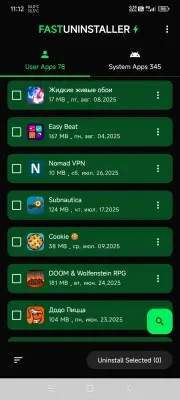
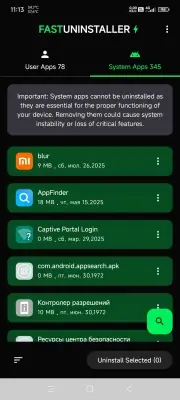
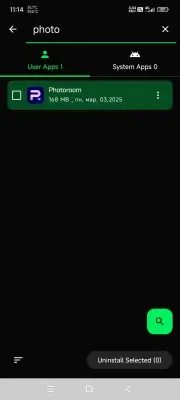
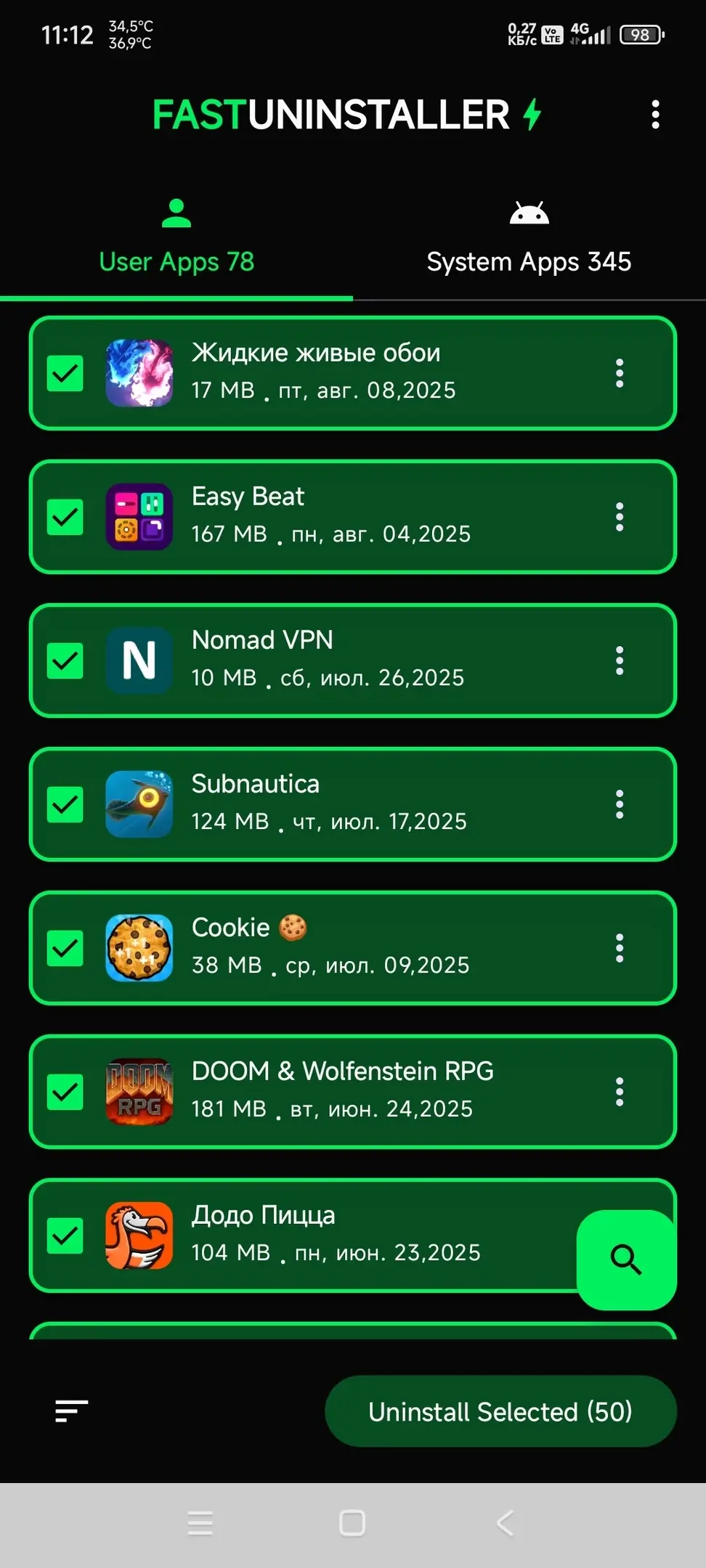
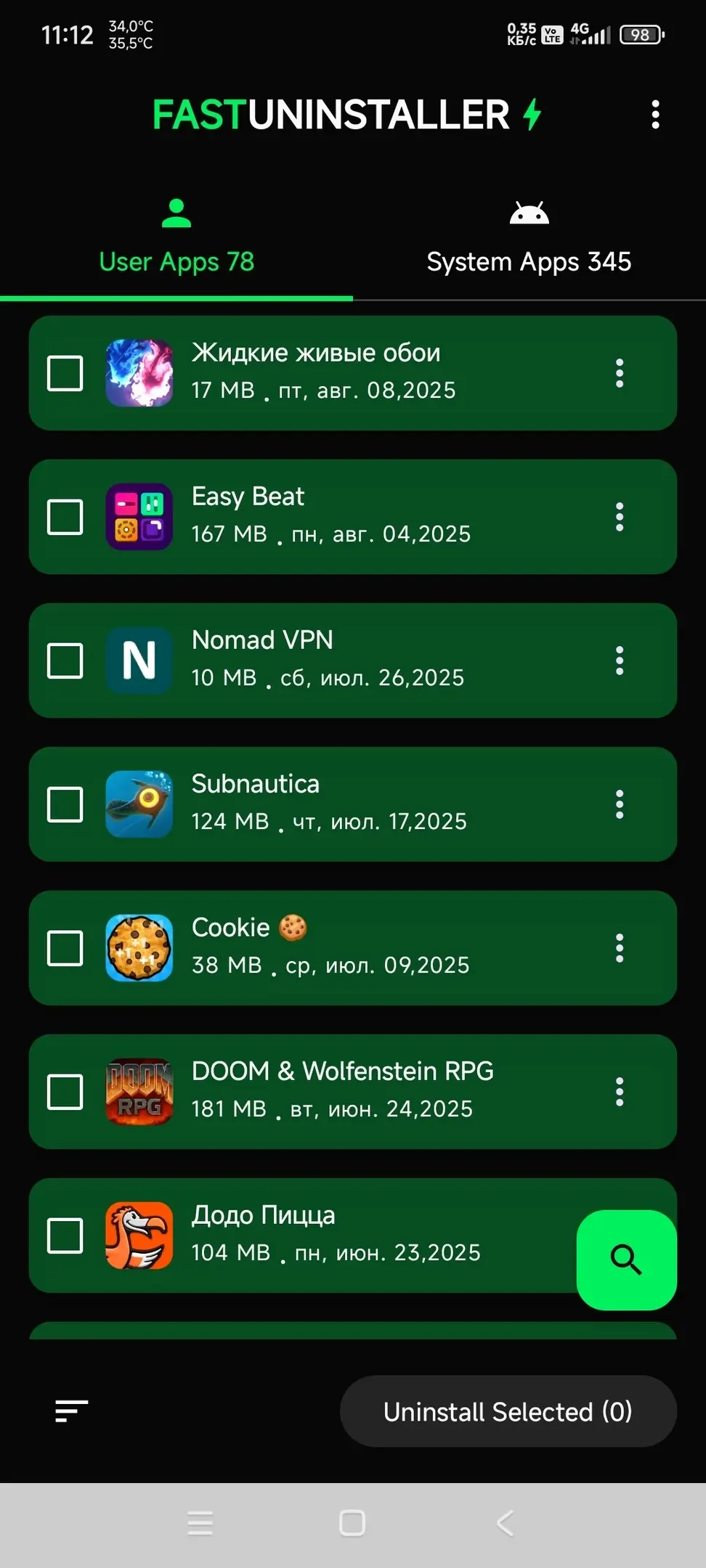
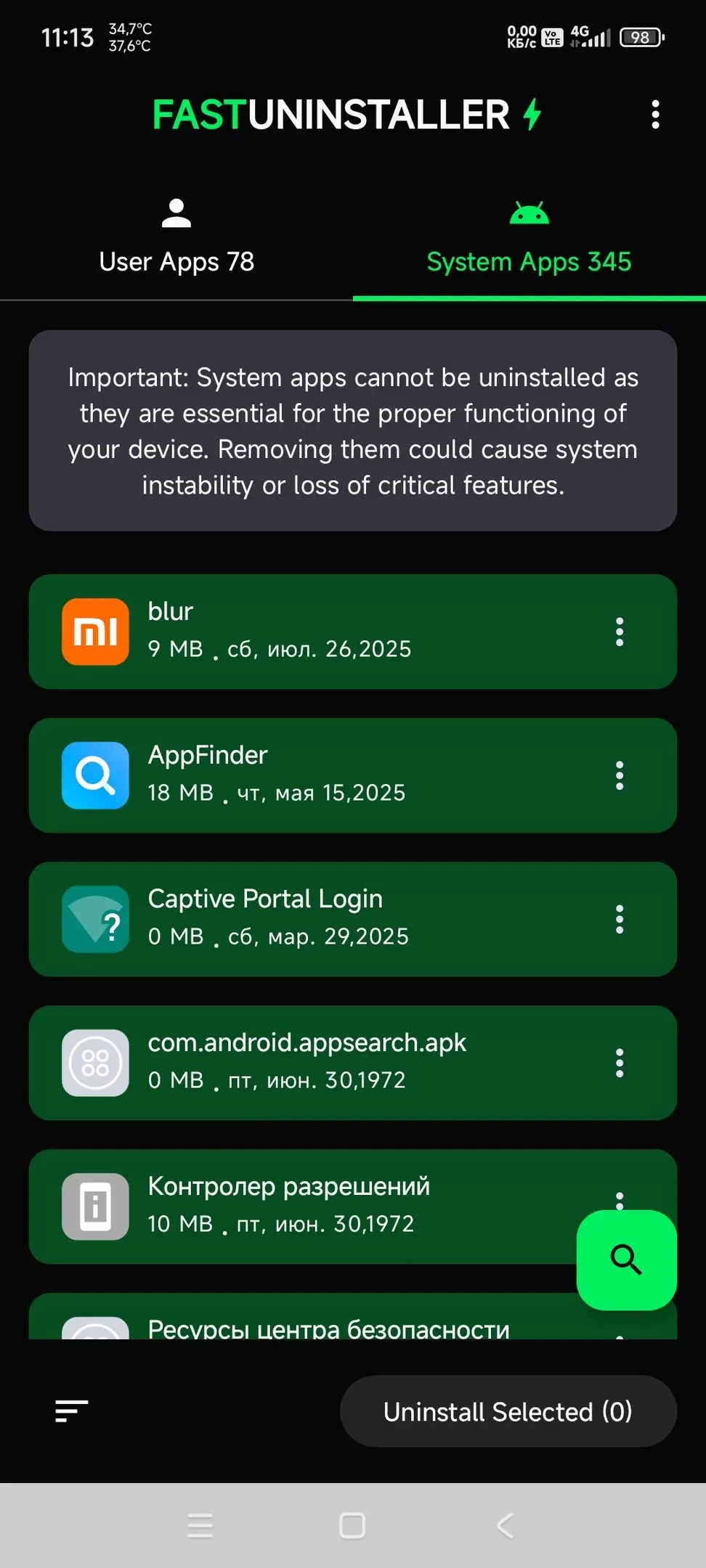
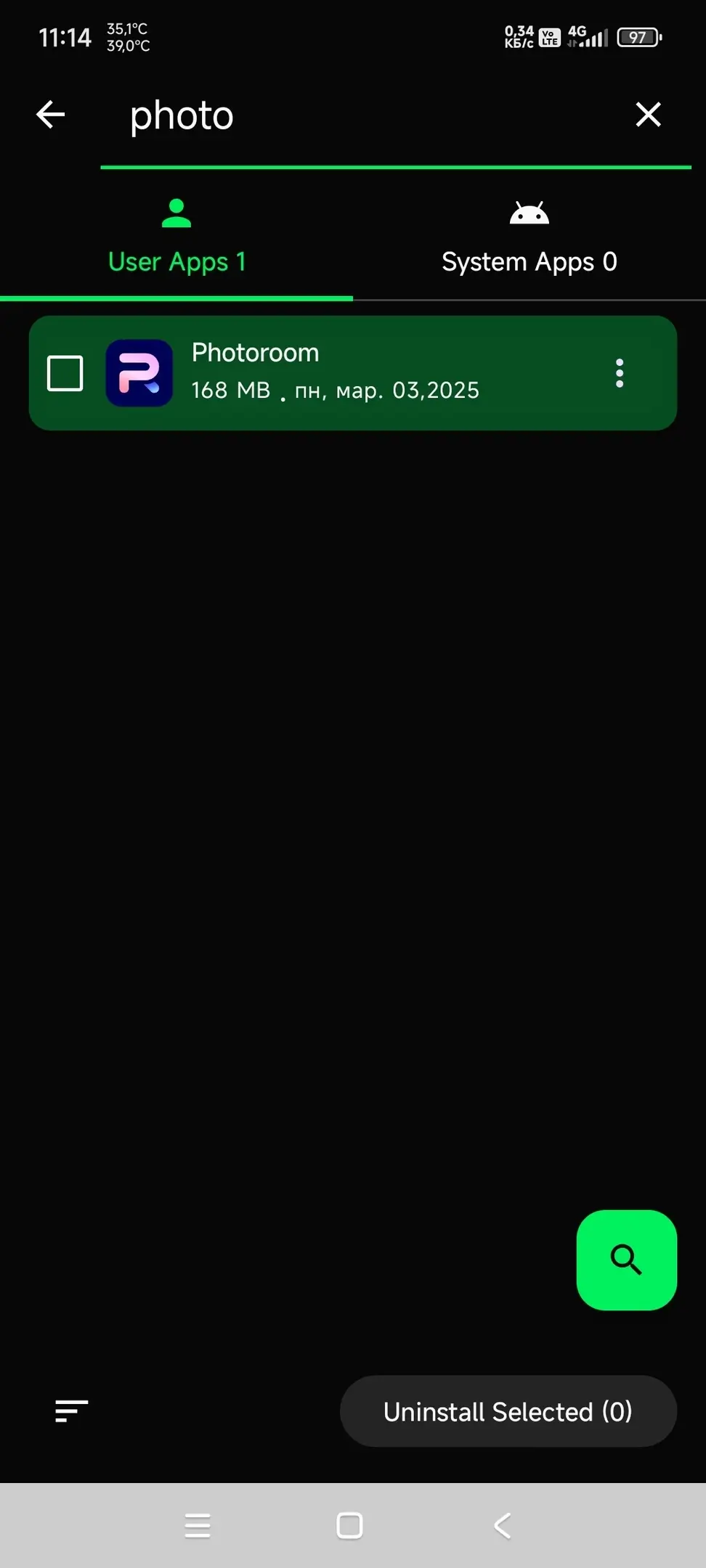
Fast Uninstaller (Premium) makes managing applications on your Android phone effortless, allowing you to clear valuable storage space in seconds. The utility lets you swiftly remove any third-party app (leaving system software intact), boosting overall responsiveness and easing device load. Thanks to its clean, intuitive layout alongside built-in sorting filters and a responsive search bar, locating specific applications and checking their technical details is entirely seamless. If you need a fast, streamlined tool to batch-delete unwanted software without repetitive tapping, this application is an ideal pick. Key Features:
- Quickly find any installed application using instant search;
- Organize lists conveniently by name, file size, or install date;
- View essential app details including package name, version, date, and storage size;
- Batch-uninstall multiple selected apps with a single tap;
- Clean, clutter-free user interface designed for smooth navigation;
- Directly look up applications on Google Play.
Note: Built-in system packages cannot be removed. MOD Info:
- Premium features fully unlocked;
- Cleaned of debug code and unnecessary tracking data;
- Custom package signature applied.
Get Updates Receive email alerts whenever this release gets an update. Subscribe Subscribers: 0
Screenshots
2 4 6
Overview
Version 9 OS(MIN) Android 6.0+ Language English Developer ItDeveApps Status Mod Root Not required Tags App manager, App remover, Free storage, Speed booster, Batch uninstaller, App finder
How to install
- Download the APK file above to your phone.
- Allow “Install unknown apps” when prompted.
- Open the downloaded APK and tap Install.
- If the package includes OBB/XAPK data, follow the bundled instructions.
MOD APKs are modified builds, so Play Protect may show a warning. Install only if you trust the file; use at your own risk.