

Screenshots


Description
Fallout 2Each sequel introduces gamers to new aspects of a familiar story. Therefore, you can always discover something new that was never a secret, yet somehow went unnoticed.
Plot and action in the game
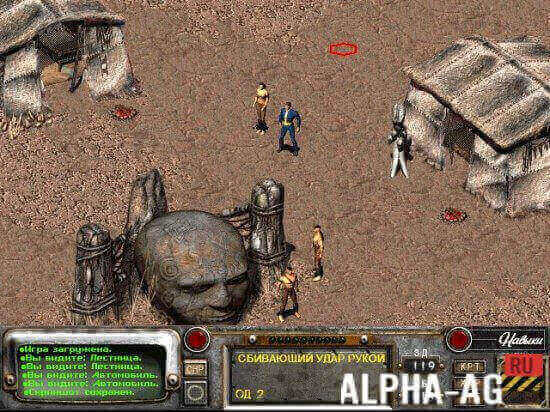
The story in Fallout 2 begins in the year 2241, many years after a ruthless nuclear war. Where the United States once stood proud, the Wasteland now stretches everywhere. Mutants, heavily armed bandits, and mysterious organizations roam all around.
They conduct various experiments that make your hair stand on end. But such horror isn't happening everywhere.
There are quite a few settlements where peaceful life continues, and a traveler can count on a place to sleep and a bowl of hot stew. You can also sell all your collected loot to a trader.Objective of the game
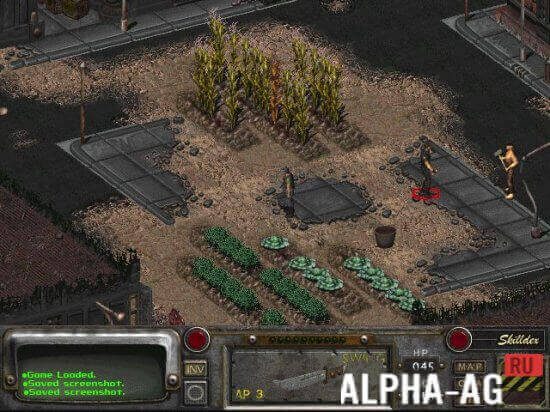
Your hero lives in one of these peaceful towns. The town was once a cozy place, but it gradually began to fall into decay, so the main character must take all possible measures to prevent this.
You will have to find a special high-tech device capable of purifying water and automatically generating viable seeds.It can also provide information about human life before the outbreak of war. You will also be able to travel across different settlements where this device is already in use. Naturally, the adventures do not end there. On the contrary, they are just beginning!
Below, you can download the original version of Fallout 2 for Android for free.
21 04 Jul Additional information:- Android version required: 2.3 or later + 1GB RAM
- Age restrictions: 14+
- Russian localization: present
- Cache installation: required
Installation procedure:
- install Limbo PC Emulator
- download images and put them into any folder (for example /sdcard/)
- launch Limbo
- LoadVM--> Create (Virtual machine name)
- CPU: Pentium
- RAM: from 64 to 256
- CDROM: Select file f2.iso.
- Hard Disk: Select file w95.VHD
- Boot From Device: Hard Disk
- VGA Configuration: cirrus
- Click "Start"
Subscribe to our YouTube channel!
Add commentHow to install
- Download the APK file above to your phone.
- Allow “Install unknown apps” when prompted.
- Open the downloaded APK and tap Install.
- If the package includes OBB/XAPK data, follow the bundled instructions.
MOD APKs are modified builds, so Play Protect may show a warning. Install only if you trust the file; use at your own risk.