

Screenshots

Description
Facebook Lite is a streamlined take on the world's most familiar social network. Anyone who knows Facebook will feel right at home, since it keeps the core experience of the original app. Its compact design also makes it a great fit for a wide range of devices, which is why it's built with convenience in mind.
EASY-TO-USE INTERFACE
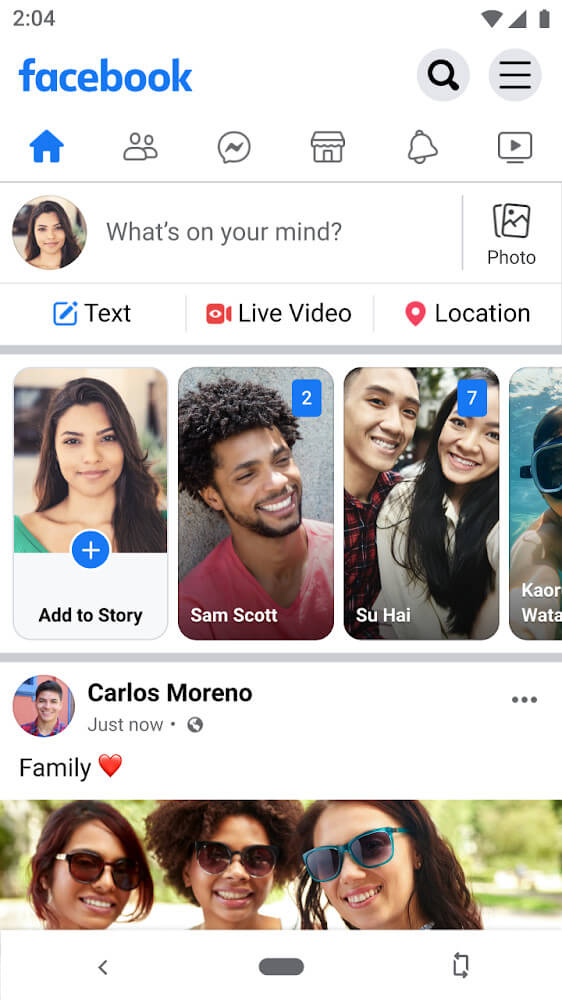
If you already use Facebook, Facebook Lite will feel instantly familiar. The layout and features match the original almost exactly, which makes it a practical choice when your device doesn't have room for the full app. As you use it, you'll notice how useful and lightweight it is on your phone.
SHARE WHAT YOU WANT, EASILY
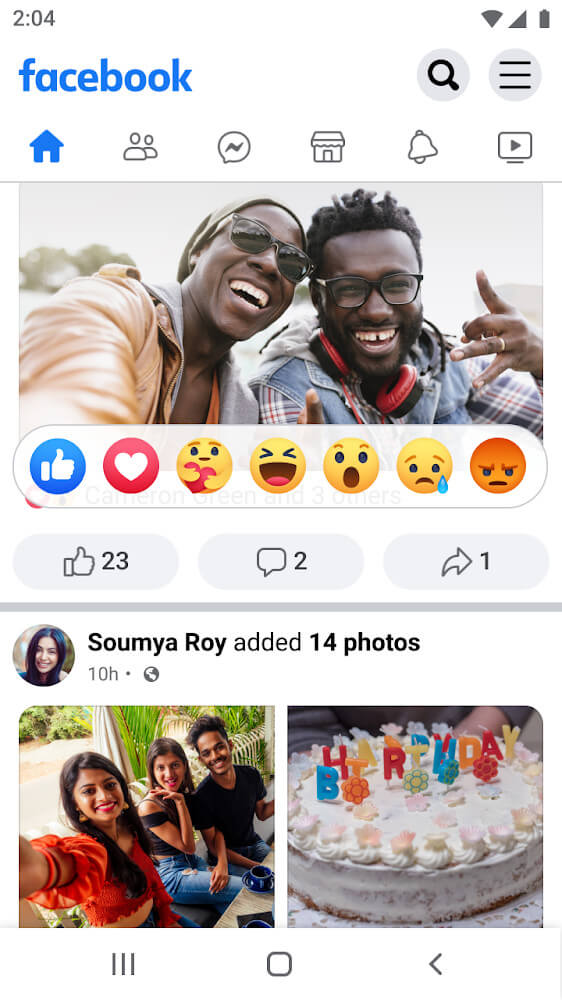
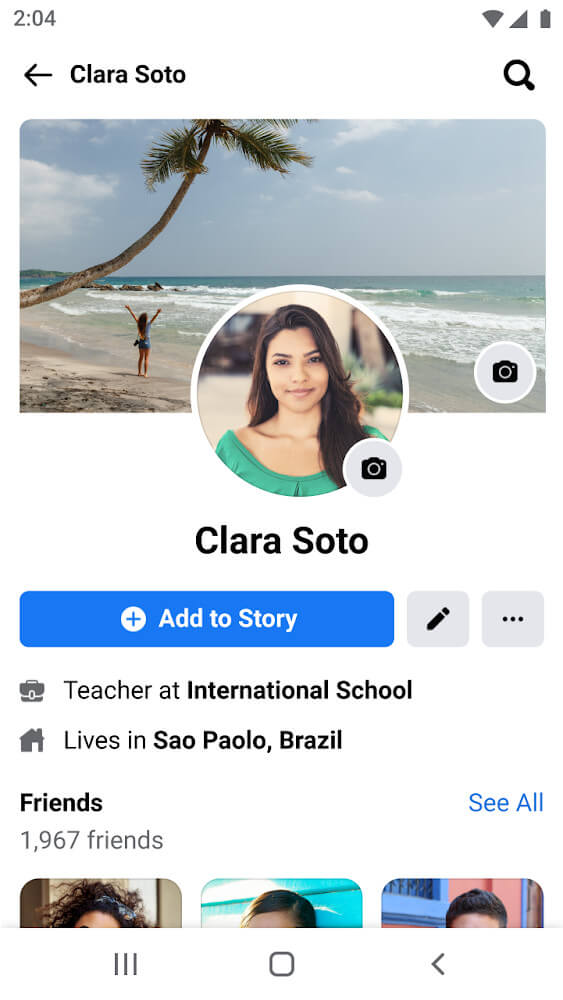
With Facebook Lite, posting anything you like or catching up on your friends' updates takes just a few taps. You can see what they're up to and where they are, then join the conversation with comments and share your favorite moments. The content sections are also reorganized into clearly labeled tabs, so everything is easy to find.
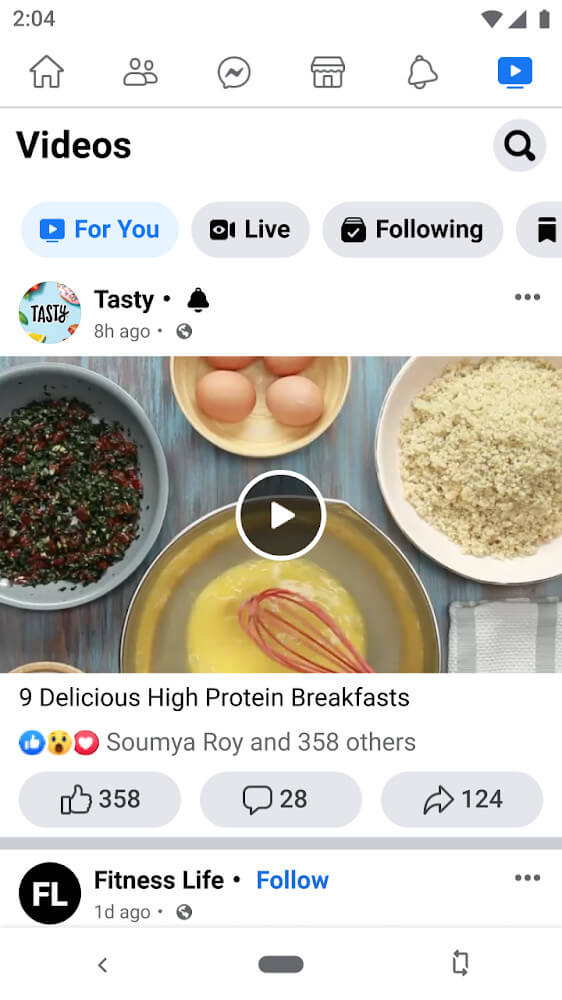
The News Feed brings together every kind of post, from photos to videos, so a few swipes can pull you into interesting content. Photos and videos cover a wide range of topics, making browsing genuinely enjoyable. When you'd rather skip your friends' posts, you can switch to the Video tab and watch engaging clips instead.
The experience is just as varied as the original app, so you can still enjoy your downtime. You can also post short-lived updates called Stories and check out your friends' Stories with no trouble. These are the core features this app brings to you.
MESSAGE ANYTIME YOU WANT
In the tab list, you'll find a Messenger icon. That means you can send messages right inside the app without installing the separate Messenger app. Some users run into trouble with this tab because they keep getting redirected to the other app with the same name, but the fix is simple and quick to learn.
To message from Facebook Lite, open the Messenger tab. There you'll see your list of conversations and which friends are online. If you keep getting sent to the standalone Messenger app, go to the Settings section of Facebook Lite and look for the Messenger Lite option. Then turn off the setting for using Messenger Lite for messaging.
This is ideal for devices with limited storage, a problem many users face. Everything you need is packed into one app, so you can keep up with friends without installing anything else. If you don't need the full range of Messenger's features, you may not need a second app at all.
SPACE-SAVING APP
Saving space may not sound like a big deal to everyone, but it matters a lot in many situations. Some users can't install many apps because their internal storage and RAM are limited, and running too much at once can cause crashes and slowdowns. This app is a practical solution that any user can appreciate.
This efficiency also shows up in its broad compatibility. The app still supports older 2G networks, though most users are on Wi-Fi or LTE today. It also runs on many different operating systems, from older versions to newer ones. In short, almost any user can use it with ease, aside from occasional exceptions.
How to install
- Download the APK file above to your phone.
- Allow “Install unknown apps” when prompted.
- Open the downloaded APK and tap Install.
- If the package includes OBB/XAPK data, follow the bundled instructions.
MOD APKs are modified builds, so Play Protect may show a warning. Install only if you trust the file; use at your own risk.