
Screenshots
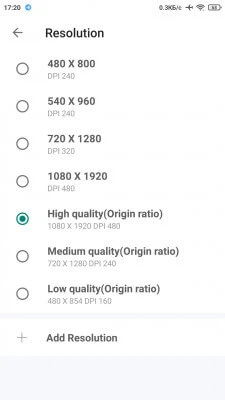
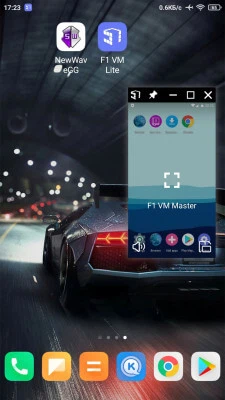
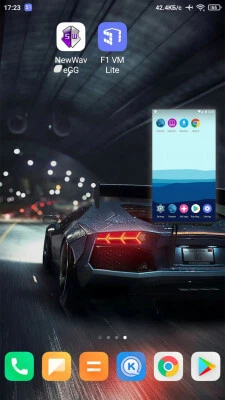
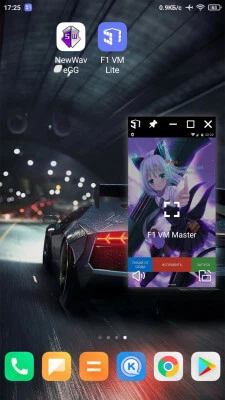
Description
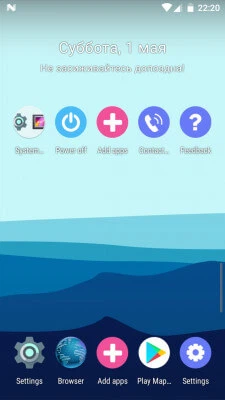
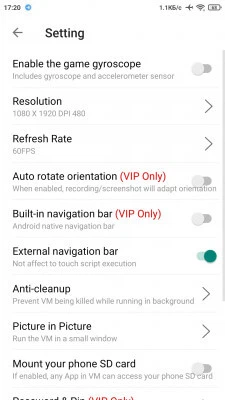
Download F1 VM Lite for free, a robust virtual system for Android that functions similarly to desktop tools like VMWare or VirtualBox. This virtual machine allows you to run apps and games in the background using a picture-in-picture window, ensuring they remain active while you multitask. Because the virtual environment is completely isolated, any malware installed within the VM stays contained, protecting your primary system from viruses, crashes, or data leaks.
Installation guide for F1 VM Lite:
- Download and install the F1 VM Lite APK file.
- Download the cache files and extract them to: SDCard/Android/obb/
- Ensure the final file path is: SDCard/Android/obb/com.f1player.play
- Open the F1 VM Lite app to begin.
Installation is finished. Follow this page to receive email updates and notifications regarding new versions. Subscribers: 0
App previews
20 46 66
App details
Version 1.3.1.3.10-64playfn, requires Android 5.1 or higher, English language, developed by X8 Sandbox vmos Tech, completely free, no root access required. Tags: Virtual Machine, Virtual Environment, Virtual Machine for GameGuardian, GG Virtual Machine, Virtual Machine with root access, Root Virtual Box
How to install
- Download the APK file above to your phone.
- Allow “Install unknown apps” when prompted.
- Open the downloaded APK and tap Install.
- If the package includes OBB/XAPK data, follow the bundled instructions.
MOD APKs are modified builds, so Play Protect may show a warning. Install only if you trust the file; use at your own risk.