

Screenshots


Description
EZVIZ
This app lets you control your camera remotely and stream live video from it.
Gameplay
Before you can use the app, you'll need to create an account. Sign up with either your email address or your mobile phone number.
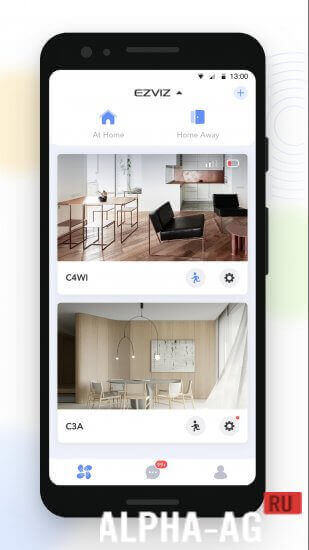
Once you're logged in, the dashboard opens right away and shows every device linked to your account on the home screen. That could be a video camera, a smart peephole, or an EZVIZ security system.
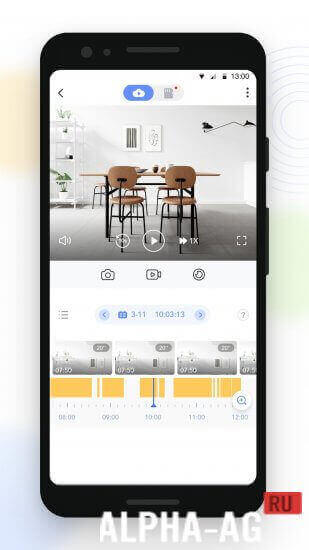
To add a device, scan its QR code, enter your Wi-Fi network password, and finish the sync process. Tap the device thumbnail to open its live feed, where you can browse recordings and use the controls to pan the camera left and right.
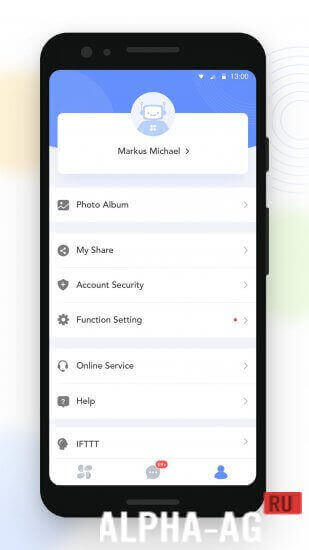
You can also share access to a camera. Just enter the email address or phone number of the friend or family member you want to grant access to. In the camera settings you'll find all the options for your device, including toggles for audio mode, the LED indicator, and night mode.
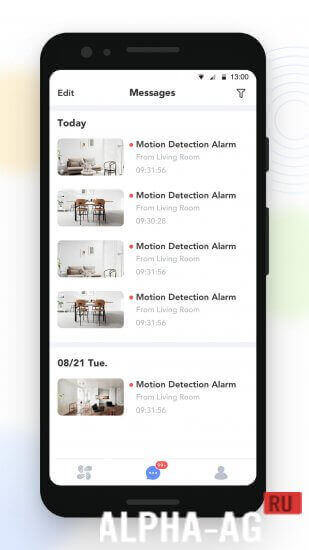
You can also set up notifications so you receive push alerts about motion detected on your property, limited to the hours you choose. Other settings let you adjust the time zone, date format, and Wi-Fi configuration, manage internal storage, update the camera firmware, and enable image encryption.
Key Features
With this app, you can manage your camera and other smart home devices anytime and from anywhere. You can also watch live video from your camera in real time.
Customize detection zones and set recording schedules for the moments that matter most to you. Get notified whenever your camera picks up movement on your property. You can also share access to your smart home devices with your family or friends.
On GameMod.dev you can download the EZVIZ app for Android for free.
0 Jul 28 Additional information:
- Requires Android: 6.0 or higher
- Age rating: 3+
- Russian localization: none
- OBB installation: not required
6.4.2.0619 App version Our rating: 9 out of 10 Similar apps: Call Blocker Manga Rock CallApp Premium Endoscope Camera Our YouTube channel
Subscribe to our YouTube channel!
Add comment
How to install
- Download the APK file above to your phone.
- Allow “Install unknown apps” when prompted.
- Open the downloaded APK and tap Install.
- If the package includes OBB/XAPK data, follow the bundled instructions.
MOD APKs are modified builds, so Play Protect may show a warning. Install only if you trust the file; use at your own risk.