

Screenshots
Description
Routing network traffic or tethering a VPN connection across multiple gadgets often turns into a major headache if your Android device is not rooted. For many users, achieving such a straightforward goal feels unnecessarily tedious, demanding technical steps that most would rather avoid. Restricted mobile networking can quickly slow down productivity and compromise online privacy. With Every Proxy, you can transform your smartphone into a dedicated proxy bridge and redirect internet data seamlessly within seconds.
Share and Route Network Traffic
Operating systems and mobile carriers frequently block users from tethering active VPN connections to laptops, consoles, or other phones. Such roadblocks disrupt remote workflow and keep you from browsing privately across your secondary hardware. This powerful application removes these hurdles effortlessly by streamlining custom network routing. With just a single tap, you can launch a responsive, reliable connection immediately.
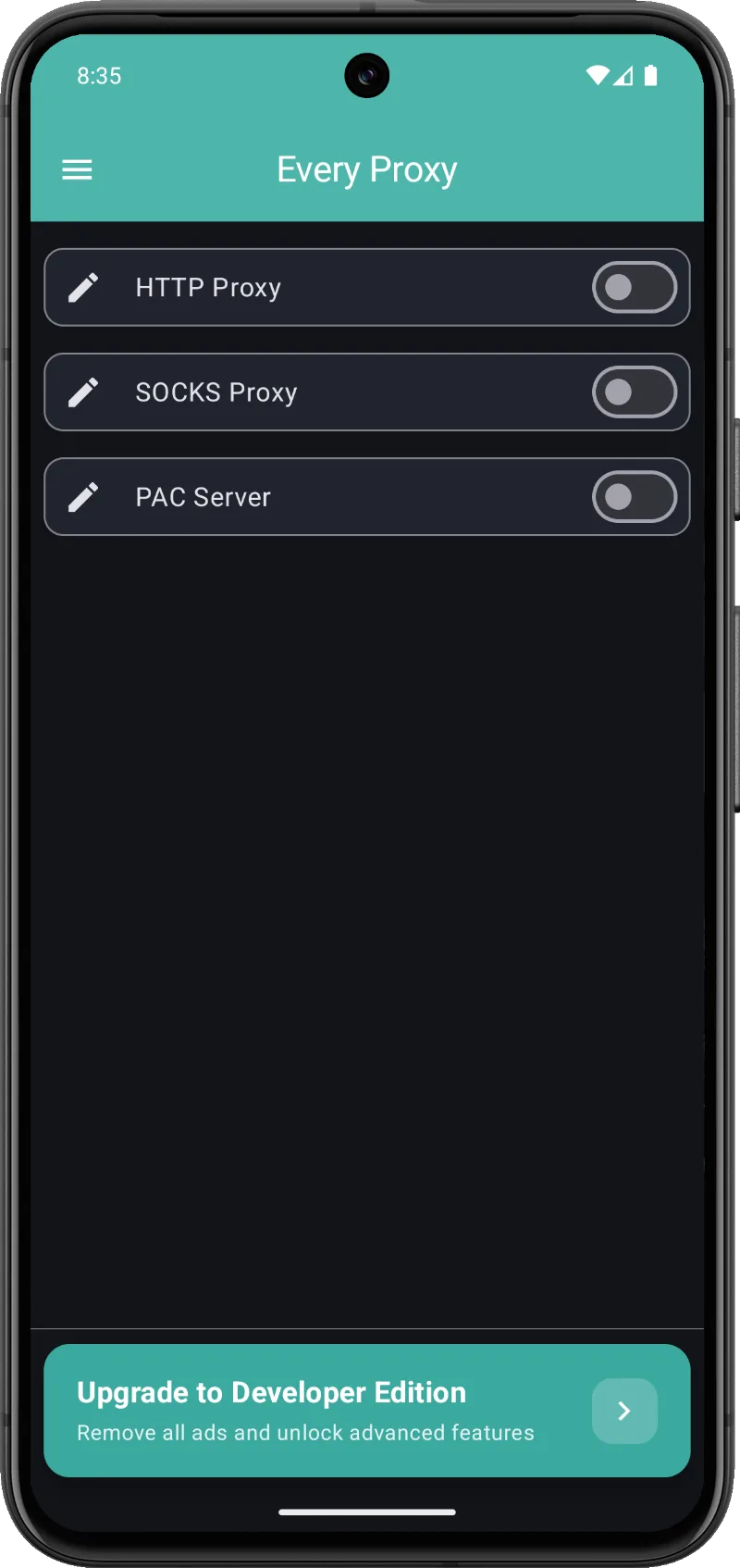
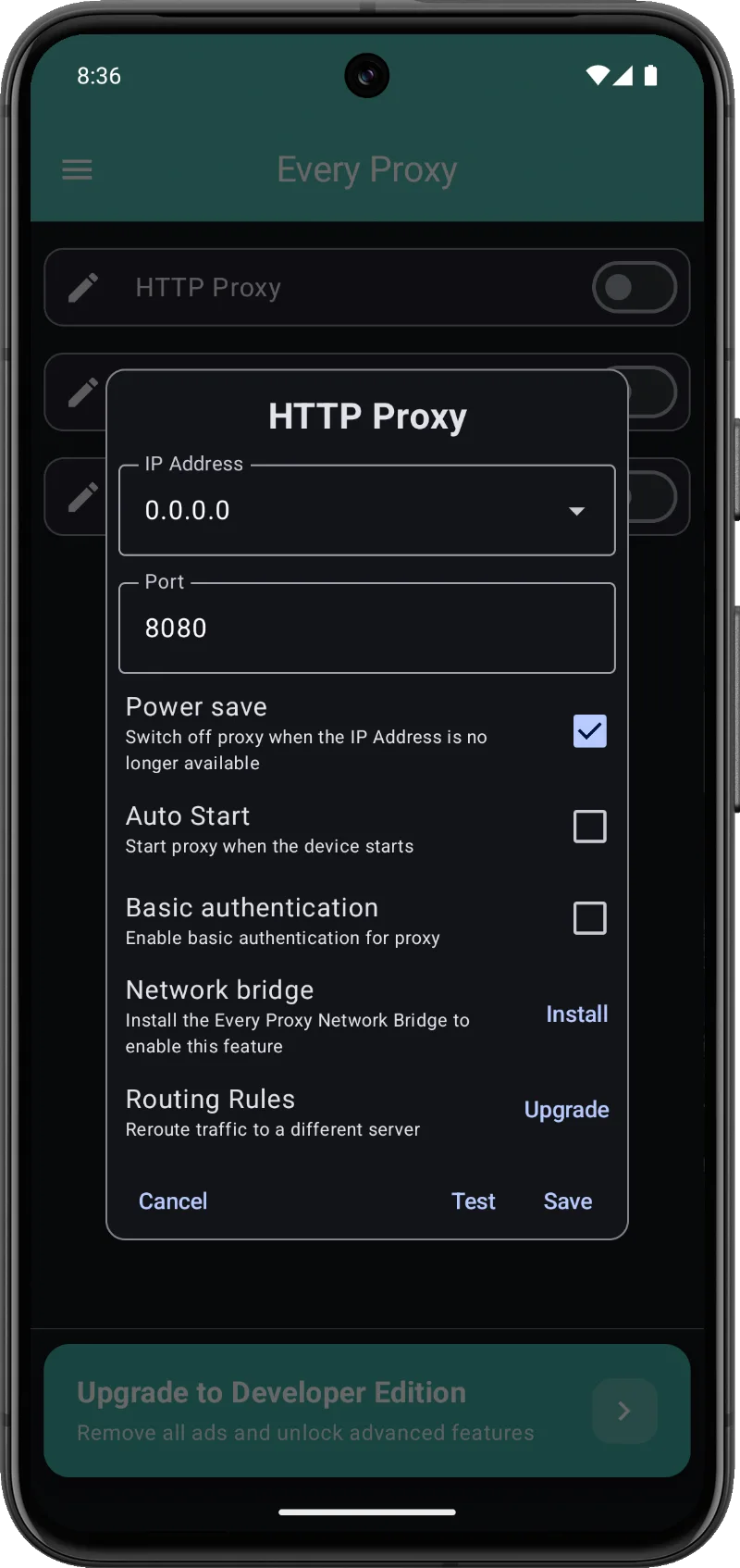
- Multiple Protocols: Support for running HTTP, HTTPS, SOCKS4, and SOCKS5 proxy servers simultaneously.
- VPN Sharing: Seamlessly forward active VPN data over your mobile hotspot or local Wi-Fi.
- No Root Required: Operates straight out of the box with zero need for system-level root access.
Advanced Monitoring and Optimization
Inspecting and troubleshooting network activity directly from a mobile environment can be tricky for developers and power users. Lacking proper diagnostic tools usually translates into wasted hours and inefficient app debugging. Every Proxy delivers an intuitive suite of tracking utilities to help you oversee every connection metric effortlessly. Enjoy granular visibility and complete supervision over your outbound and inbound traffic.
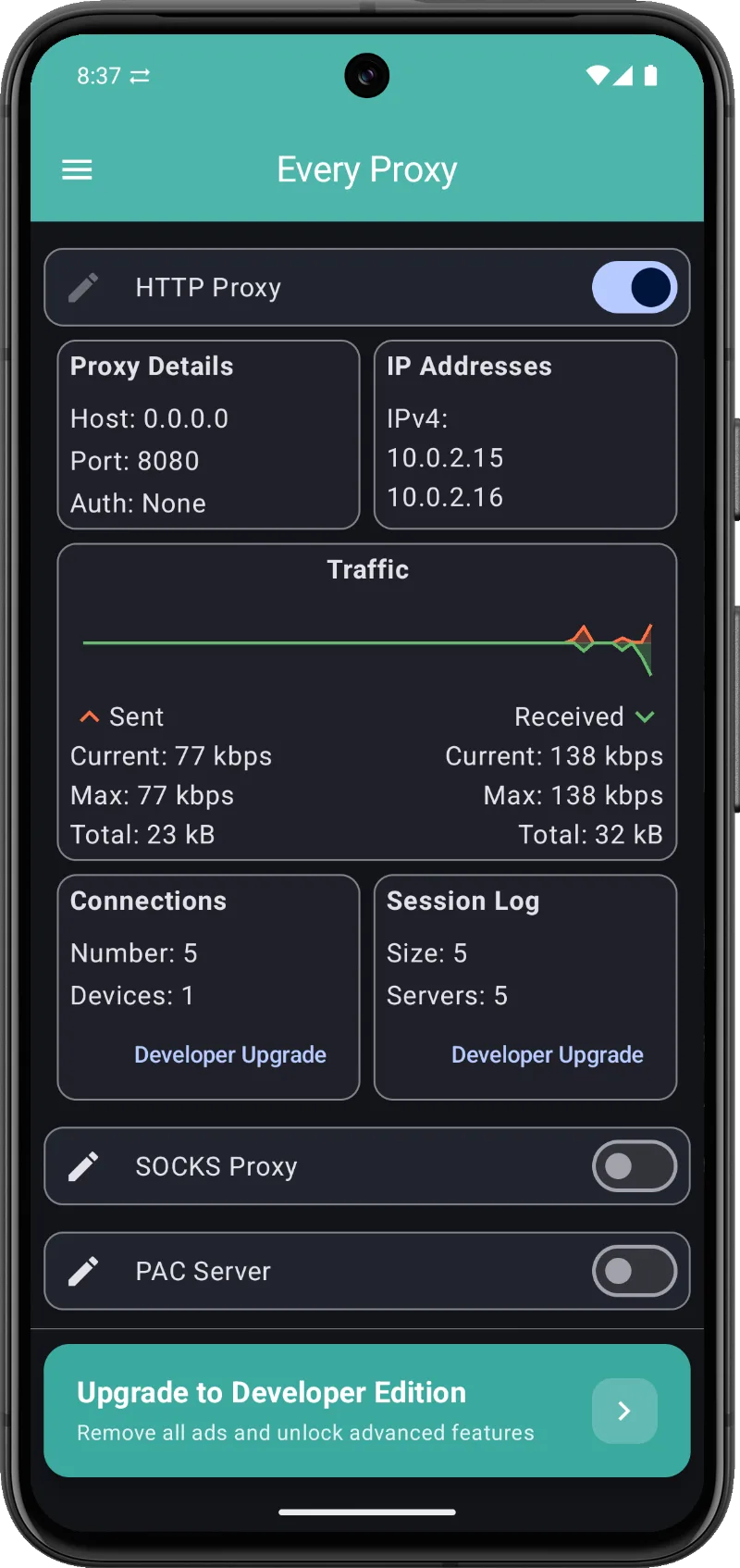
- Visual Monitoring: Keep track of live client IPs, active ports, and current connection states at a glance.
- Diagnostic Logs: Save and export detailed HTTP and SOCKS session logs formatted as JSON.
- Lightweight and Efficient: Engineered with low RAM footprint and minimal battery drain during background tasks.
How to install
- Download the APK file above to your phone.
- Allow “Install unknown apps” when prompted.
- Open the downloaded APK and tap Install.
- If the package includes OBB/XAPK data, follow the bundled instructions.
MOD APKs are modified builds, so Play Protect may show a warning. Install only if you trust the file; use at your own risk.