
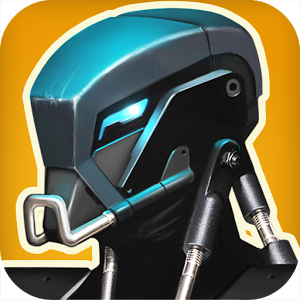
Description
EPOCH throws you into a ruined post-apocalyptic landscape dominated entirely by machines—the only beings capable of surviving such devastation. Rather than living in peace, these mechanical units are locked in unending warfare. Step into the metallic boots of a lone combat robot battling hostile forces while constantly upgrading your arsenal and ammunition. Your mission goes beyond mindless destruction: you are tasked with unraveling the mystery behind humanity's downfall and uncovering what the future holds. To piece together the truth, you will need to take down waves of enemy automatons with lightning-fast reflexes, leaving zero room for hesitation.
External SD card installation: No | Cache auto-launch: No
How to Install EPOCH
OBB cache installation for EPOCH: Unpack the downloaded archive into /sdcard/Android/obb/ so the final directory path is /sdcard/Android/obb/com.uppercut_games.epoch/. The extracted data requires approximately 486 MB of free storage.
How to install
- Download the APK file above to your phone.
- Allow “Install unknown apps” when prompted.
- Open the downloaded APK and tap Install.
- If the package includes OBB/XAPK data, follow the bundled instructions.
MOD APKs are modified builds, so Play Protect may show a warning. Install only if you trust the file; use at your own risk.