

MOD features
>Damage Multiplier
>Defense Multiplier
>God Mode
>Freeze Enemy
>Faster Move Speed
>No Skill Cooldown
>Currency Always Increase
Screenshots



Description
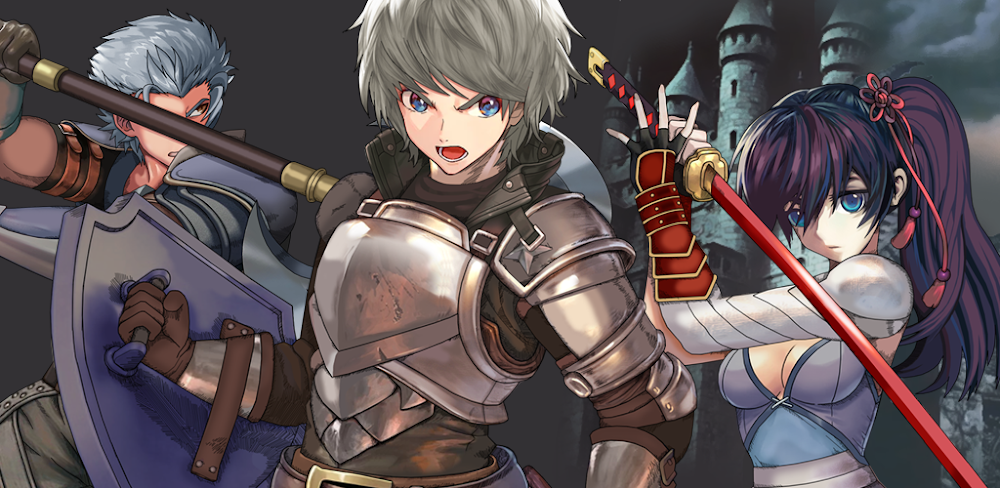
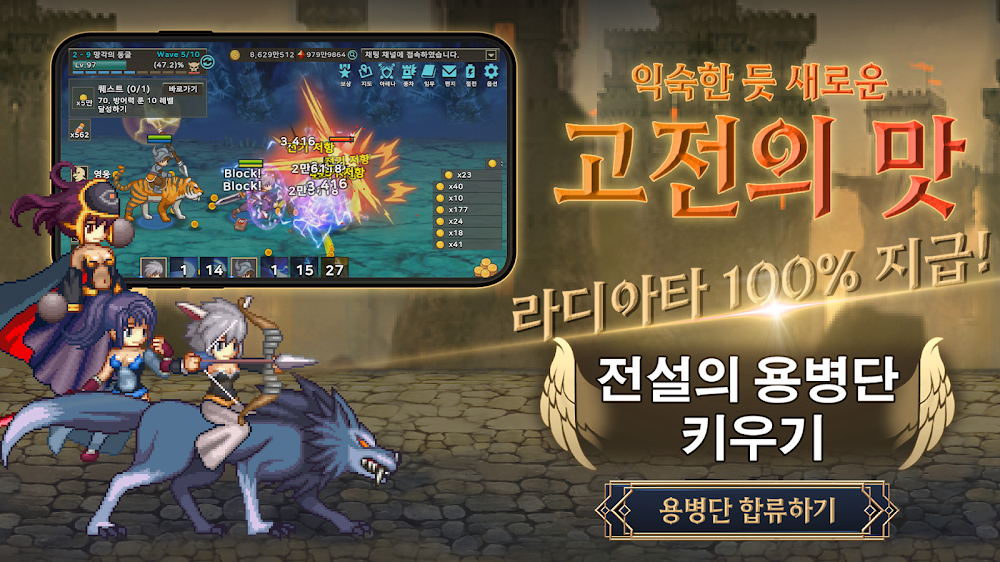
Embark on a thrilling adventure across the continent of Avalonia in Endless Heroes, a captivating world steeped in swords and sorcery. As the leader of a mercenary group, your task is to conquer territories by defeating a variety of monsters, earning experience, items, and prestige for your guild. Unlike traditional RPGs where you control only one character, Endless Heroes allows you to build a powerful mercenary army, each member growing and evolving alongside you for a diverse development experience.
Engage in strategic battles that consider the skills and attributes of your heroes and mercenaries. With endless paths of growth and battlefields to explore, rely on your sword and trusted companions to overcome challenges. Gather numerous mercenaries as allies, send them out to collect loot, and engage in thrilling PvP battles with other users through the Arena for ultimate glory.
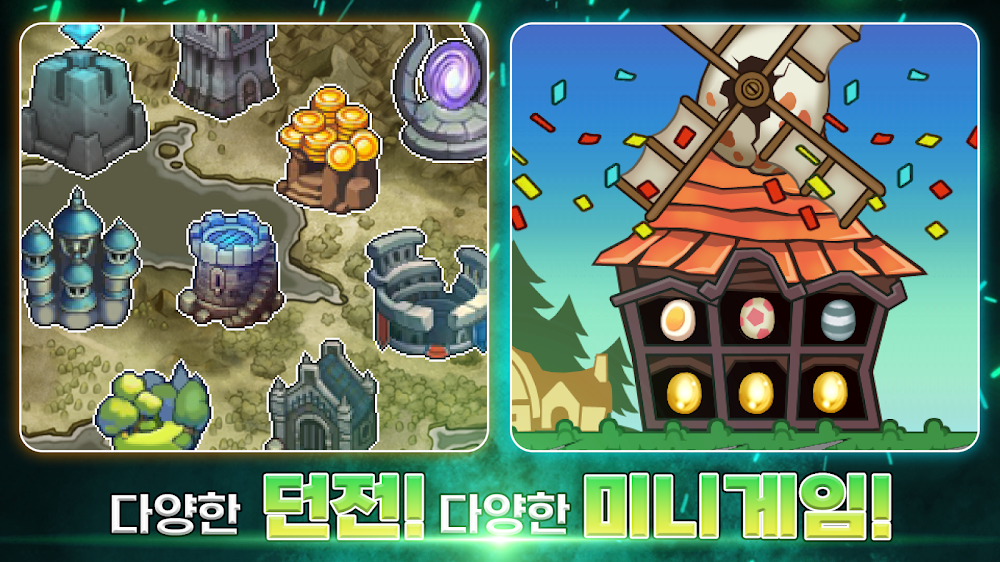
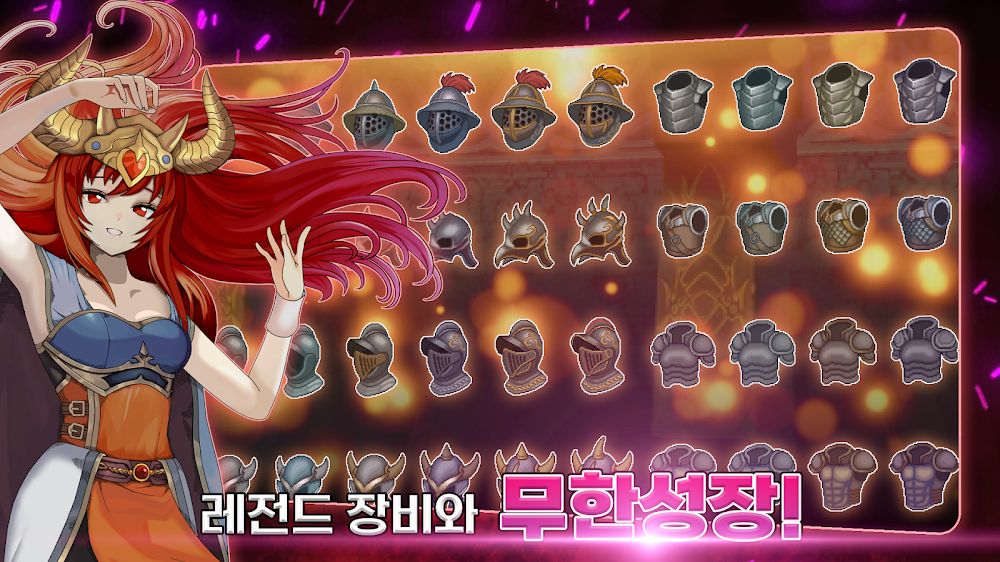
Join forces with the community by organizing guilds with fellow players, showcasing your heroes with customizable costumes, and earning buffs in controlled areas to gain more resources and points. Utilize the chat function to communicate and share valuable information with allies. With JRPG-style graphics and rich content, immerse yourself in a fantasy world filled with adorable dot characters, intense combat sensations, unique dungeons, and exciting events. Additionally, indulge in addictive mini-games for extra fun between battles.
For a smooth gaming experience, Endless Heroes requests access permissions such as storage, read phone state, and external storage. These permissions are necessary to save game data and ensure seamless gameplay. If needed, users can revoke access permissions through their device settings, enabling them to manage permissions according to their preferences.
How to install
- Download the APK file above to your phone.
- Allow “Install unknown apps” when prompted.
- Open the downloaded APK and tap Install.
- If the package includes OBB/XAPK data, follow the bundled instructions.
MOD APKs are modified builds, so Play Protect may show a warning. Install only if you trust the file; use at your own risk.