
Screenshots
Description
Easy AppLock & Hide Pictures / Videos is a reliable privacy tool built to keep your Android device completely secure. Lock installed apps, safeguard sensitive media, and browse the web with full peace of mind.
Easy AppLock & Hide Pictures/Videos delivers robust data protection so you never have to worry about prying eyes. Whether you want to conceal sensitive media or restrict access to critical applications, this versatile utility offers everything you need to keep your personal life private.
Hide Private Photos and Videos
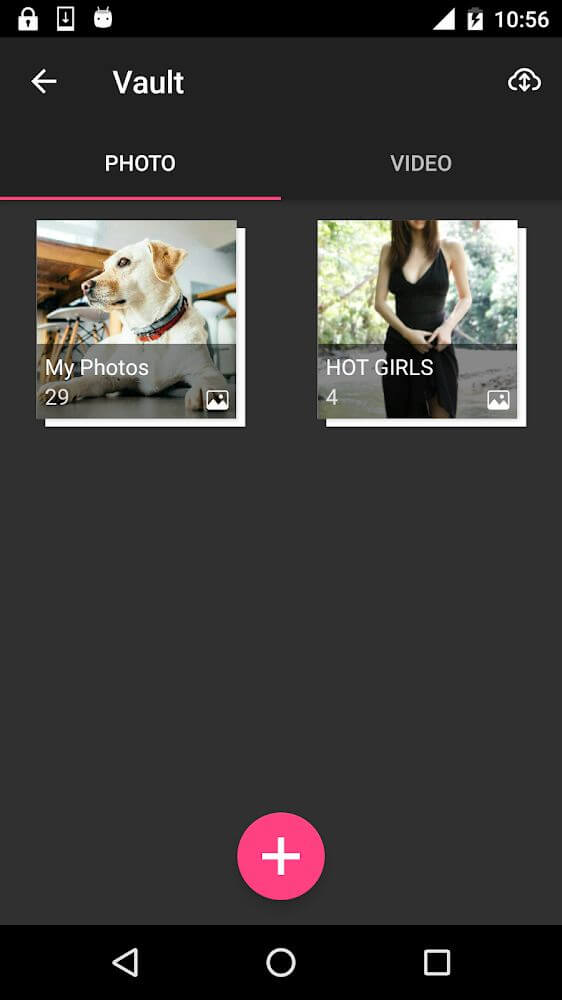
Lending your smartphone to friends or family can feel risky when personal pictures and videos are sitting in your gallery. With this smart security app, shielding confidential media takes only seconds thanks to built-in, advanced encryption protocols.
Sync with the Cloud
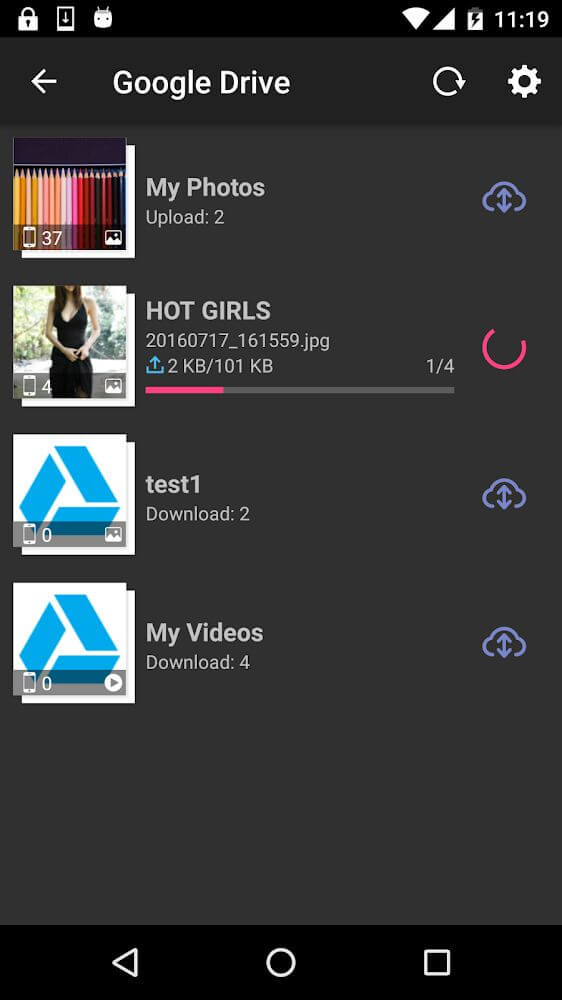
Keep your precious memories safe from accidental loss, device damage, or unexpected system wipes. By integrating directly with Google Drive, the app enables smooth cloud synchronization, allowing you to back up up to 15GB of protected photos and videos effortlessly.
Lock Everything You Want
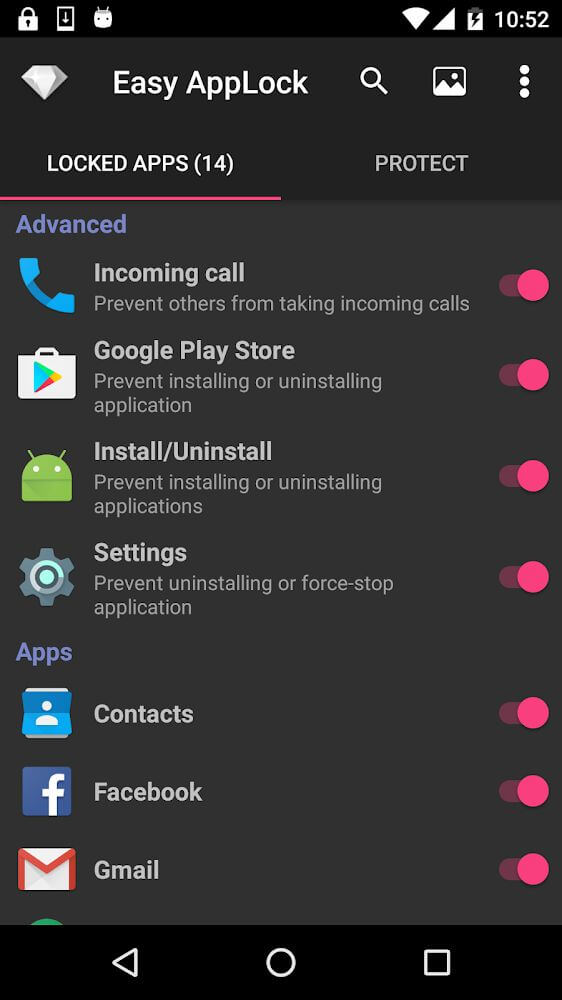
Protecting your content goes far beyond standard applications. Easily secure your mobile browser, audio files, image albums, and private folders with a single tap. Simply toggle the switch beside any item to enforce protection instantly, or switch it off whenever you want to restore standard access.
Support for Diverse Lock Types
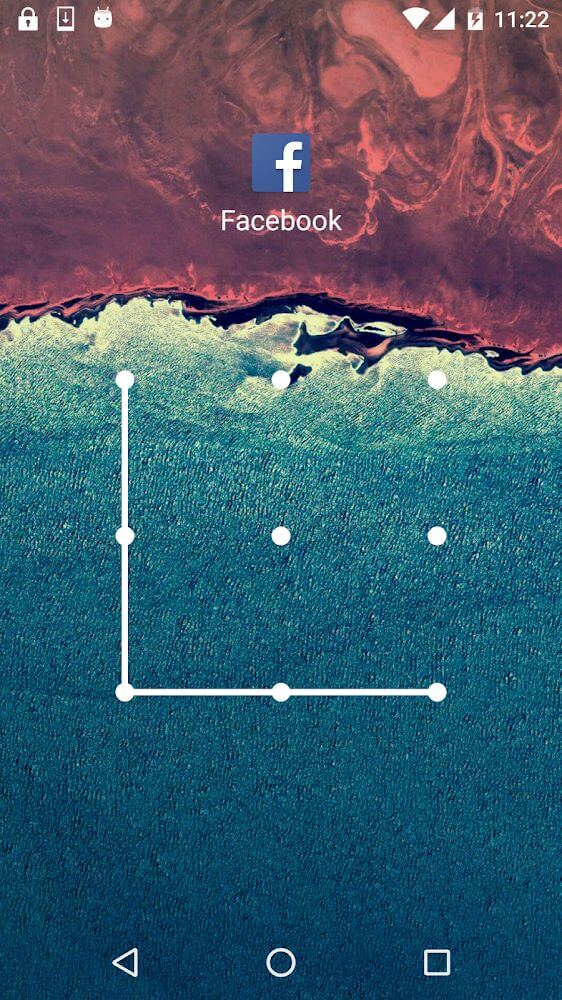
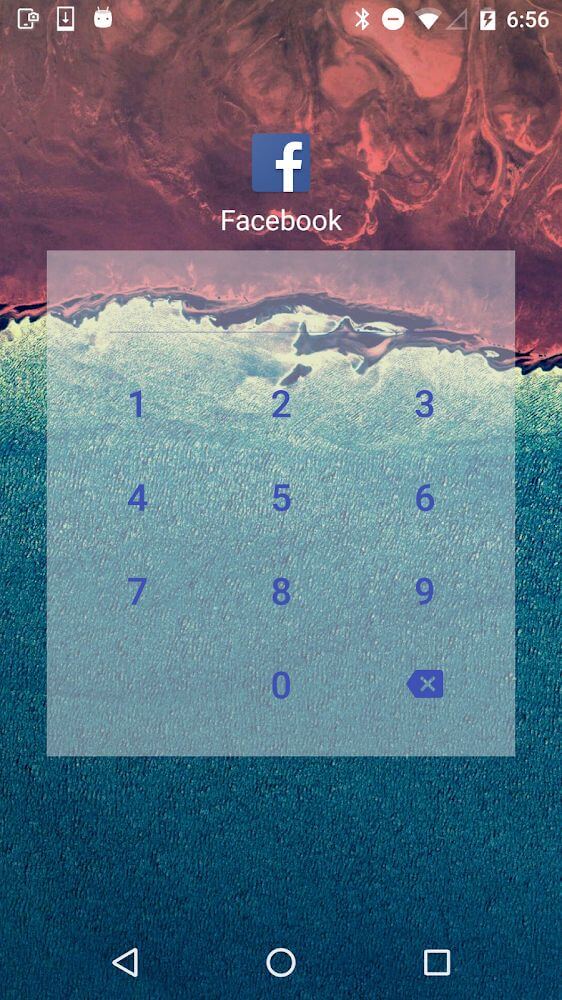
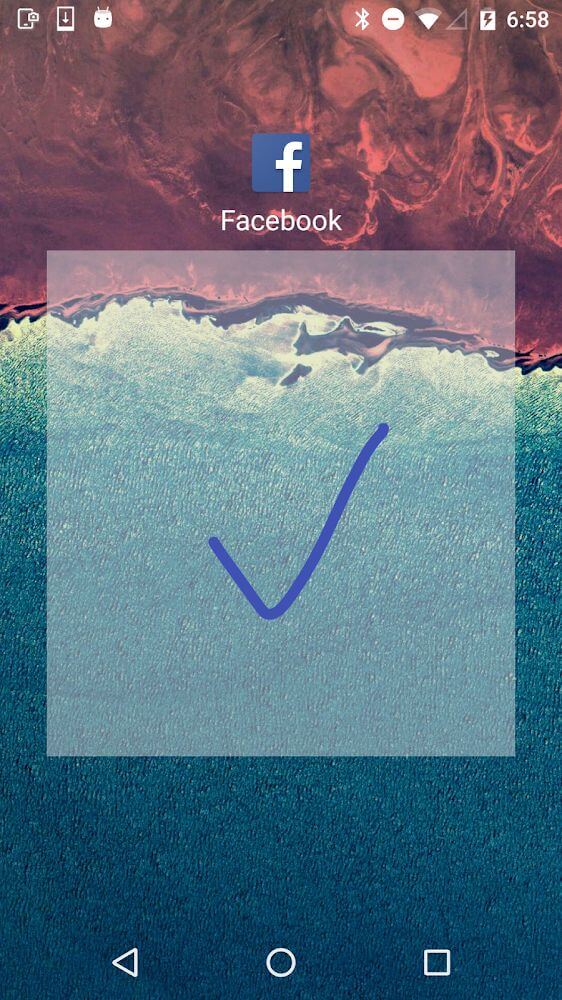
Customize your protection style with flexible authentication options, including numeric PINs, alphanumeric passwords, and drawn gesture patterns. To prevent shoulder surfers from guessing your secret code, the app even provides a randomized numeric keypad layout each time you unlock.
Stealth Mode to Disguise the App Icon
If nosy individuals spot Easy AppLock & Hide Pictures/Videos sitting on your home screen, they might attempt to bypass or uninstall it. Luckily, the built-in camouflage feature lets you conceal the app icon entirely from your launcher, keeping your security setup undetectable.
Intruder Selfie Alert
Stay informed whenever an unauthorized user tries snooping around your device. If someone inputs an incorrect passkey multiple times, the front camera automatically snaps a discreet photo of the culprit and stores it in the intruder log for you to review.
Lightweight Build with Smart Battery Saver
Despite offering an extensive toolkit, the application maintains a compact footprint of around 11MB, ensuring smooth system performance without slowdowns. Furthermore, the built-in power optimization profile helps slash battery drain by up to 50%, letting you run background protection all day long.
Key Features
- Robust encryption technology designed to disguise and secure sensitive personal images and clips.
- Seamless cloud backup integration supporting up to 15GB of free storage through Google Drive.
- Discreet icon hiding capability to mask the app from your device home screen and launcher.
- Intruder capture feature that snaps instant stealth selfies of anyone attempting unauthorized access.
- Clean modern interface, customizable theme designs, and ultra-efficient battery-saving controls.
How to install
- Download the APK file above to your phone.
- Allow “Install unknown apps” when prompted.
- Open the downloaded APK and tap Install.
- If the package includes OBB/XAPK data, follow the bundled instructions.
MOD APKs are modified builds, so Play Protect may show a warning. Install only if you trust the file; use at your own risk.