
Screenshots
Description
Dub Music Player is a music app that delivers a great listening experience and can be tailored to your preferences. It covers the core features you'd expect from a music player and includes an equalizer so you can fine-tune the sound. It also provides a range of useful tools and extras that make everyday listening more convenient.
Intuitive, Easy-to-Use Interface
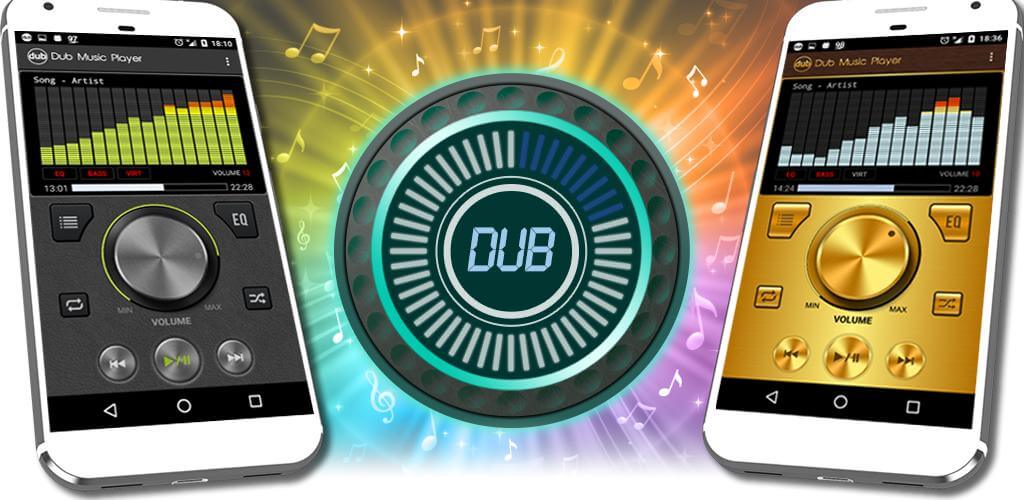
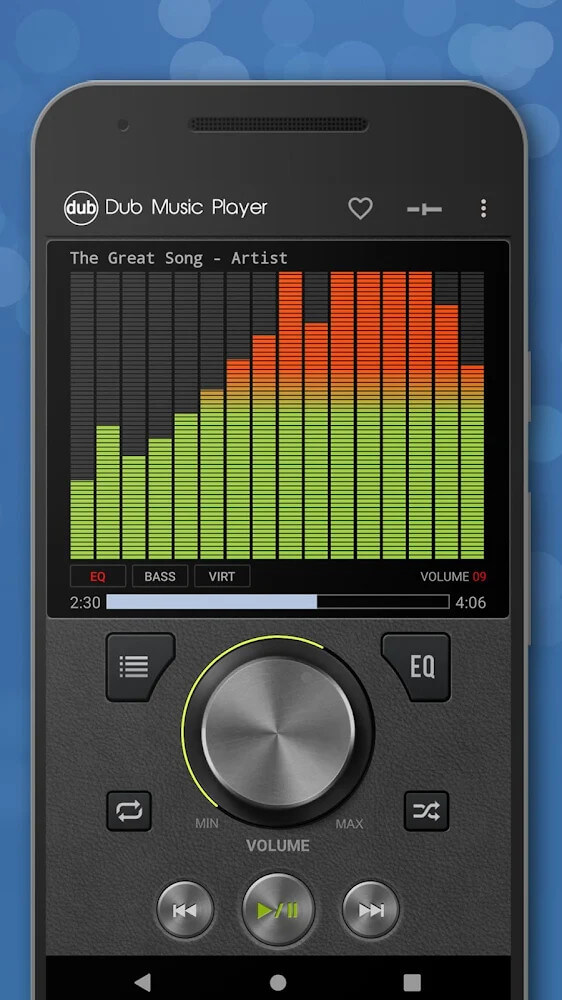
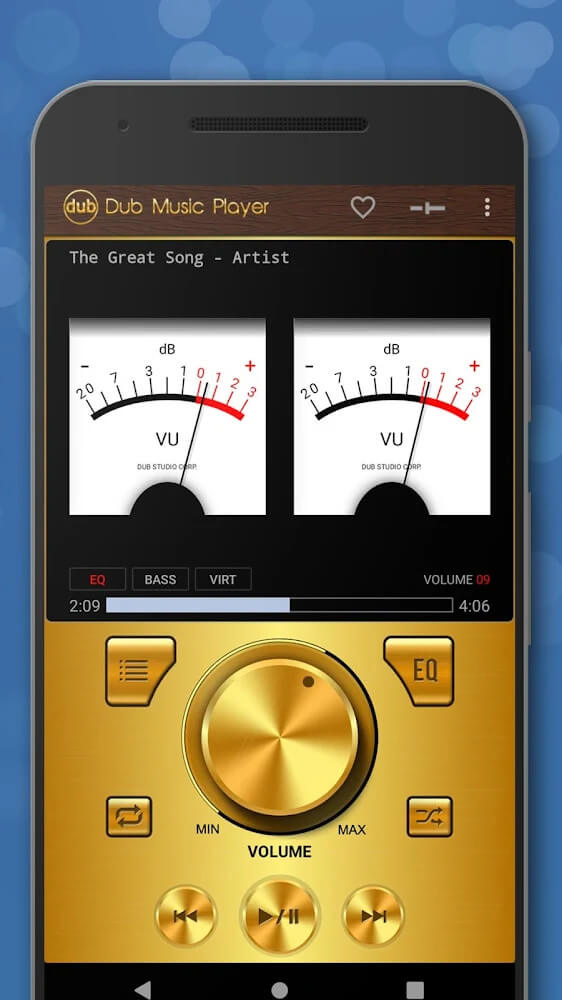
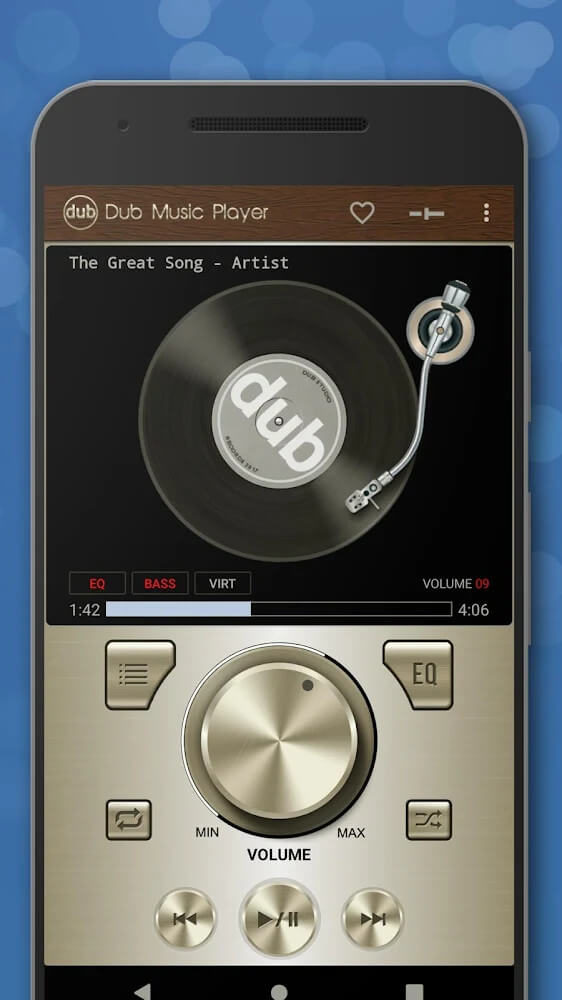
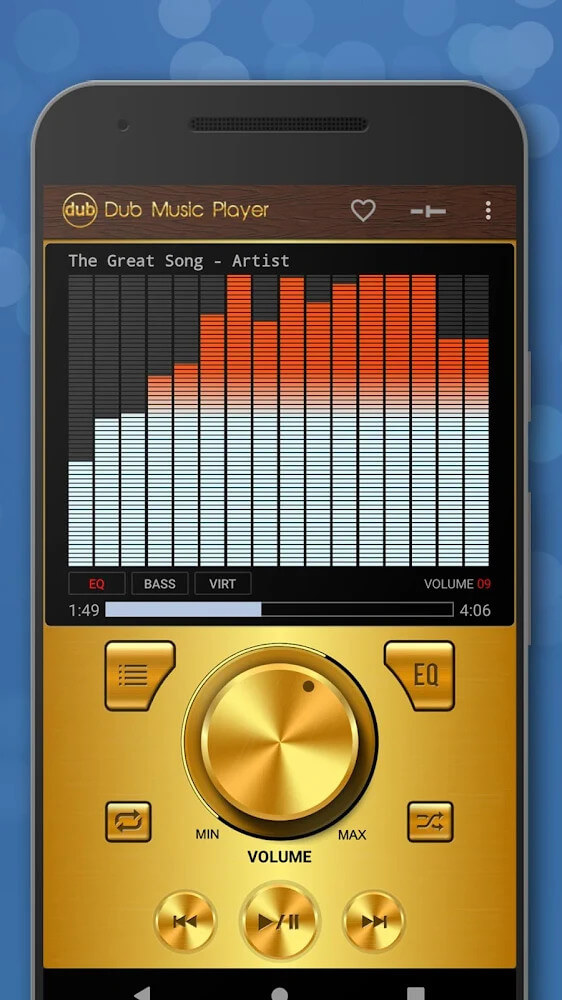
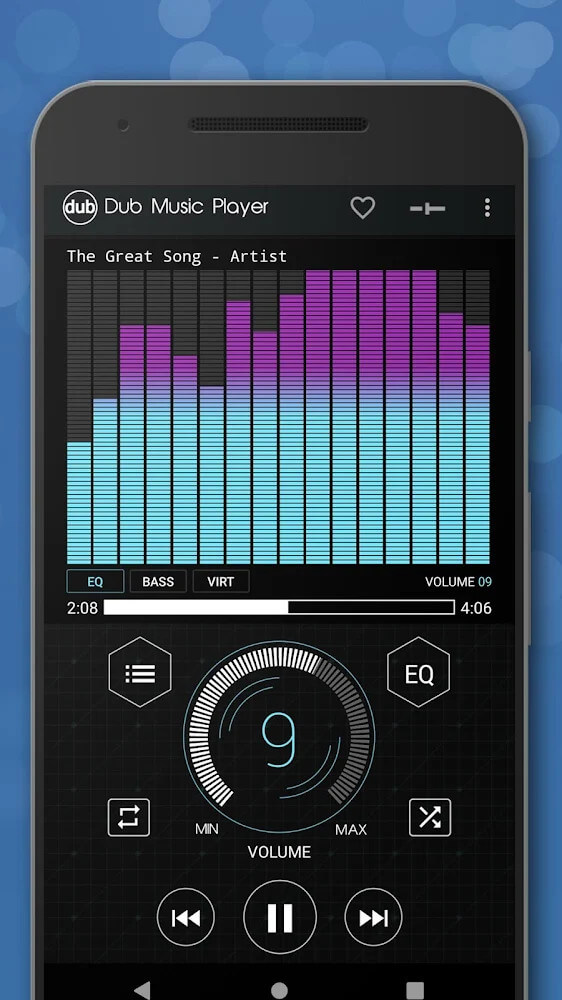
As soon as you open Dub Music Player, its distinctive interface will stand out. The design takes cues from an equalizer, and the buttons are clearly labeled so you can quickly recognize what each one does. The basic playback controls include stop, skip, repeat, and shuffle, while buttons for adjusting audio settings such as EQ are also easy to find. You can also choose from nine different themes to customize the app's look.
Simple Song Search and Playback
Once you're comfortable with the function buttons, you can move on to the app's main features. Dub Music Player scans the music already stored on your device and organizes your tracks into a list, which you can search by various criteria quickly and easily. You can also build the playlists you want and save them to cloud services with ease.
Easy Sound Customization
One standout feature of Dub Music Player is its built-in equalizer. It automatically adapts to the nine music styles the app supports, but if the preset doesn't suit your taste, you can adjust it freely. The equalizer lets you raise or lower individual sound elements, and you can also enable bass boost and virtualizer for a richer, more dynamic sound.
Crossfade Support and Smooth Playback Options
With a playlist ready, you can enjoy Dub Music Player the way you like. In particular, the crossfade feature creates a smooth transition between songs in your playlist, a technique often used in live performances to blend two tracks seamlessly. It pairs nicely with the repeat and shuffle features when you want to keep listening to different songs without interruption.
Wide Compatibility with Audio Files and Devices
One reason to try this app is its broad format support. Alongside common audio formats such as MP3 and 3GP, it also plays WAV, AAC, FLAC, and many others. The app also works smoothly with the devices people commonly use, including headsets and Bluetooth-connected speakers.
Plenty of Handy Conveniences
Dub Music Player includes a range of useful tools you can use however you like. You can add the app to your home screen as a widget to start your music quickly, then open the full app whenever you want to make adjustments. Music keeps playing even when your screen is locked, and you can easily set a sleep timer. You can also set any of your favorite songs as your ringtone.
How to install
- Download the APK file above to your phone.
- Allow “Install unknown apps” when prompted.
- Open the downloaded APK and tap Install.
- If the package includes OBB/XAPK data, follow the bundled instructions.
MOD APKs are modified builds, so Play Protect may show a warning. Install only if you trust the file; use at your own risk.