
MOD features
Unlocked
Screenshots
Description
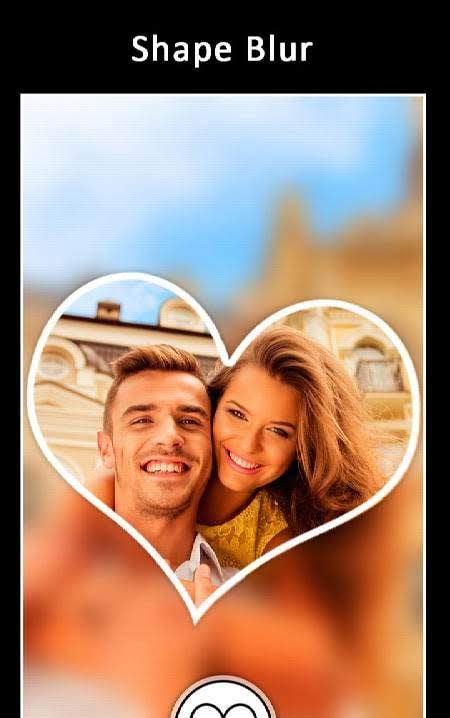
DSLR Blur Effects: Photo Focus, Blur Background - a very useful application in certain conditions. It will be useful for both fans of editing their existing photos, and for those who, for one reason or another, cannot simply use the original image. With the blur effect, they can achieve impressive highlighting of the desired object, person, and so on. Or vice versa. Hiding an unnecessary area. Personal information, objects that spoil the picture, and the like. A variety of modes and tools will provide users with everything necessary to solve any task.
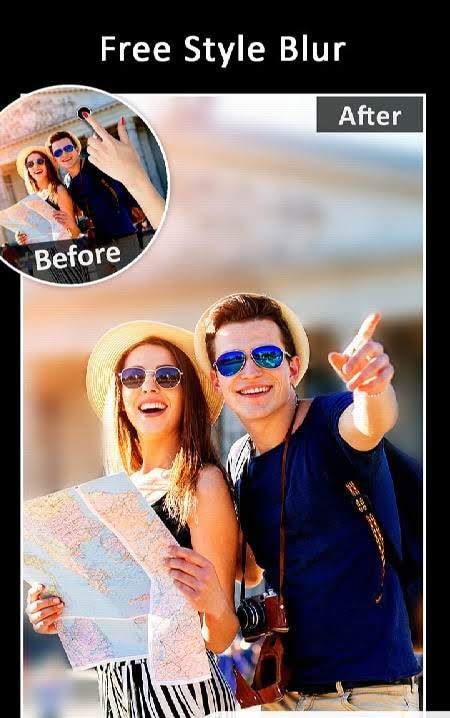
DSLR blur effects: photo focus, blur background – an application that allows you to blur the selected part of a photo, for example, the background.
With this utility, you can easily blur any element in the photo, both inside and outside. To start editing, you need to select a photo from the device's memory or take a new photo using the built-in camera utility.
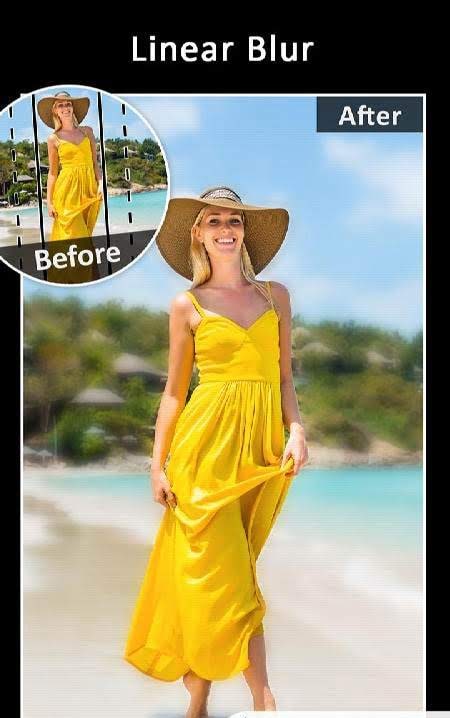
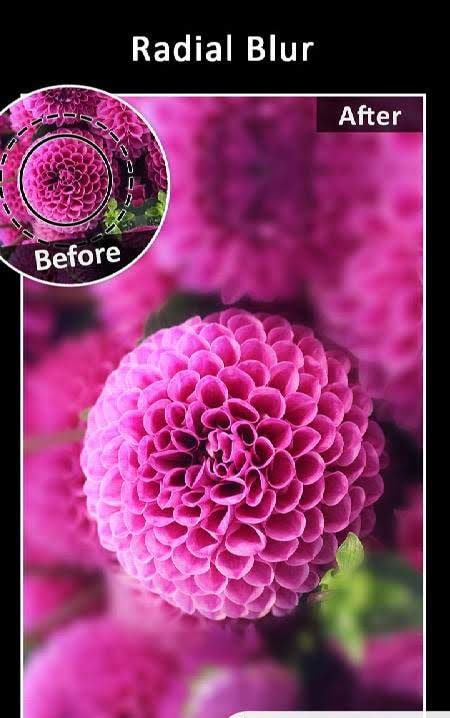
The application has the following tools and photo effects: a circular spot, allowing you to blur an element of the desired radius in any place on the photo; linear blur also has adjustable parameters (size, position, and the ability to rotate); the focus point is selected by a simple tap and adjusted by position on the photo (there are many brushes and other things). It is very easy to work with the program, it is fully translated into Russian, and there should be no difficulties with handling it.
The only thing that distinguishes (not for the better) this application is the clumsy interface, yes, there are no problems with it, but the program does not look its best. All your edited photos will be in a separate folder on the device, which is also duplicated in the application, from where you can share the result with friends on social networks.
How to install
- Download the APK file above to your phone.
- Allow “Install unknown apps” when prompted.
- Open the downloaded APK and tap Install.
- If the package includes OBB/XAPK data, follow the bundled instructions.
MOD APKs are modified builds, so Play Protect may show a warning. Install only if you trust the file; use at your own risk.