

Screenshots
Description
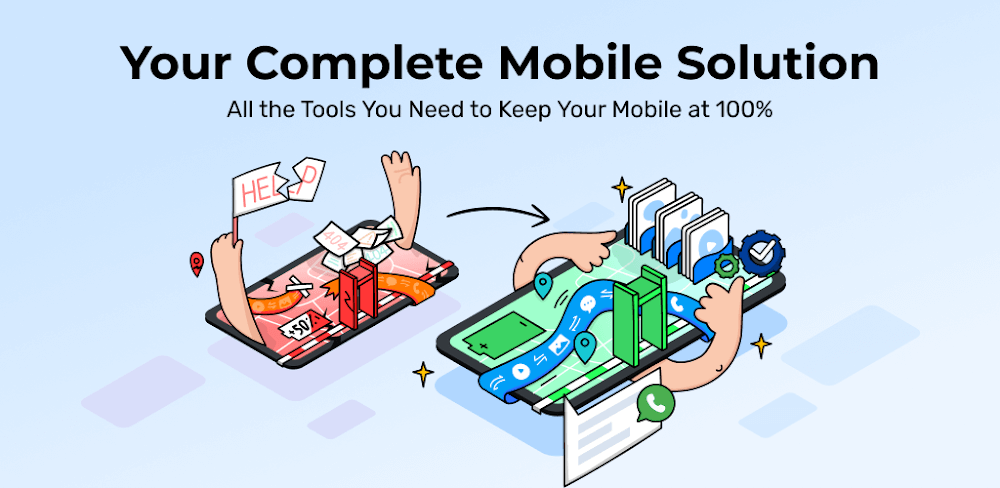
Dr.Fone Mod APK enables you to retrieve deleted photos, videos, audio tracks, contacts, documents, and various other data types with ease.
The main highlight of this Wondershare Dr.Fone MOD APK is the fully unlocked premium subscription. This version lets you utilize every data recovery and management feature without being hindered by paywalls.
Modifications in Wondershare Dr.Fone
- With Premium Unlocked, you gain complete access to all advanced recovery and file management tools included in the app.
This version is 5.2.11.917, weighing in at 53M under the package name com.wondershare.drfoneapp; please note that since this is a re-signed build, you must uninstall any official store version before installing this one.
About Wondershare Dr.Fone
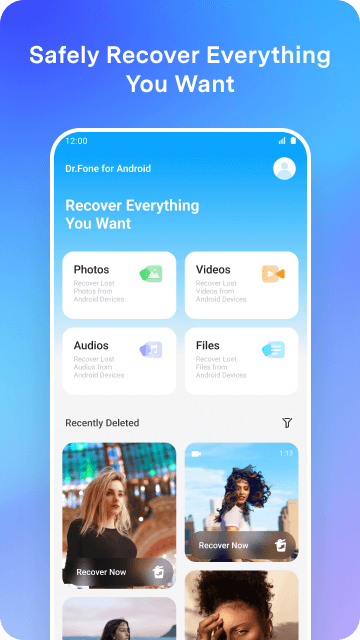
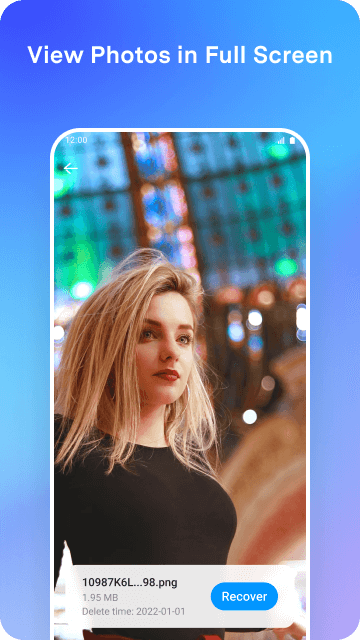
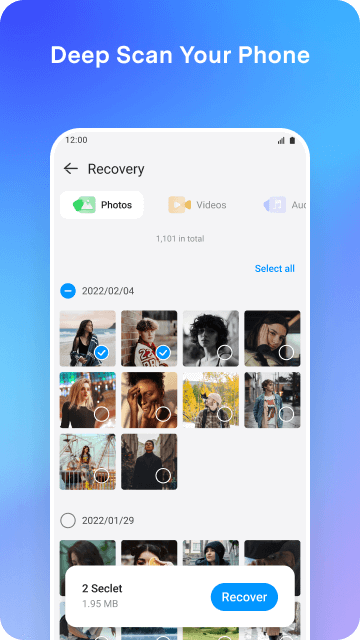
Wondershare Dr.Fone is a powerful utility designed to restore deleted information on Android smartphones. If you have accidentally wiped files from your device or gallery, this tool can help you get them back. Beyond just photos, it supports the recovery of videos, music, and various document formats. The app performs a deep scan of your storage, allowing you to restore missing items to their original destination. It is an essential tool for users who have inadvertently deleted important personal or professional files.
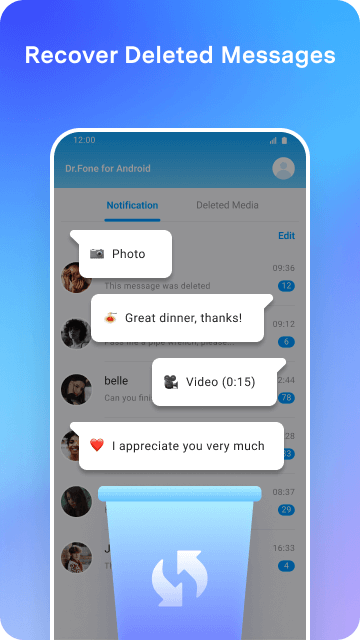
A significant feature of the app is its ability to recover WhatsApp data, including both messages and shared media. It is particularly effective at retrieving messages that were deleted by the sender. By archiving incoming and outgoing data, the app can reconstruct conversations and recover media that is no longer present in the official WhatsApp storage. By scanning the app's cache and data directories, it organizes recovered items into a clear, conversational format, ensuring you never lose important chats.
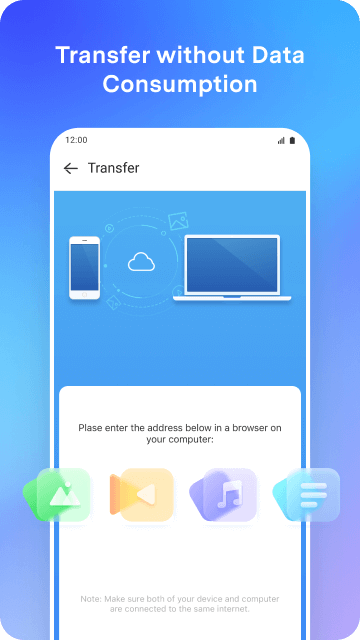
Beyond simple recovery, the app serves as a comprehensive suite for data management and cross-device transfers. It simplifies the process of syncing files between your mobile device and your computer, giving you full control over your storage. Handling large media files is made easy, and you can even transfer data between mobile devices, regardless of whether they run on Android or iOS. This is especially useful when upgrading to a new phone, as it ensures your data remains organized and accessible during the transition.
To ensure your information remains safe during recovery and transfer, the developers have implemented robust security and privacy protocols. The app utilizes end-to-end encryption to prevent unauthorized access to your sensitive documents and personal files. Because handling private data requires high standards of protection, the software is designed to prioritize user privacy throughout every scanning, recovery, and transfer operation.
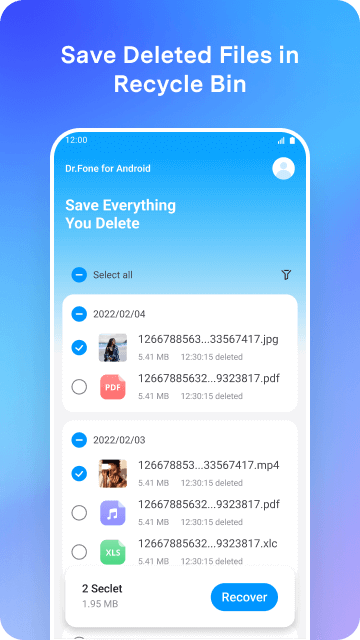
Designed with clarity and simplicity in mind, this app presents your storage details in an intuitive layout so you can troubleshoot lost data independently. At its core is a thorough deep-scan engine that analyzes your mobile storage to locate and restore deleted files. Since removed files often linger in system memory until overwritten, having the right recovery toolkit makes retrieval completely viable. In addition to deep scanning, the app features a dedicated recycle bin tool that mirrors a desktop trash folder, letting you promptly restore items you discarded manually. Working together, these built-in recovery utilities act as a dependable safety net, helping you safeguard and bring back your photos, videos, and essential documents with minimal effort.
File integrity is the top priority during every restore session. The tool reconstructs lost video files to match their original state, ensuring every recovered clip retains its authentic resolution, bitrate, and quality. Retrieving lost or accidentally deleted images is equally quick and seamless. You can also restore various audio formats, from personal voice memos to downloaded music tracks. After the scan completes, your recovered assets are automatically sorted by category, allowing you to browse, review, and save your desired media and documents without hassle.
Key Features
- Android Photo Recovery
- Video Data Restoration
- Audio and Music Retrieval
- Document Recovery
- WhatsApp Message Restoration
- WhatsApp Media Recovery
- Sender-Deleted Message Access
- Cross-Platform Data Transfer
- PC to Mobile Data Management
- End-to-End Data Encryption
- Deep Storage Scanning
- Recycle Bin for Removed Files
- User-Friendly Navigation Instructions
Related MOD APKs
- FilmoraGo
- MovieBox ID: Watch Movies, TV Series, K-Dramas & Anime for Free
- KWGT Kustom Widget Pro
- SnapTube
FAQ
Is Premium Unlocked in Wondershare Dr.Fone MOD APK?
Yes, the Wondershare Dr.Fone 5.2.11.917 build comes with Premium Unlocked right out of the box. All original features from WONDERSHARE remain fully functional, and the modded perks are enabled instantly once installed.
What is the latest version of Wondershare Dr.Fone MOD APK?
The current build is version 5.2.11.917, reflecting the WONDERSHARE release from August 14, 2025. GameMod.dev provides only the newest working package. To upgrade, simply install this file over your existing build; if an installation conflict occurs, remove the previous version first.
Is Wondershare Dr.Fone MOD APK safe to download?
The Wondershare Dr.Fone 5.2.11.917 MOD APK shared on GameMod.dev includes the complete WONDERSHARE package paired with Premium Unlocked perks. It holds an average score of 3.8/5 based on 114 user ratings and works without root access. If Play Protect displays an unknown source alert, you can safely proceed—just ensure you get the file directly from this page.
Can I use Wondershare Dr.Fone MOD APK on PC or iPhone?
This is a native Android release, meaning it cannot run on iOS devices like an iPhone or iPad. However, you can easily use the 53M APK on a PC through an Android emulator such as LDPlayer or BlueStacks—simply boot the emulator and load the file.
How to install
- Download the APK file above to your phone.
- Allow “Install unknown apps” when prompted.
- Open the downloaded APK and tap Install.
- If the package includes OBB/XAPK data, follow the bundled instructions.
MOD APKs are modified builds, so Play Protect may show a warning. Install only if you trust the file; use at your own risk.