
MOD features
Unlimited Money
Screenshots
Description
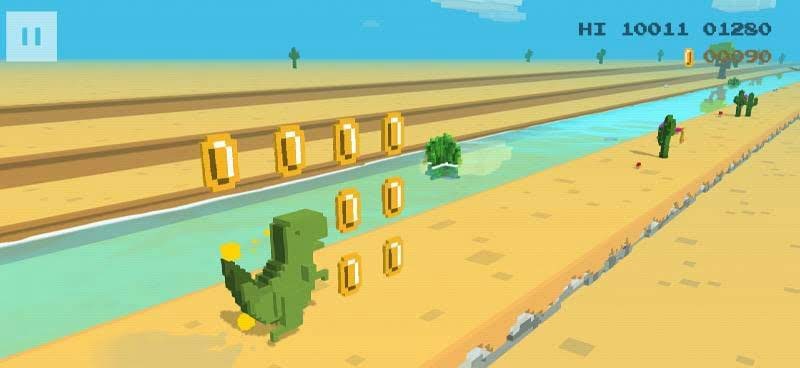
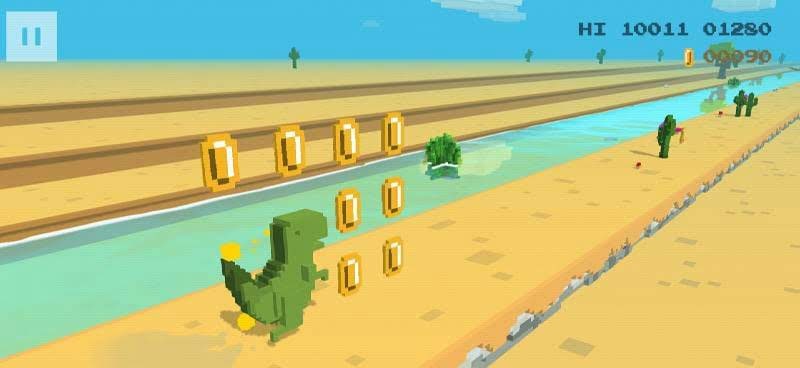
Dino 3D by Howdy Ho™ is an entertaining arcade runner starring the iconic offline browser dinosaur. While the original was a simple monochrome 2D title, this refreshed version brings our hero into a vibrant, fully colored voxel 3D world. Even with the new look, he remains completely focused on sprinting ahead. Guide him through hazardous terrain, leap over pesky cacti, collect gold coins, and dodge various Jurassic perils. It is a fantastic choice for anyone looking to unwind, kill some time, and enjoy pure, distraction-free arcade fun with a lovable character.
Dino 3D is an exciting 3D endless runner where you take control of the famous dinosaur from the popular offline browser mini-game.
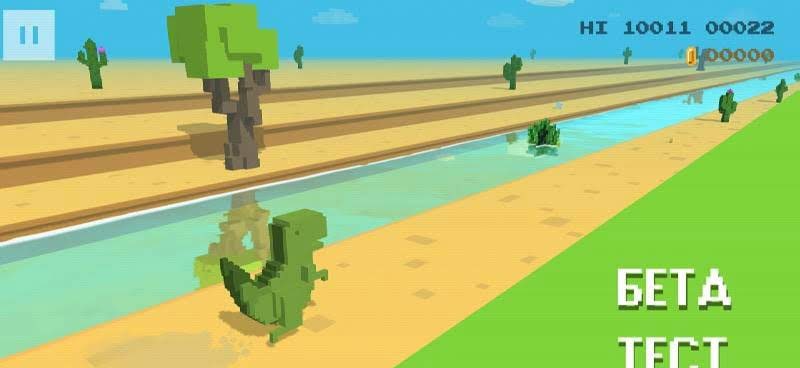
If you have ever played the classic black-and-white original, the core gameplay will feel instantly familiar. This time around, our prehistoric friend enters a colorful three-dimensional space, featuring smoother animations and a completely revitalized environment.
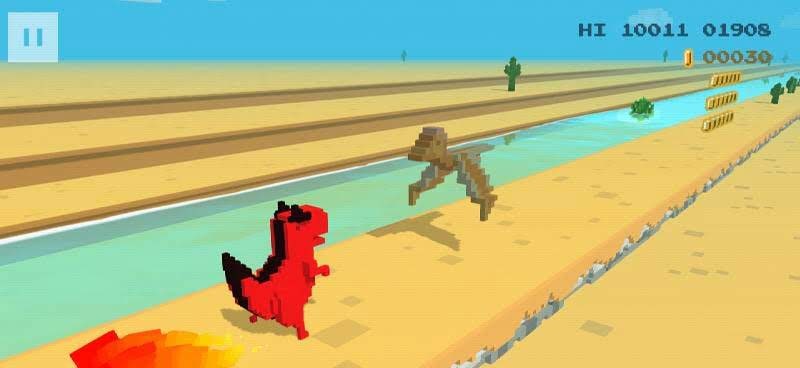
As always, your primary goal is to run as far as possible while picking up shiny coins along the way. Being an endless runner, the course goes on forever and dynamically shifts as you advance. Cacti remain the main obstacles you must leap over. While the path starts relatively clear, the density of hazards quickly ramps up, forcing you to jump much more frequently as your running speed skyrockets. Watch out for swooping pterodactyls as well—stay sharp and make sure not to jump straight into them.
The control scheme is simple: tap the left side of the screen to jump and the right side to duck. The coins you collect during your runs can be used to unlock fresh skins, offering a wide selection of hilarious dinosaurs in stylish outfits that were never available in the original.
How to install
- Download the APK file above to your phone.
- Allow “Install unknown apps” when prompted.
- Open the downloaded APK and tap Install.
- If the package includes OBB/XAPK data, follow the bundled instructions.
MOD APKs are modified builds, so Play Protect may show a warning. Install only if you trust the file; use at your own risk.