
Screenshots



Description
- Home /
- Apps /
- Music & Audio
DeezloaderSize
14 MBVersion
2.6.5Requirements
5.0 and upGet it on
Mod Info
Original Report this app
Images
Description
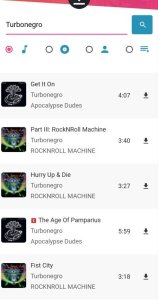
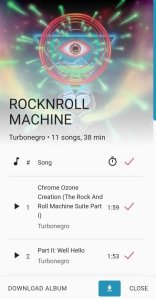
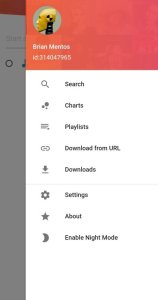
DEEZLOADER FOR ANDROID app allows you to search for and download any songs at the highest quality (320kbps). The files are downloaded with high quality album artwork and the track name, number, artist name, album name, release year (and other information) are all downloaded with the track into a single MP3 file.
The app automatically adds downloaded songs to the Android media database so there is no need to run a media scan after downloading music. The app is fully customisable and allows you to change the download location to anywhere on the device.
How to download songs?
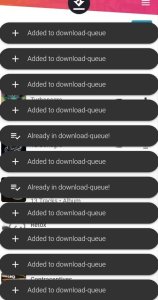
After searching for the song/album/playlist you want, press and hold it and then hit the download button at the bottom right corner. The song/album/playlist should start downloading.
The login is required.
Use a VPN and connect to the US/Canada/UK
How to get UserToken: https://notabug.org/RemixDevs/DeezloaderRemix/wiki/Login+via+userToken
How to exit/close app: clear it from the recent apps list.
Related apps
Poweramp Music Player build-1031-uni Poweramp Software Design (Max MP) 25.21 MB Premium Unlocked SpotiDuck 1.2.4 SpotiDuck 2.89 MB Ad-Free Murglar 6.9.325-stable Murglar 22.39 MB Premium Unlocked Play Music Files Offline App 1.5.6 Tresor Tech 43.34 MB Premium Unlocked G-Stomper Studio 6.2.2.1 planet-h.com 72.35 MB Full VersionHow to install
- Download the APK file above to your phone.
- Allow “Install unknown apps” when prompted.
- Open the downloaded APK and tap Install.
- If the package includes OBB/XAPK data, follow the bundled instructions.
MOD APKs are modified builds, so Play Protect may show a warning. Install only if you trust the file; use at your own risk.