
Screenshots
Description
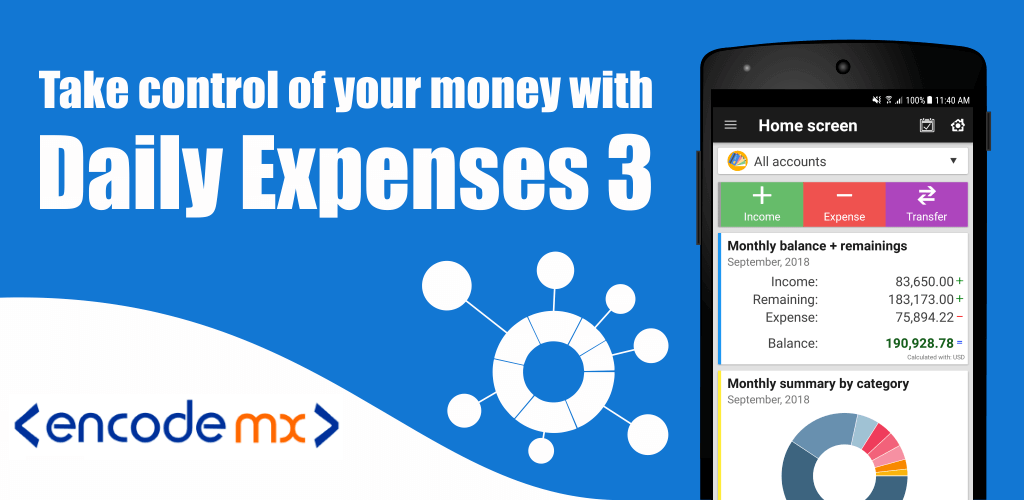
Daily Expenses 3 is a practical app that helps you track your spending accurately and review your activity at a glance. Getting around the app is quick, and plenty of its features make the experience more varied and enjoyable. You can also make the most of the data the app stores and keep it protected in the way that suits you best. That makes it a valuable tool for many different people.
Simple Money Management With the App
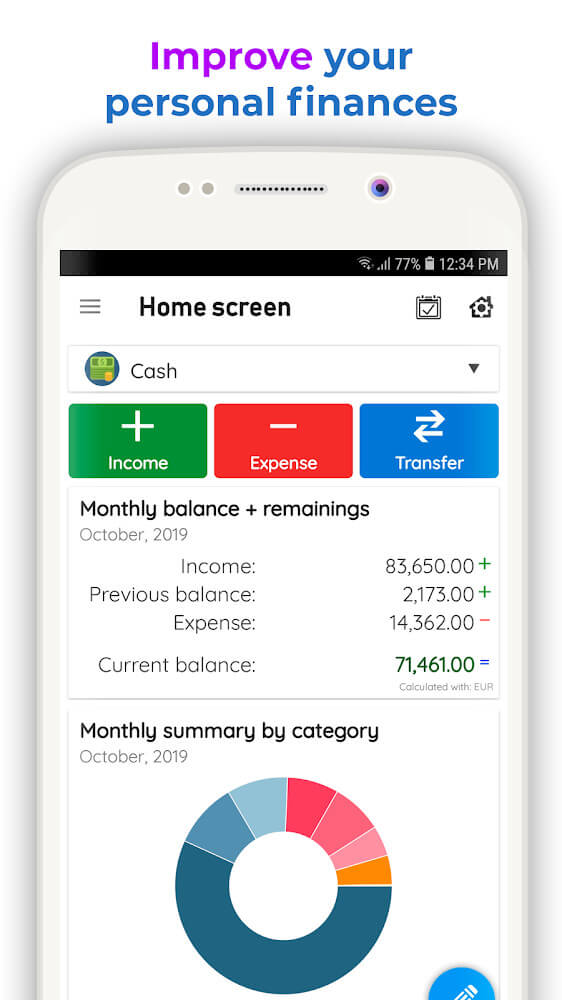
Daily Expenses 3 offers one feature that nearly every user will find essential, especially working people who need to manage their money carefully. You can see where your income comes from and which expenses you need to cover. From there, you get a clear overview that lets you spend money wisely or set some aside for something you want to buy. Who wouldn't want to have more money to work with?
An Easy-to-Use Interface for Everyone
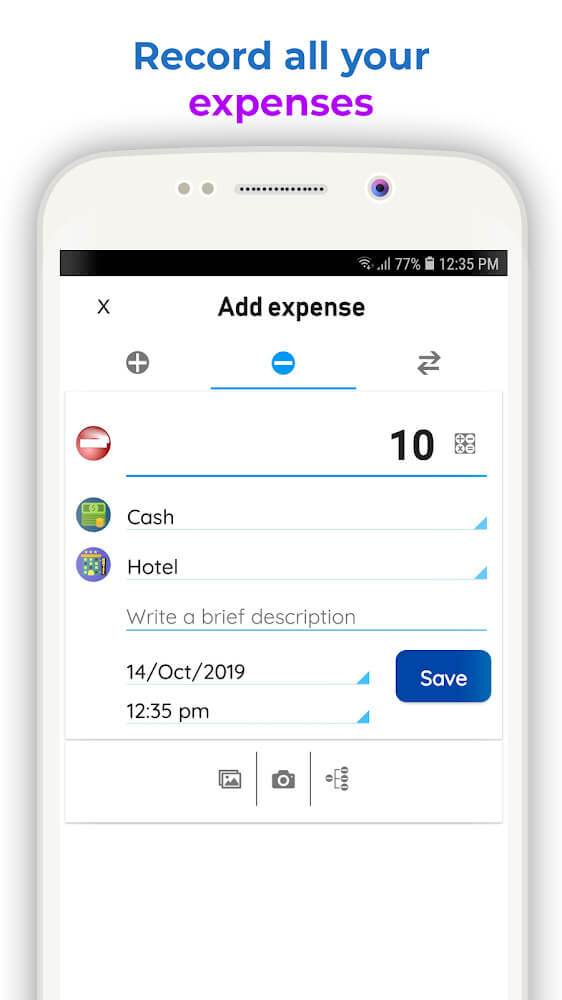
The main screen of Daily Expenses 3 is built around entering details about the money you own and spend. It is so straightforward that anyone can get started right away. To make sure the app collects and displays your data quickly and correctly, you just need to pick the right information and icons. The app also includes a range of icons for you to choose from.
Many Icons for Every Activity
The icons for saving or holding onto your money come in just three options, but the collection for spending activities is quite extensive. You'll spend a little time browsing for the icon that matches each expense you make. Once you see these activities in your list, it's easy to tell what each one stands for. As a result, the app delivers both a handy feature and an engaging experience.
A List of Everything You've Spent
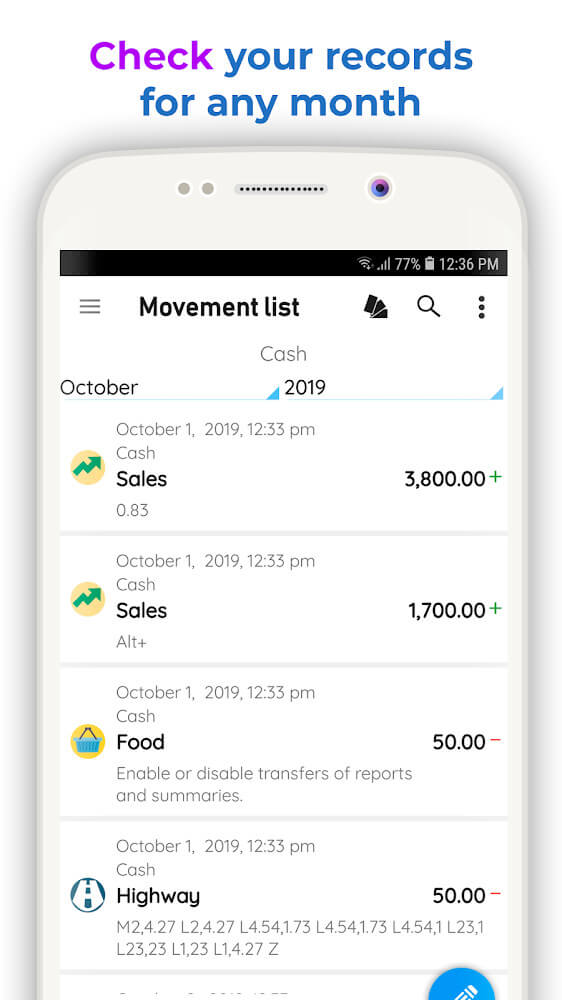
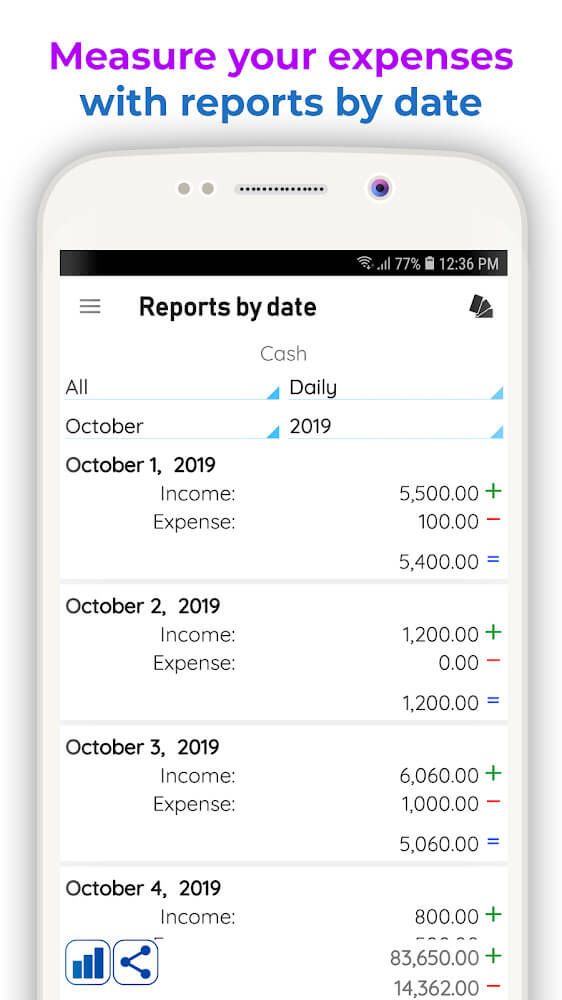
While using Daily Expenses 3, you'll always have access to lists showing how much money you have and how much you've spent. The way the information is displayed and how quickly it updates make it easy to see where your money went. That gives you a foundation for spotting unnecessary expenses and planning how to cut back. Over time, you'll be able to spend more efficiently.
Variety in Charts and Widget Options
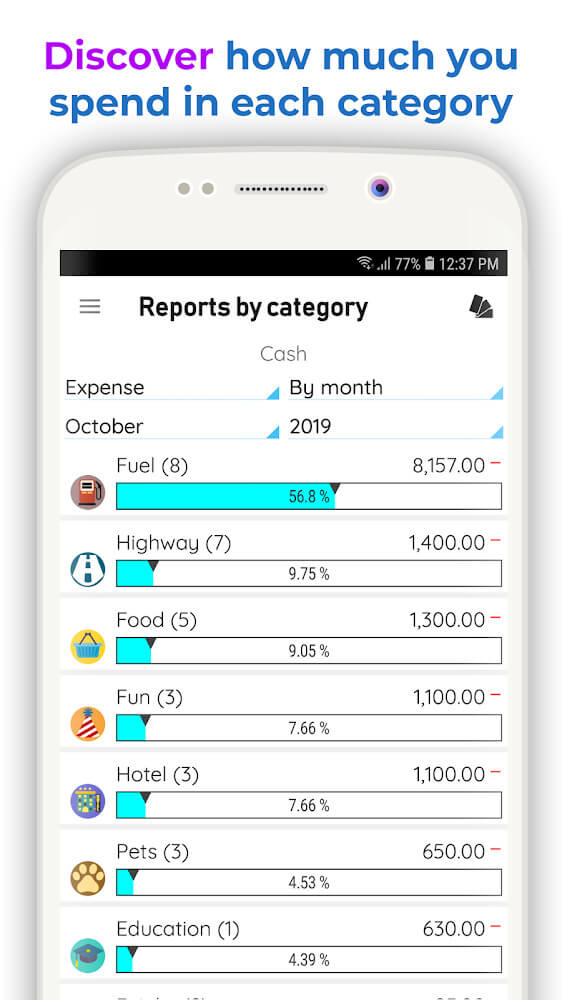
Alongside your lists of income and expenses, charts give you a quick visual summary of your finances. The app offers many chart styles, including pie charts, column charts, and more. You can also add a widget to your home screen to check the summaries the app provides at any time.
Keep Your Information Secure with Ease
The spending information stored in Daily Expenses 3 is important, and you probably don't want it visible to others. The app provides several ways to protect it. You can back up your data to different platforms with no hassle. You can also set a password so that no one else can open the app. That way, you can use it with complete peace of mind.
How to install
- Download the APK file above to your phone.
- Allow “Install unknown apps” when prompted.
- Open the downloaded APK and tap Install.
- If the package includes OBB/XAPK data, follow the bundled instructions.
MOD APKs are modified builds, so Play Protect may show a warning. Install only if you trust the file; use at your own risk.