

Screenshots
Description
Create, mix, and share music with Cubasis 3 MOD APK. It's a professional mobile DAW with advanced audio editing, MIDI tools, and studio-quality effects built for producers.
This build of Cubasis 3 MOD APK has been altered with an internal patch applied to the original software code. It offers a modified version of the mobile digital audio workstation for users who want a patched music production environment.
What's Modified in Cubasis 3
- The application has been patched to alter its standard internal verification and operating parameters.
This release is version 3.8.3, with a file size of 1.05 GB and the package name com.steinberg.cubasis3. It has been re-signed, so it can't be installed as an update over a version downloaded from the official store.
About Cubasis 3
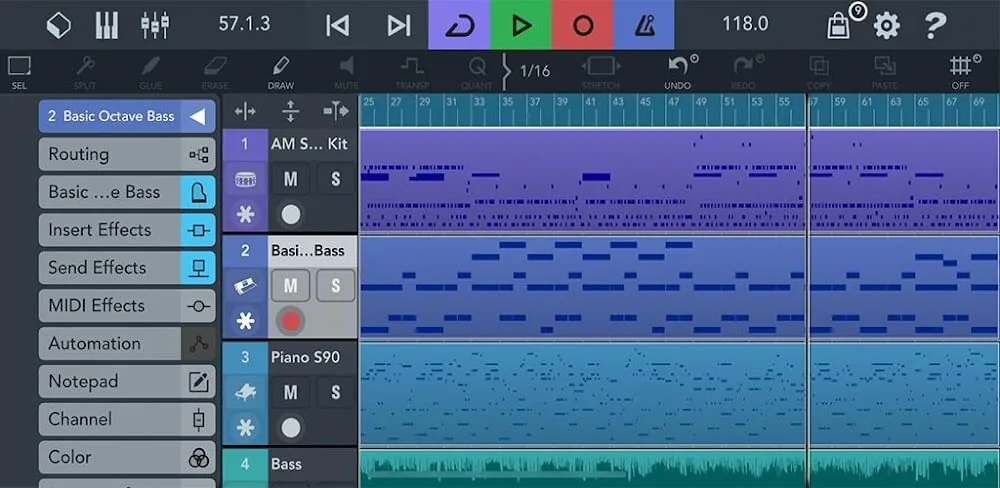
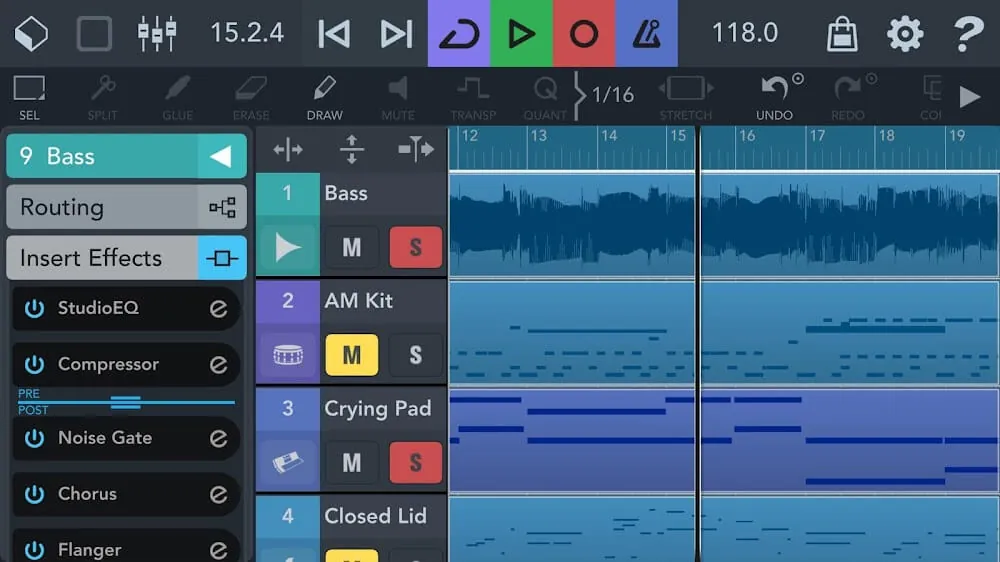
Designed with mobile creators in mind, Cubasis 3 lets users produce complete tracks on smartphones and tablets without needing a desktop computer. Songwriters and beatmakers can build entire songs on the go. Cubasis features a customizable interface, and many users especially like its wide range of effects, virtual instruments, and audio effects that can be inserted directly onto any audio track. You can record as many audio and MIDI tracks as your device can handle. Its recording, editing, and mixing tools help you create professional-sounding results anywhere. For convenience, you can also move projects, audio files, and MIDI files between Cubasis and a desktop via iTunes.
The app runs on an advanced audio engine with 32-bit floating-point processing, which keeps recordings and mixes clear and preserves the professional sound quality of your project. As a digital workstation, it supports unlimited audio and MIDI tracks, though actual performance depends on the hardware limits of your device. It works with a variety of VST plugins, and you can import samples and effect presets. Cubasis also includes audio manipulation tools powered by zplane's élastique 3 technology, which handles time-stretching and pitch-shifting of audio files with minimal loss in sound quality. This is an essential feature for producers who want to change the tempo or pitch of a sample.
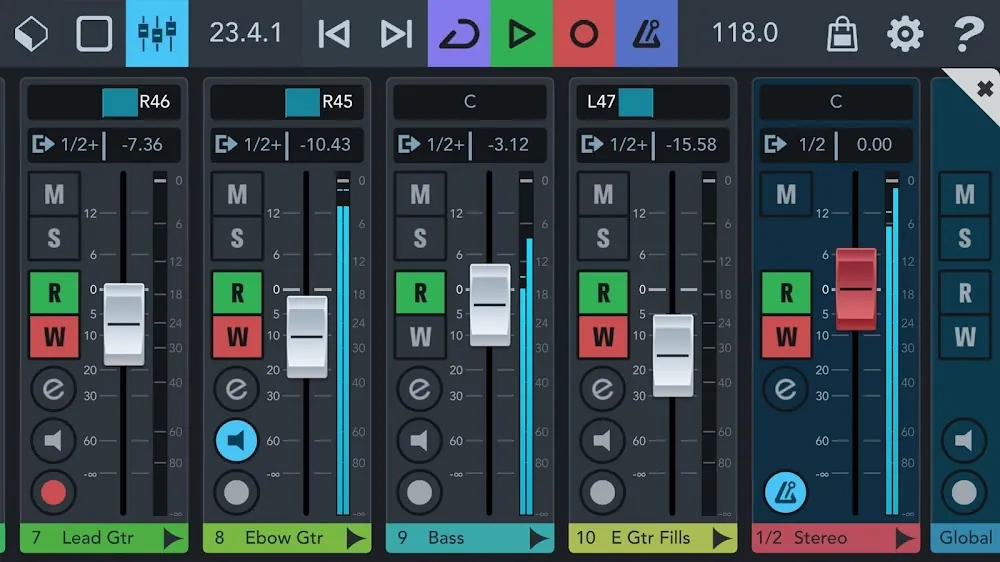
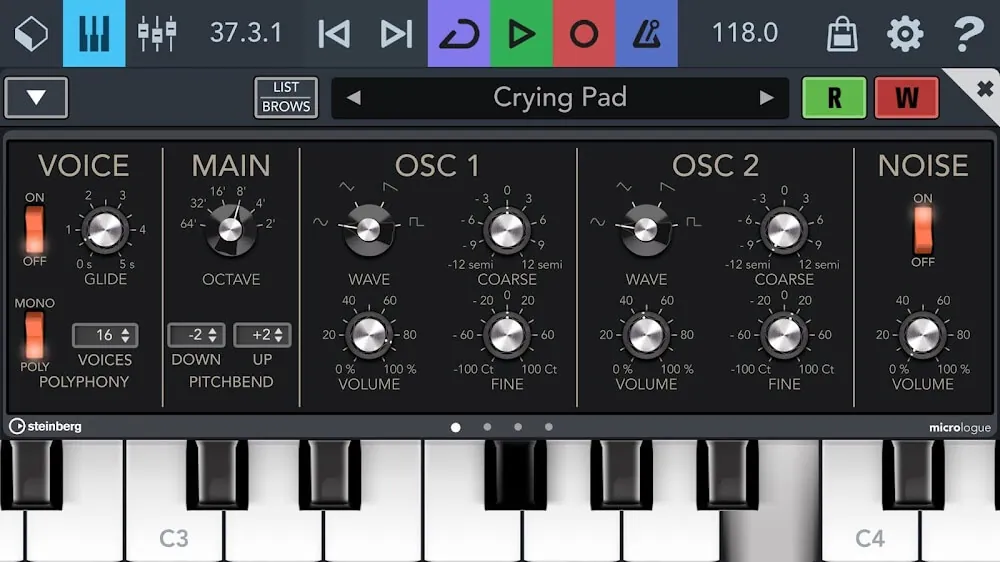
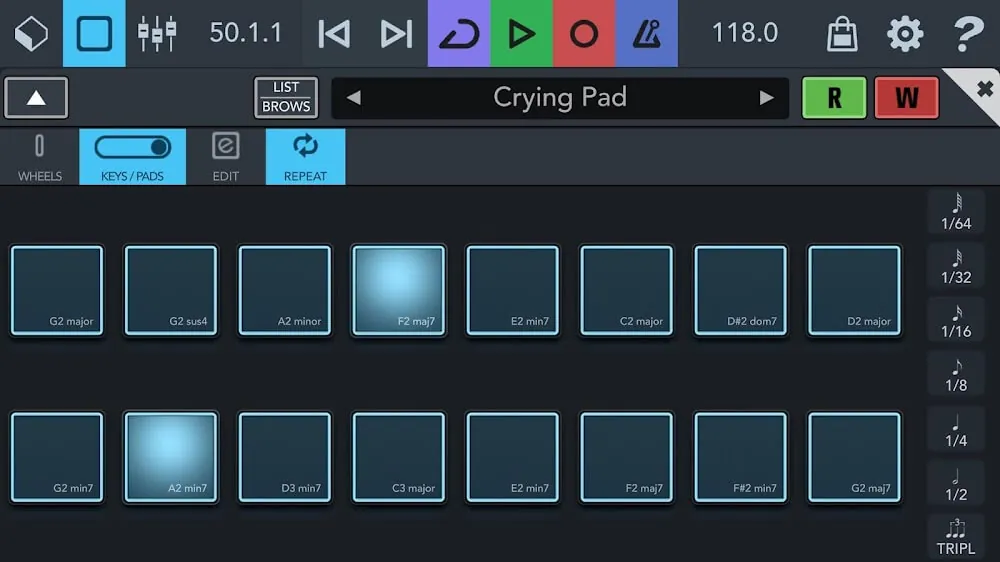
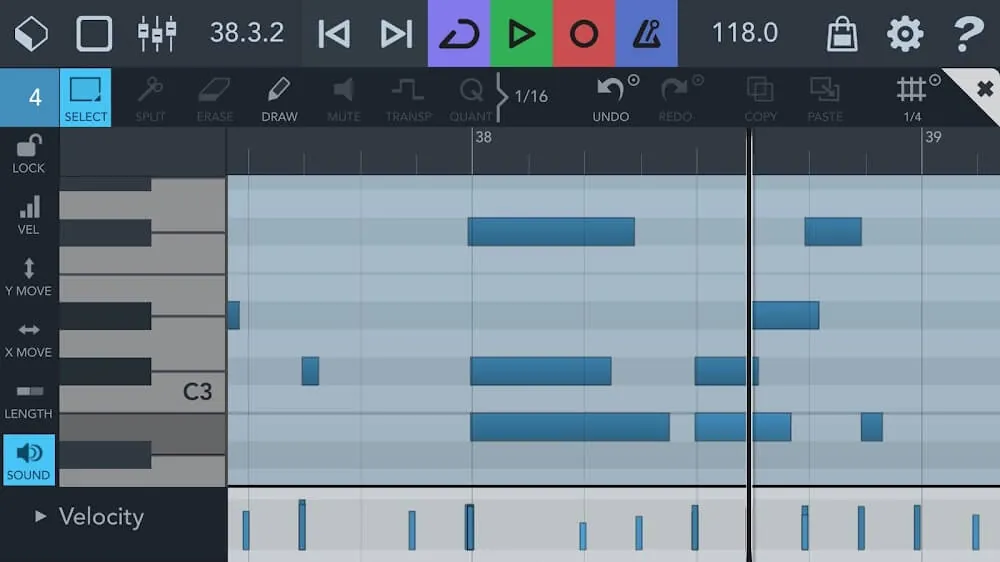
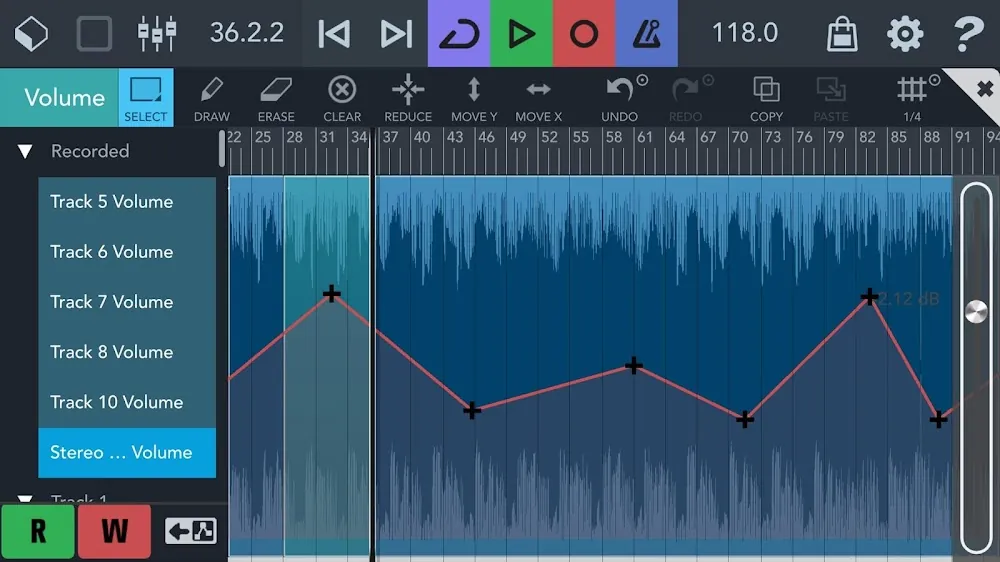
For sound generation, the app offers a range of virtual instruments and sampling tools. HALion Sonic provides a wide selection of sounds. For classic synthesis, you get Micrologue, a virtual analog synthesizer, and MiniSampler lets you create sampler instruments. These virtual instruments can be played with the built-in virtual keyboard or launchpad, which make it quick to sketch melodies and rhythms. If you prefer hardware instruments, the app provides MIDI functionality, including MIDI Learn, MIDI CC, program change, and aftertouch. The MixConsole handles channel balancing, and 17 high-end processors deliver professional EQ, compression, and reverb. Balancing, equalization, dynamics, and effect processing can all be automated. To fine-tune the elements of your track, you get a piano-roll-based MIDI editor and a waveform-based audio editor for adjusting the timing and velocity of audio notes.
Workflow and connectivity are a major focus. Projects are saved and backed up automatically, and they can be exported through several cloud services such as iCloud, Dropbox, and Google Drive. You can also import audio files and MIDI data from multiple sources and export individual or assembled projects to Cubase.
The workflow supports both melodic and rhythmic compositions and is centered on MIDI data. Beatmakers in particular benefit from the integrated launchpad and drum machine, which let you create loops and grooves and arrange them in the project view. Like a desktop workstation, the app supports both recording live instruments and MIDI sequencing. Its integrated sound design, editing, and mixing features make it a complete mobile solution for musicians.
Key features
- Unlimited audio and MIDI tracks
- 32-bit floating-point audio engine with up to 24-bit/96kHz resolution
- HALion Sonic virtual workstation
- Micrologue analog synthesizer
- MiniSampler for custom sound creation
- MixConsole with 17 high-end effect processors
- Audio Unit (AUv3) and Inter-App Audio (IAA) compatibility
- zplane élastique 3 time-stretching and pitch-shifting
- MIDI CC, program change, and aftertouch support
- MIDI Learn for external controller mapping
- Integrated virtual keyboard and launchpad
- Audio editor and MIDI piano roll editor
- Cloud export to iCloud, Dropbox, and Google Drive
- Direct project export to Cubase desktop
Related MOD APKs
- Spotify Music
- Spotify X Gold
- YouTube Music
- Apple Music
FAQ
What does Cubasis 3 MOD APK unlock?
This build of Cubasis 3 (version 3.8.3) is patched and works just like the official Steinberg Media Technologies GmbH release, with every change taking effect as soon as you install it.
What is the latest version of Cubasis 3 MOD APK?
The current 3.8.3 build is identical to the Steinberg Media Technologies GmbH release published on June 25, 2026. GameMod.dev does not keep older versions. To update, install this file over your existing app; if you see a signature error, uninstall the old app first.
Is the Cubasis 3 MOD APK safe to download?
This Cubasis 3 version 3.8.3 file is based on the app from Steinberg Media Technologies GmbH, with the modifications already applied. It has a rating of 3.8 from 345 users and does not require root access. Play Protect may show a warning during installation, which you can safely ignore, but always download the file from GameMod.dev.
Can I use the Cubasis 3 MOD APK on PC or iPhone?
This Android file won't run on iPhone. To use the 1.05 GB package on a computer, install an emulator such as BlueStacks or LDPlayer, then drag the file into the emulator.
How to install
- Download the APK file above to your phone.
- Allow “Install unknown apps” when prompted.
- Open the downloaded APK and tap Install.
- If the package includes OBB/XAPK data, follow the bundled instructions.
MOD APKs are modified builds, so Play Protect may show a warning. Install only if you trust the file; use at your own risk.