
Screenshots
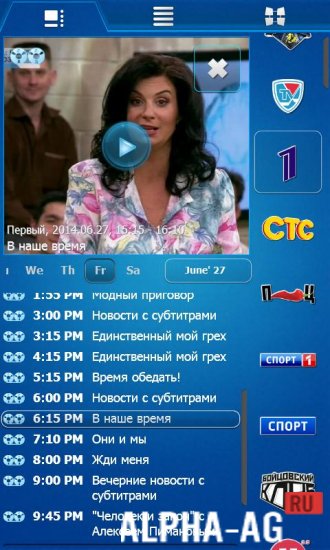
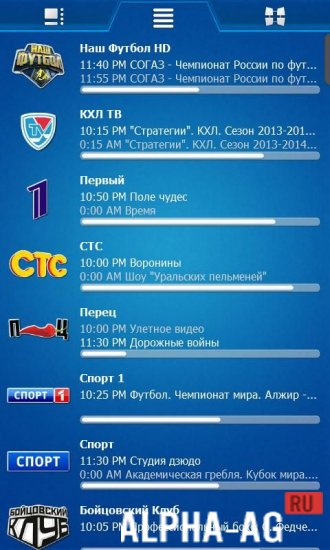

Description
Crystal TVA TV on your smartphone or tablet is at your service. Now you won't miss a single show, because you can watch your favorite TV channels wherever you are.
Specifications
The app streams video in IP TV mode from verified sources. You can watch your favorite TV channels on your smartphone or tablet with a mobile internet or Wi-Fi connection.
Unlike other similar programs, Crystal TV automatically adjusts to your internet speed, offering the optimal image quality.
All settings are configured automatically without direct user involvement. However, you always have the option to use manual settings.Features
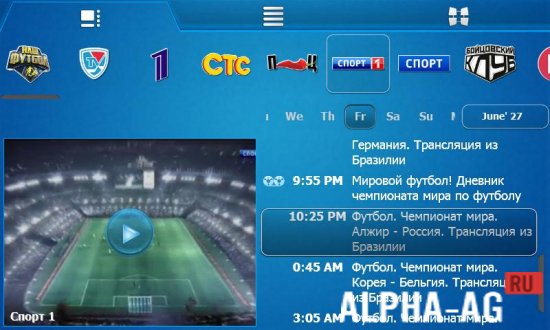
- Live broadcast TV – watch TV programs in real time on your mobile devices!
- Program guide – find out what will be airing a week from now!
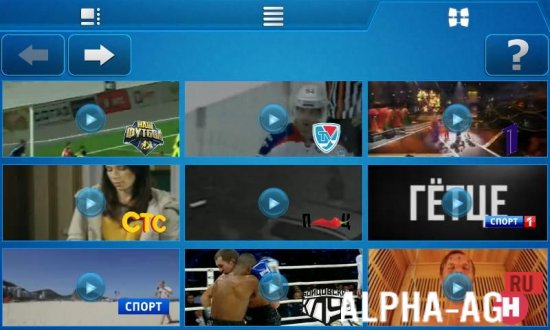
- Customize the matrix view.
- Use the built-in player in various modes, including picture-in-picture.
Finally, be warned not to tap the "Activate" button. When you press this button, the program automatically deducts about 200 rubles from your mobile operator account as a fee for additional features.
However, even if you have already activated the program (or downloaded its paid version), the money will still be deducted.Below you can download the Crystal TV (TV Crystal) app for Android for free.
0 07 Mar Additional information:- Required Android version: 2.3 or higher
- Age rating: 3+
- Russian localization: present
- Cache installation: not required
Subscribe to our YouTube channel!
Leave a commentHow to install
- Download the APK file above to your phone.
- Allow “Install unknown apps” when prompted.
- Open the downloaded APK and tap Install.
- If the package includes OBB/XAPK data, follow the bundled instructions.
MOD APKs are modified builds, so Play Protect may show a warning. Install only if you trust the file; use at your own risk.