
MOD features
MOD 1
- Unlock All Characters
- Unlock All Skins
- God Mode
MOD 2
- Immortality
MOD 3
- MOD Menu
- All Skins Unlocked // Every Character Skin Available to Use
- God Mode // Never Die
- Always Spin // Keep Spinning Until You Slide
- Speed Multiplier // Boost Your Movement Speed
- Set Jump Height // Super Long Jumps (Very High Values Let You Fly)
Modded by TheArmKing
Screenshots
Description
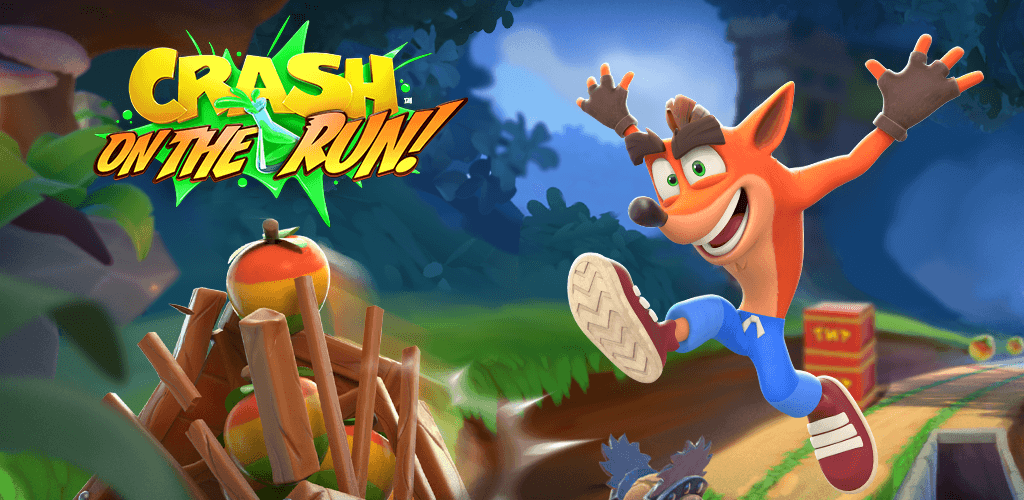
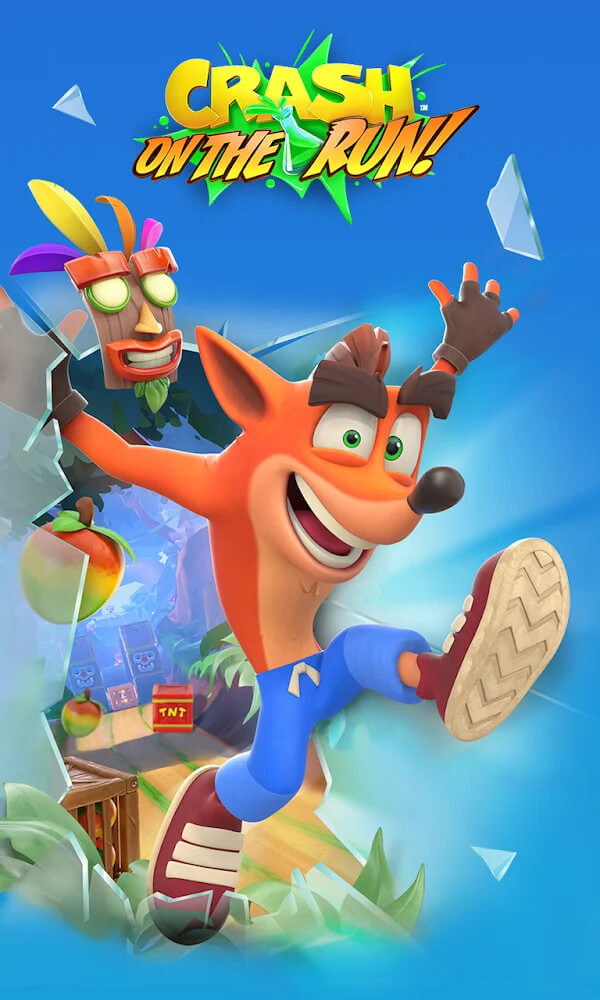
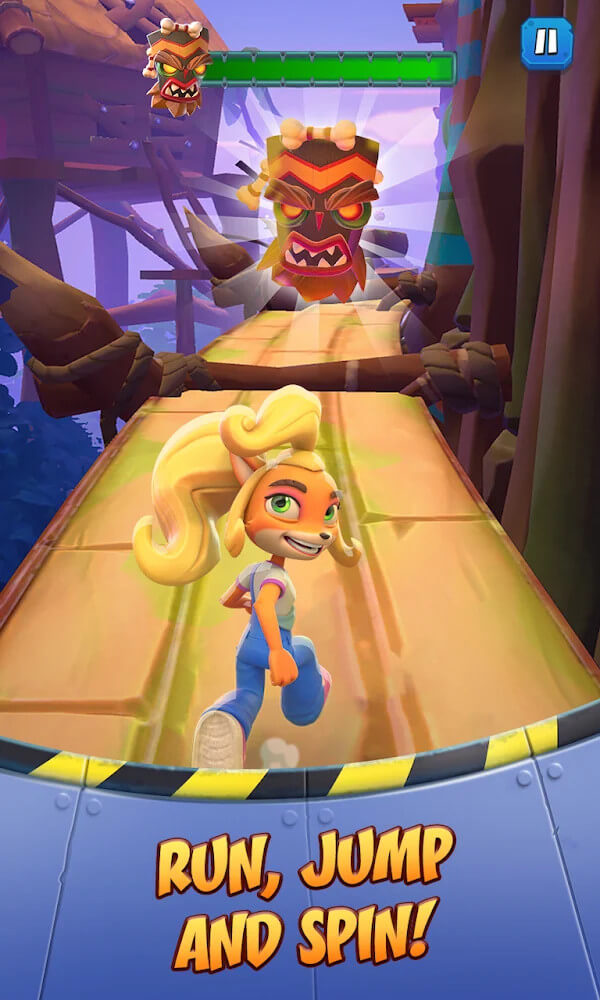
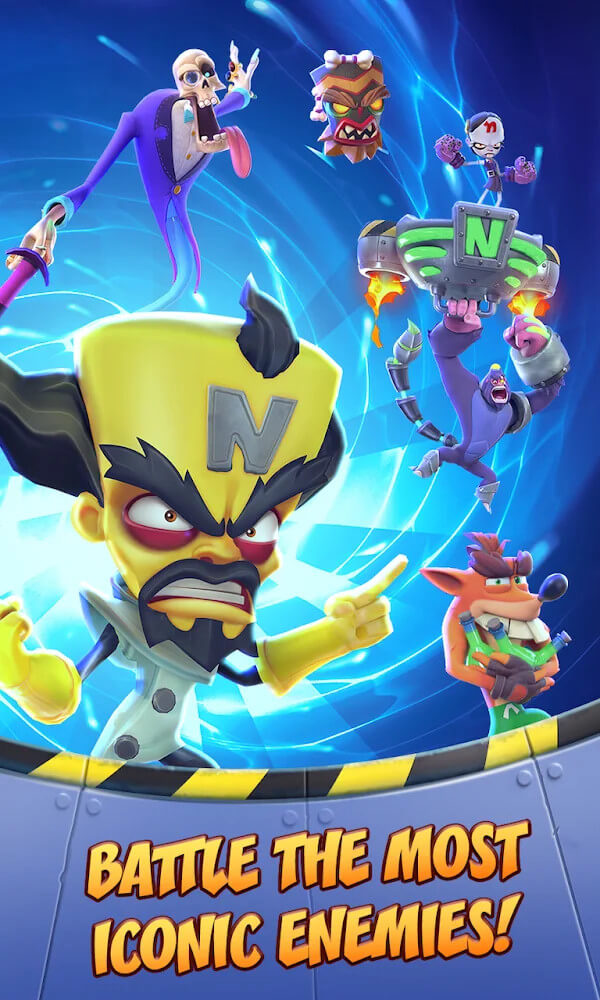
Crash Bandicoot Mod APK – Think fast to keep Crash and Coco running, leaping, spinning, and smashing through obstacle-packed lanes. Race across unfamiliar places while battling Doctor Neo Cortex's minions.
Crash Bandicoot: On the Run! is a racing game featuring familiar characters from the series of the same name. You'll jump into the race and find ways to beat the enemies ahead. If you've played the game before, you'll also recognize some of the signature moves tied to the character. On top of that, a system of levels, costumes, and enemies awaits you during the Halloween event.
JOIN THE HALLOWEEN EVENT AND FACE NEW FOES
During the Halloween event in Crash Bandicoot: On the Run!, players can enjoy plenty of new experiences. The graphics have been updated to match the spooky atmosphere, and new enemies appear alongside Halloween ghosts. Your character can also unlock fresh costumes to wear during races. As you complete challenges, you'll be tested against the new gang in the game.
TAKE PART IN EXCITING RACES
In Crash Bandicoot: On the Run!, players take part in a racing-style level and meet the character from the famous series. You'll control him as he runs through each environment, facing off against enemies along the way. What sets this game apart from other racing titles of its kind is the time limit on each level, which challenges you to take down new enemies before it runs out.
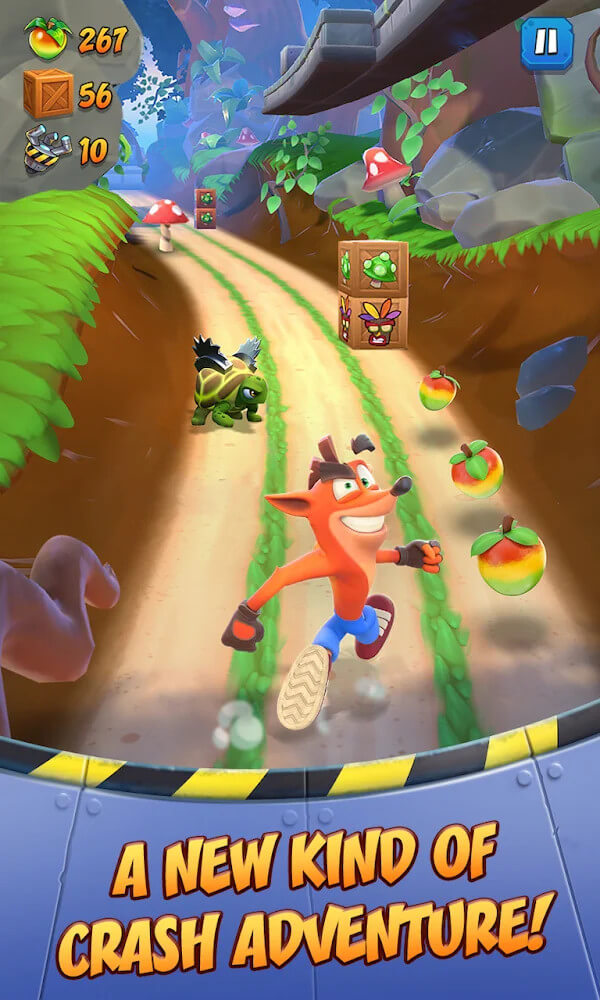
The gameplay is simple and easy to pick up, which makes it appealing to any player. You only need to look ahead and react in time by sliding or jumping over obstacles. Tapping the screen makes the main character spin and smash breakable objects such as wooden crates. Also, while running a distance, the next enemy you face will appear soon after.
CONFRONT DIFFERENT ENEMIES
Before starting a level in Crash Bandicoot: On the Run!, you'll first look at a board displaying enemy portraits. From there, you choose an enemy that matches the potion you have. You'll then be taken into the next level and must finish it to reach that character. Once the enemy appears, they immediately begin launching attacks at you, and you'll need to dodge them carefully.
These attacks aren't overly difficult to avoid and are similar to the obstacles you often pass in the game. If you find yourself struggling, there's a helpful feature: invincibility. It lasts for a short time and keeps your character from taking damage when touching any object. When you land on the enemy's face, you throw potions at them, then catch them shortly after by tapping the correct spot on the slider.
UPGRADE SOME EQUIPMENT AT YOUR BASE
Beyond the main gameplay, you'll also need to keep an eye on other factors, such as upgrading your lab to produce more potions for fighting the enemies you've selected. You'll need to prepare potions before starting a level using materials collected on another island in the game. Also, if you don't repair and upgrade the lab, you won't unlock new options for taking on tougher enemies later.
KEY FEATURES
- Crash and Coco flee Wumpa Island in search of supplies. These parts are used to build high-tech laboratories where weapons such as Nitro Bombs and Frosty Ray Guns are created.
- When it comes to boss battles, Crash and Coco design weapons to take them down!
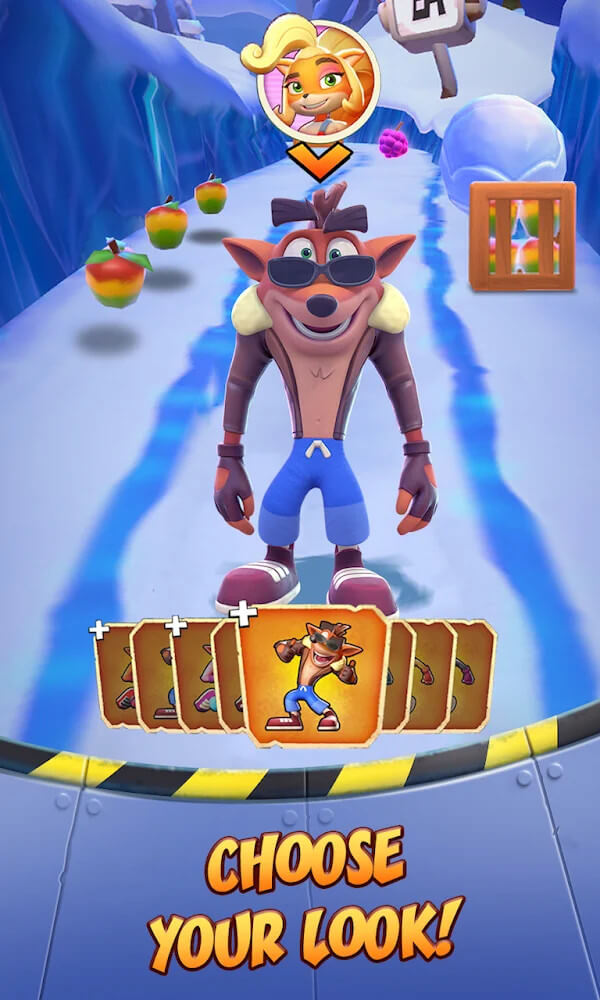
- Choose whether to run as Crash or Coco, either for prizes or just for fun.
- Get ready to compete in asynchronous multiplayer runs against the greatest Bandicoot!
- With stunning skins to unlock, there's more here than meets the eye.
How to install
- Download the APK file above to your phone.
- Allow “Install unknown apps” when prompted.
- Open the downloaded APK and tap Install.
- If the package includes OBB/XAPK data, follow the bundled instructions.
MOD APKs are modified builds, so Play Protect may show a warning. Install only if you trust the file; use at your own risk.