

Screenshots
Description
Clone App Pro MOD APK 3.7.1 (Premium Unlocked) by Shenzhen Pengyou Technology Co. | 4
| Updated On | 20/04/2026 |
|---|---|
| Category | Tools |
| Version | 3.7.1 |
| Size | 44 MB |
| Requires | Android |
| Get it on | Google Play |
| MOD Features | Premium Unlocked |
- Premium Unlocked
Clone App Pro lets you run two Facebook or Messenger accounts on one phone without constantly signing in and out. Thanks to its app cloning, private space and security tools, it has quickly become a favorite among Android users. Discover what it can do below.
Note: If you're looking for similar tools, GameMod.dev also offers options like Multi Clone and Dual Space: Multi App Clone.
About Clone App Pro
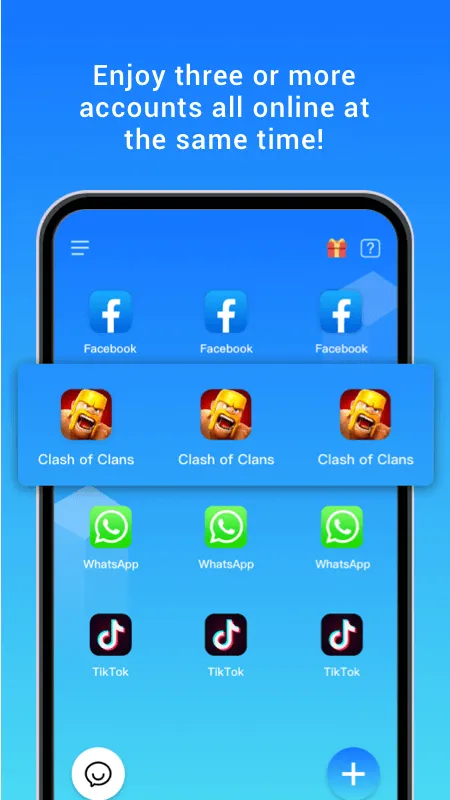
Clone App Pro is a tool that lets users run several accounts at once on a single Android device. Developed by Shenzhen Pengyou Technology Co., Ltd, it has gained popularity for how quickly it can duplicate apps.
Once installed, you can make a second copy of apps like Zalo, Facebook, Instagram or WhatsApp and sign into a separate account without touching your main one. The interface is clean and the setup steps are straightforward, so newcomers can pick it up with little effort.
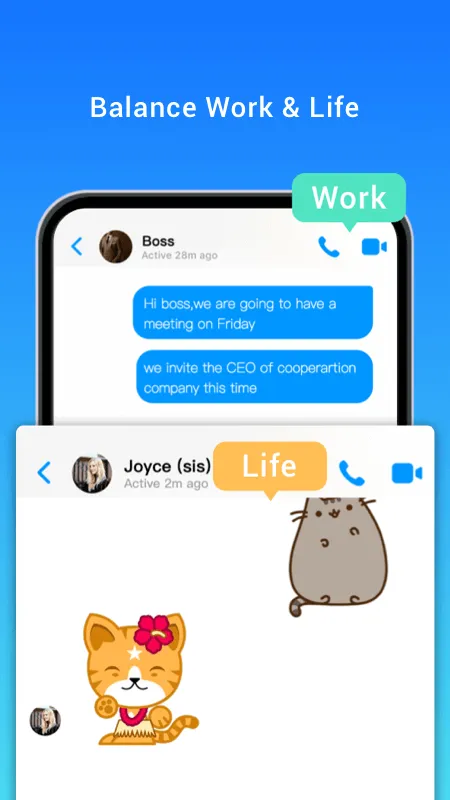
The app also includes a security lock and a private area to better protect your cloned apps. Extra utilities such as personal photo storage and app hiding are built in as well. Whether you need to split work from personal life or simply manage several profiles, Clone App Pro offers a practical alternative to carrying multiple devices.
Clone Apps to Use Multiple Accounts
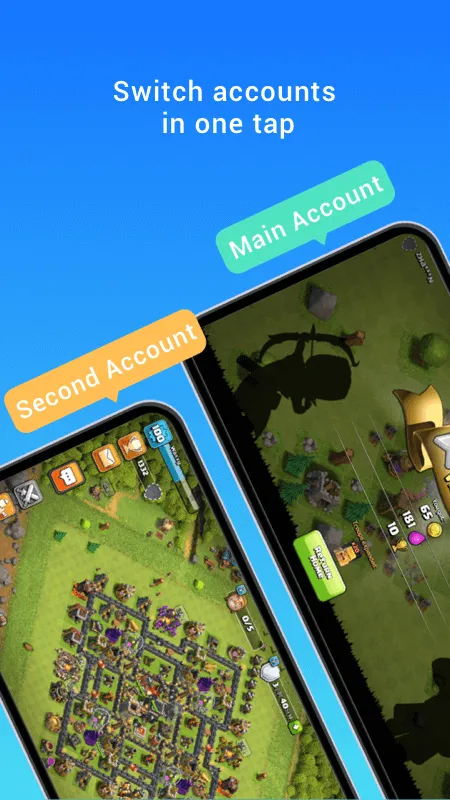
The standout feature of Clone App Pro is its ability to clone popular apps so you can stay logged into several accounts on one device. Rather than logging out and back in each time you switch, you simply open the clone created with Clone App Pro and use the second account as if it were a separate app.
Making a copy is quick and easy. Open Clone App Pro, choose the app you want to duplicate from the list, and wait a few seconds for the process to finish. The cloned app runs normally, delivers notifications, sends messages and performs the same functions as the original. This makes Clone App Pro a handy tool for Android users who want to keep daily digital activities clearly separated.
Private Space and App Security
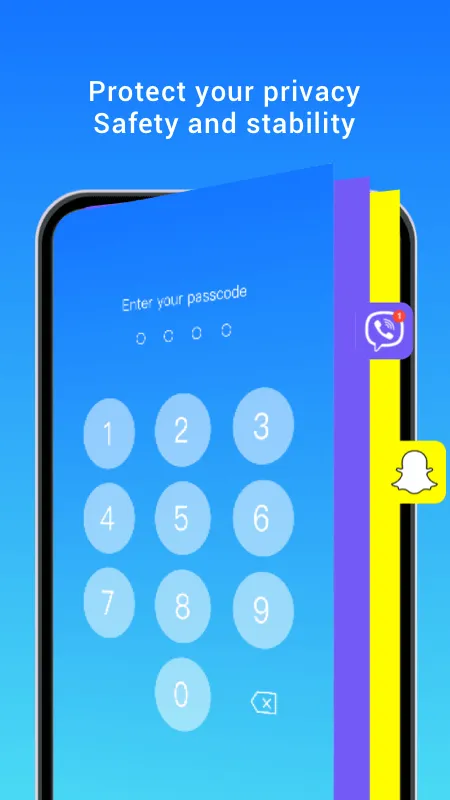
Clone App Pro lets you set up a private space to keep cloned apps safe from unauthorized access or curious eyes. In this mode, you can hide the clone from the home screen and protect it with a password that only you know. It's especially useful for anyone who handles private messages, work activity or other sensitive apps they want to keep under wraps.
Beyond the standard password lock, Clone App also supports fingerprint unlocking on devices that have the hardware. This makes access to cloned apps faster and more secure. You can also configure an auto-lock timer, so the app stays protected even if you forget to close it or switch away.
These options give you peace of mind, especially when lending your phone to someone or using it in a public place. You stay in full control of who can open your cloned apps, helping keep your personal activity and data private and secure.
Notification Support for Cloned Apps
One of the biggest advantages of Clone App Pro is its full support for notifications from cloned apps. Even when you run a clone, you can still get messages, calls, update alerts, and any other signals the app sends, just like the original. That matters a lot, since it helps you stay on top of important information even while juggling several accounts at once.
Right after you install a cloned app, you can enable notification permissions for the clone by following the on-screen prompts. Clone App will ask for background access so it can run alongside the original and deliver notifications reliably. Once everything is set up properly, messages from both accounts will appear as usual.
Hide Apps from the Home Screen
Clone App Pro lets you hide cloned apps from your home screen and the phone's app list. Once hidden, they stay out of sight unless you open Clone App Pro, select the app, and enter your password or security code. This is handy for keeping secondary accounts and apps private so nobody can casually spot them.
Hiding apps adds an extra layer of privacy, especially for things like a second Messenger, a second Instagram, or work apps you'd rather keep to yourself. Setting it up takes only a few steps in the management section of Clone App Pro. The app also supports alternative icons, which make apps easy for you to find while making it hard for others to tell what they really are.
Download Clone App Pro MOD APK for Android
All in all, Clone App Pro is a practical choice for anyone who wants to use multiple accounts on one device without giving up privacy or easy management. If you're looking for a reliable tool for cloning apps, the Clone App Pro version is well worth a try.
Available Version: Clone App Pro v3.7.1 – MOD APK Premium Unlocked
How to install
- Download the APK file above to your phone.
- Allow “Install unknown apps” when prompted.
- Open the downloaded APK and tap Install.
- If the package includes OBB/XAPK data, follow the bundled instructions.
MOD APKs are modified builds, so Play Protect may show a warning. Install only if you trust the file; use at your own risk.