

Screenshots


Description
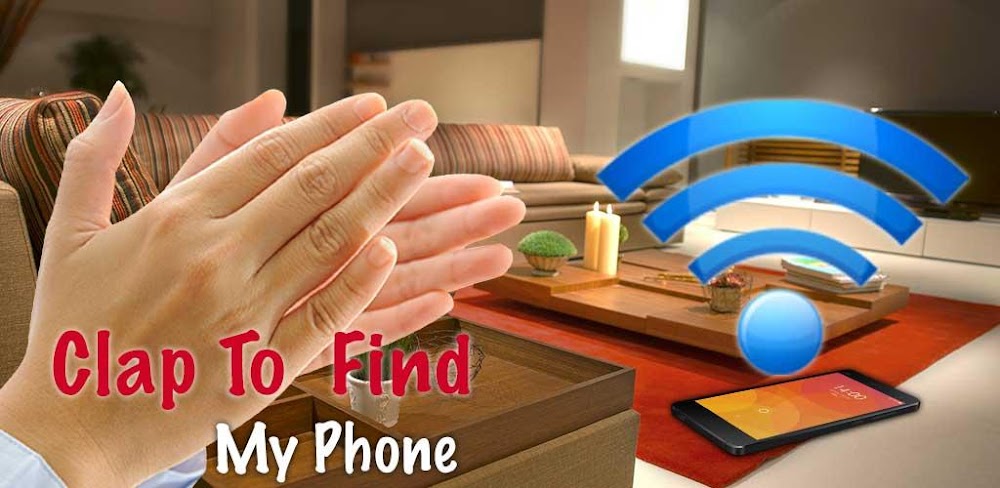
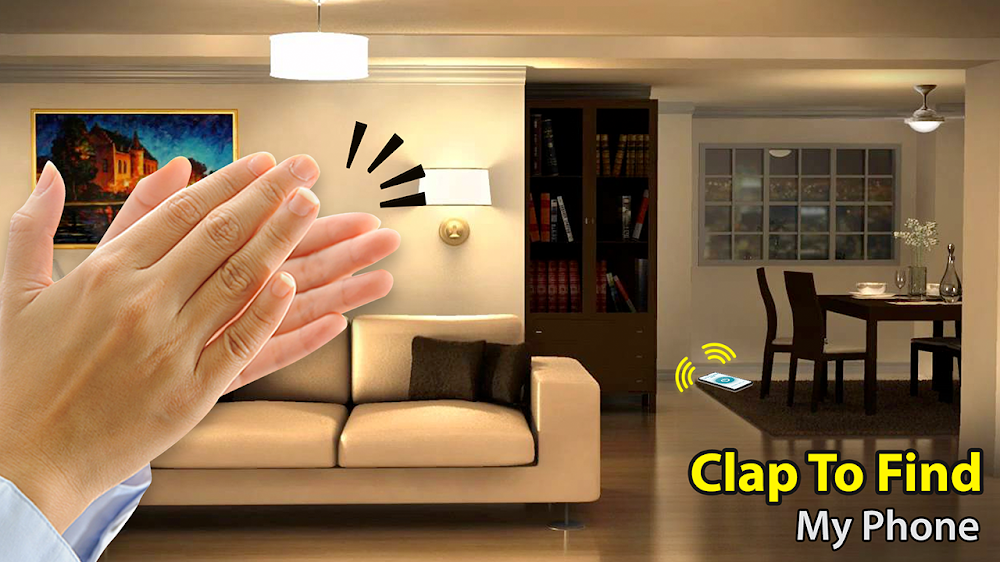
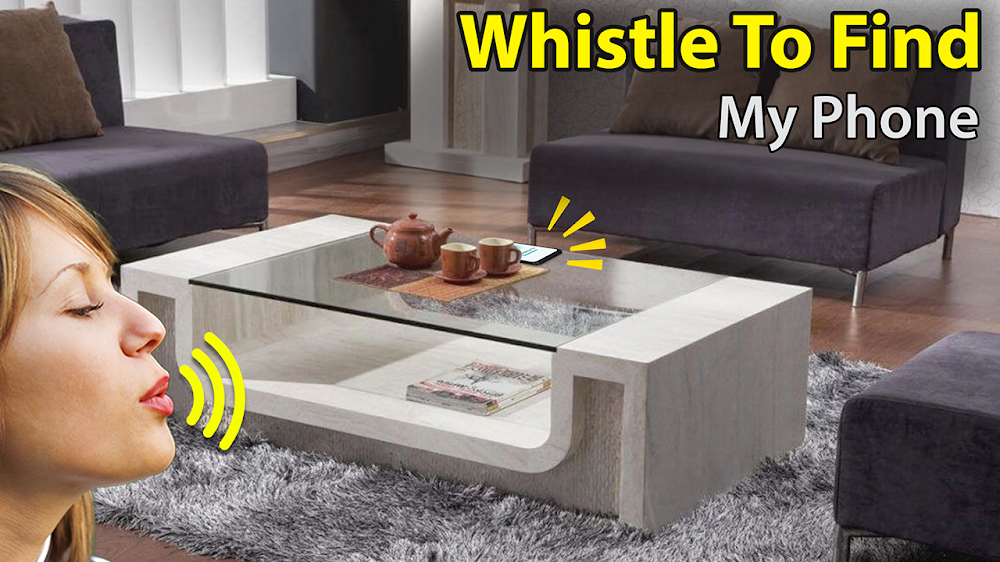
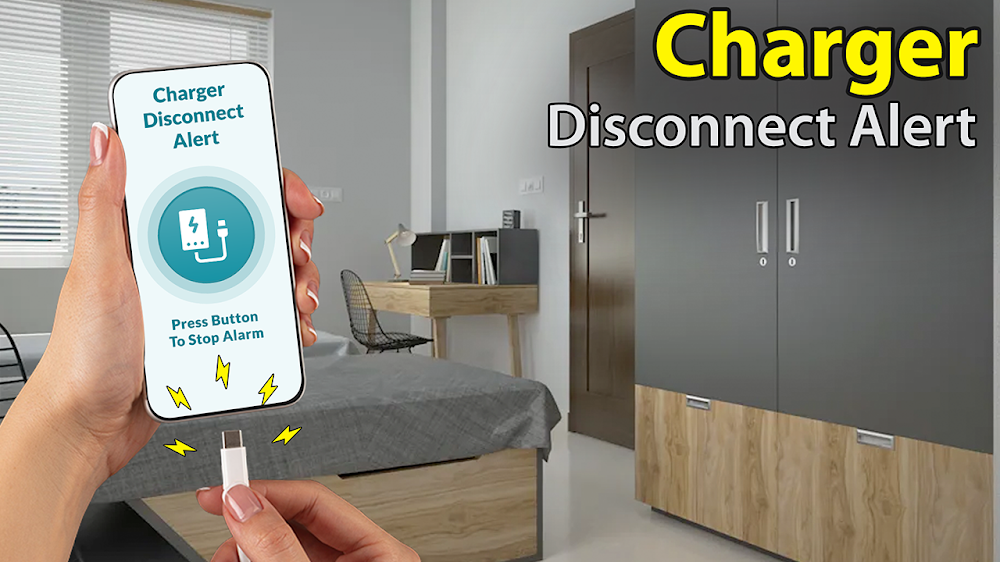
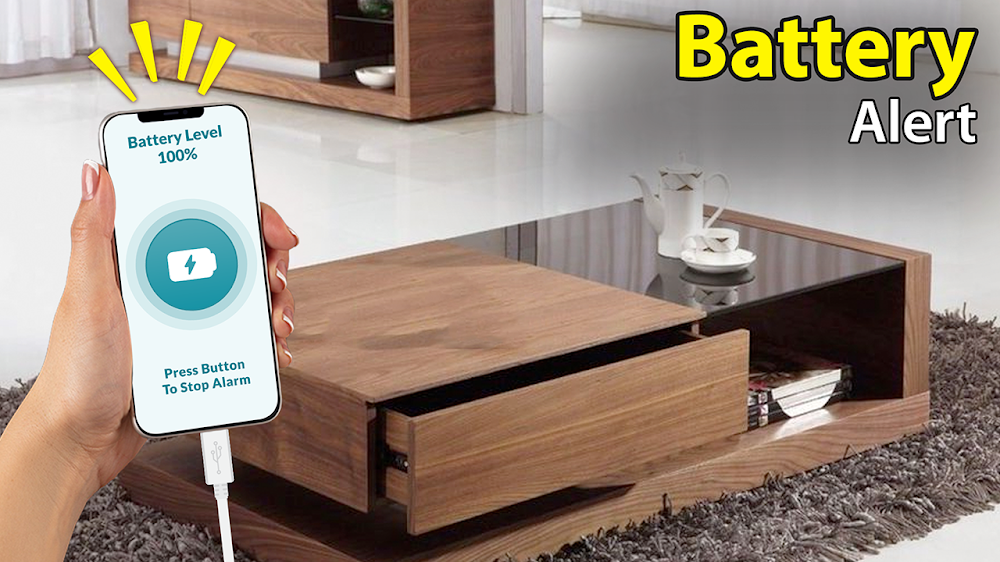
Misplacing your Android device around the house or office is a common annoyance that ruins anyone's mood. Luckily, Clap to Find My Phone offers a hassle-free solution, letting you locate your misplaced device simply by clapping your hands. Beyond its core acoustic detection capability, the utility comes packed with extra tools including incoming call flash alerts, strobe notifications for SMS and apps, voice announcers for callers and text messages, a spam call blocker, low battery warnings, and PIN security lock. Below, GameMod.dev breaks down everything you need to know about setting up Clap to Find My Phone and getting the most out of its top features.
How to install
- Download the APK file above to your phone.
- Allow “Install unknown apps” when prompted.
- Open the downloaded APK and tap Install.
- If the package includes OBB/XAPK data, follow the bundled instructions.
MOD APKs are modified builds, so Play Protect may show a warning. Install only if you trust the file; use at your own risk.