

Screenshots

Description
Cheat Droid
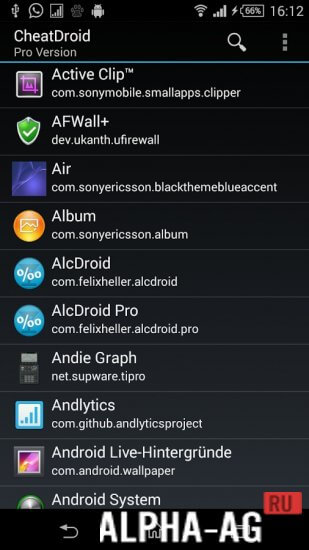
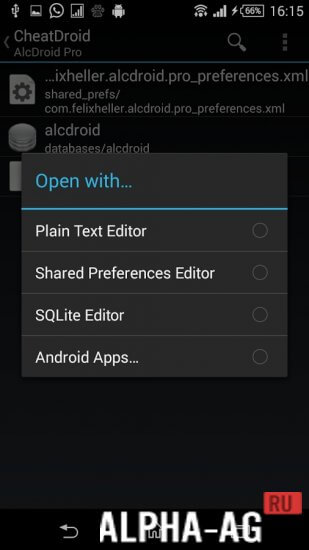
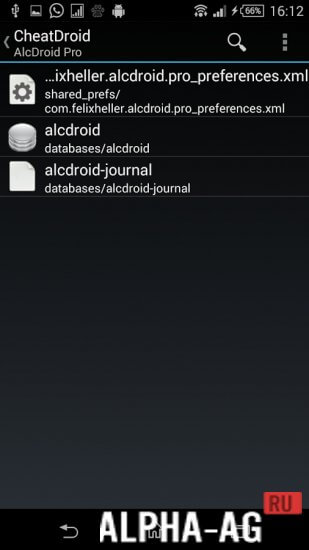
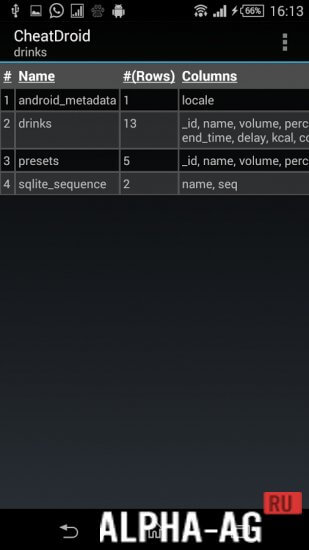
Add, edit, and export preferences however you like. View, modify, or delete configuration files.
Key Features
Players often want an edge in a game without spending countless hours grinding for it.
To achieve this, you can rely on various hacking tools or a more versatile app: Cheat Droid.
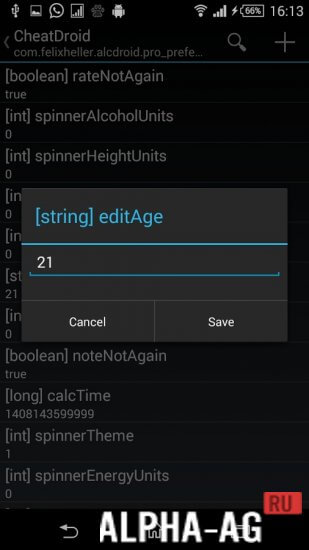
With this tool, you can open preferences and change the settings and data stored in them. In short, you can cheat in games, push up your high scores, and boost your stats to climb higher on global player leaderboards.
You decide which data to display and which to hide. You can also see what information developers collect about you through the app. You can lower task difficulty, solve puzzles, complete levels on paper, and much more.
Features
- Adding preferences.
- Editing preferences, including renaming them.
- Exporting preferences.
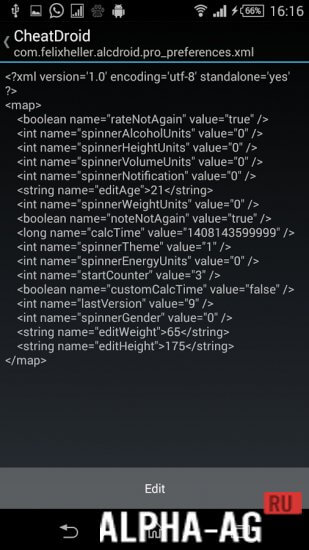
- Viewing configuration files.
- Editing configuration files.
- Deleting settings.
To wrap up, here are a few important points. First and foremost, using the app's full functionality requires root access on your mobile device.
Second, the program only works on mobile devices running Android 4.0 or newer.
You can download the Cheat Droid app for Android completely free from GameMod.dev!
33 20 Feb Additional information:
- Required Android version: 4.1 or higher with root permissions
- Age rating: 3+
- Russian localization: Available
- OBB/Cache installation: Not required
Application version: 2.5.5 Our rating: 9 out of 10 Similar apps: Cheat Engine XModGames Game Guardian Framaroot Add a comment
How to install
- Download the APK file above to your phone.
- Allow “Install unknown apps” when prompted.
- Open the downloaded APK and tap Install.
- If the package includes OBB/XAPK data, follow the bundled instructions.
MOD APKs are modified builds, so Play Protect may show a warning. Install only if you trust the file; use at your own risk.