
Screenshots
Description
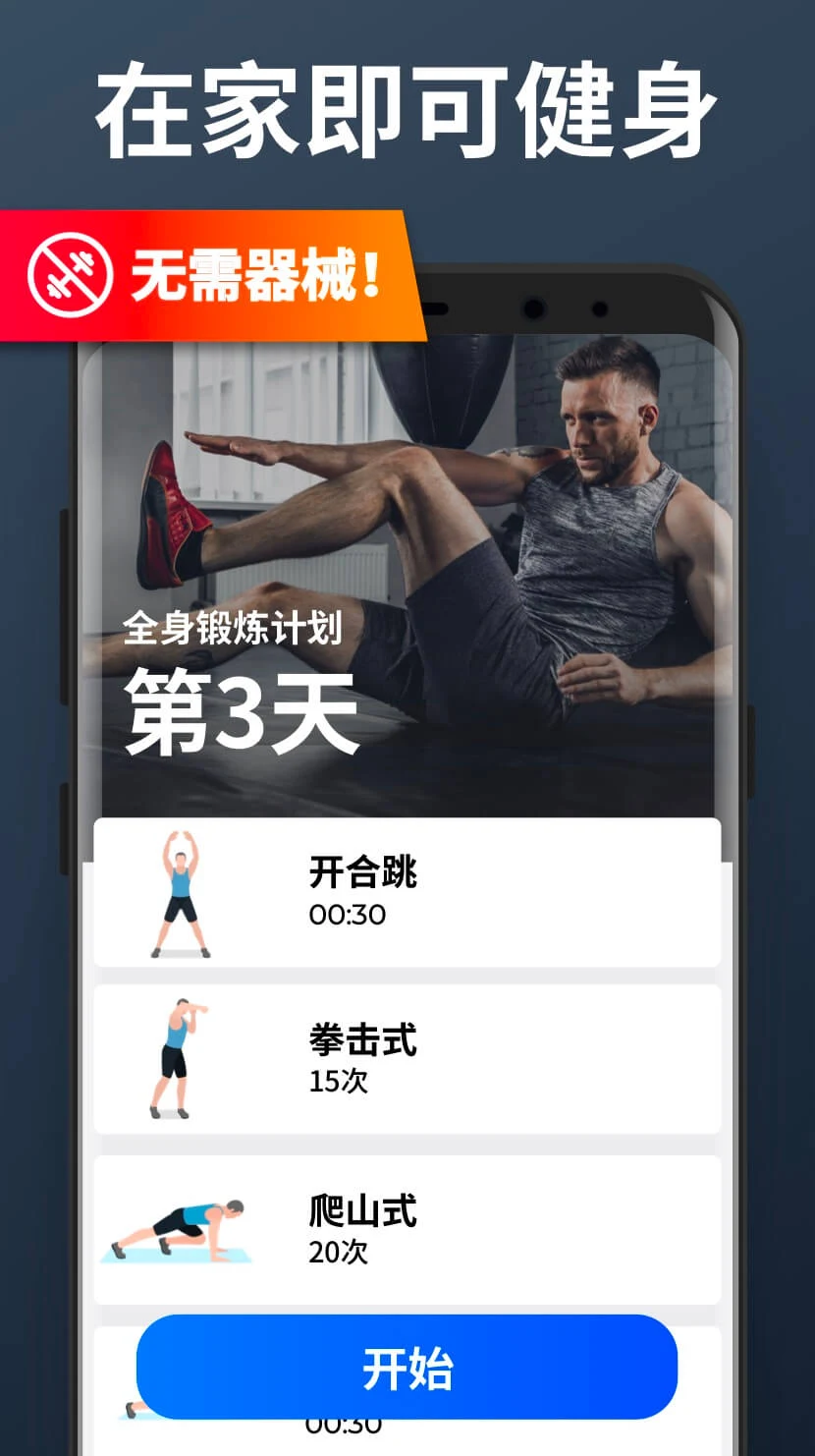
Transform your physique right from your living room with Home Workout – No Equipment MOD APK! Skip the gym membership and dive into comprehensive bodyweight routines, personalized regimens, and intuitive progress tracking anytime, anywhere.
This edition unlocks every VIP feature through the Pro / Paid Unlocked mod. Users can explore all exclusive workout programs, fitness guides, and premium utilities in Home Workout MOD APK with zero paywalls or subscription barriers.
What’s Modified in Home Workout
- Featuring the Pro / Paid Unlocked modification, this release of Home Workout MOD APK opens up every premium exercise routine and advanced feature locked away in the standard release.
This package represents version 1.7.7 with a compact download size of 41 MB under the package identifier homeworkout.homeworkouts.noequipment; as it is signed with a custom key, please uninstall any Play Store version prior to installation.
About Home Workout
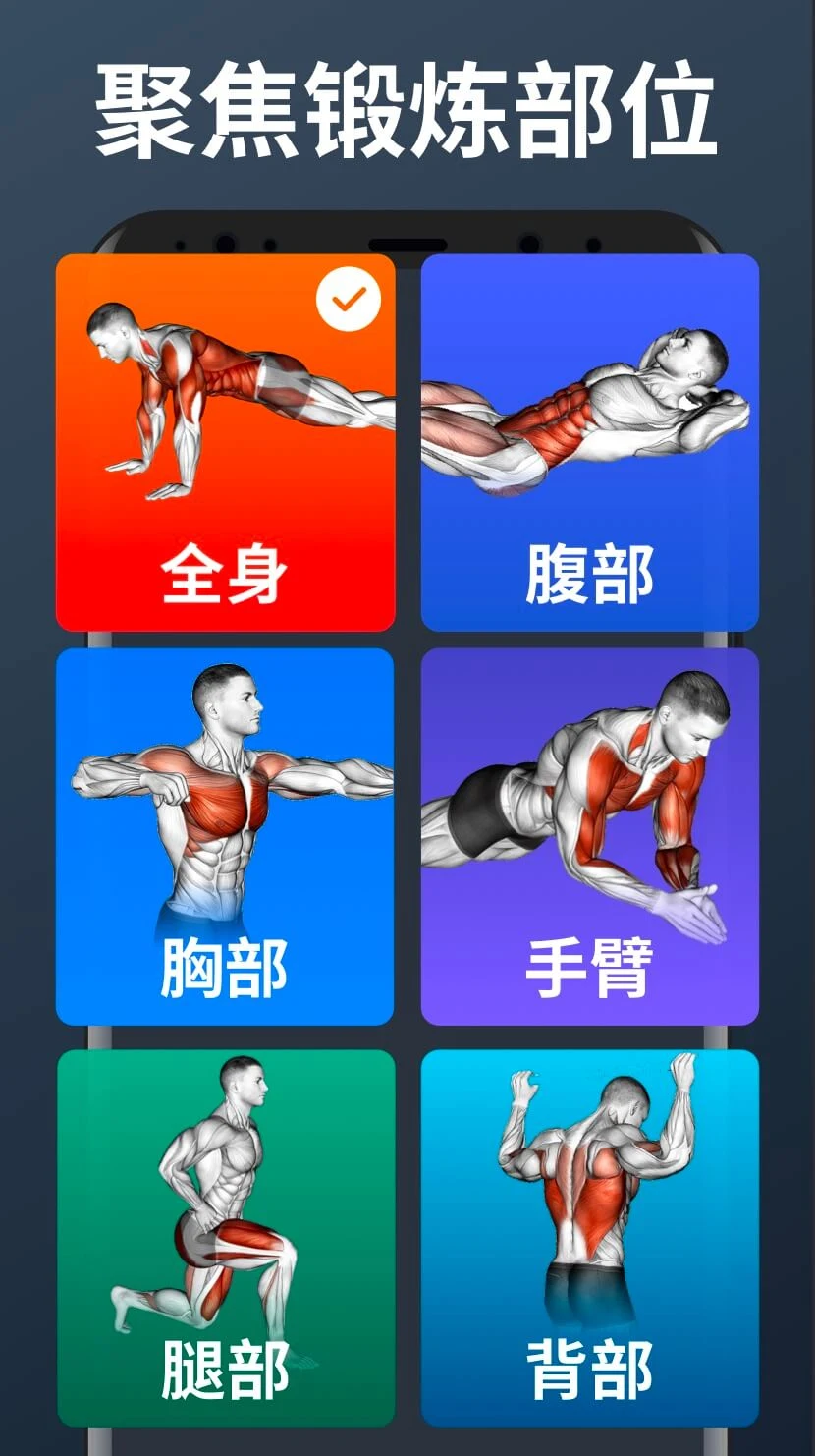
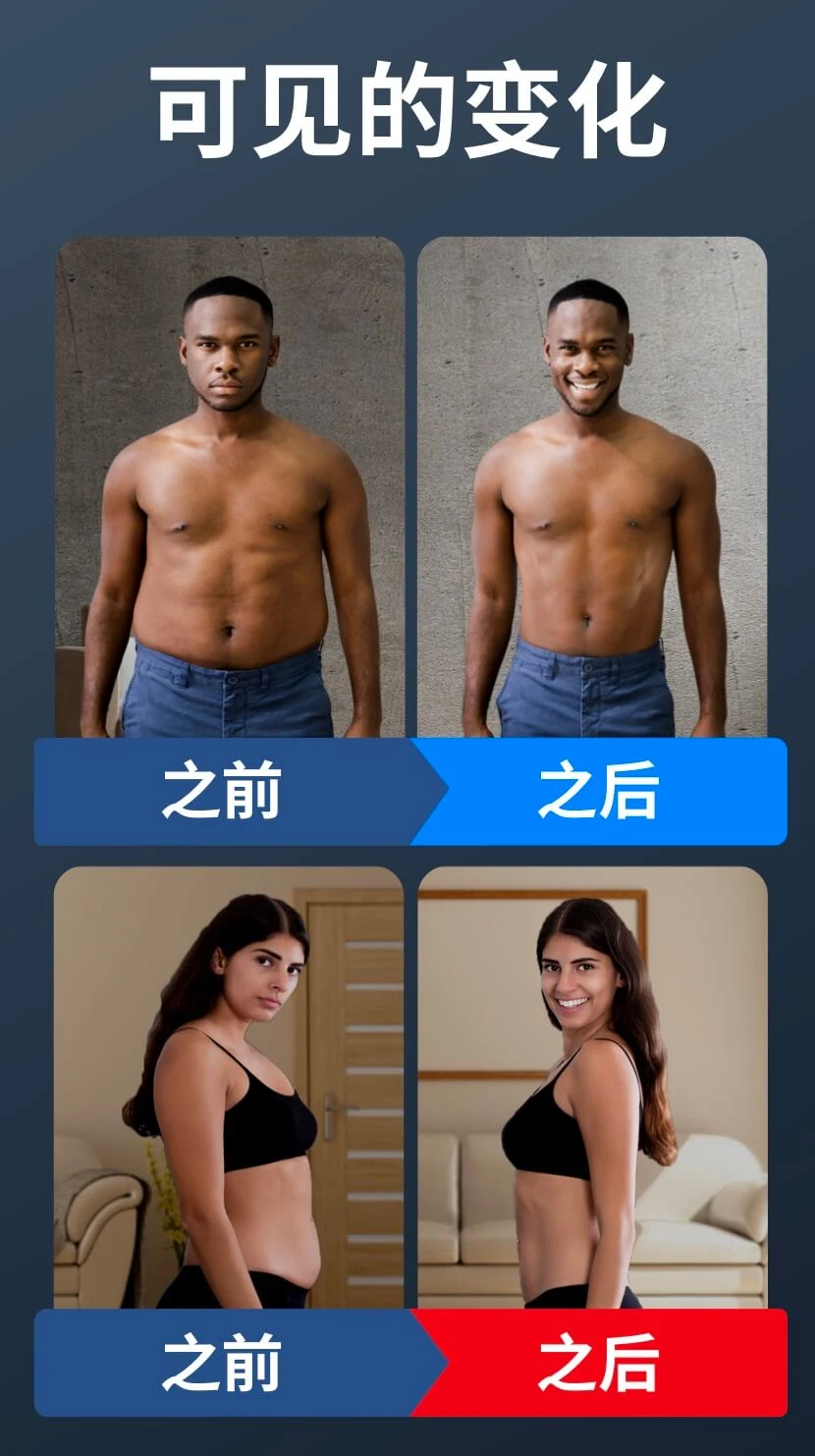
Created by Leap Fitness Group, Home Workout - No Equipment empowers fitness enthusiasts to train conveniently whenever and wherever they choose. The application relies entirely on effective calisthenics and bodyweight exercises, allowing you to hit your physical targets without pricey gear or dedicated studio memberships. Whether you aim to burn fat, build lean muscle, tone your physique, or boost cardiovascular endurance, the app delivers targeted drills for your core, chest, arms, back, and legs. To keep routines exciting and prevent exercise fatigue, fresh challenges and dynamic regimens are introduced regularly, keeping your motivation high for sustainable, long-term health improvements.
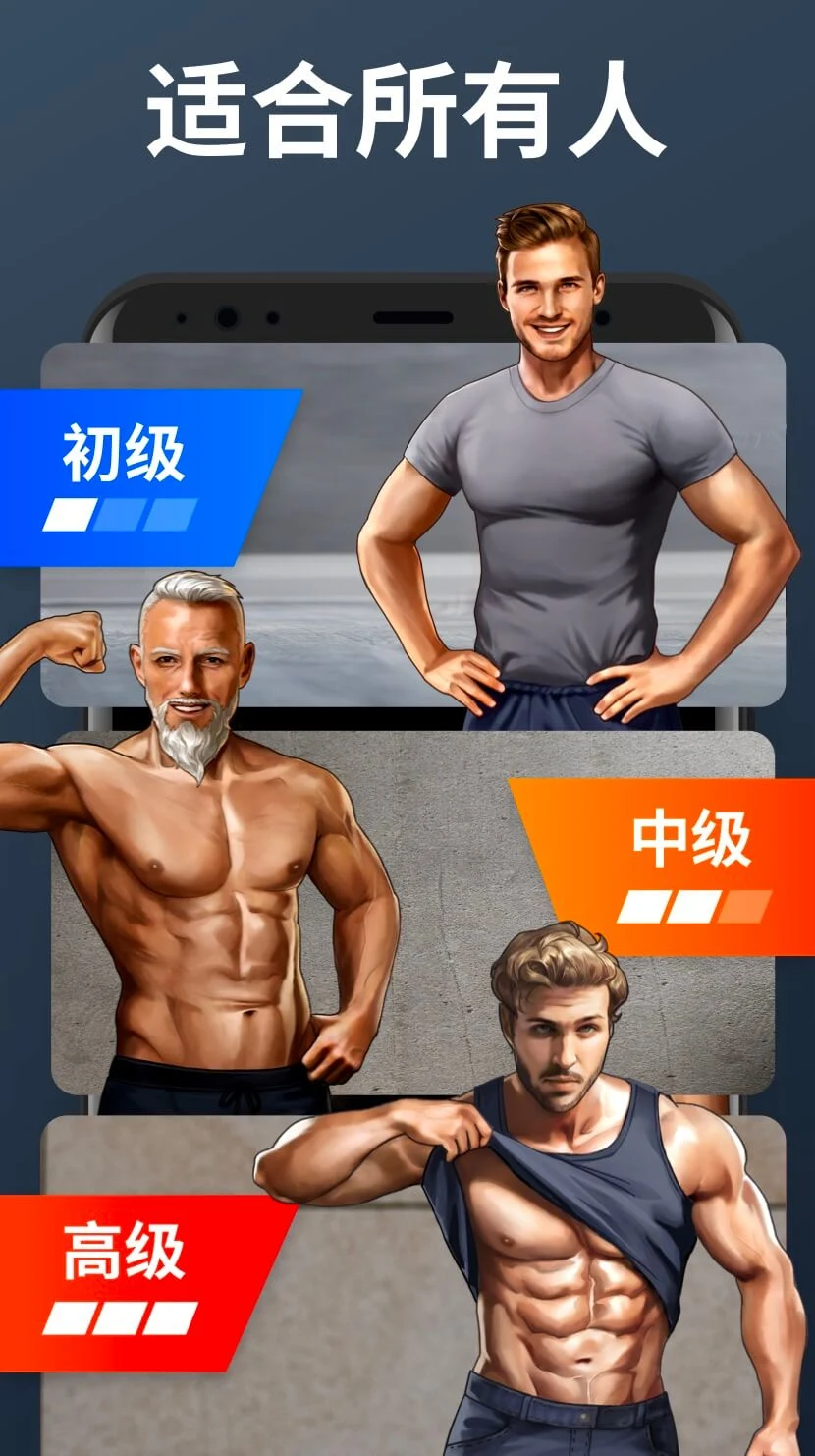
The app caters seamlessly to every fitness background, guiding total newcomers just as effectively as seasoned athletes. Trainees can progress at their own speed through hundreds of functional bodyweight and strength-building drills engineered to safely elevate endurance, power, and cardiovascular capacity step by step. Each workout routine aligns directly with your personal fitness targets to ensure consistent adherence, syncing seamlessly across your account so you can easily schedule your training sessions throughout the day.
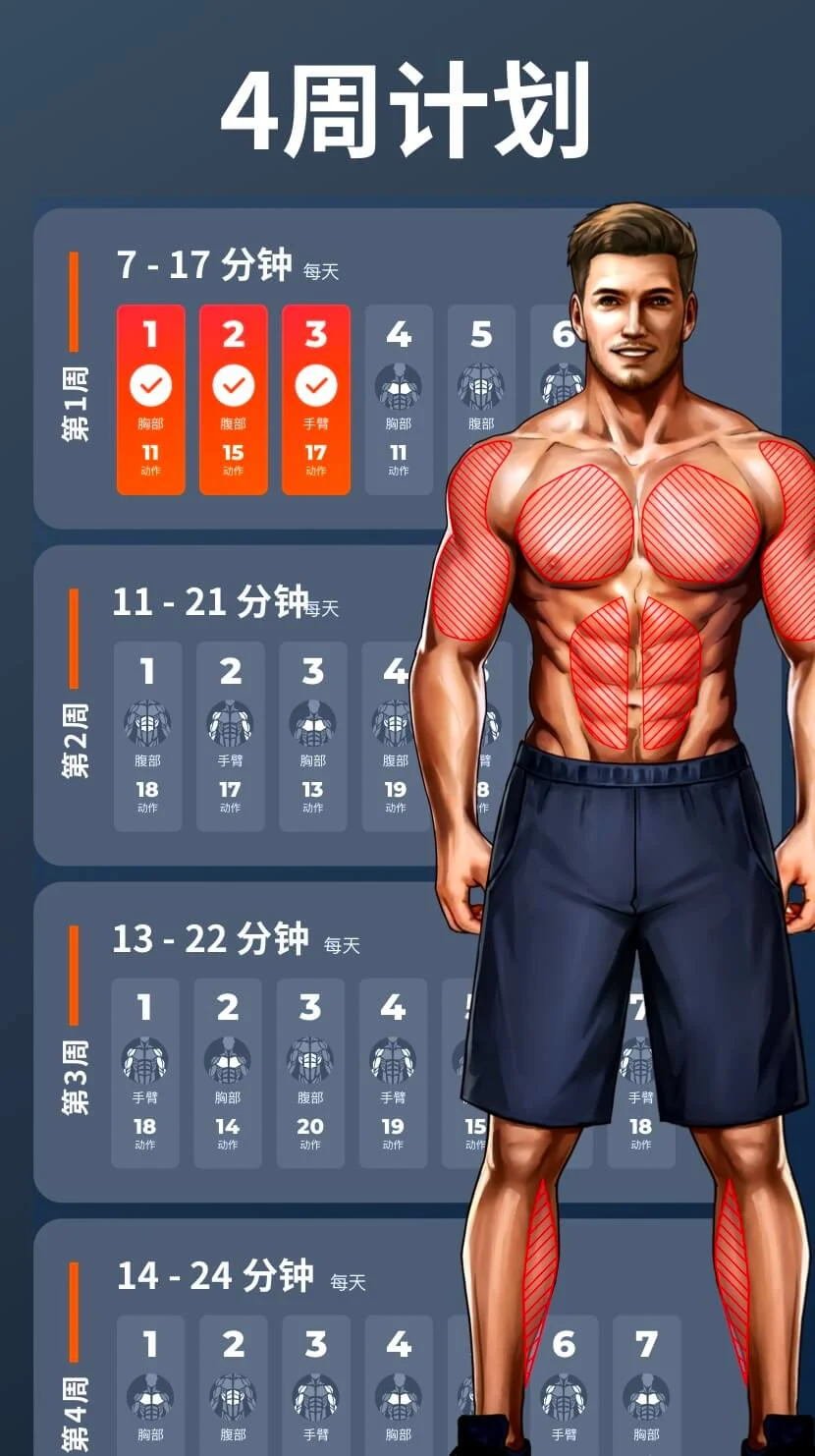
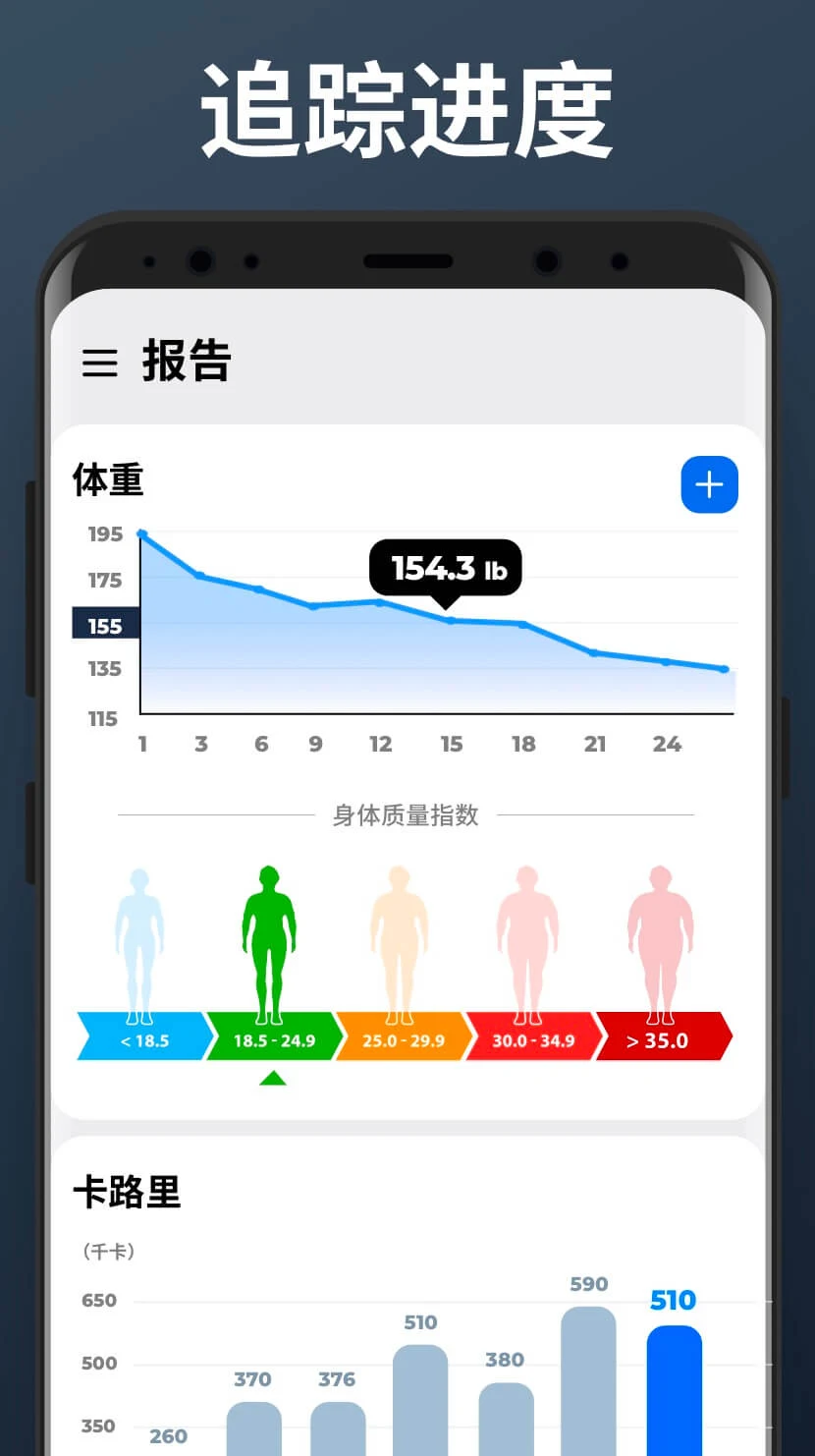
Home Workout leverages smart tracking and insightful analytics to help you monitor ongoing milestones and stay invested in your transformation. An integrated activity log records your completed sessions, offering clear statistical breakdowns of your overall development. To keep motivation running high, the app features daily fitness challenges alongside milestone achievements, breaking down intimidating fitness objectives into manageable daily victories that foster healthy, lifelong exercise habits.
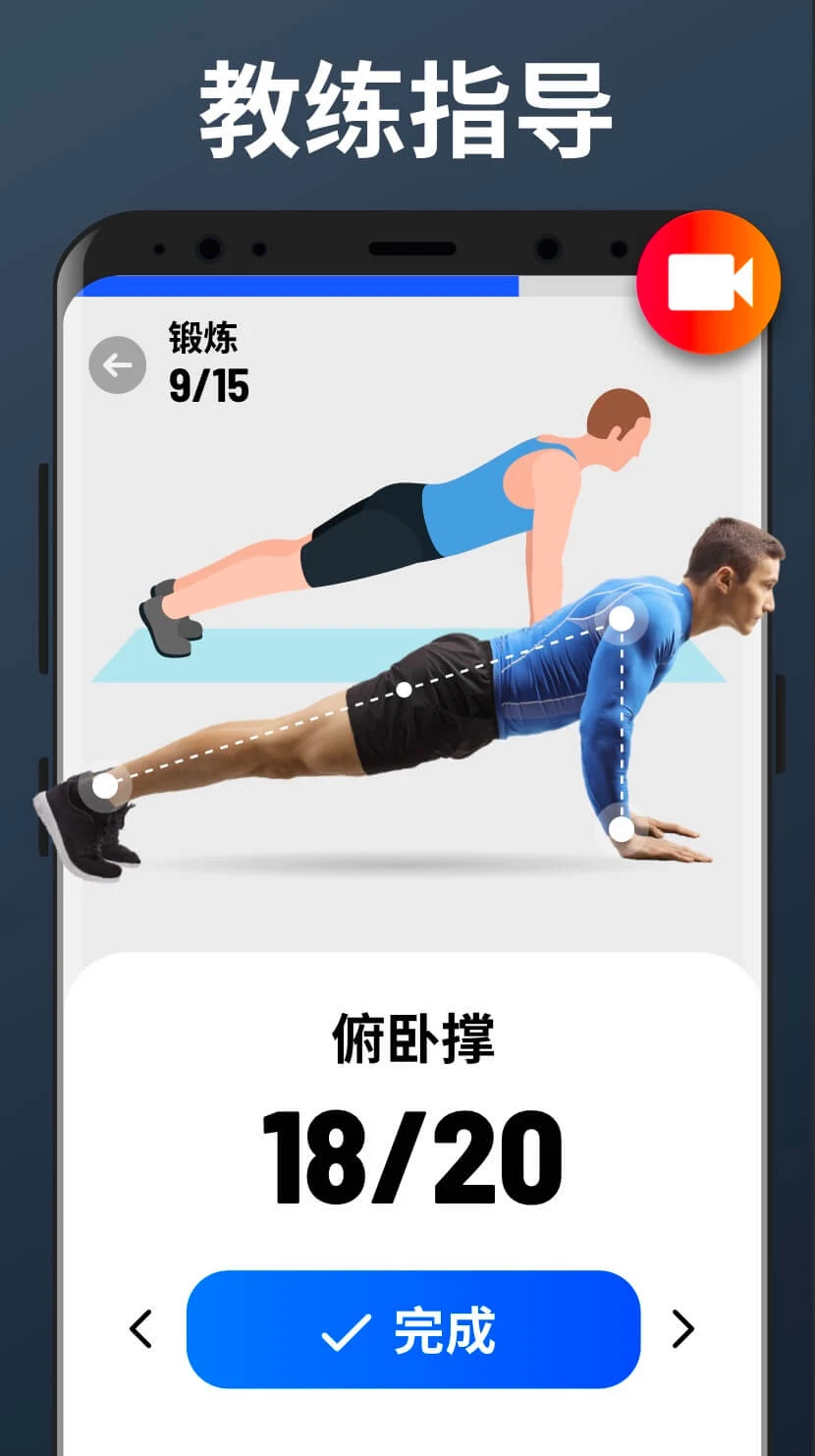
Every exercise comes complete with clear step-by-step guidance, visual illustrations, and animations to ensure safe, proper posture. Because exercising at home without a personal trainer can easily lead to improper technique and accidental injury, these detailed instructions ensure you target the intended muscles effectively. In addition, dedicated warm-up and cool-down routines are integrated to reduce physical strain, prevent injuries, and deliver a balanced, rewarding workout experience.
Discover dozens of targeted routines spanning various body movements and fitness levels. Since every drill relies solely on your own bodyweight, staying active on the go has never been easier. Easily perform foundational moves like squats, push-ups, planks, and lunges without complicated setups. The app helps you break through the common obstacle of finding time to stay fit, letting you pick quick 10-minute sessions or full 60-minute training blocks to match your daily schedule. Customizable daily workout reminders make building a consistent habit effortless. Plus, once downloaded, all workouts run completely offline without an internet connection—making it an ideal companion for workouts during travel.
Designed to eliminate common excuses when starting a fitness lifestyle, this app delivers effective routines whether you cannot leave home or lack access to a fitness center. Every session demands zero gear and requires no active data connection, with many quick routines finishing in under 10 minutes. Train comfortably at home, outdoors at the park, or wherever you feel best. You can also craft custom routines focused on core or back strength while utilizing built-in safety guidance and progress tracking. Overall, it gives you a safe, empowering, and convenient platform to kickstart your personal fitness journey.
Key Features
- Full-Body Workouts
- Beginner to Advanced Levels
- Personalized Training Plans
- No Equipment Required
- Progress Tracking
- Daily Challenges
- Clear Animations & Instructions
- Warm-Up & Cool-Down Routines
- Diverse Exercise Variety
- Flexible Workout Durations
- Daily Workout Alerts
- Offline Mode Supported
Related MOD APKs
- Downloader – Video Downloader
- Gym Workout Tracker: Gym Log
- Arm Workout – Biceps Exercise
- Six Pack in 30 Days – Abs Workout
FAQ
Is Premium unlocked in Home Workout – No Equipment MOD APK?
Yes, this Home Workout – No Equipment 1.7.7 release comes with Pro and Paid features fully Unlocked. It retains all core functionalities from the official Leap Fitness Group release, with premium perks enabled right after installation.
What is the latest version of Home Workout – No Equipment MOD APK?
Version 1.7.7 corresponds to the official Leap Fitness Group release dated July 18, 2026. GameMod.dev hosts only the newest release. To update, simply install the APK over your existing setup; if a signature conflict pops up, uninstall your previous build first.
Is Home Workout – No Equipment MOD APK safe to download?
Yes, this Home Workout – No Equipment 1.7.7 APK from GameMod.dev delivers the Leap Fitness Group release with Pro and Paid Unlocked privileges. It boasts a 4.9 rating from 38 users and runs without root access. If Google Play Protect shows a prompt, you can safely proceed when downloading directly from this page.
Can I use Home Workout – No Equipment MOD APK on PC or iPhone?
This package is built exclusively for Android and will not run natively on iOS devices like an iPhone or iPad. To run the 41 MB APK on a PC, launch an Android emulator such as LDPlayer or BlueStacks and drag the installer directly into the emulator window.
How to install
- Download the APK file above to your phone.
- Allow “Install unknown apps” when prompted.
- Open the downloaded APK and tap Install.
- If the package includes OBB/XAPK data, follow the bundled instructions.
MOD APKs are modified builds, so Play Protect may show a warning. Install only if you trust the file; use at your own risk.