

Screenshots
Description
Written by Albert H. Gates
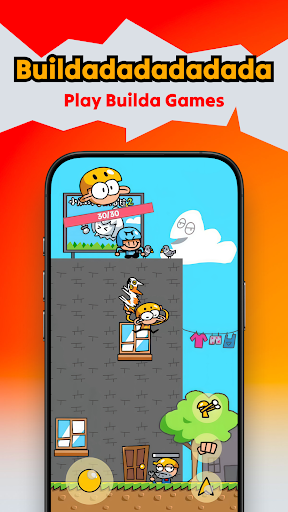
Builda APK is a platform app that lets you build your own games, connect with a social network, and enjoy a wide range of titles made by other players. It already has a sizable community and a large game library just waiting to be explored. Developed by Hortor Interactive and released in October 2025, Builda quickly surpassed 500 thousand downloads and earned a 4.2-star rating on the Google Play Store.
About Builda
Imagine a single platform that offers creative tools, engaging gameplay, and a lively community to chat with. That is exactly what Builda delivers, the new app that arrived in the second half of 2025. Originally known as Julian's Editor, it has been reshaped through many updates and now comes with a completely fresh look. In this article, let's take a closer look at what this platform app has to offer.
Personalize Your Character
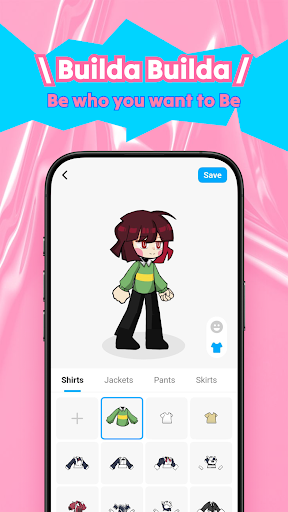
To get started with Builda, you'll need to accept the terms, register, and log in with your own account. From there, you can pick the character you like. The app's huge fashion catalog lets you design a look that suits your personal style, with hundreds of coats, outfits, dresses, shoes, and socks, plus plenty of hairstyles, faces, and eye options to explore. Keep in mind that some items require you to watch videos or spend coins before you can own them.
Massive Game Library on Builda
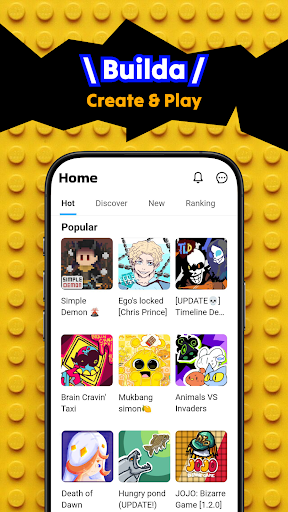
Once you step into Builda, you'll find a world full of interesting games. Many of them are created by other players and are rarely found on other platforms. You can easily browse by category, such as:
- Recent: Games you have played most recently.
- Top Games: The most popular titles on the platform.
- Fantasy Games: Immortal-themed adventures such as Bao Tau Quan Hiep and Tu Tien Dou La Dai Luc.
- Fishing Games: Fishing titles inspired by popular Chinese fishing short films.
- Manga Games: A collection of games based on manga, anime, and similar styles.
- Shooter Games: Distinctive shooting experiences such as Nevada Crisis and Night Raider.
Create Your Own Game
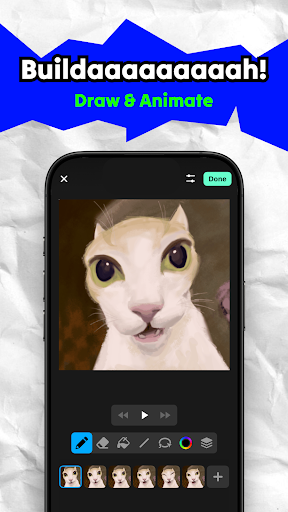
As mentioned earlier, Builda doesn't just offer games to play, it also lets you make your own. Building a complete game does take a fair amount of video game knowledge, though. Here's the general process:
- Tap Add New, then select Games.
- Enter a name for your game and project, then choose a template. You'll find several options, including Solo Platform, Solo RPG, Tower Defense, and Online PvP. You can also pick Remix to combine and modify already released titles, although this option costs money.
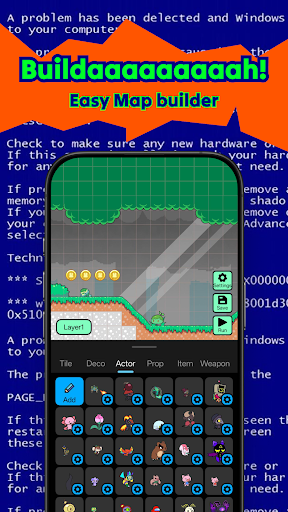
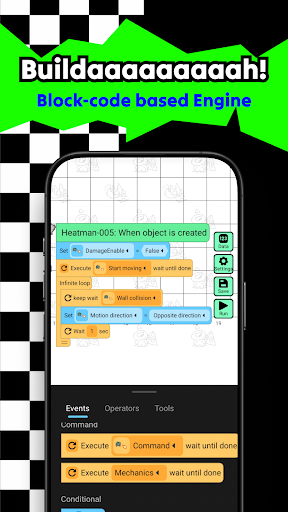
- Next, you'll enter a straightforward game editor. Depending on the type you selected, you can adjust many elements such as the number of levels, map layout, combat style, props, and items. For beginners, this can be challenging, as it requires considerable time and effort.
- Once your game project is finished, you can publish it right away. Be sure to add a detailed description so other players can easily find and enjoy it.
Build a Community
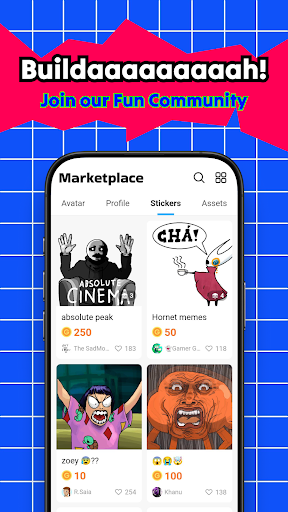
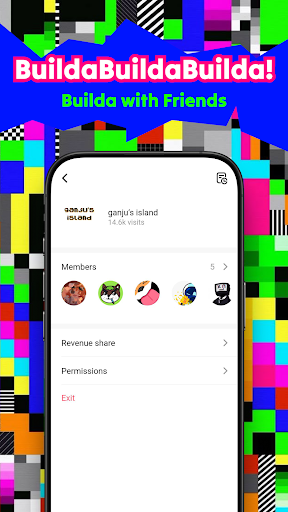
Although it has only recently returned, Builda has quickly attracted attention and built a strong community. Users here create games, play them, and chat with one another. You can join at any time. The app also features short videos that resemble the popular TikTok platform. You can follow other users, like and save videos, and leave comments. Pretty engaging, right? If you're a new game developer, Builda can be a great place to grow your brand.
Download Builda APK for Android
Builda offers a wide variety of experiences with plenty to discover. Whether you want to become a game developer or simply build a following as a creator, the platform has room for you. Its large selection of games also means there's always something fun to play. Download Builda today and start exploring everything this platform has to offer.
Comment
How to install
- Download the APK file above to your phone.
- Allow “Install unknown apps” when prompted.
- Open the downloaded APK and tap Install.
- If the package includes OBB/XAPK data, follow the bundled instructions.
MOD APKs are modified builds, so Play Protect may show a warning. Install only if you trust the file; use at your own risk.