

Screenshots

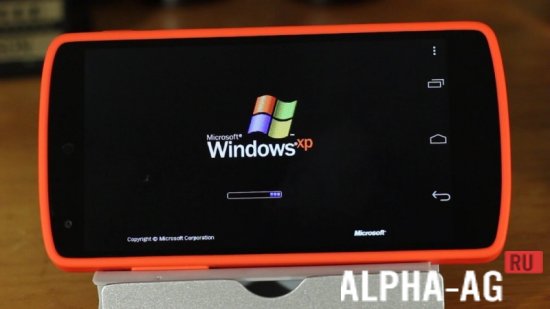

Description
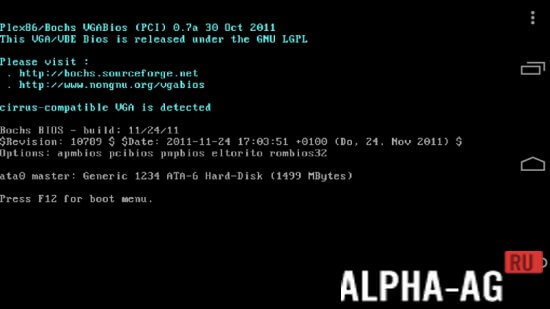
BochsApplication Bochs performs the reverse process, so owners of mobile devices on the Android platform have the opportunity to run various versions of Windows on their gadget.
Characteristics
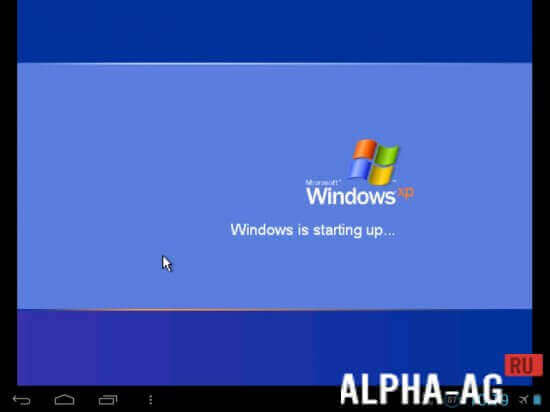
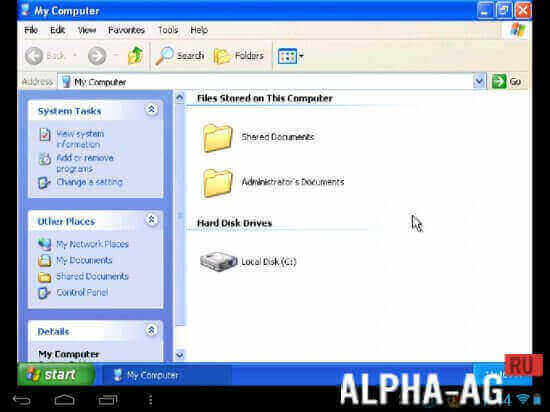
This is a rather unusual simulator that allows you to run various desktop x86 OSs on gadgets running Android. Thus, you can easily launch Windows XP, 95 or 98 on your tablet.
By the way, if you plan to run the XP version, it is better to choose a lightweight version, which will ensure faster operation.
Such an application can be useful in various situations, for example, if the user wants to use a program.However, it only runs on a computer, and working on one simply is not an option. It is noteworthy that almost all office applications run quite fast and well.
Features
Unlike similar emulators, this utility even supports sound playback, which can be critical in some situations.
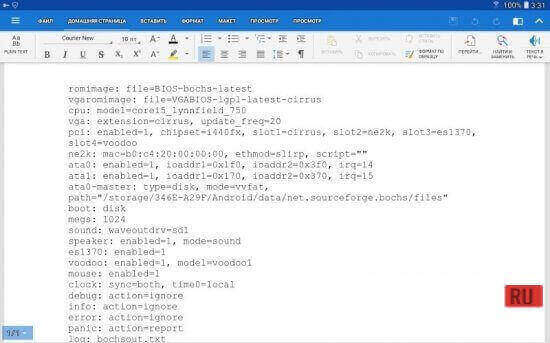
Of course, the higher the technical specifications of your mobile device, the better the emulated system will perform.When you download the system image to your gadget, you will need to extract it to a memory card so that the emulator can detect and load it. It is also worth noting that this program provides support for a mouse and keyboard as well.
On our website You can download the Bochs app for Android for free.
4 07 Jun Additional information:- Android version required: 4.2 or higher
- Age restrictions: 3+
- Russian localization: present
- Cache installation: not required
Subscribe to our YouTube channel!
Add commentHow to install
- Download the APK file above to your phone.
- Allow “Install unknown apps” when prompted.
- Open the downloaded APK and tap Install.
- If the package includes OBB/XAPK data, follow the bundled instructions.
MOD APKs are modified builds, so Play Protect may show a warning. Install only if you trust the file; use at your own risk.