
Screenshots


Description
Blackmart- Updated 29-09-2018, 22:16
- Version 2020.1.7
- Build Number 19020107
- Requirements Android 4.4+
- Genre Various
- Price Free


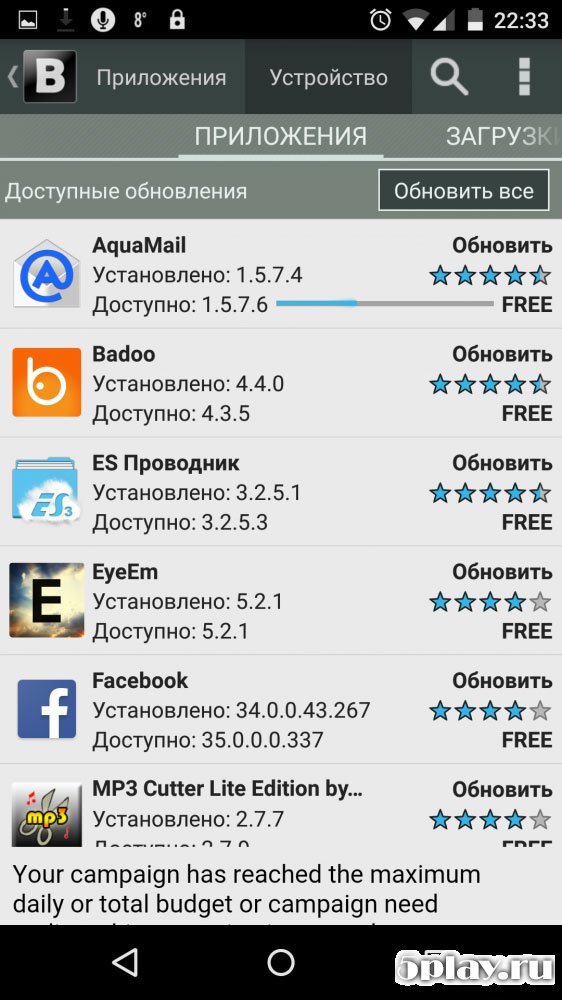
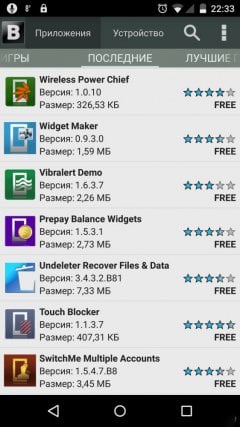
The principle of operation is not much different from Google Play or Amazon Appstore. The user finds a specific product among thousands of available and installs it on the device with one tap. The interface Blackmart is simple and clear even for a beginner. At the very top, to the right of the icon, there are two tabs - applications and device. The first contains a database of games and programs available for download, the second displays a list of installed applications.
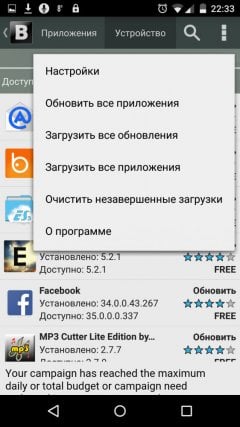
In the upper right corner, you can find a search, which, by the way, supports voice commands as well as an extended menu. The program has no settings, and only in the latest versions have developers implemented the ability to change the interface color to dark or black.
The main category is divided into subcategories for more comfortable navigation through preferred genres. The material page contains a description, user rating, and application size. There are also update / delete functions, which are available from the menu of installed games and programs.
In general, Blackmart - is a full-fledged store for smartphones and tablets, the application base of which is constantly updated. This software will be indispensable if the user has decided to use an alternative firmware without pre-installed GAPPS. The disadvantages include the relatively small number of available games and programs, as well as unstable server performance. Can't download? Installing games and programs Installing games with cache How to take a screenshot How to install APKS
How to install
- Download the APK file above to your phone.
- Allow “Install unknown apps” when prompted.
- Open the downloaded APK and tap Install.
- If the package includes OBB/XAPK data, follow the bundled instructions.
MOD APKs are modified builds, so Play Protect may show a warning. Install only if you trust the file; use at your own risk.