
Screenshots



Description
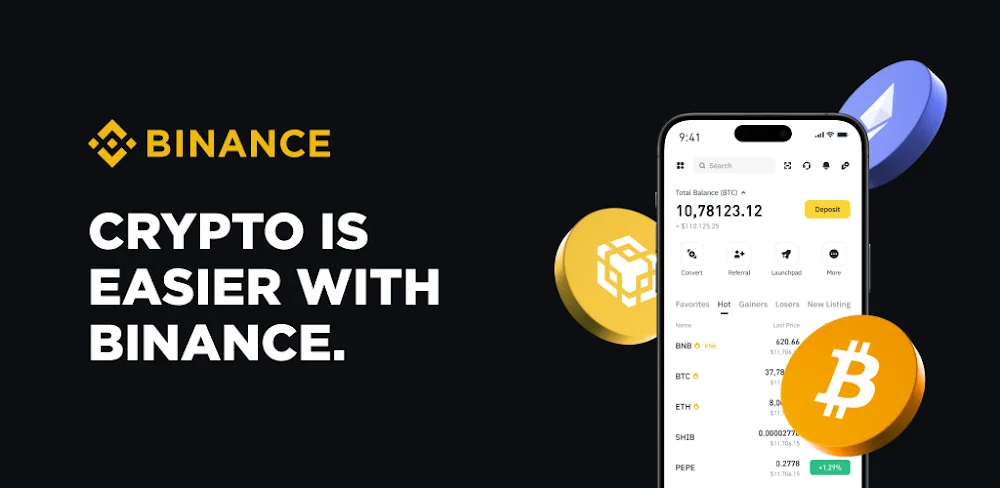
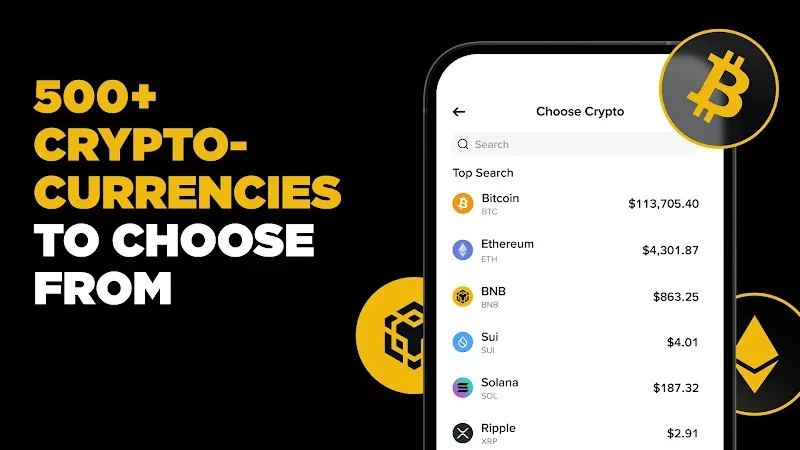
Binance is a cryptocurrency trading and asset-management app for Android, identified by package ID `com.binance.dev`. It puts buying, selling, price tracking, transfers, educational material, and selected earning products in one place. That breadth is useful if you want to check a market, place an order, and review your balances without moving between separate services. It also makes the first screen more consequential than a simple wallet or price tracker.
Start With the Trading Tools You Need
The main use is trading supported digital assets, including Bitcoin, Ethereum, BNB, Solana, and stablecoins such as USDT. Rather than treating every visitor as an active trader, the app also includes recurring purchases and price alerts. Those two tools are the calmer starting point: a recurring buy can schedule an ongoing purchase, while an alert lets you follow a chosen price without watching a chart all day.
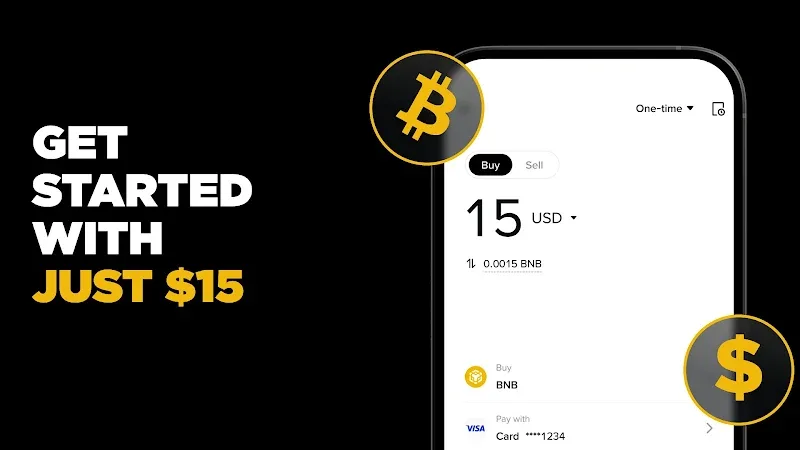
Funding methods can include payment cards, peer-to-peer transfers, bank transfers, and third-party providers. The available route depends on where you live, so the payment screen is something to check before planning a deposit. Product availability is regional too. That is especially important with financial apps, where the same menu can mean different options in different jurisdictions.
Assets Are Not Limited to a Trade Screen
Binance groups several crypto activities around the account. You can send supported digital assets to other people, and eligible balances may be used for payments and services. Its Earn area includes options such as staking, dual investment, and Auto-Invest, while Binance Alpha is presented as a place to explore emerging blockchain and crypto projects.
These are not interchangeable features. A simple asset purchase, an on-chain transfer, and an earning product each carry different conditions and risks. The useful part of having them together is visibility: you can move from a balance to the relevant action without treating the app as only a trading terminal. Still, an extra menu choice isn’t a reason to rush. Read the product terms, understand whether an asset is locked or exposed to market movement, and use only money you can afford to lose.
Research, Web3, and Account Checks
The app also surfaces Web3 content and news, offers educational articles, and supports bridging funds across blockchain networks. These tools can help explain unfamiliar terms, but they do not replace checking a transaction’s destination, network, and fee before confirming it. Blockchain transfers may not be reversible once sent.
Account setup includes identity verification, and the listing describes protections such as data encryption in transit and real-time risk monitoring. The Android privacy disclosure also says the app may collect personal and financial information and may share certain data types with third parties. Review those details alongside the app’s permissions and your own security settings.
Binance makes most sense when you need a broad mobile hub for crypto activity and are willing to learn the difference between its options. Begin with the simplest task you actually need, confirm which services are available locally, and keep higher-risk trading or earning products for after you understand their terms.
How to install
- Download the APK file above to your phone.
- Allow “Install unknown apps” when prompted.
- Open the downloaded APK and tap Install.
- If the package includes OBB/XAPK data, follow the bundled instructions.
MOD APKs are modified builds, so Play Protect may show a warning. Install only if you trust the file; use at your own risk.