
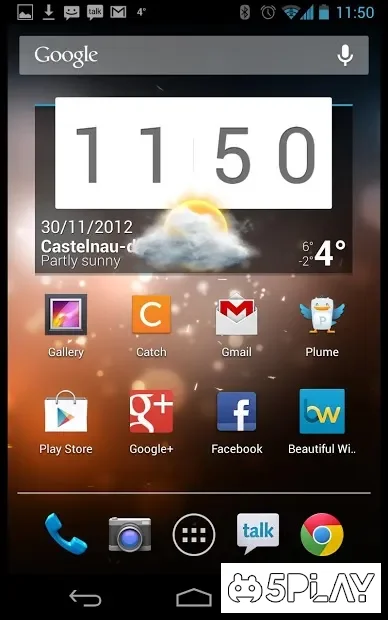
Screenshots

Description
Beautiful Widgets Pro- Updated 5-05-2017, 10:34
- Version 5.7.8
- Build number 5070800
- Requirements Android 2.3+
- Genre Personalization
- Price Free


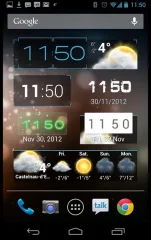
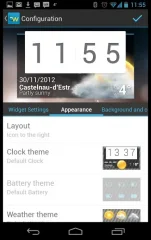
In total, the app includes 10 items for different types of desktop grids. You can choose a theme you like for any widget and customize it to your taste. To do this, you need to visit a special catalog equipped with a wide selection of designs.
Particularly appealing will be Beautiful Widgets to fans of the Sense UI. Although the program does not provide exact replicas, the visual resemblance is quite enough to satisfy user needs. Weather clock widgets are very popular. The lineup also offers other types that specialize exclusively in weather or clocks.
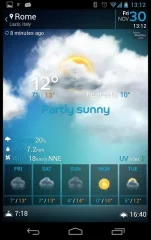
The information source for weather widgets is AccuWeather and Google services. For proper configuration, you need to select automatic location detection or manually add a city. Colorful animation that turns on when viewing the weather will brighten your mood, even when it is cold and wet outside. You can also set a time for the widget to update automatically.
Special toggles will help save some time during frequent activation of specific gadget settings: Bluetooth, Wi-Fi, GPS, etc. The battery widget is also very useful. It allows you to see the remaining charge as a percentage.
It is worth noting that the program Beautiful Widgets is great for both high-end tablets and smartphones, as well as for their low-spec counterparts. Its functionality will greatly make it easier for the user to work on the device. Can't download? Installing games and apps Installing games with cache (OBB) How to take a screenshot How to install APKS
How to install
- Download the APK file above to your phone.
- Allow “Install unknown apps” when prompted.
- Open the downloaded APK and tap Install.
- If the package includes OBB/XAPK data, follow the bundled instructions.
MOD APKs are modified builds, so Play Protect may show a warning. Install only if you trust the file; use at your own risk.