

Screenshots
Description
Baiduroot is a tool that helps you root your Android device without a PC by running the software directly on your phone. Simply download the provided .apk file, transfer it to your device, and install it like any regular app.
Download BaiduRoot and Root Checker Pro – Two essential tools to make the rooting process faster and easier on Android devices
How to Install and Use Baiduroot
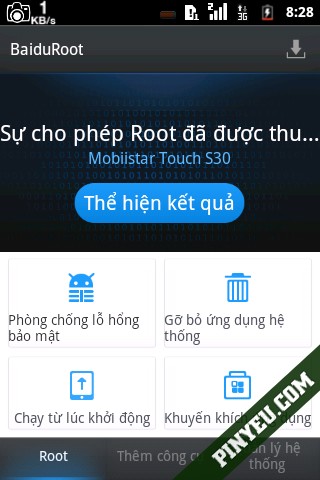
-> Download the APK file and install it like any standard app.-> On the first launch, a permission request prompt will appear -> select Accept -> proceed to the root setup screen -> tap the blue section -> wait for the process to finish. It takes about 30 seconds to 1 minute; once successful, the blue section will display the text: Show Results
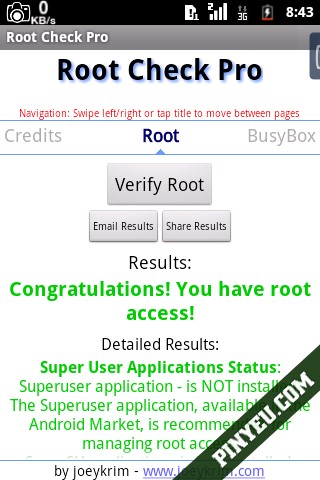
To verify whether your device has been successfully rooted, you can install the Root Checker Pro app (included in the package) to check. – Inside the app, tap the “Verify Root Access” button. If rooted successfully, a green message will appear: “Congratulations! This device has root access”.
How to install
- Download the APK file above to your phone.
- Allow “Install unknown apps” when prompted.
- Open the downloaded APK and tap Install.
- If the package includes OBB/XAPK data, follow the bundled instructions.
MOD APKs are modified builds, so Play Protect may show a warning. Install only if you trust the file; use at your own risk.