

MOD features
Auto Perfect/Good/Bad Mod
Screenshots

Description
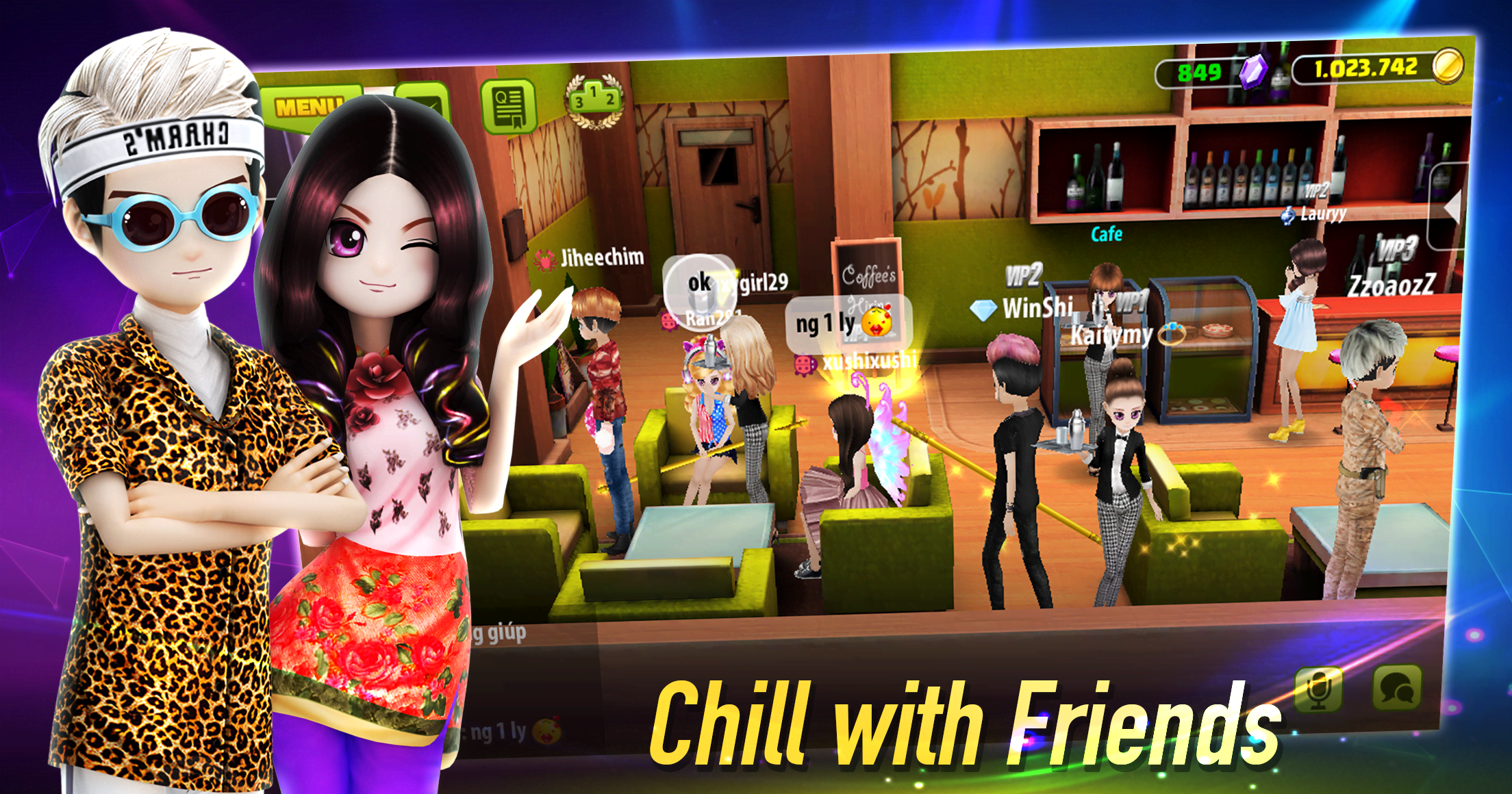
Step into the spotlight with Avatar Musik World, an exciting online rhythm and dance title where you can flaunt your best choreography, form crews, and hang out with friends both on and beyond the dance floor. Boasting vibrant graphics, silky-smooth animations, and intuitive controls, the game guarantees a seamless, beginner-friendly experience. Featuring a rich selection of modes—ranging from solo training and high-stakes competitions to casual downtime between quests, challenges, and lively chat hubs—it keeps music lovers entertained for hours on end.
AVATAR MUSIK WORLD - Music and Dance Game delivers a dynamic virtual universe that blends rhythm-fueled dance duels, interior home decorating, deep social interaction, and captivating life-simulation gameplay.
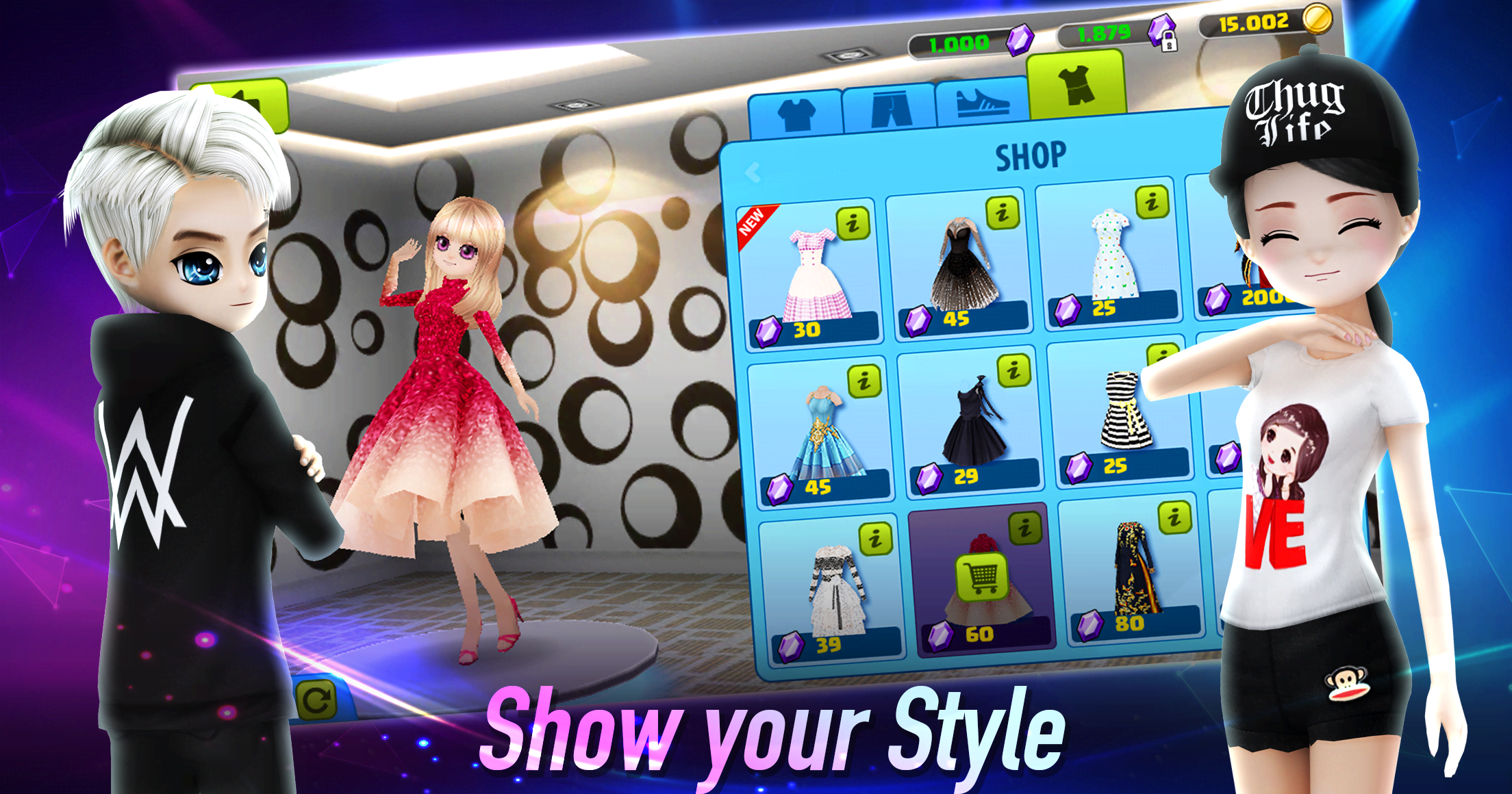
Begin by designing your custom 3D character, personalizing everything from gender and facial looks to your wardrobe aesthetic. After crafting your look, plunge into a bustling digital playground filled with catchy tunes, stylish choreography, welcoming community members, and nonstop excitement.
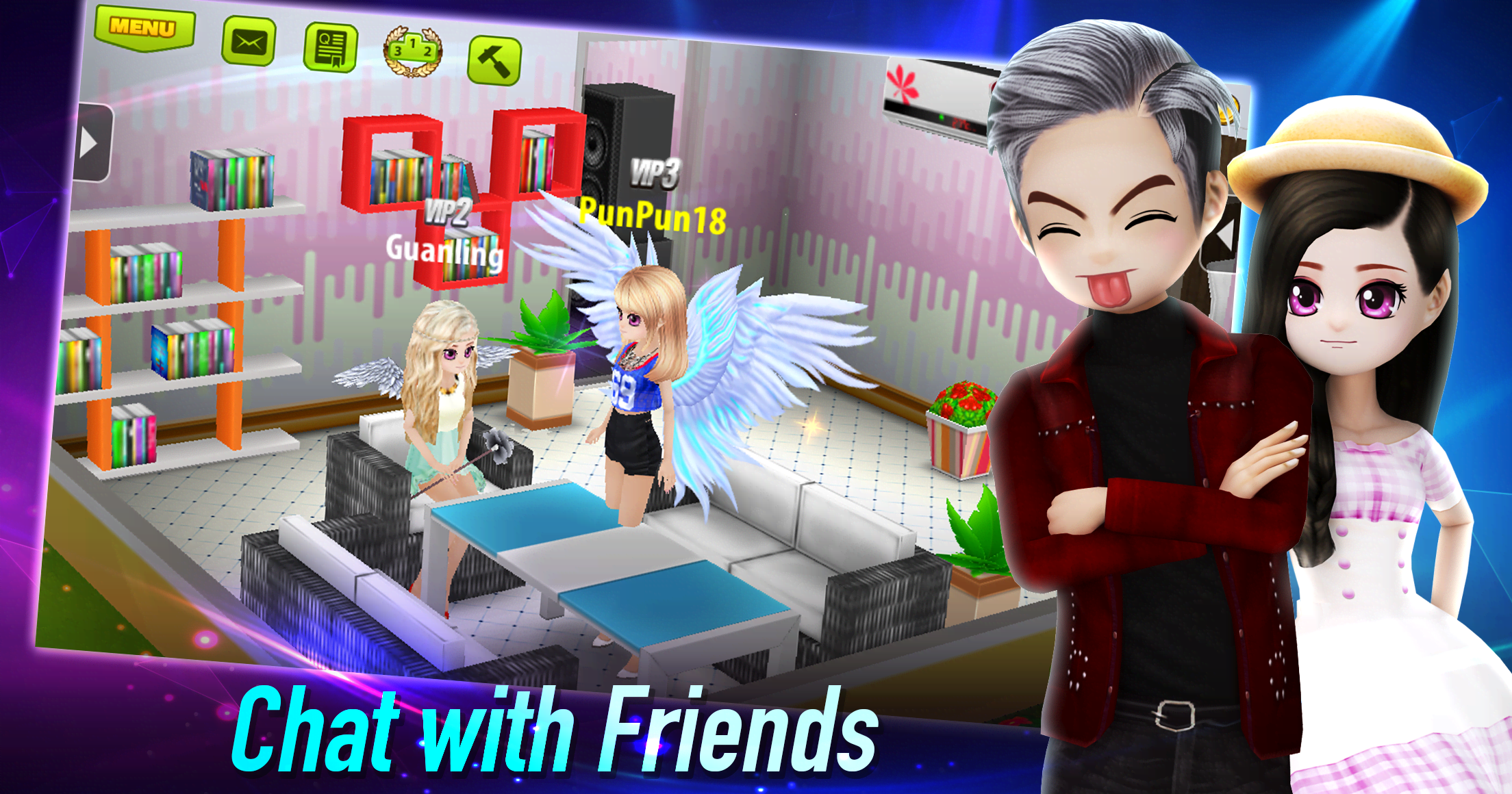
With total freedom and no strict questlines dictating your progress, you can wander through the open environment at your own leisure, stumble upon hidden corners, socialize, and unwind. You even get a personal apartment to renovate and personalize in true The Sims fashion—upgrading appliances, arranging furniture, and picking out chic decor. Still, the biggest thrills await downtown, where connecting with other dancers comes naturally.
The lively metropolitan area features trendy clothing boutiques, chill music lounges, and bustling nightclubs. Head to the dance stage to prove your skills in beat-matching battles, aiming for peak scores with perfect timing. Every reward you earn can be spent on trendy outfits, sparkling jewelry, chic accessories, or upgrading your living quarters. Soak in the soundtrack, forge new friendships, and let your personality shine across the dance floor.
How to install
- Download the APK file above to your phone.
- Allow “Install unknown apps” when prompted.
- Open the downloaded APK and tap Install.
- If the package includes OBB/XAPK data, follow the bundled instructions.
MOD APKs are modified builds, so Play Protect may show a warning. Install only if you trust the file; use at your own risk.