
Screenshots
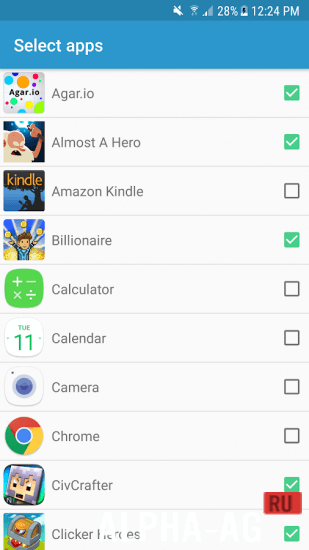

Description
Automatic Tapping: Auto ClickerWith this app you can set up automatic tapping at any point on your device's screen, and you can also specify the interval at which these taps will be performed.
Gameplay
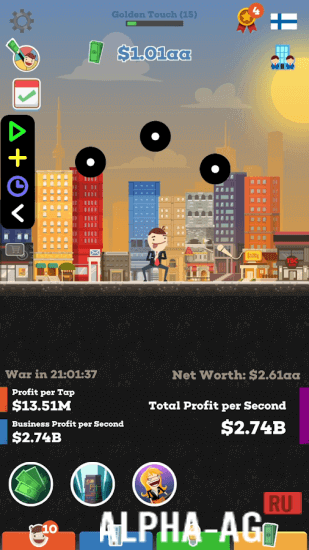
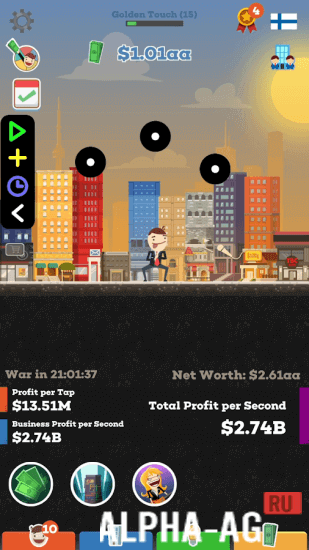
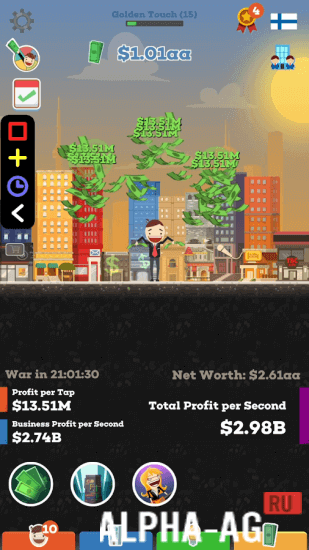
This app will be useful to all users who enjoy playing clicker-genre games. Now you won't have to endlessly tap your device's screen to achieve good results in the game, because the app will do it for you. After launching the app, you will need to configure it, which is quite simple to do.
You just need to select the games in which you want to use it. Then, when you launch any game you have selected, a small menu will appear where you can activate the clicker. You will need to choose the place for automatic taps using the tap point widget.
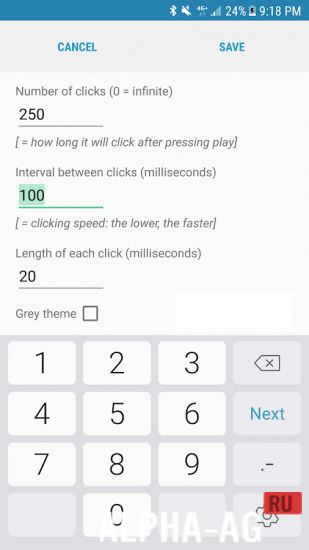
In this menu you can also configure the number of taps, set the interval between taps, and the duration of each tap. There are no restrictions here: you can reduce the tap interval to 1 ms, which allows the app to perform 1000 clicks per second.
Regardless of the tapping speed you have set, you can stop it at any moment by pressing the "Stop" button.Key Features
A genuinely useful app that will simplify your gameplay in 100 clicker games. With this app you can automate endless tapping on your device's screen. To do this, simply choose the spot where the taps will be performed.
You will also need to specify the interval and duration of the taps. In this app you can save several sequences with the chosen settings for each game. So that you can skip through recordings in time, you can add long presses. 1 23 Dec Additional information:- Requires Android version: 7.0 or later
- Age restrictions: none
- Russian localization: available
- Cache installation: not required
Subscribe to our YouTube channel!
Leave a commentHow to install
- Download the APK file above to your phone.
- Allow “Install unknown apps” when prompted.
- Open the downloaded APK and tap Install.
- If the package includes OBB/XAPK data, follow the bundled instructions.
MOD APKs are modified builds, so Play Protect may show a warning. Install only if you trust the file; use at your own risk.