
Screenshots
Description
AudioLab MOD APK is a cutting-edge, fast, and modern audio editor and ringtone maker, packed with every feature you could need.
The AudioLab MOD APK gives you access to the premium features of this mobile audio editing suite. With the Pro status unlocked, this build lets you use the complete set of advanced processing tools without the limits found in the standard version.
What's Modified in AudioLab
- This build unlocks the Pro version features, giving you full access to all premium audio editing and processing tools.
Version 1.3.24 is a 30 MB file with the package name com.hitrolab.audioeditor. Because this AudioLab MOD APK is re-signed, it cannot be installed over an existing copy from the Play Store.
About AudioLab
AudioLab is a powerful, precise platform for creating and editing audio files. It lets you work with every individual sound segment and offers a range of ways to do so. Whether you're producing a full music track or capturing and polishing a simple sound effect, the app can handle it. It provides the tools to create any audio project as easily as possible, with a high level of performance and a professional feel, much like working in a real recording studio. Its digital workspace can be tailored to your needs and preferences, bringing next-generation tools to a mobile platform. The main goal of the software is to help you complete any audio-related task successfully. Its audio processing power is considered nearly limitless, and it aims to supply today's audio creators and producers with the instruments they need to reach their goals.
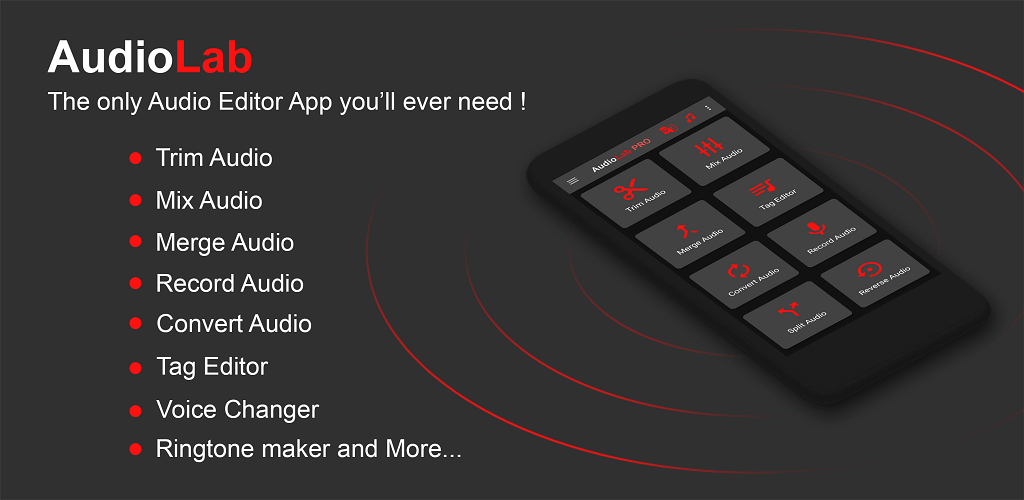
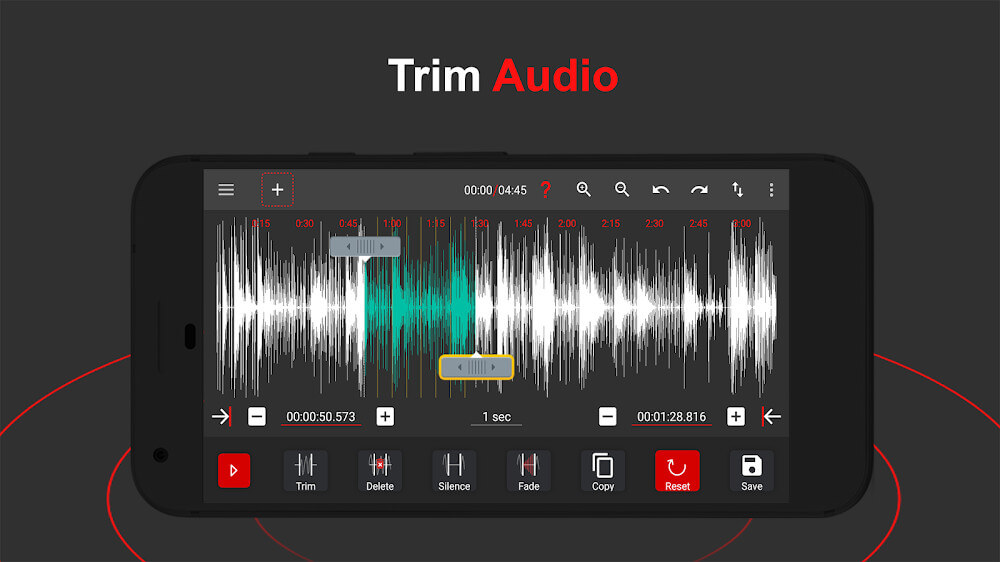
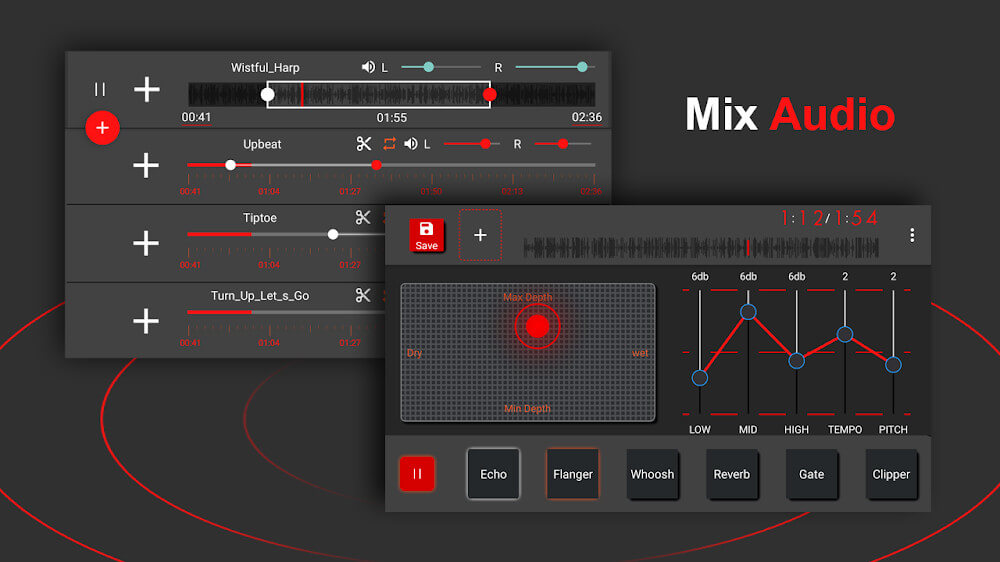
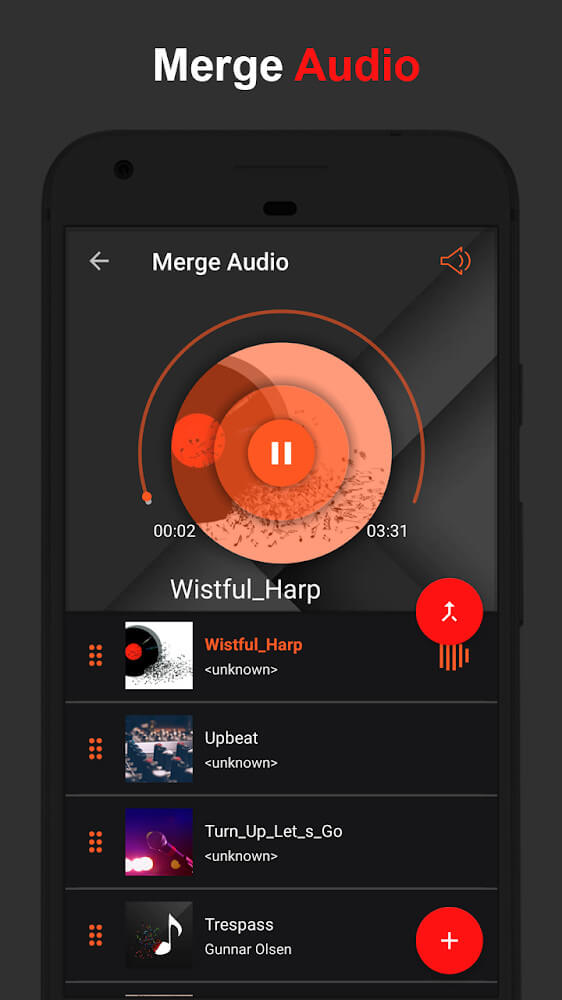
The software focuses on cutting, mixing, and merging audio tracks, making it easy to slice and edit sound like cutting a cake. You can trim and join sections of tracks to perfect the overall quality of your final product. Several cutting tools offer a high degree of accuracy, and they can work across multiple layers, which is especially useful when combining several sounds. This layer-based system lets you time sounds with exact precision, for example to sync background music with specific actions in a video. Once editing is done, you can save your tracks in various formats such as AAC or MP3. Files can also be exported in lossless quality, with the metadata preserved, giving you flexibility when reusing the tracks in other projects. The app encourages thorough editing so you can reach the highest possible quality.
Beyond simple editing, this app uses AI to transform audio in many powerful ways. Its AI can remove background noise from recordings, improving quality over the original raw sound. This addresses many needs, from cleaning up noise in voice tracks to enhancing other kinds of ambient recordings. The AI processing keeps the original sound quality intact while removing background noise and artifacts. This is just one way AI improves audio processing. The app is designed to keep the signal clean and high fidelity. It offers many different ways to process and edit audio, but you control the various editing and processing parameters to apply the changes you want for the best results.
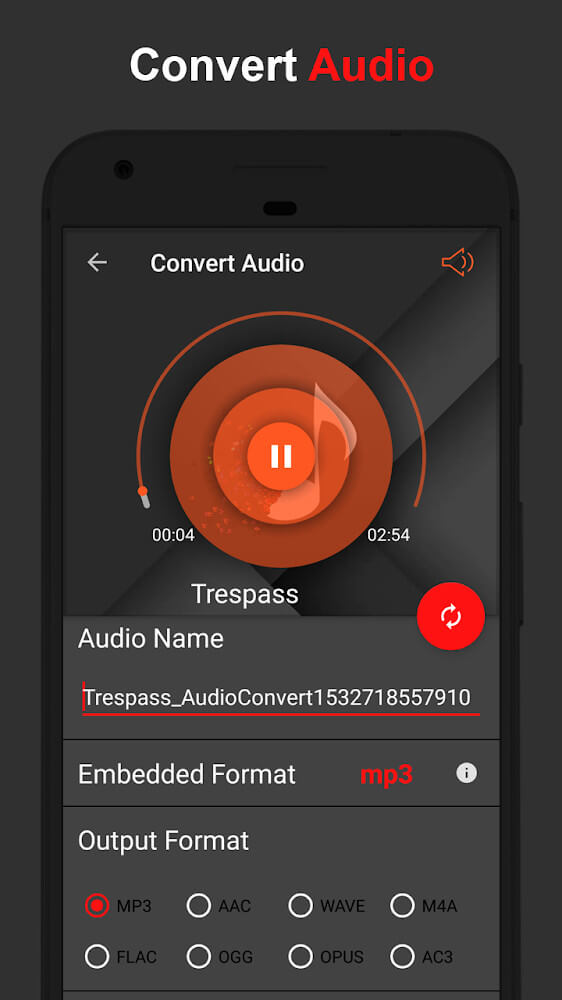
The software includes a powerful conversion engine that effortlessly extracts audio from videos. It can pull the audio from MP4 files and convert it to MP3 with minimal effort, usually in very little time. Beyond basic conversion, you can adjust the sound quality if needed or change the volume of different segments of the audio. For larger jobs, batch conversion lets you select a group of video files and have the software extract the audio from each one in the background. This makes the app especially useful for anyone handling large volumes of video, whether for editing or other post-production work. You can also adjust the volume of individual segments so that the audio matches a consistent level across all the media files you're converting.
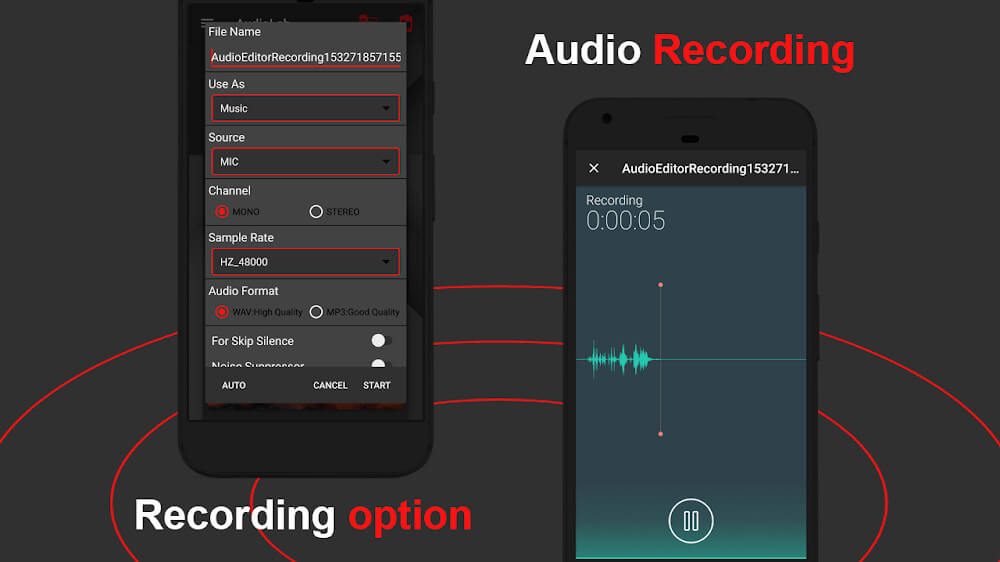
The app's recording system improves recording quality while giving users more control over the process, making them feel more at ease while recording. Users can pause a recording whenever they like and take as much time as they need to finish a session. This produces more complete audio without the tedious cleanup work usually required afterward. The system analyzes the incoming audio and outputs clean audio or voice-overs. Users can then edit the recorded or voice-over audio or merge it with other content. The app uses text-to-speech and speech-to-text technologies. Text-to-speech supports a wide range of international languages. Speech-to-text lets users import audio or voice recordings and turn them into documents or text transcriptions.
The app provides specialized tools for creating mobile assets such as ringtones. With it, users can convert almost any type of audio, such as music or sound clips, into formats that work on their mobile device. There are no limits on which audio can be converted, so users can set their own audio files as ringtones. The app offers great flexibility, precision, and compatibility with a wide range of audio formats. It delivers exceptional accuracy across many of its features to ensure the best performance. The developer aims to combine into one application the tasks that once required many separate apps, including ringtone and audio format conversion tools, all designed for superior performance and maximum convenience.
Key Features
- Precise audio cutting, trimming, and mixing tools
- AI-powered noise removal for high-quality audio
- Custom ringtone creation from your favorite tracks
- MP4 to MP3 video-to-audio conversion
- Batch processing for background audio extraction
- High-quality recording with pause and resume functions
- Multilingual text-to-speech conversion
- Speech-to-text transcription for audio clips
- Segment-specific volume adjustment
- Customizable output formats
- Multi-layer audio synchronization
Related MOD APKs
- Spotify Music
- Spotify X Gold
- YouTube Music
- Apple Music
FAQ
Is Premium unlocked in the AudioLab MOD APK?
This build of AudioLab (1.3.24) comes with Pro Unlocked. It works like the HitroLab – Mp3 Audio Editor & Audio Recorder Dev release, and all modifications are active as soon as you install it.
What is the latest version of the AudioLab MOD APK?
Version 1.3.24 matches the HitroLab – Mp3 Audio Editor & Audio Recorder Dev release from May 30, 2026. We don't keep older versions here. To update, install this file over your current app. If you see a signature error, uninstall your existing version before trying again.
Is the AudioLab MOD APK safe to download?
This AudioLab 1.3.24 build is the HitroLab – Mp3 Audio Editor & Audio Recorder Dev app with Pro Unlocked enabled. It has a 3.5 rating from 55 users. It does not require root access. You can ignore Play Protect warnings during setup, and for your security, always download from this page.
Can I use the AudioLab MOD APK on PC or iPhone?
This Android file won't run on iPhone. To use the 30M APK on a computer, install an emulator such as BlueStacks or LDPlayer, then drag this file into the software to start the installation.
How to install
- Download the APK file above to your phone.
- Allow “Install unknown apps” when prompted.
- Open the downloaded APK and tap Install.
- If the package includes OBB/XAPK data, follow the bundled instructions.
MOD APKs are modified builds, so Play Protect may show a warning. Install only if you trust the file; use at your own risk.