

MOD features
- VIP features (Unlocked)
- Ads (Disabled)
- Ad links completely stripped
- Redundant files and clutter cleaned up
- Most tracking and analytics services deactivated
- Universal CPU architecture support
- Fully compatible with AOSP devices (no Google Services required)
- All debugging code and logs eliminated
- Package signature modified for installation
Screenshots
Description
Boost your daily workflow effortlessly. By using an app that provides instant access to your favorite tools, you can significantly enhance your efficiency. The Assistive Touch MOD APK lets you fully personalize your shortcut menu, launch apps in a flash, and extend the lifespan of your physical hardware buttons.
Upgrade your Android experience with Assistive Touch MOD APK, the ultimate tool for adding convenient touch access while reducing physical screen wear. This app acts as a shield for heavy smartphone users. By providing nearly instant access to virtual controls, you can stop worrying about wearing out your phone's physical components. Whether you are a gamer looking for quick screen recording or a multitasker juggling various apps, Assistive Touch MOD APK handles all your navigation needs.
Main features of Assistive Touch MOD APK:
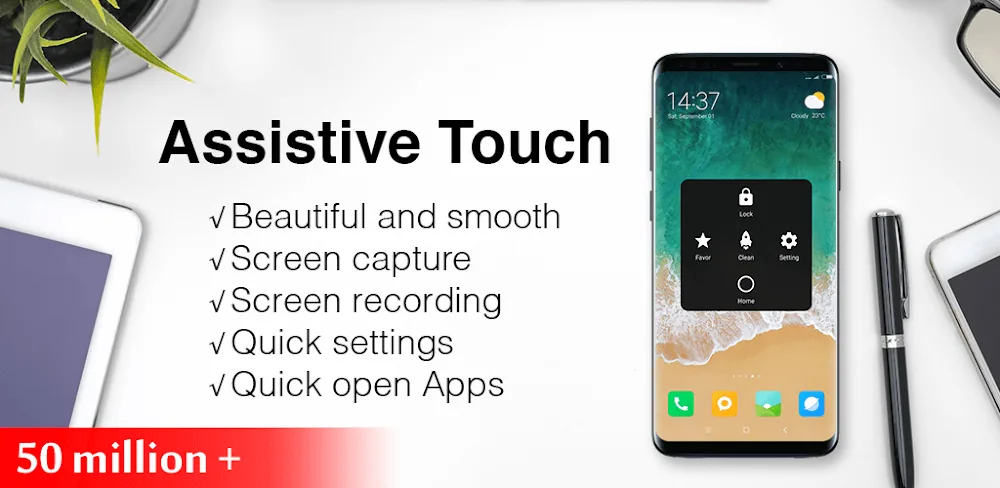
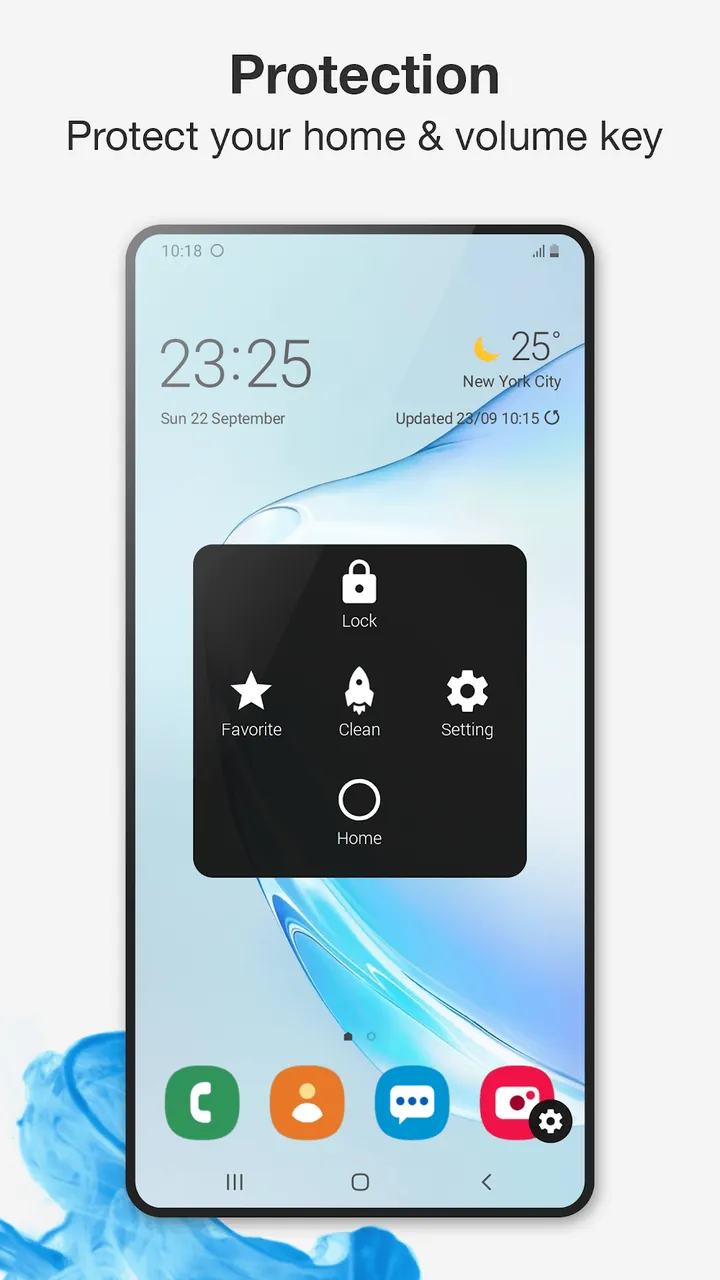
- Virtual Home Button – Protect your phone's physical Home button! With the virtual button in Assistive Touch MOD APK, you can return to the home screen, switch between recent apps, or lock your phone with a single tap.
- One-touch Screen Capture – Easily snap photos of your screen using the most intuitive capture method available in Assistive Touch MOD APK.
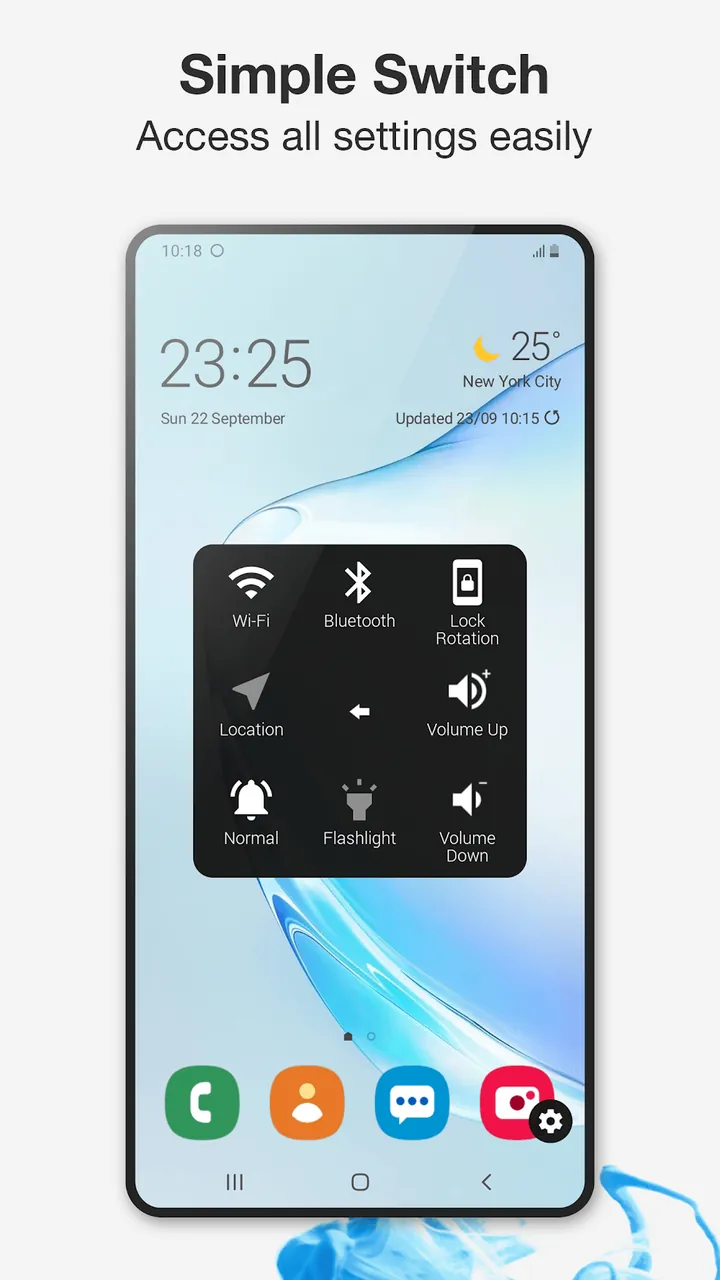
- Dynamic Quick Settings – Effortlessly manage your device settings and menus, including quick toggles for Bluetooth and Wi-Fi.
- RAM Booster & Speed Optimizer – Boost performance and eliminate lag across all your applications with a single tap.
- Virtual Volume Control – A perfect solution for adjusting audio when your physical buttons are hard to reach or inconvenient.
- Screen Recording – Capture your best gaming moments and highlights to share with friends effortlessly.
Shortcuts for Quick Access
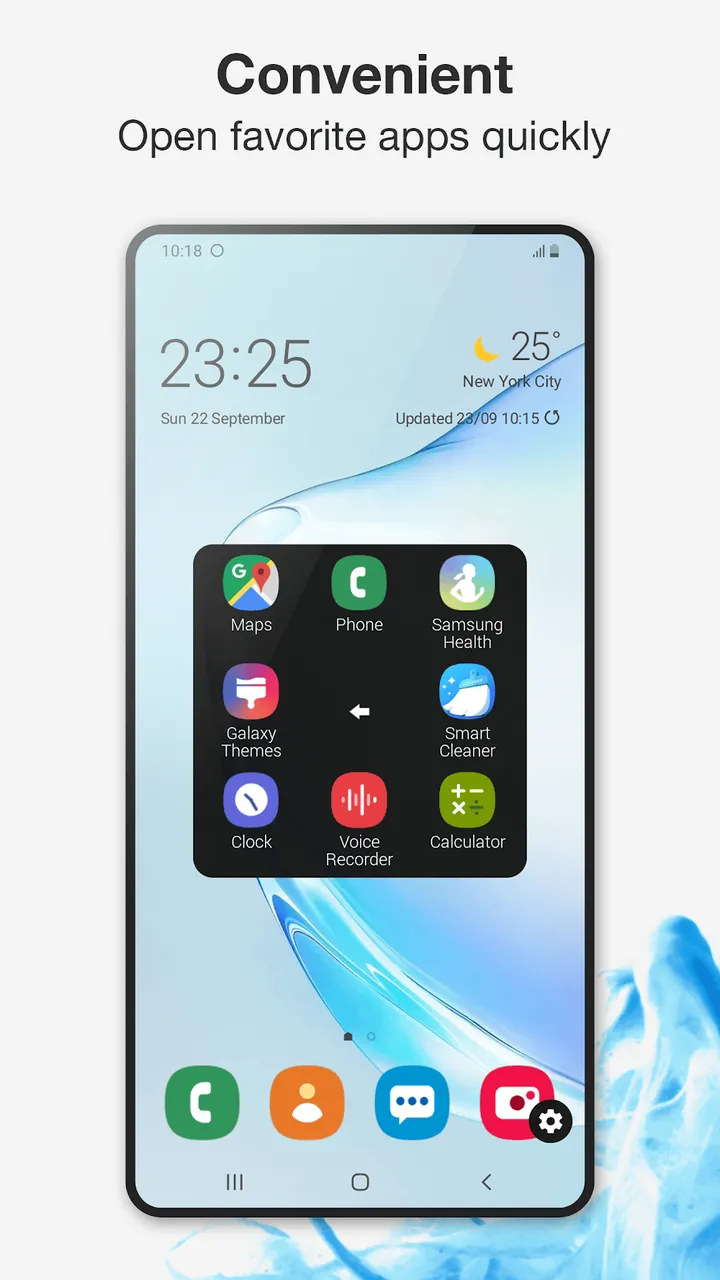
You can now pin your most frequently used apps to the floating menu for instant access at any moment.
Customization and Mechanics
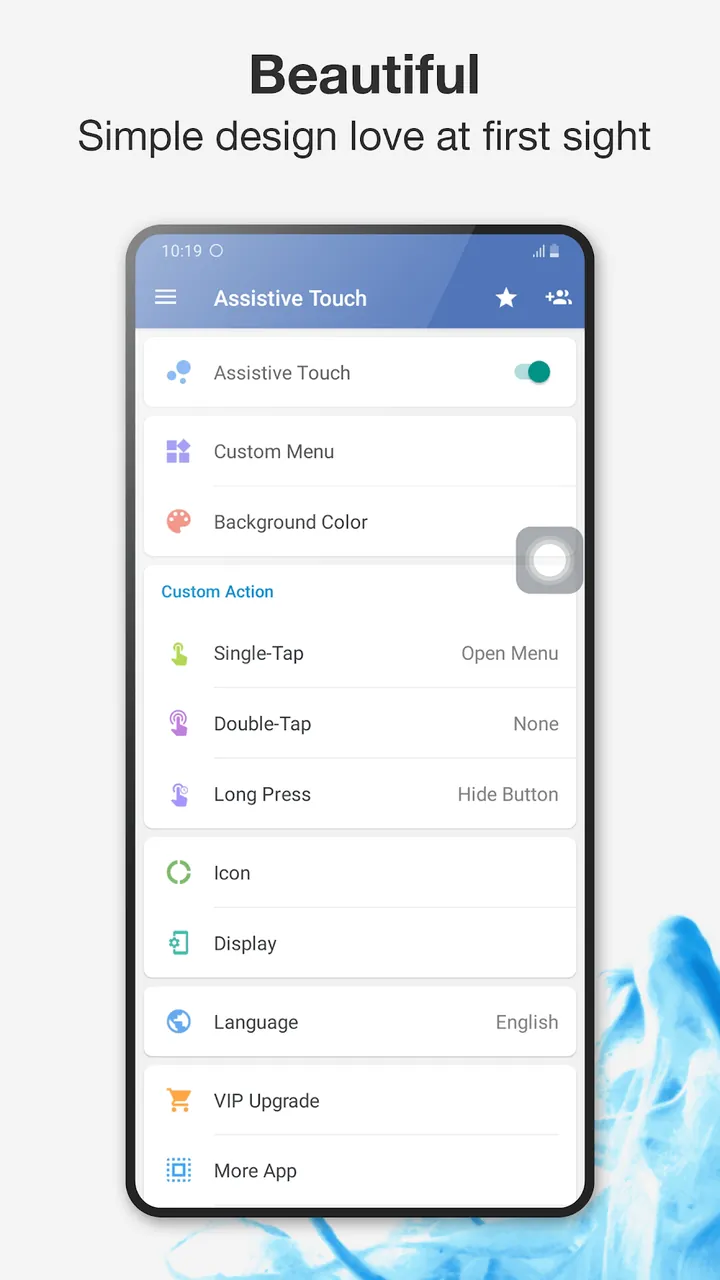
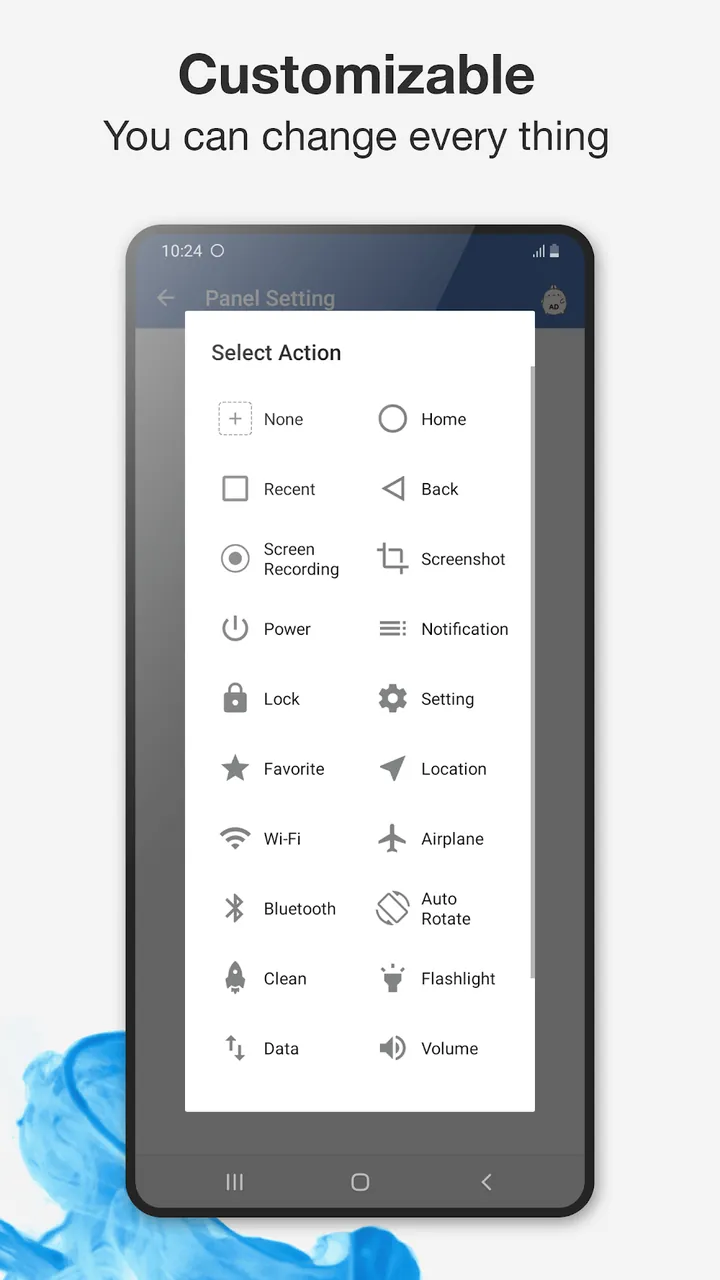
With this modified version, you can instantly redefine your navigation style and customize the placement of every menu. Assistive Touch puts you in complete control of your user experience.
- Gestures: Define custom actions for tapping, double-tapping, or long-pressing the menu icon. You can configure the floating button to trigger any shortcut you require.
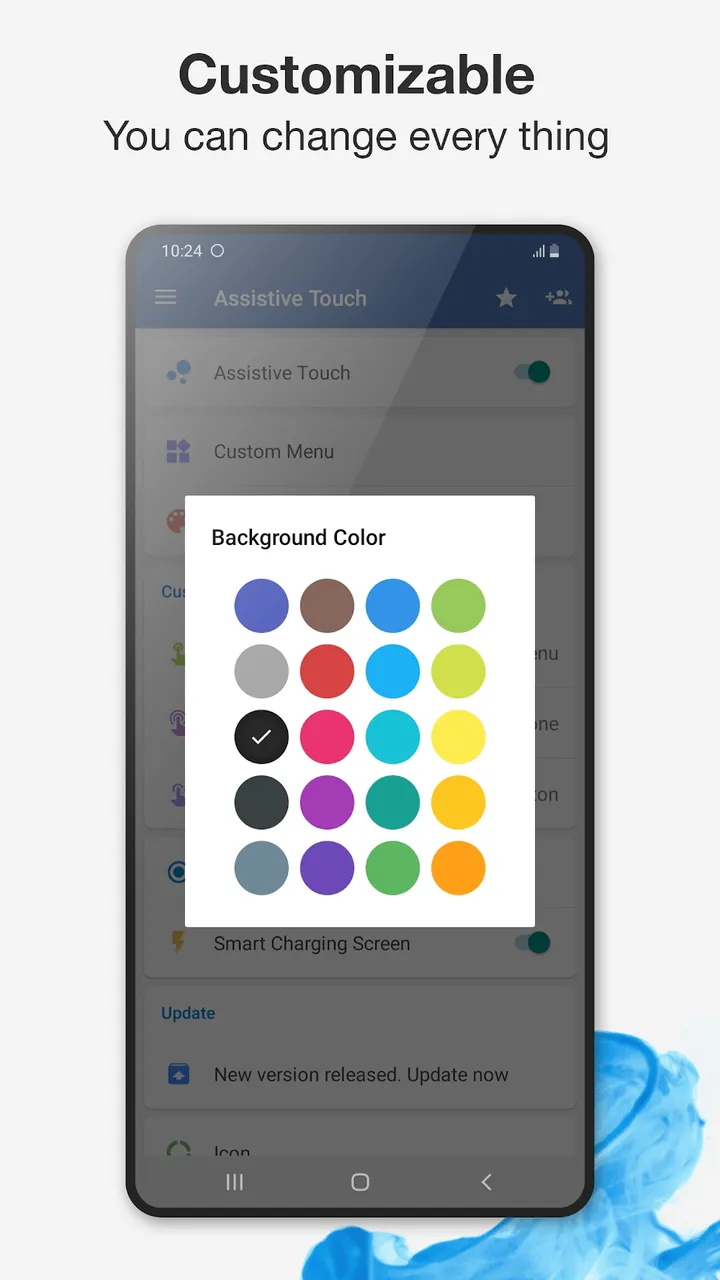
- Personalization: Tailor the interface to match your style by selecting from various colors, themes, and icons. Whether you prefer a minimalist aesthetic or a vibrant look, you can easily match the interface to your wallpaper.
- Invisible Menu: The floating interface is designed to be non-intrusive. It stays transparent until you need it, and you can drag it anywhere on the screen so it never obstructs your movies or games.
- Accessibility: This Assistive Touch mod is built to assist users with limited motor skills, providing a simple interface to perform complex actions.
Why choose Assistive Touch MOD APK?
Smartphones are essential tools today, and keeping your device in top condition is vital. Assistive Touch MOD APK is an excellent way to reduce physical button wear and tear, potentially saving you from costly repair bills. It is designed to make your device more responsive and efficient. If you want to jump between an intense game and web browsing, this app lets you switch instantly. It centralizes all your controls into one accessible, floating hub.
Conclusion:
Stop struggling with slow system menus or tedious app switching. Join millions of users who have improved their mobile experience with Assistive Touch MOD APK. You will save time, protect your hardware, and enjoy a fully personalized interface. Download it today and discover how much time you can save with this all-in-one control hub.
How to install
- Download the APK file above to your phone.
- Allow “Install unknown apps” when prompted.
- Open the downloaded APK and tap Install.
- If the package includes OBB/XAPK data, follow the bundled instructions.
MOD APKs are modified builds, so Play Protect may show a warning. Install only if you trust the file; use at your own risk.