

Screenshots
Description
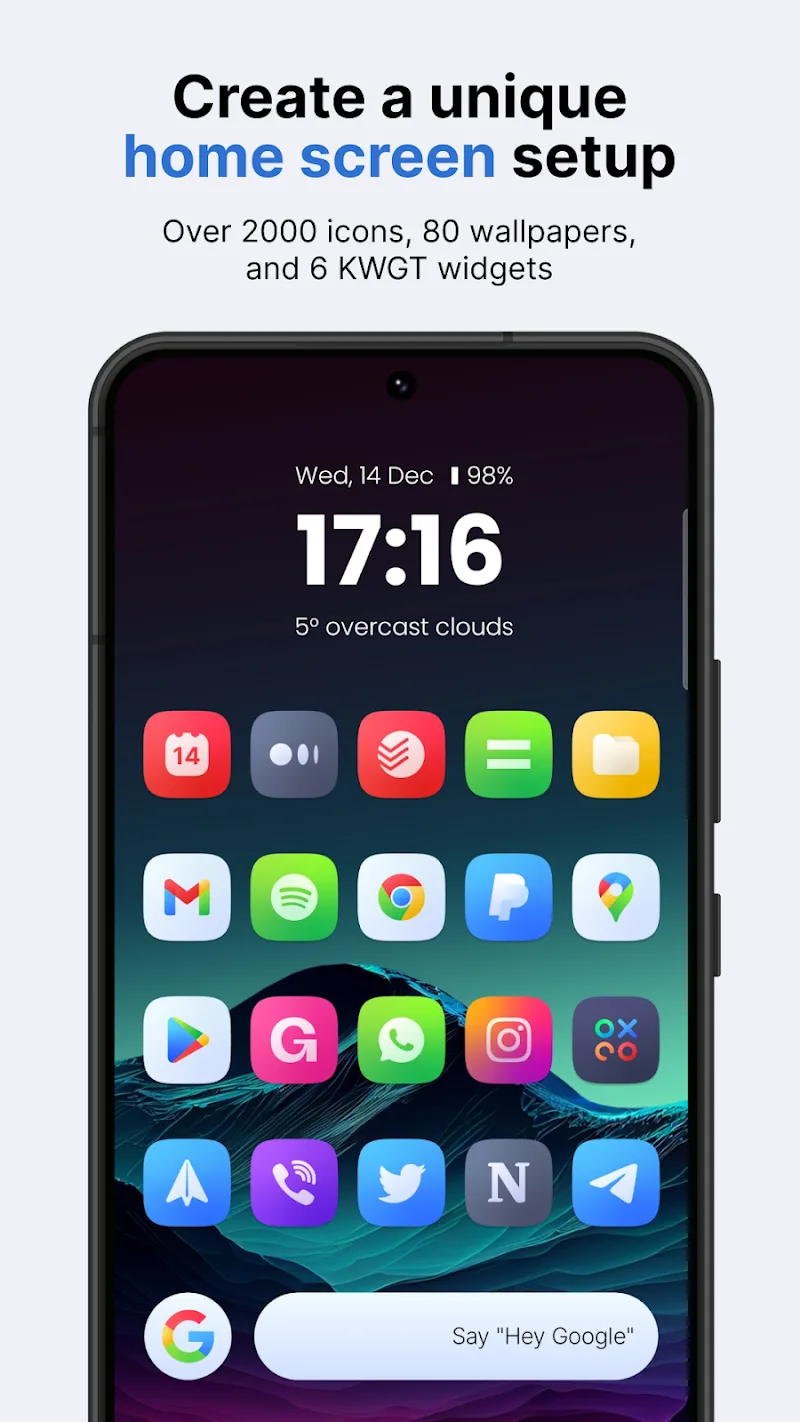
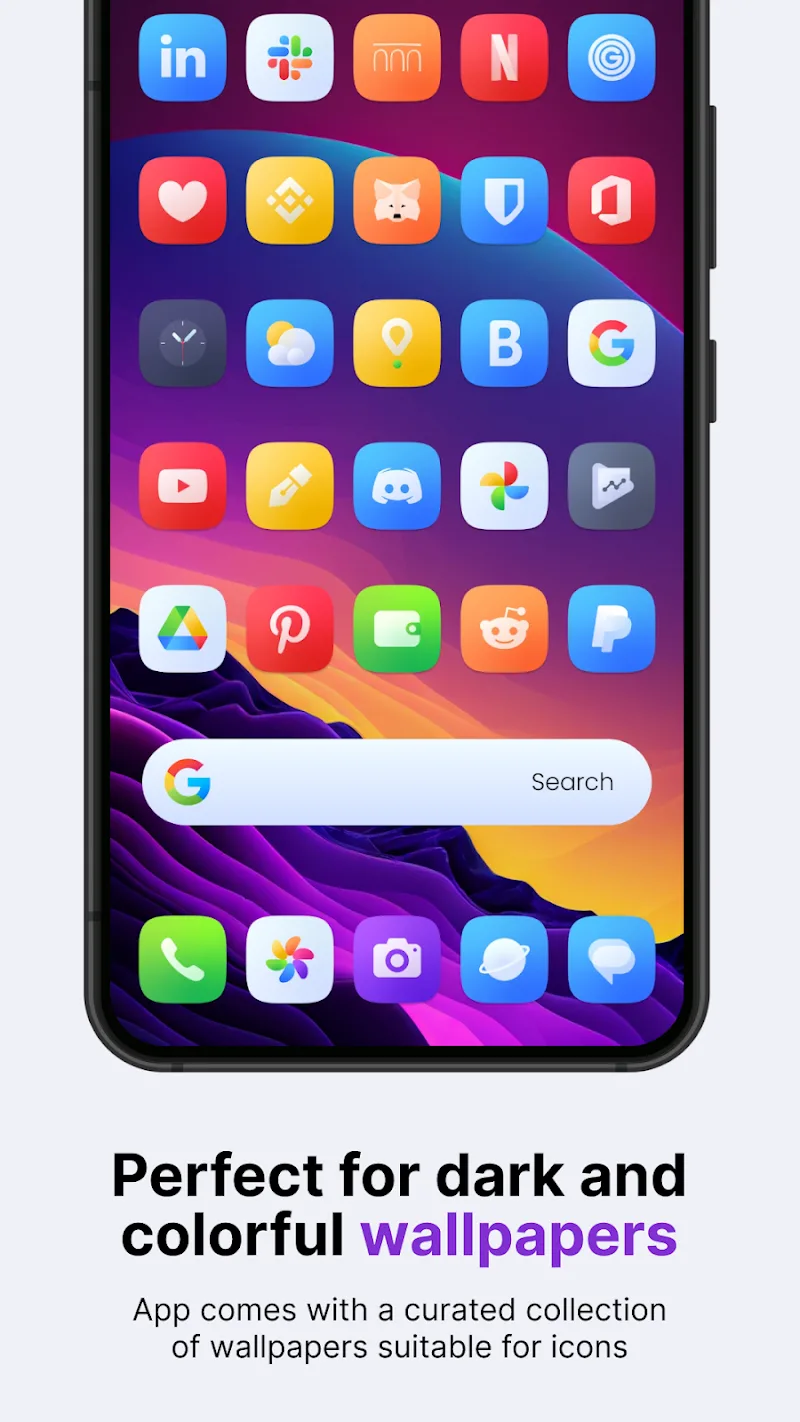
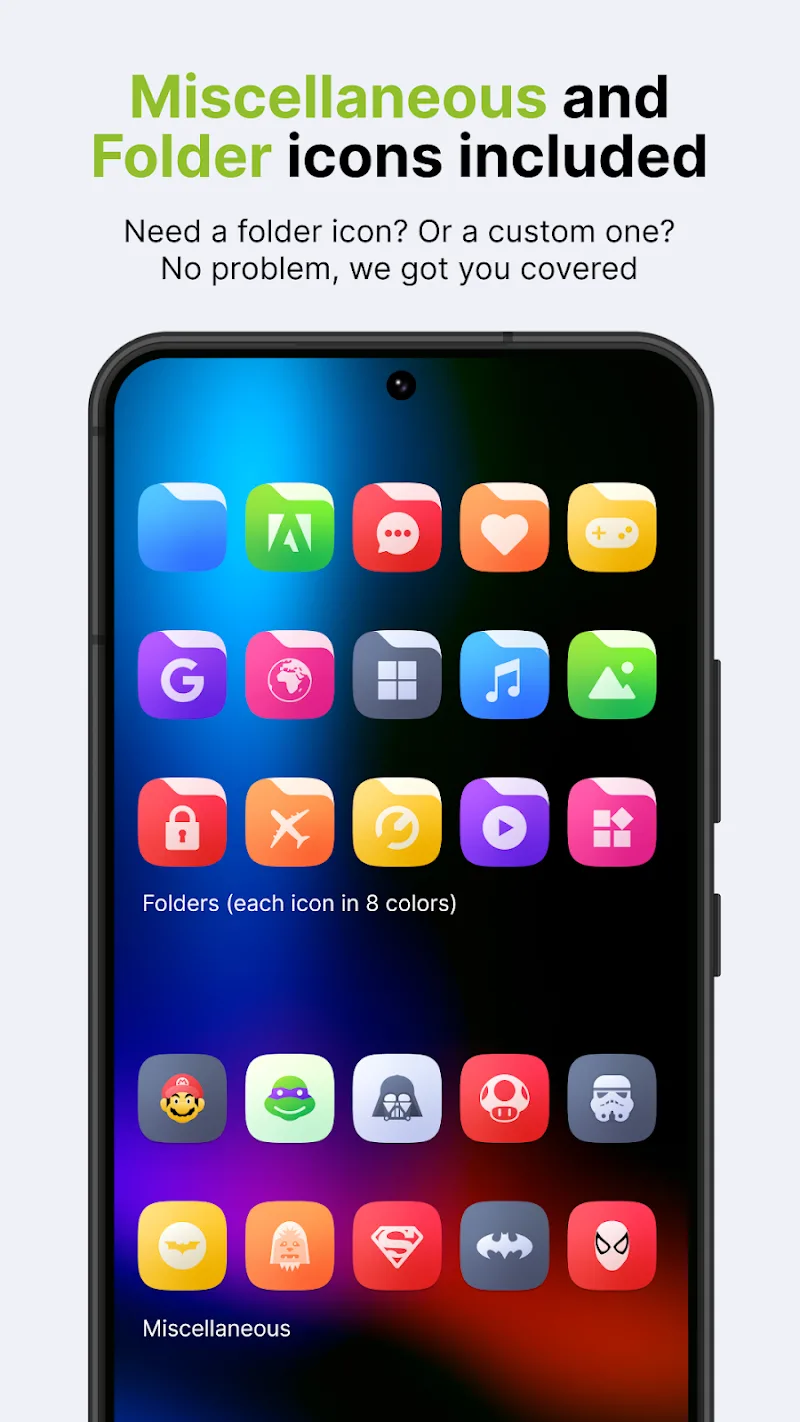
Ares: Colorful Icon Pack gives you an icon set with a wide range of vibrant, flexible colors. It gives your phone the feel of a bright, colorful painting, making it one of the top picks for anyone who loves creative design. Once applied, it reflects your personality in a distinctive way. The mix of bold geometric lines and minimalist rounded shapes noticeably upgrades the look of your home screen. Icons that aren't officially supported still blend in seamlessly thanks to the smart masking feature. With the built-in automatic dynamic calendar icon, you can keep track of the date right from your personalized interface.
INTEGRATED WIDGET AND WALLPAPER SYSTEM
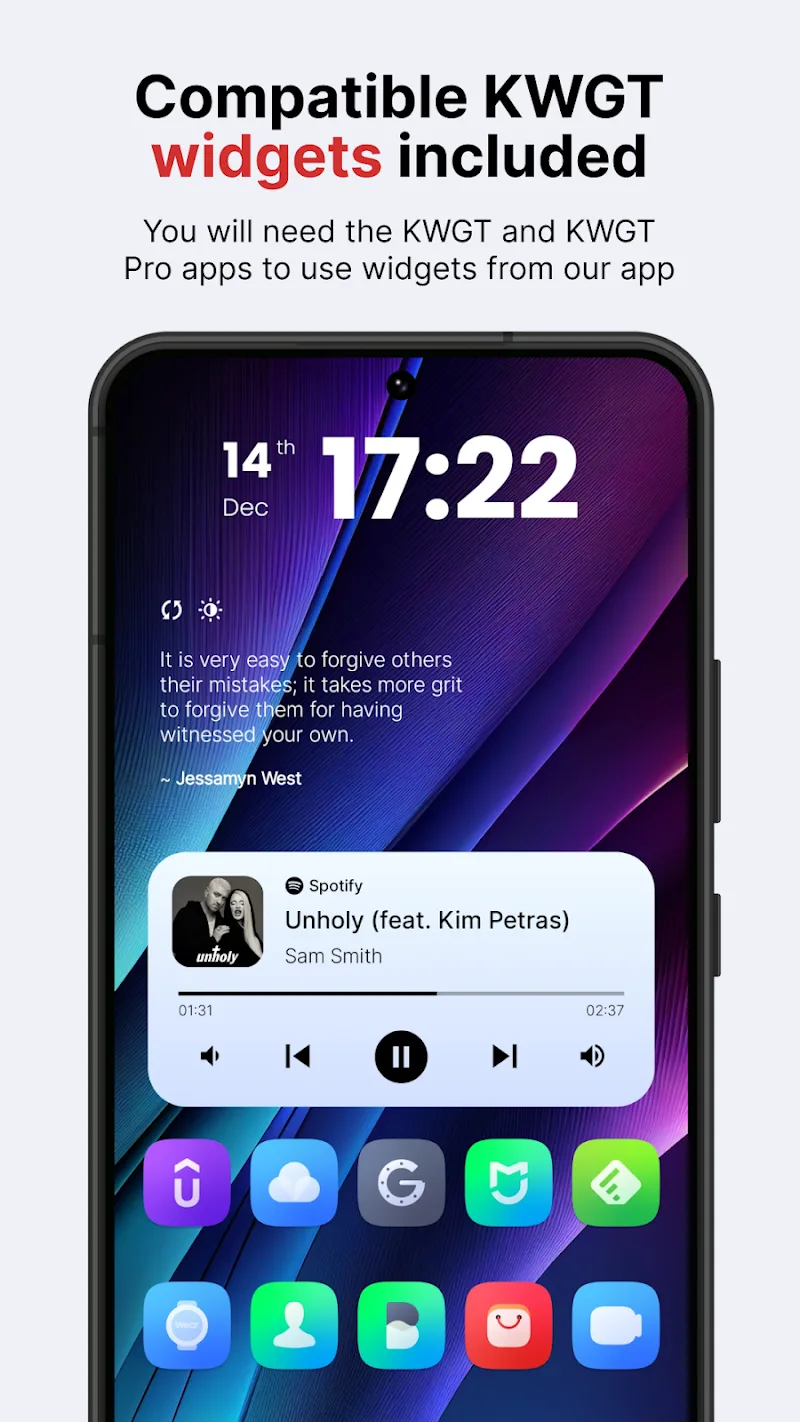
Seven exclusive KWGT widgets come built in, so you can give your home screen a modern look with ease. You also get a library of 90 high-quality wallpapers to match your display colors however you like. Every decorative element in the app helps you build a polished interface without paying for extra software.
- Widget collection: Includes 7 built-in KWGT widgets.
- Wallpaper library: 90 artistic wallpapers.
- High synchronization: Optimized display space.
ICON COLLECTION AND FLEXIBLE ALTERNATIVE OPTIONS
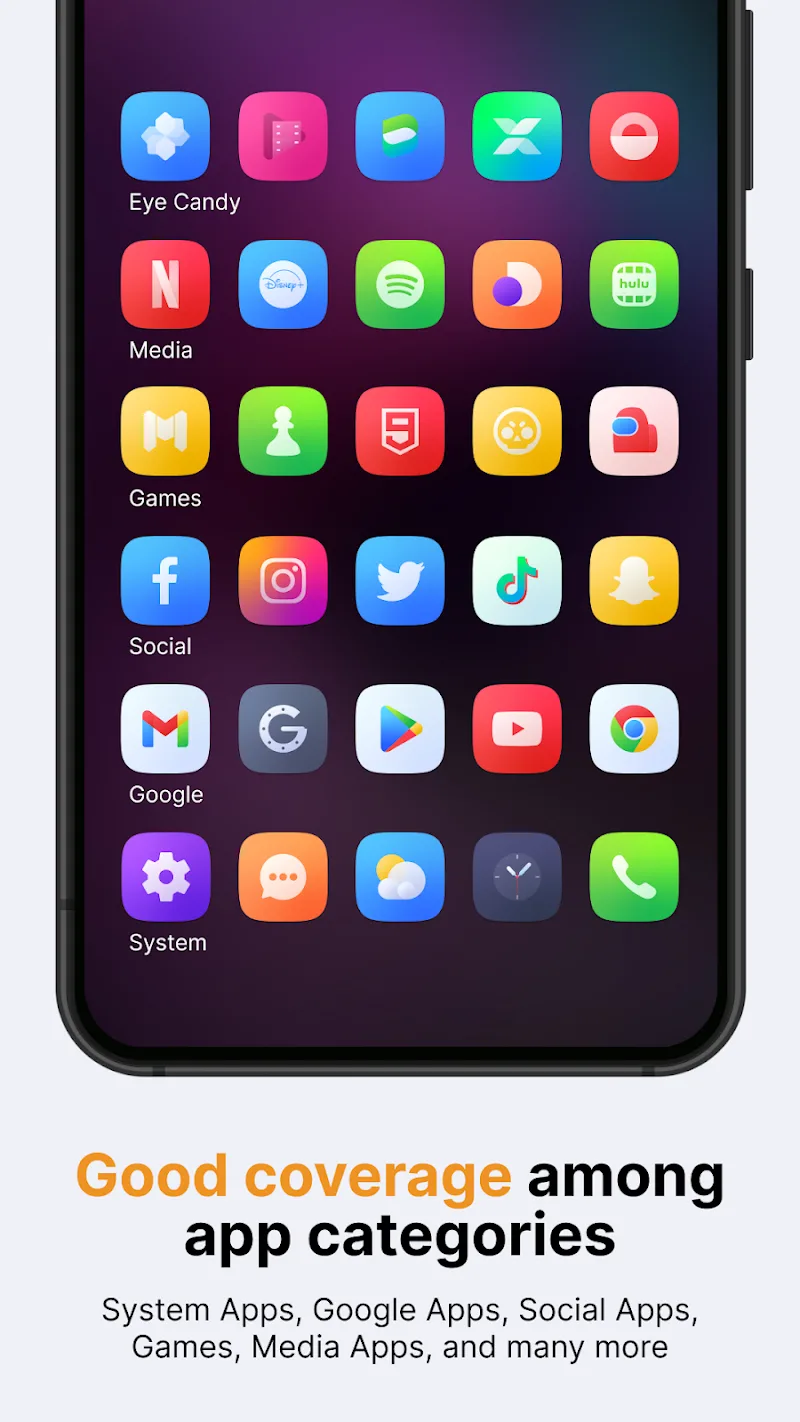
Folder icon customization lets you tailor your workspace to your taste. With a database of over 6,000 crisp icons, you can refresh your entire app drawer in just a few taps. Users can swap system shortcuts and familiar apps for alternative designs using the handcrafted icon system, so your phone always carries a unique personal touch.
- Large icon repository: Over 6,000 minimalist icons.
- Calendar icon: Automatically updates with the date.
- Icon customization: Easily swap in alternative icons.
How to install
- Download the APK file above to your phone.
- Allow “Install unknown apps” when prompted.
- Open the downloaded APK and tap Install.
- If the package includes OBB/XAPK data, follow the bundled instructions.
MOD APKs are modified builds, so Play Protect may show a warning. Install only if you trust the file; use at your own risk.