
Screenshots

Description
- Home /
- Apps
aRDP Pro APK (Full Version) 6.3.6
- Payment
- Apps
- Productivity
Discover aRDP Pro, a secure, open-source Remote Desktop Protocol client designed for smooth remote access to Windows and Linux systems. Developer: Iordan Iordanov (Undatech). Size: 55 MB. Version: 6.3.6. Requirements: Varies with device. Download via GameMod.dev.
- Telegram
Report this app
Images
Mod Info
- Full Version
Description
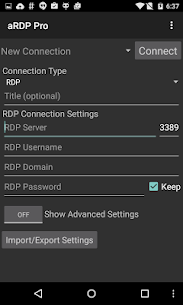
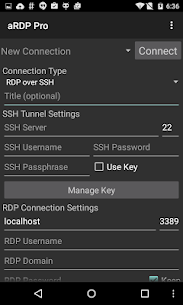
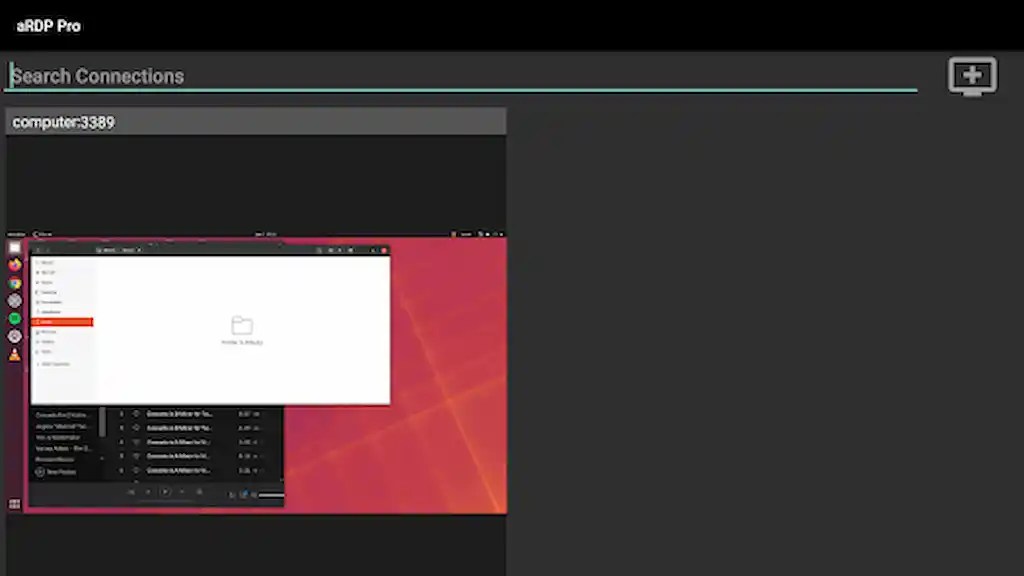
aRDP Pro serves as a highly secure, SSH-enabled, open-source RDP client. It is built upon the powerful FreeRDP library and incorporates elements from aFreeRDP.
Key features include:
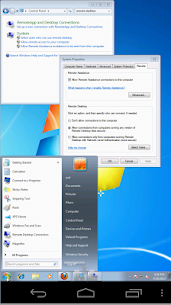
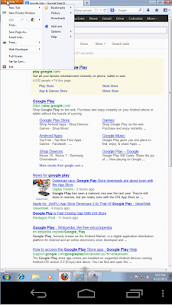
– Remote management for computers running any version of Windows (excluding Windows 10 Home; for that version, please use a VNC server alongside bVNC). – Remote control for Linux systems equipped with xrdp. – Master password protection. – Multi-factor (two-factor) SSH authentication. – Audio redirection. – SD card redirection. – Console mode. – Customizable remote desktop session styling. – Intuitive multi-touch mouse control: single-finger for left-click, two-finger for right-click, and three-finger for middle-click. – Right and middle-drag support without releasing the initial finger. – Two-finger scrolling. – Pinch-to-zoom functionality. – Display options such as Force Landscape, Immersive Mode, and Keep Screen Awake. – Dynamic resolution adjustments, allowing you to resize your desktop while connected. Full control over virtual machines from BIOS to OS. – Comprehensive rotation support with device lock integration. – Multi-language interface. – Full mouse support for Android 4.0 and higher. – Full desktop view even when the soft keyboard is active. – SSH tunneling for enhanced security or bypassing firewalls. – UI optimized for various screen sizes, including tablets and phones. – Samsung multi-window compatibility. – SSH public/private key support. – Import options for encrypted/unencrypted RSA keys (PEM format) and unencrypted DSA keys (PKCS#8). – Automatic session saving. – Flexible scaling modes: Zoomable, Fit to Screen, and One to One. – Multiple input modes: two Direct, one Simulated Touchpad, and one Single-handed. – Long-tap access to click, drag, scroll, and zoom within single-handed mode. – Stowable on-screen keys for Ctrl/Alt/Tab/Super and arrows. – ESC key triggered by the device's Back button. – D-pad support for navigation and Bluetooth keyboard rotation. – Zoom functionality that snaps to 1:1 scale. – Support for FlexT9 and hardware keyboards. – In-app help for setting up new connections. – On-screen guidance for input modes while active. – Optimized for use with Hacker's Keyboard. – Export and import settings functionality.
Planned features: – Clipboard syncing for easy copy-pasting. – Adjustable color depth. – Audio streaming improvements.
Guide to enabling Remote Desktop on Windows: https://docs.microsoft.com/en-us/windows-server/remote/remote-desktop-services/clients/remote-desktop-allow-access
aRDP is developed alongside bVNC, sharing a unified codebase. Access the GPL source code here: https://github.com/iiordanov/remote-desktop-clients
Developer's apps
bVNC Pro: Secure VNC Viewer APK (Full Version) 5.9.4 Iordan Iordanov (Undatech) 18 MB
Related apps
Computer Science Calculations 4.5.0 Ettore Gallina 29.87 MB Pro Unlocked, Poke Genie 8.19.1 Poke Genie 107.92 MB, Speechify 6.4.0 Speechify - Voice AI Assistant 139.56 MB Premium Unlocked, Stay Focused 13.0.3 INNOXAPPS LLP 21.19 MB Premium Unlocked, To Do List 5.1.15 Splend Apps 21.38 MB Premium Unlocked
How to install
- Download the APK file above to your phone.
- Allow “Install unknown apps” when prompted.
- Open the downloaded APK and tap Install.
- If the package includes OBB/XAPK data, follow the bundled instructions.
MOD APKs are modified builds, so Play Protect may show a warning. Install only if you trust the file; use at your own risk.