
Screenshots
Description
Safeguard your personal data with AppLock PRO! Easily restrict app access, conceal private photos and videos, and defend your privacy using a PIN code, gesture pattern, or biometric fingerprint lock.
Downloading the AppLock PRO MOD APK delivers a completely unlocked premium tier, granting unrestricted access to every sophisticated security utility without requiring in-app transactions. This release brings you the complete privacy toolkit, highlighted by reinforced app-locking options and automatic intruder surveillance.
Mod Info
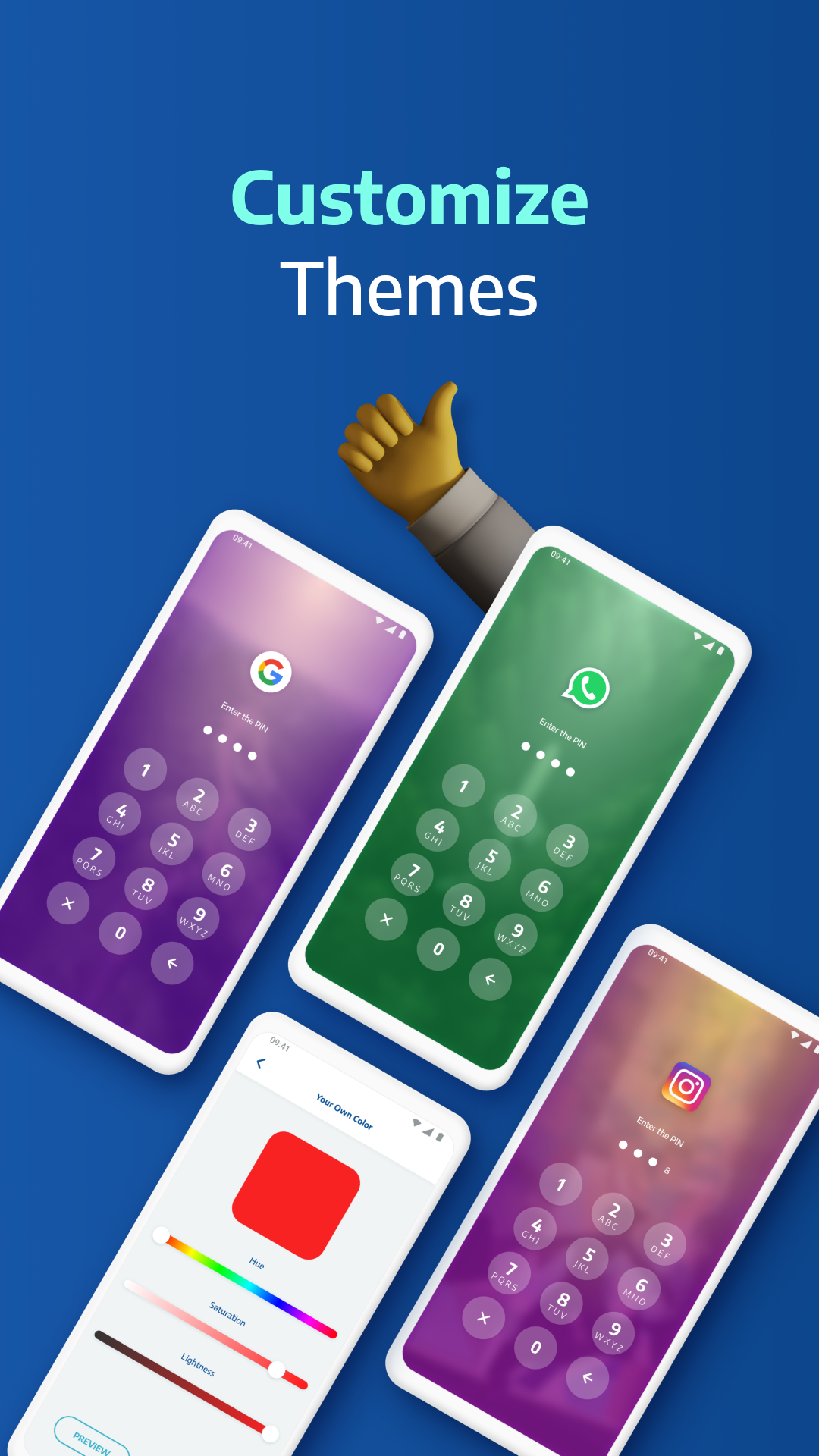
- Enjoy fully unlocked premium functionality, giving you immediate access to all advanced security safeguards and personalization settings without paying for a subscription.
This release is version 5.7.1, has an installation footprint of 57 MB, and uses the package identifier com.ibragunduz.applockpro. Because this build features a custom signature, you must remove any existing store-installed version before setting it up.
Overview of AppLock PRO
Smartphones serve as modern private journals, holding everything from intimate chats to mobile banking credentials. With users keeping virtually all their personal affairs on one handheld gadget, AppLock PRO- App Lock & Guard offers robust protection by shielding installed apps behind dedicated locks. You can easily restrict chat apps to keep private conversations and shared media safe from curious eyes. The utility guarantees reliable daily peace of mind, ensuring no snooper can freely browse your confidential text logs or media files.
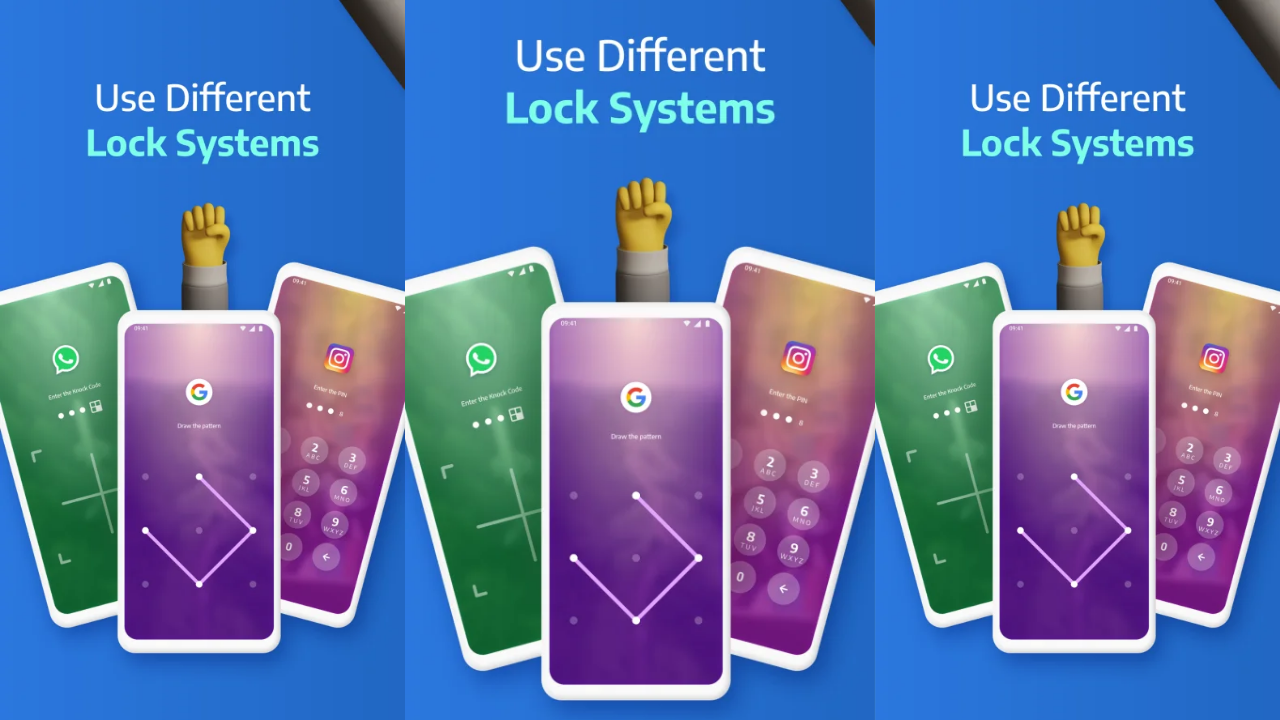
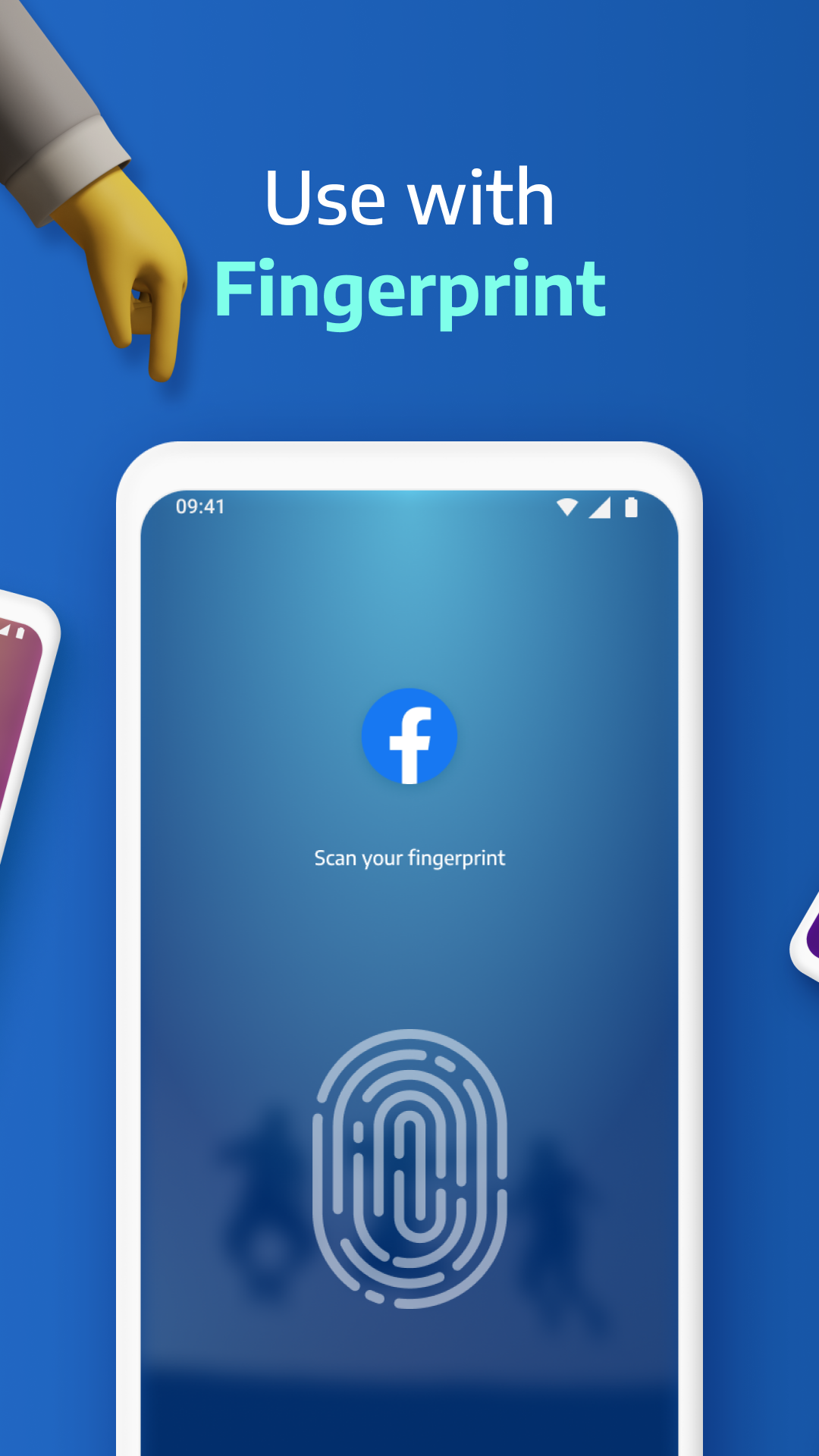
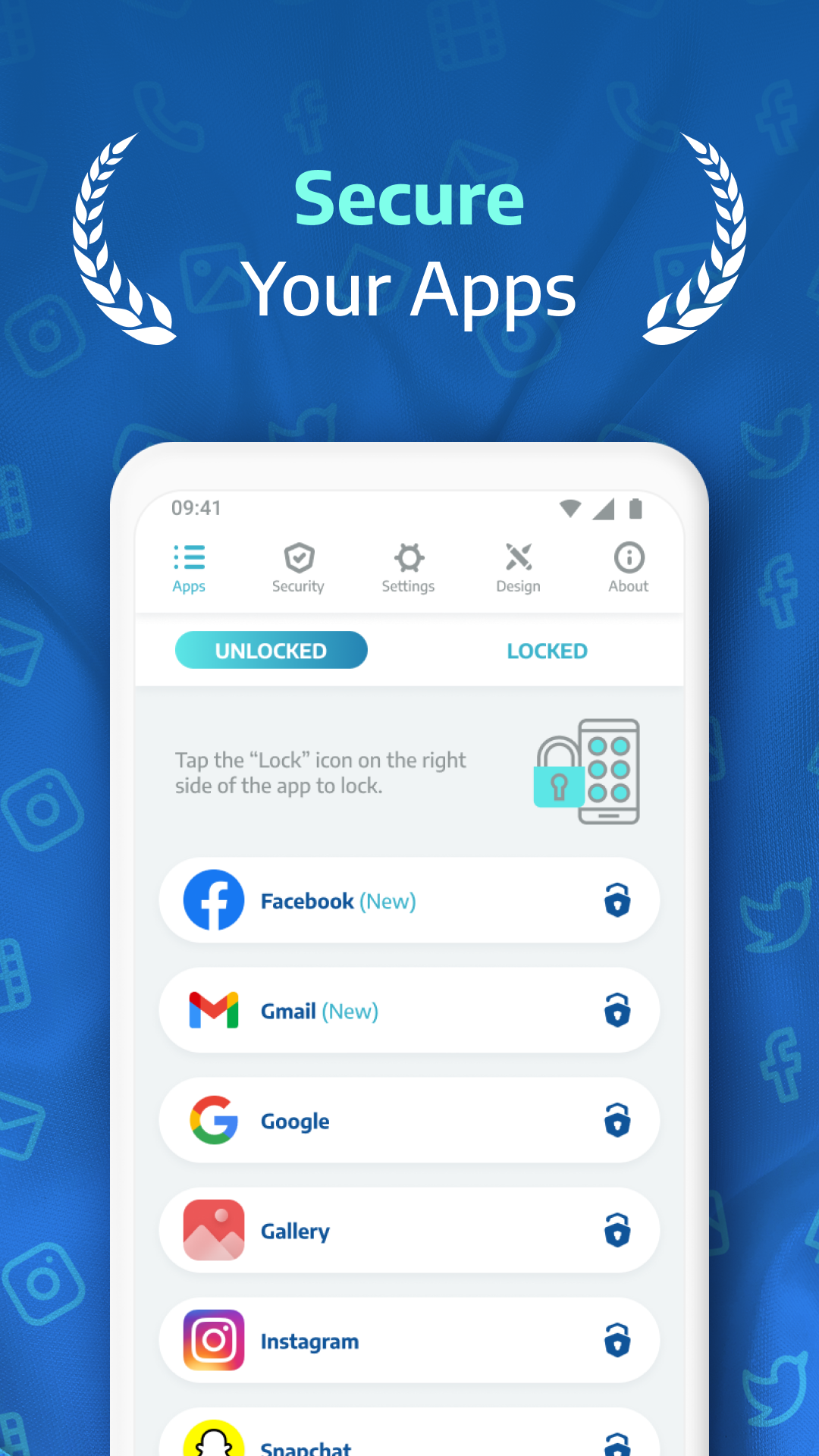
The application supports several authentication methods to confirm the device owner's identity before revealing sensitive content. You can set up a traditional numeric PIN, draw a custom swipe pattern across a dot matrix, or activate biometric fingerprint scanning for instant entry. Fingerprint authentication gives you the swiftest and most seamless unlock experience compared to manually entering a numeric passcode, though you can freely choose whichever method suits your routine. AppLock PRO lets you pick exactly which programs need safeguarding, with options to enforce non-stop background protection around the clock.
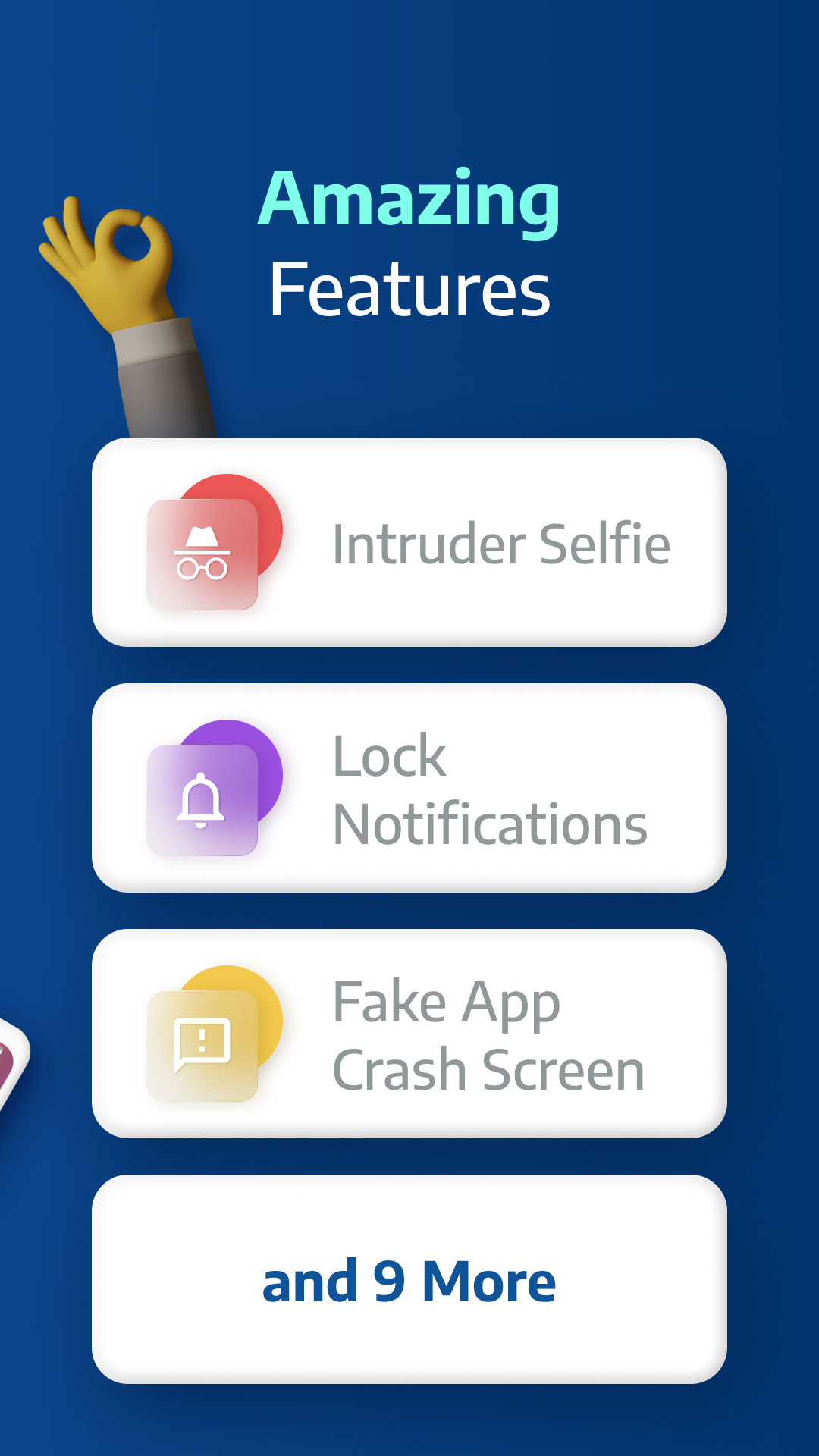
To help monitor unauthorized physical handling, the app incorporates a smart intruder detection tool. Whenever an incorrect password or pattern is submitted, the utility secretly takes a snapshot of the person using the front camera, attaching an exact date and timestamp to the image. As the legitimate owner, you will be notified of these unauthorized attempts along with photographic evidence showing who tried to break in and precisely when it occurred. This feature is invaluable whenever your device is left unattended, allowing you to review detailed logs of any suspicious tampering later on.
Beyond locking application interfaces, integrated privacy vaults let you securely conceal files directly away from the default file browser. This proves perfect for shielding sensitive personal videos, photos, and confidential documents from appearing in shared galleries or third-party apps. To take stealth further, the utility can disguise its own presence and mask incoming notification previews so passersby notice nothing unusual. Everything looks completely normal on the surface, ensuring thorough, invisible security for your private media and texts.
AppLock PRO is engineered with resource conservation in mind, recognizing that security services must run continuously in the background without draining resources. Its lightweight codebase minimizes smartphone lag, drawing significantly less CPU power and battery reserve than conventional security tools. This careful balance keeps your Android device fluid and responsive throughout the day. In addition, the straightforward user interface makes setting up custom protection levels, managing automatic relock timers, and switching security profiles remarkably easy without technical confusion.
To eliminate vulnerable security gaps, the app includes robust uninstallation safeguards that block any unauthorized attempt to delete it by requiring a security password. Users can also configure a customizable lock timer, specifying precisely how long access remains granted before security re-engages. Protection automatically reactivates whenever you exit a secured application, and you can temporarily pause lock restrictions for short or extended durations as needed. Even after exiting protected programs, full privacy control remains in your hands, allowing the tool to lock, conceal, or track sensitive data according to your custom preferences.
Key Features
- Safeguard any application, from private galleries to messaging and social media platforms
- Versatile authentication methods featuring fingerprint scanner, PIN code, and pattern lock
- Break-in alerts that automatically snap photos of unauthorized intruders
- Private encrypted vault designed to conceal sensitive photos and video media
- Camouflage the launcher icon for superior stealth and confidentiality
- Suppress and mask incoming notification previews from restricted applications
- Lightweight build optimized for minimal battery drain and swift performance
- Sleek, streamlined interface offering effortless navigation
- Configurable auto-lock intervals and custom protection timeouts
- Advanced anti-uninstall defense requiring password verification
Related MOD APKs
- Grok – AI Assistant
- ChatGPT
- CamScanner
- Kling AI
FAQ
Is Premium unlocked in AppLock PRO – App Lock & Guard MOD APK?
Yes, this 5.7.1 build of AppLock PRO – App Lock & Guard comes with all Premium Unlocked features fully accessible right after setup, delivering the exact same functionality as the official App Lock LLC release.
What is the latest version of AppLock PRO – App Lock & Guard MOD APK?
The current edition is version 5.7.1, matching the App Lock LLC update released on August 11, 2026. GameMod.dev hosts only the newest release. Simply install this APK directly over your existing setup to update, or remove the old build first if you experience a signature mismatch error.
Is AppLock PRO – App Lock & Guard MOD APK safe to download?
Provided by App Lock LLC, this 5.7.1 release features the Premium Unlocked mod and holds an average 4.3 rating from 20 reviews. It runs smoothly without root access. You can safely bypass any Play Protect prompts, making sure to fetch your file directly from GameMod.dev.
Can I use AppLock PRO – App Lock & Guard MOD APK on PC or iPhone?
This installation package is designed specifically for Android and cannot run on iOS devices like the iPhone. If you want to use the 57 MB APK on a PC, launch an Android emulator such as LDPlayer or BlueStacks and drag the package into the screen to install.
How to install
- Download the APK file above to your phone.
- Allow “Install unknown apps” when prompted.
- Open the downloaded APK and tap Install.
- If the package includes OBB/XAPK data, follow the bundled instructions.
MOD APKs are modified builds, so Play Protect may show a warning. Install only if you trust the file; use at your own risk.