

Screenshots

Description
MOD Download 1
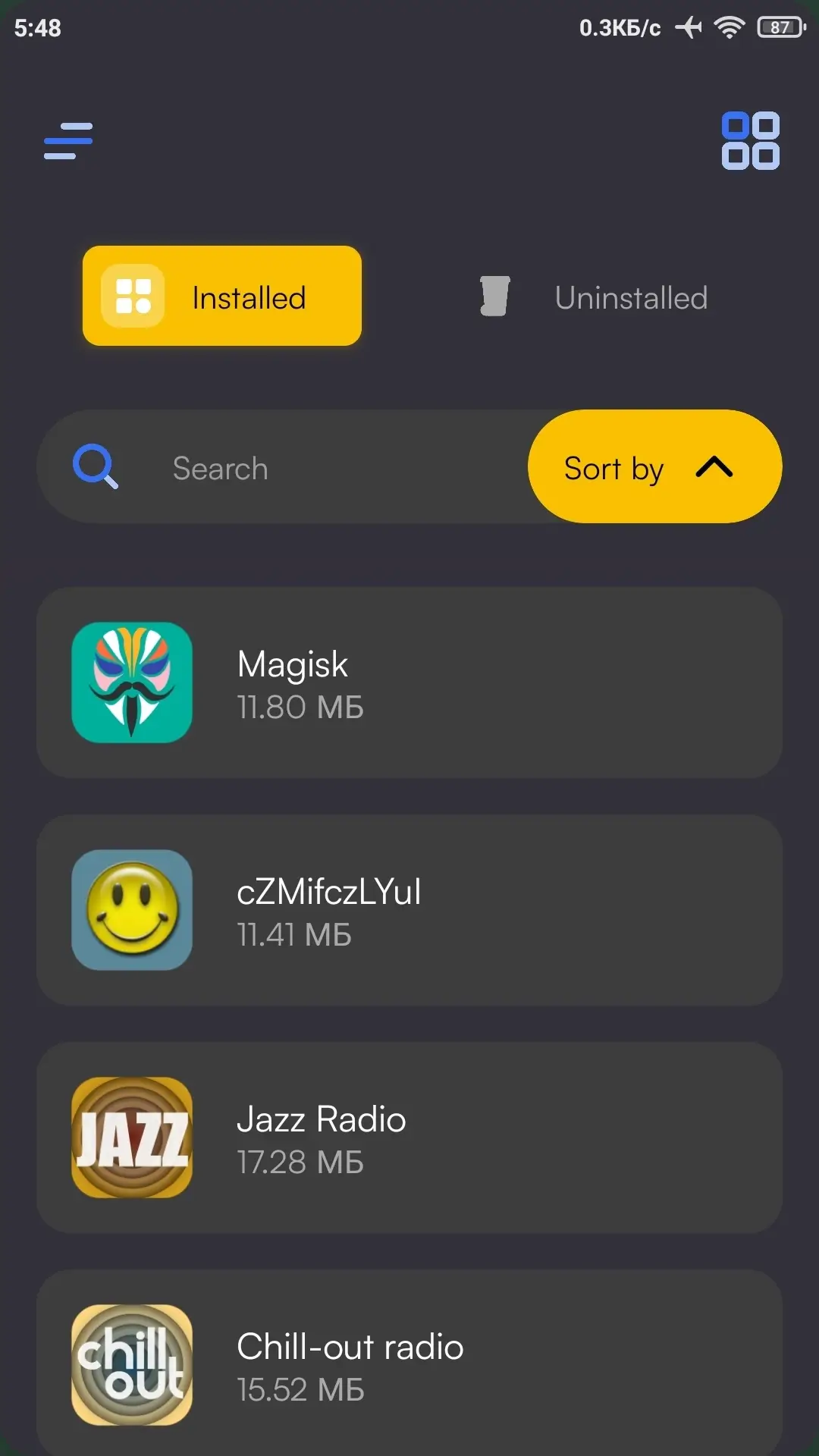
AppDrop: Bulk Uninstaller - Allows you to quickly free up storage on your Android device by uninstalling multiple unnecessary apps at once without extra effort. The app automates the uninstallation process, saving your time and eliminating routine operations.
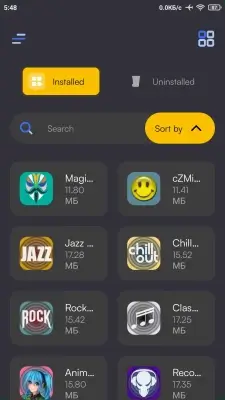
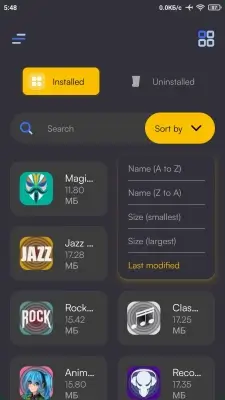
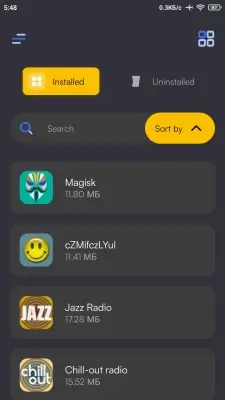
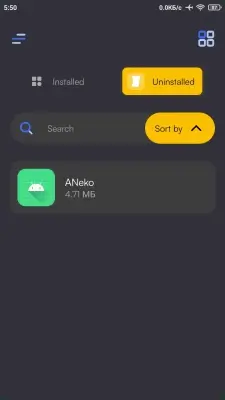
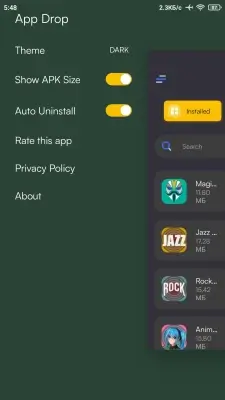
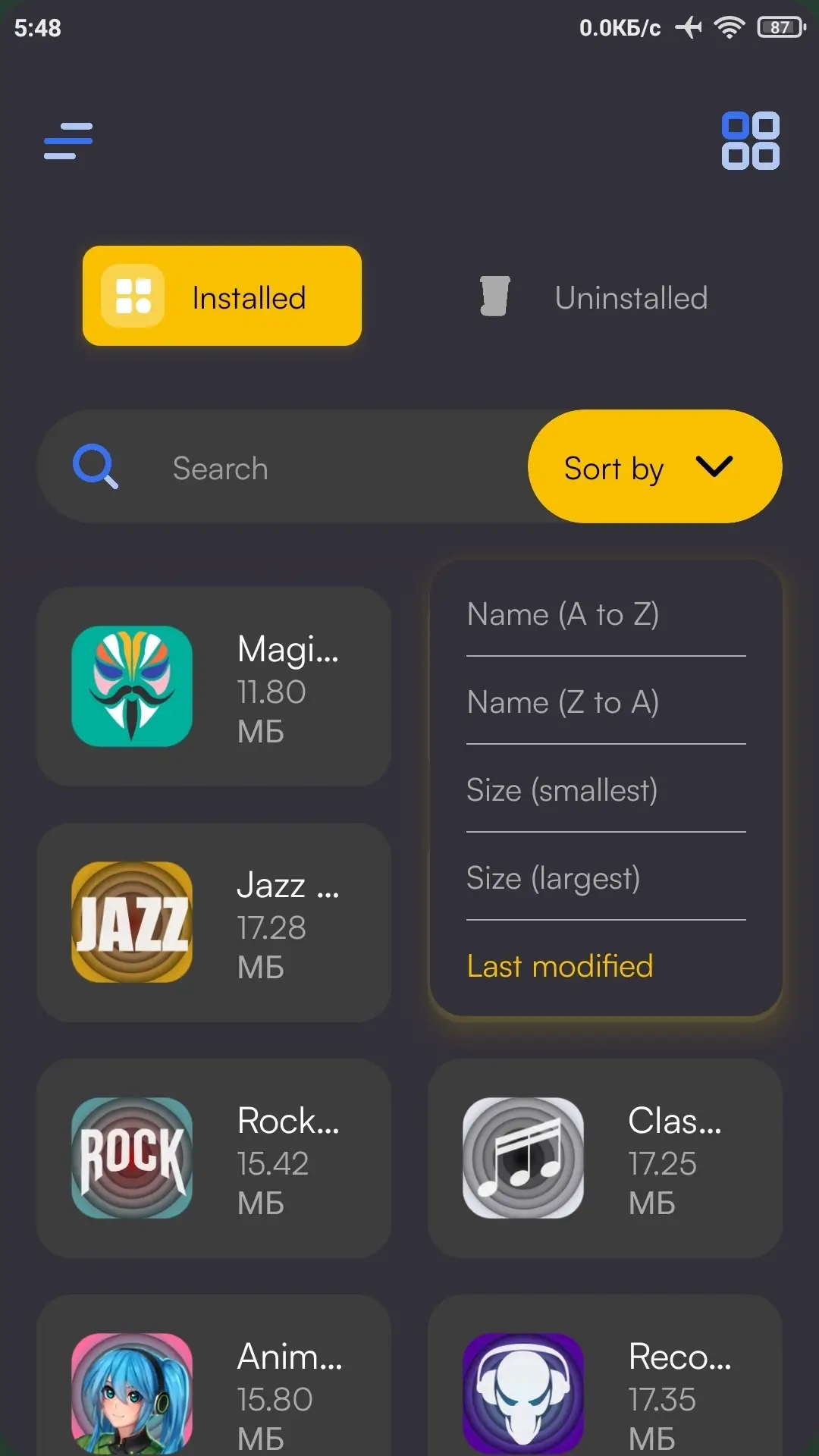
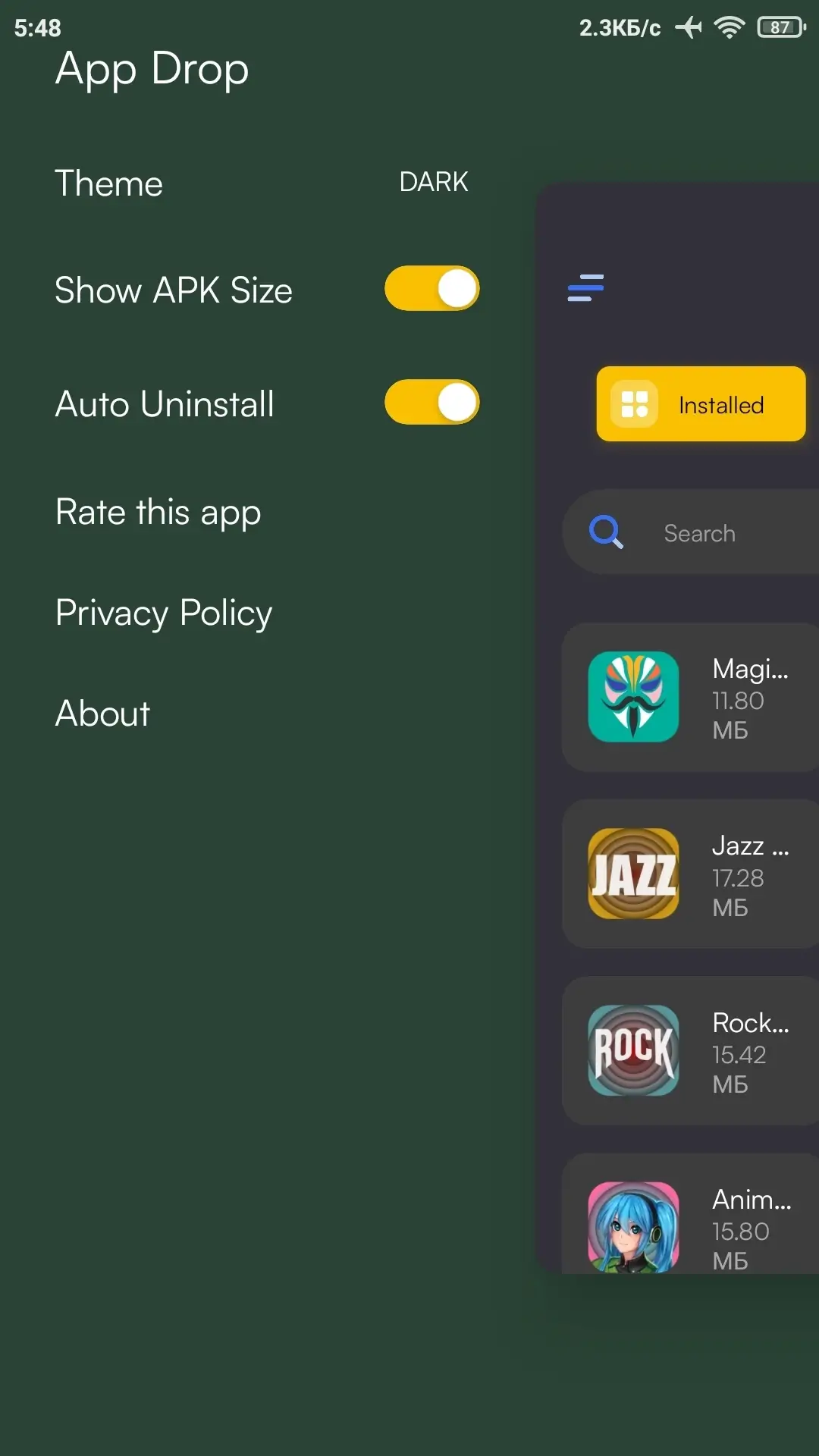
Convenient sorting and search tools will allow you to instantly find the apps you need, while a clear grid view simplifies managing installed applications. The auto-uninstall feature allows you to fully automate the process when the appropriate permissions are granted.
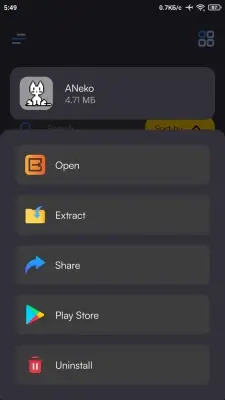
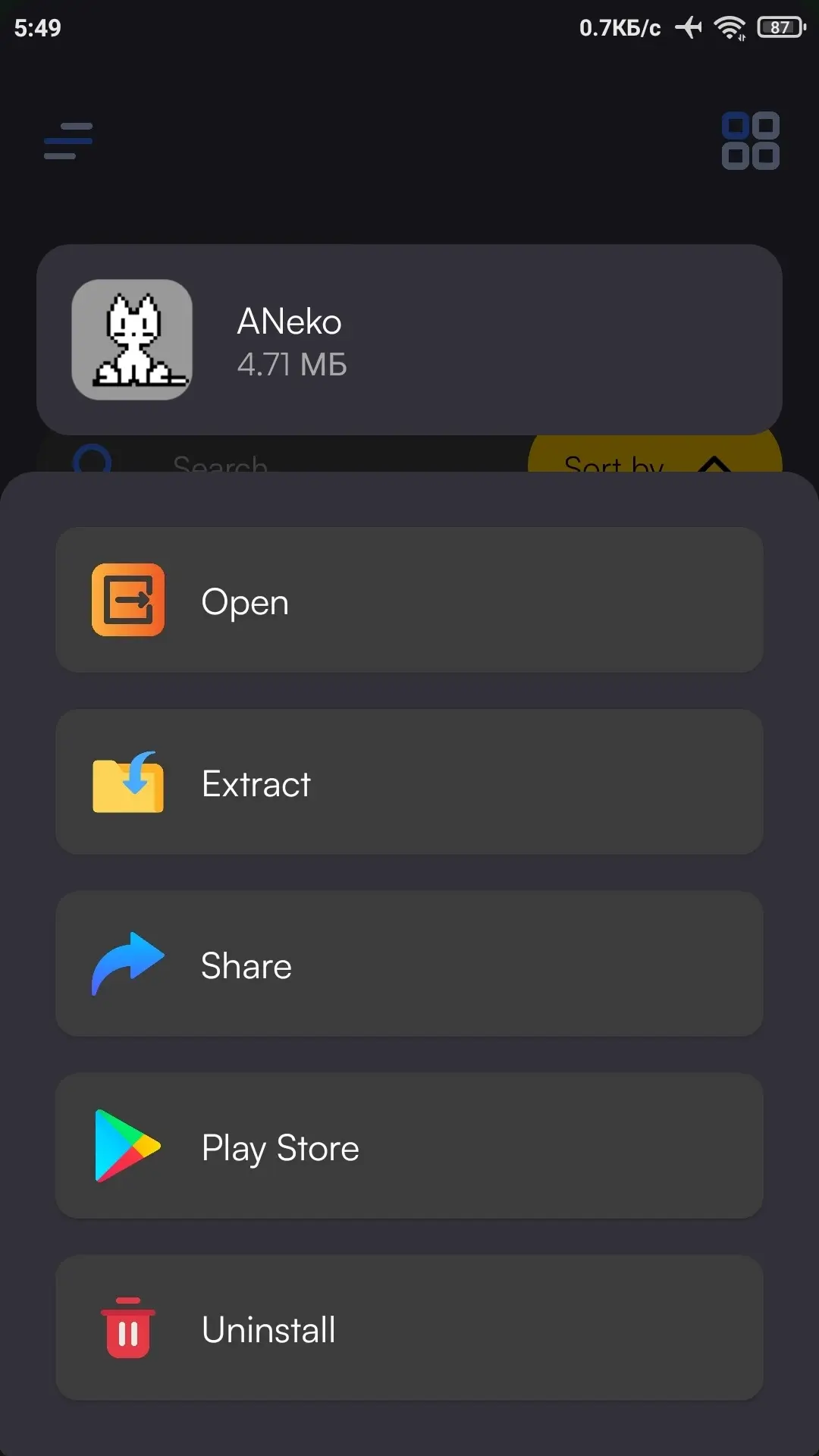
Additionally, AppDrop allows you to extract APK files, while a modern interface and neat animations make using the app more enjoyable.
App features:
- Uninstalling multiple apps simultaneously;
- Ability to sort by various parameters;
- Convenient search through installed apps;
- View apps in a grid layout;
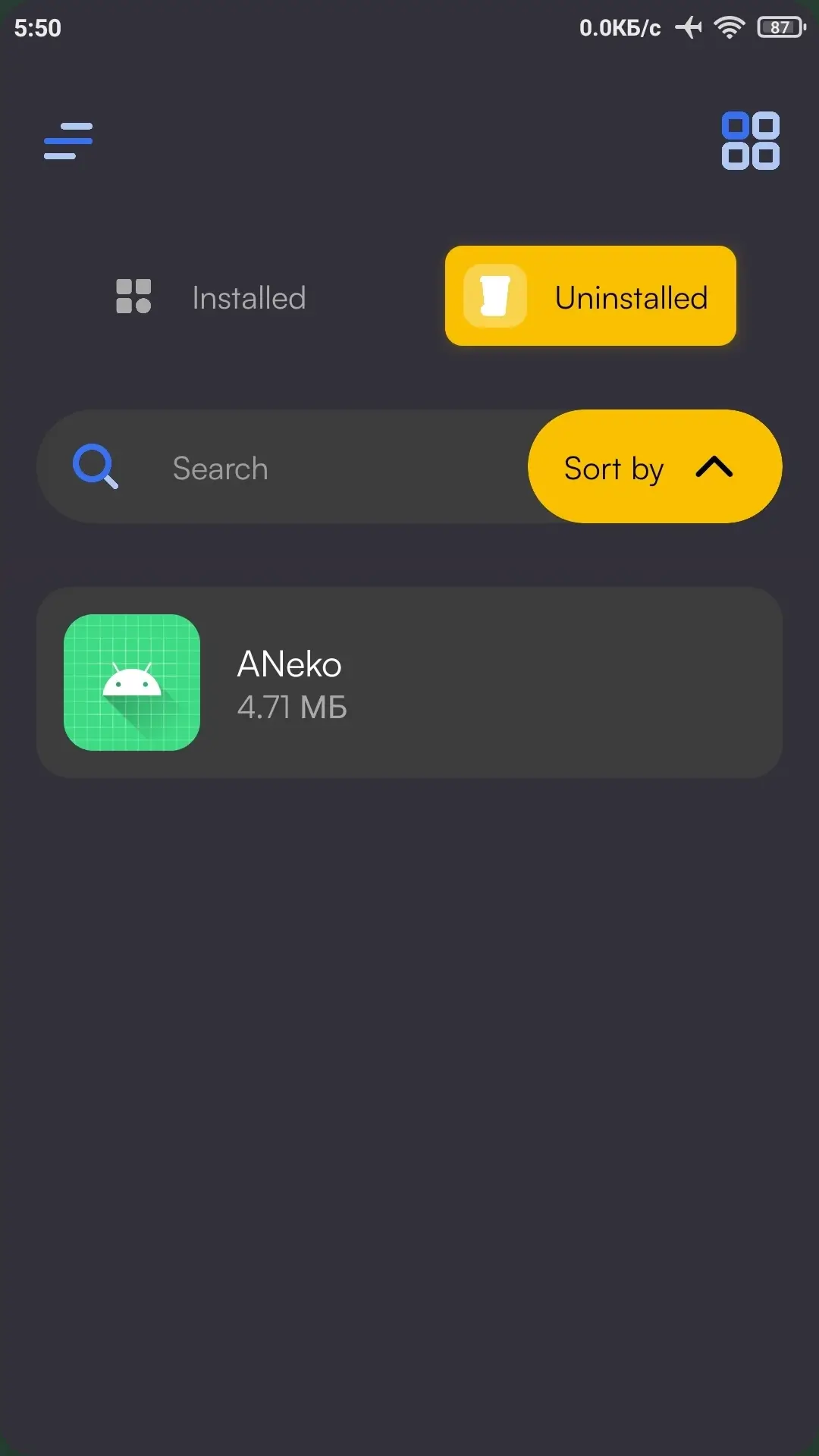
- History of uninstalled apps;
- Intuitive interface;
- Instant APK file extraction;
- No root permissions required;
- Modern design with smooth animations.
Mod features (by FuRReX):
- Premium unlocked;
- License check disabled;
- All debug information removed;
- Original signature changed.
Possible issues:
- If APK files are not exported, manually grant the app "All files access" permission.
Screenshots
1 7 8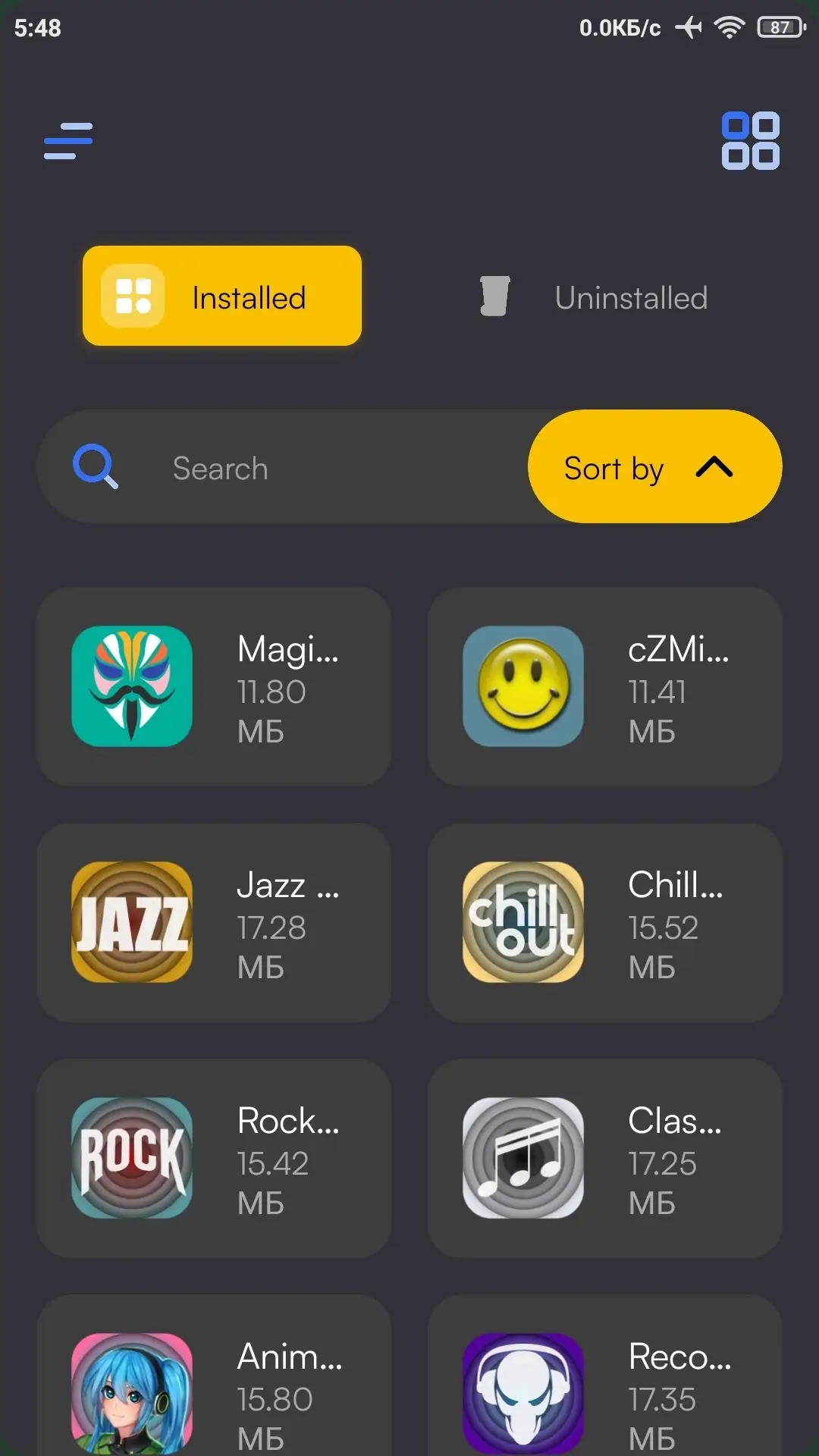
Information
Version 1.1.2.8 OS(MIN) Android 7.0+ Language English Developer Sam Beckman Status Modified Root Not required Tags App management, Uninstalling apps, Fast storage cleanup, Performance improvement, Bulk uninstall, App SearchHow to install
- Download the APK file above to your phone.
- Allow “Install unknown apps” when prompted.
- Open the downloaded APK and tap Install.
- If the package includes OBB/XAPK data, follow the bundled instructions.
MOD APKs are modified builds, so Play Protect may show a warning. Install only if you trust the file; use at your own risk.