

Screenshots
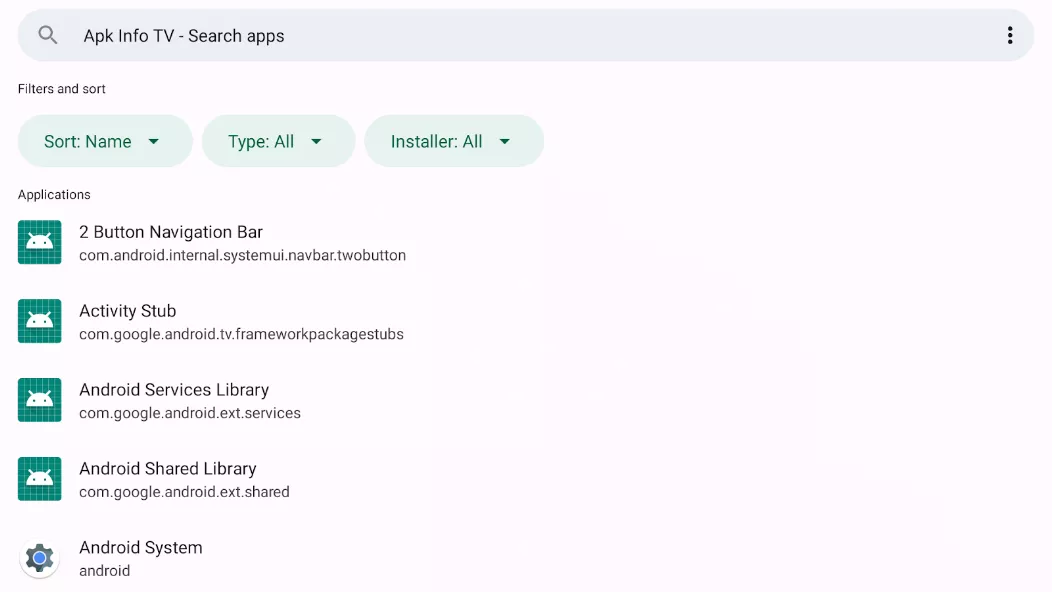
Description
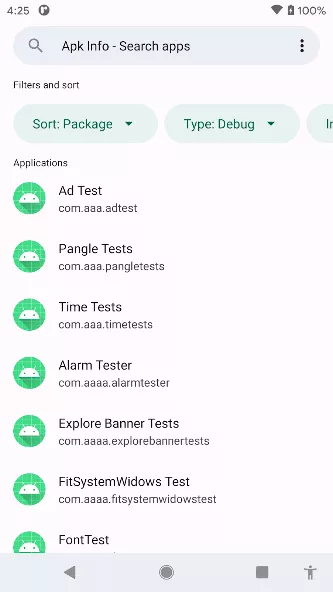
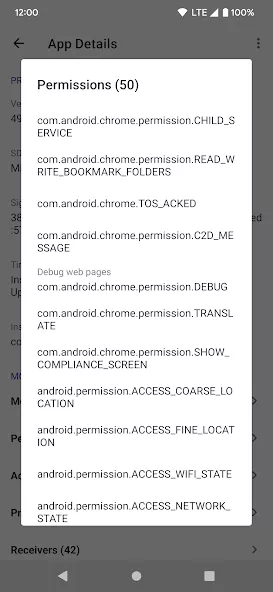
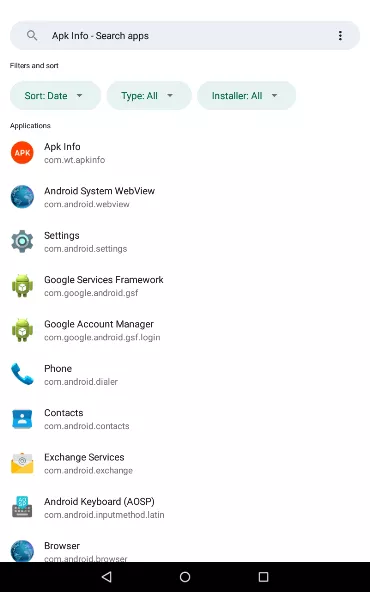
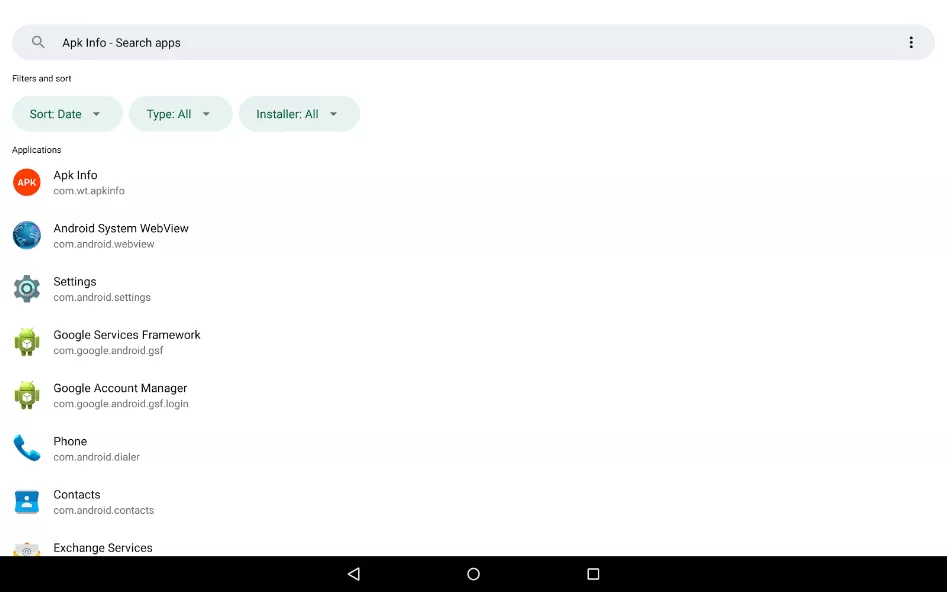
Apk Info provides detailed insights into installed applications on your device. Users can view essential data including the package name, version name and code, installer package, minimal and target SDK, and APK signature. The app also displays installation and last update timestamps, metadata from the AndroidManifest file, permissions, a list of activities, and native libraries. This comprehensive overview aids users in managing and understanding their applications better.
How to install
- Download the APK file above to your phone.
- Allow “Install unknown apps” when prompted.
- Open the downloaded APK and tap Install.
- If the package includes OBB/XAPK data, follow the bundled instructions.
MOD APKs are modified builds, so Play Protect may show a warning. Install only if you trust the file; use at your own risk.