

Screenshots
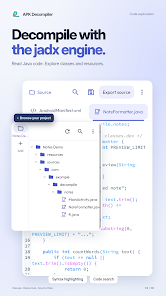
Description
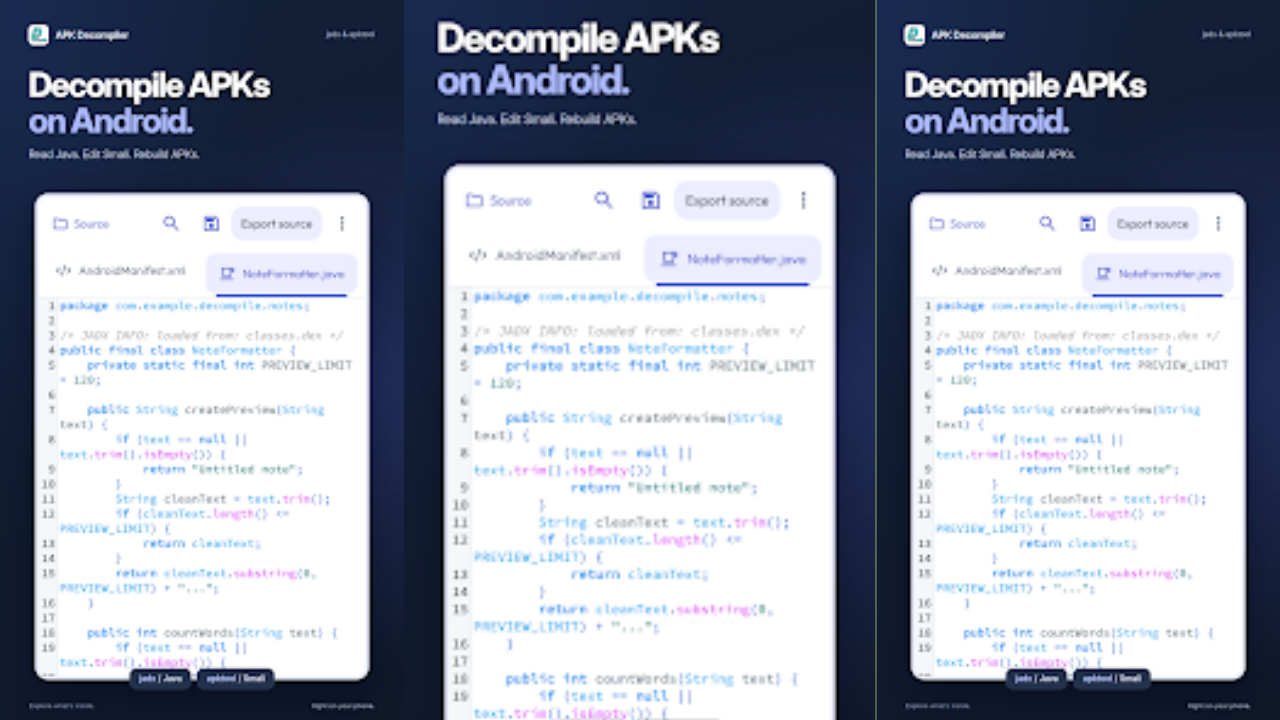
APK Decompiler: jadx & apktool lets you analyze Android apps with ease. Open APK files, browse source code, decode resources, and explore app structures.
Build, debug, study, and test Android applications right on your phone, no PC required. The APK Decompiler: jadx & apktool MOD APK on GameMod.dev covers all of this and more.
Learning Android development takes time, but it becomes much easier when you can open decompiled source code and see how real apps are put together.
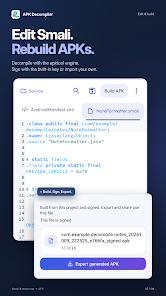
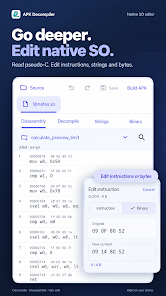
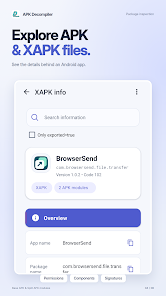
APK Decompiler: jadx & apktool gives you access to source code through the popular Jadx APK analysis engine, lets you inspect package details and components, and breaks down APK resources using Apktool.
You can load APK files saved on your device, then analyze them, read their source code, and examine their individual components.
The app is built to process and display key information from APKs quickly and efficiently, with no complicated setup or configuration needed.
A mobile-friendly, intuitive interface makes it simple to find what you need and access information fast.
Developer Tool
Study how Android app structures and architectures are built by decompiling real-world APKs and reading their code. Pick up coding techniques and app organization patterns along the way.
Security and App Inspection
Examine APKs to see how an app behaves, which permissions it requests, and what resources it bundles. A useful tool for security awareness and app auditing.
File Management
Browse your device storage and organize APKs for analysis whenever it suits you.
Why Choose APK Decompiler: Jadx & Apktool?
Inspect Android app packages directly on your phone
Explore app resources and application code
Analyze how app code is organized and how architectures are designed
Discover development techniques and structures used in real-world apps
APK Decompiler: Jadx & Apktool is ideal for researchers, tech enthusiasts, and students who want to learn more about Android app development. It shows you how Android apps are structured and which resources and techniques they rely on behind the scenes.
How to install
- Download the APK file above to your phone.
- Allow “Install unknown apps” when prompted.
- Open the downloaded APK and tap Install.
- If the package includes OBB/XAPK data, follow the bundled instructions.
MOD APKs are modified builds, so Play Protect may show a warning. Install only if you trust the file; use at your own risk.