

Screenshots

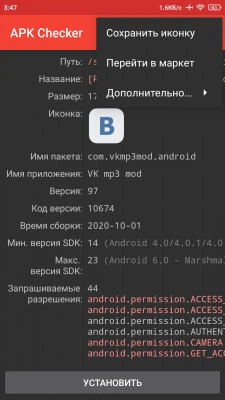
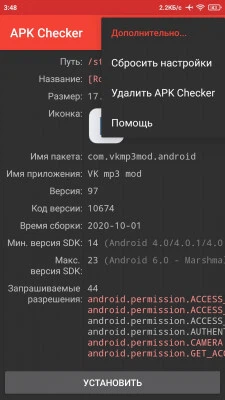
Description
MOD Download 0
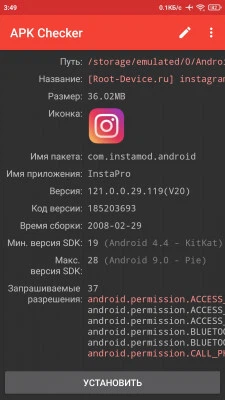
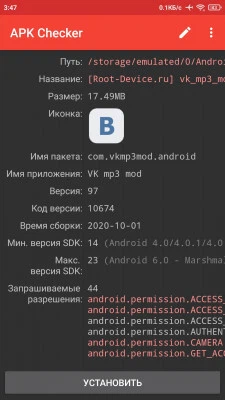
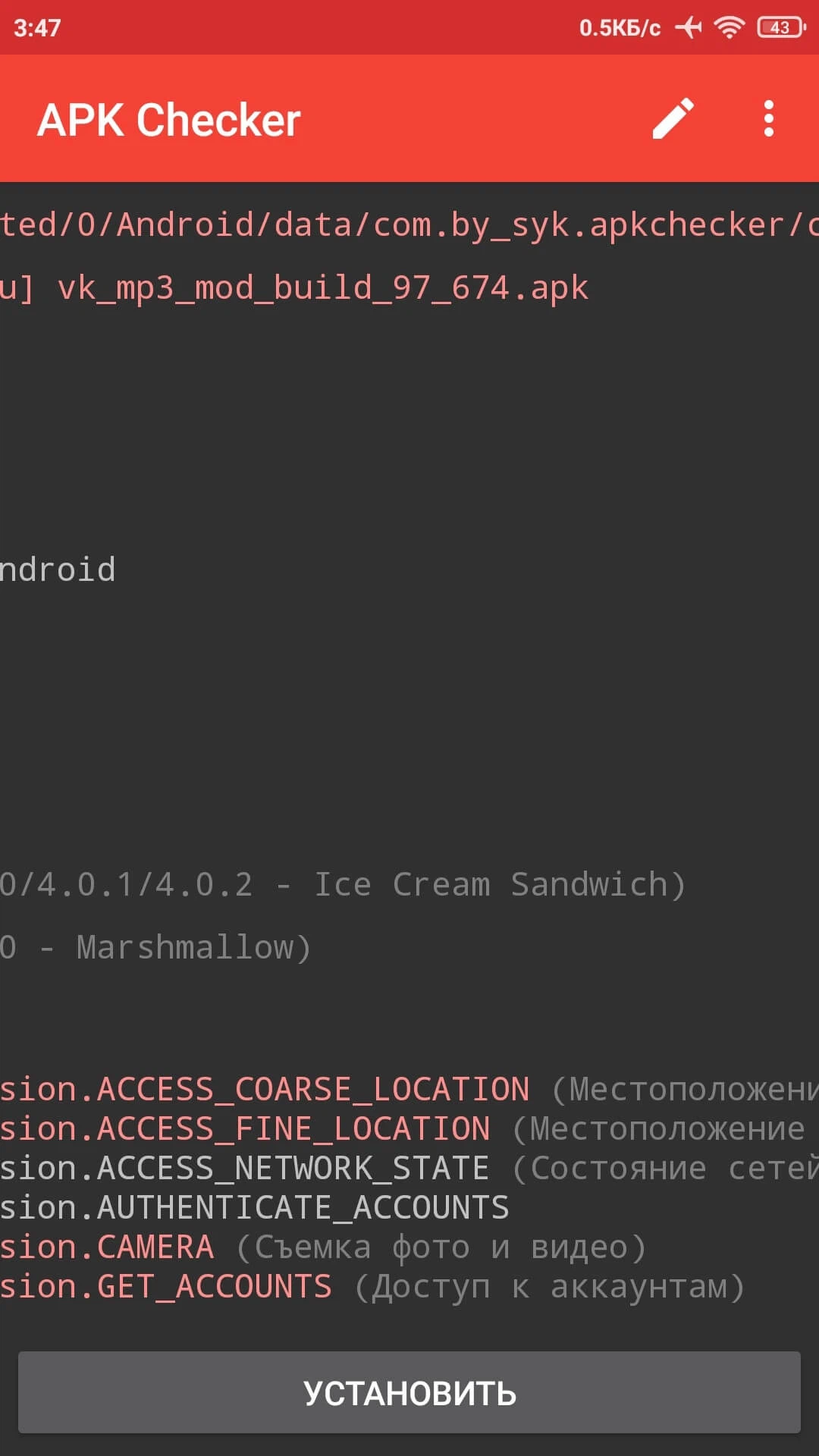
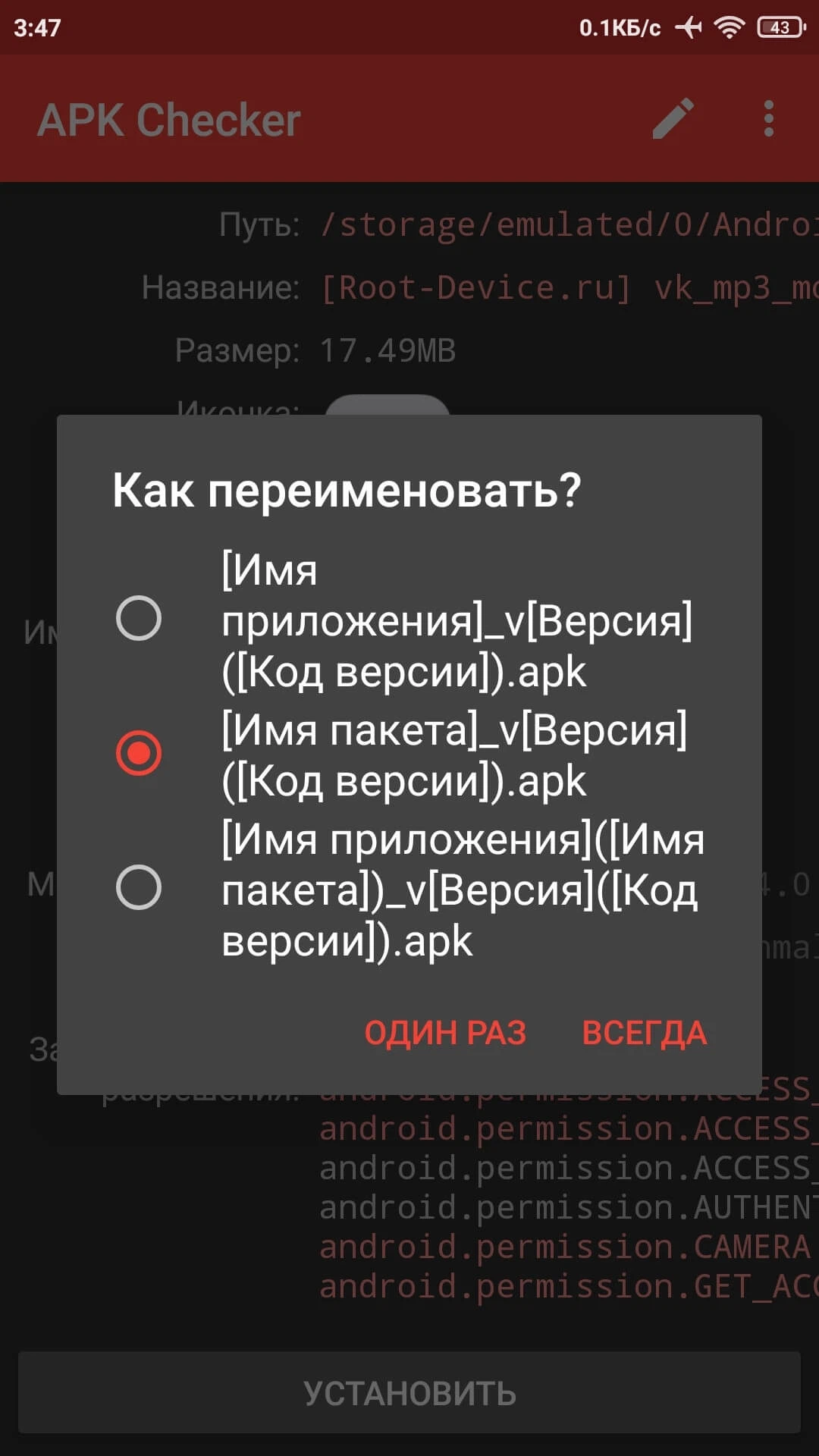
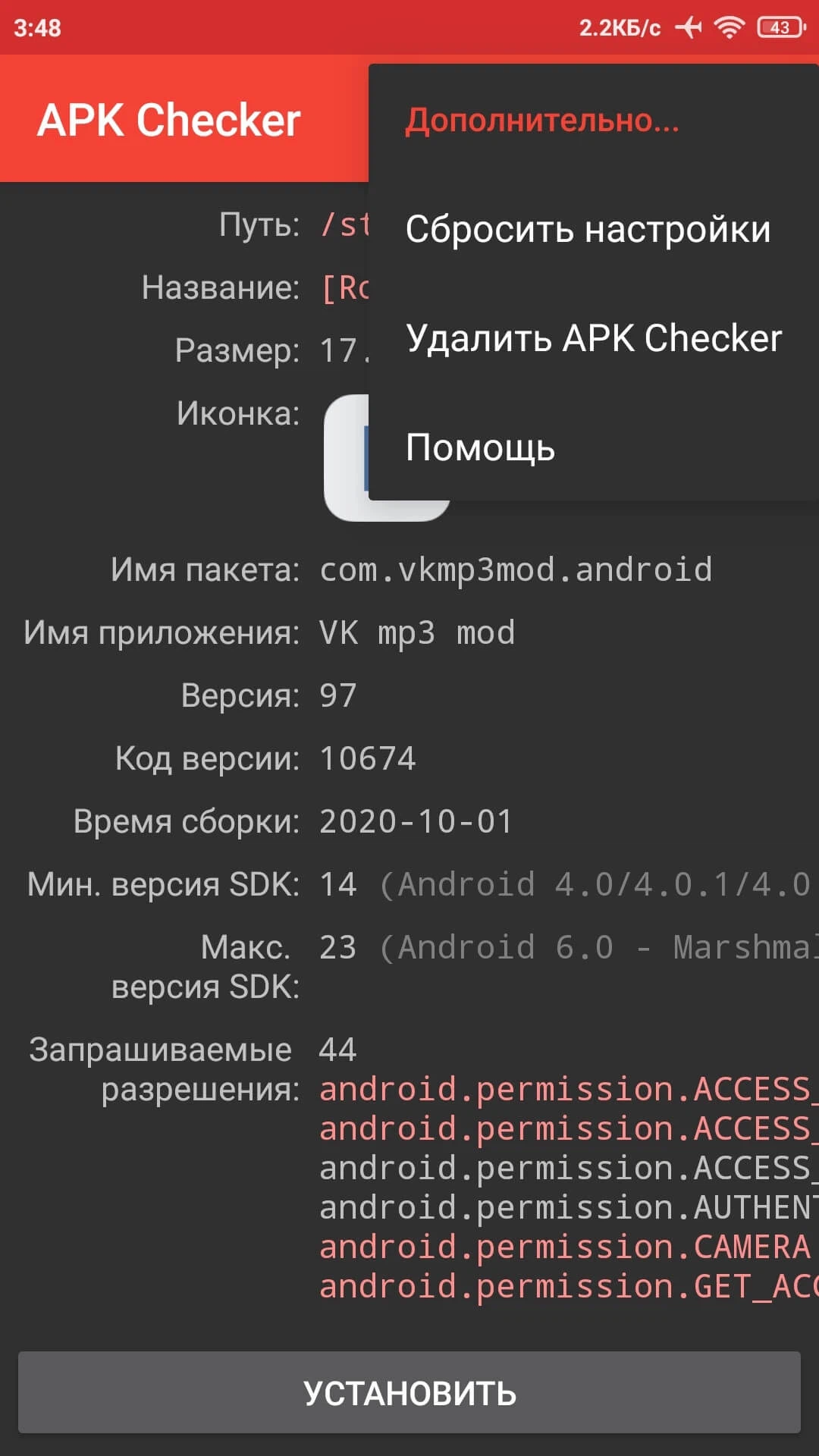
APK Checker (MOD) - Get all the necessary information about an application package (.apk) before installing it. APK file installer.
How to use:
- After installing and launching the utility, open any file manager and find the APK file of the application you want to install;
- Open the file using APK Checker;
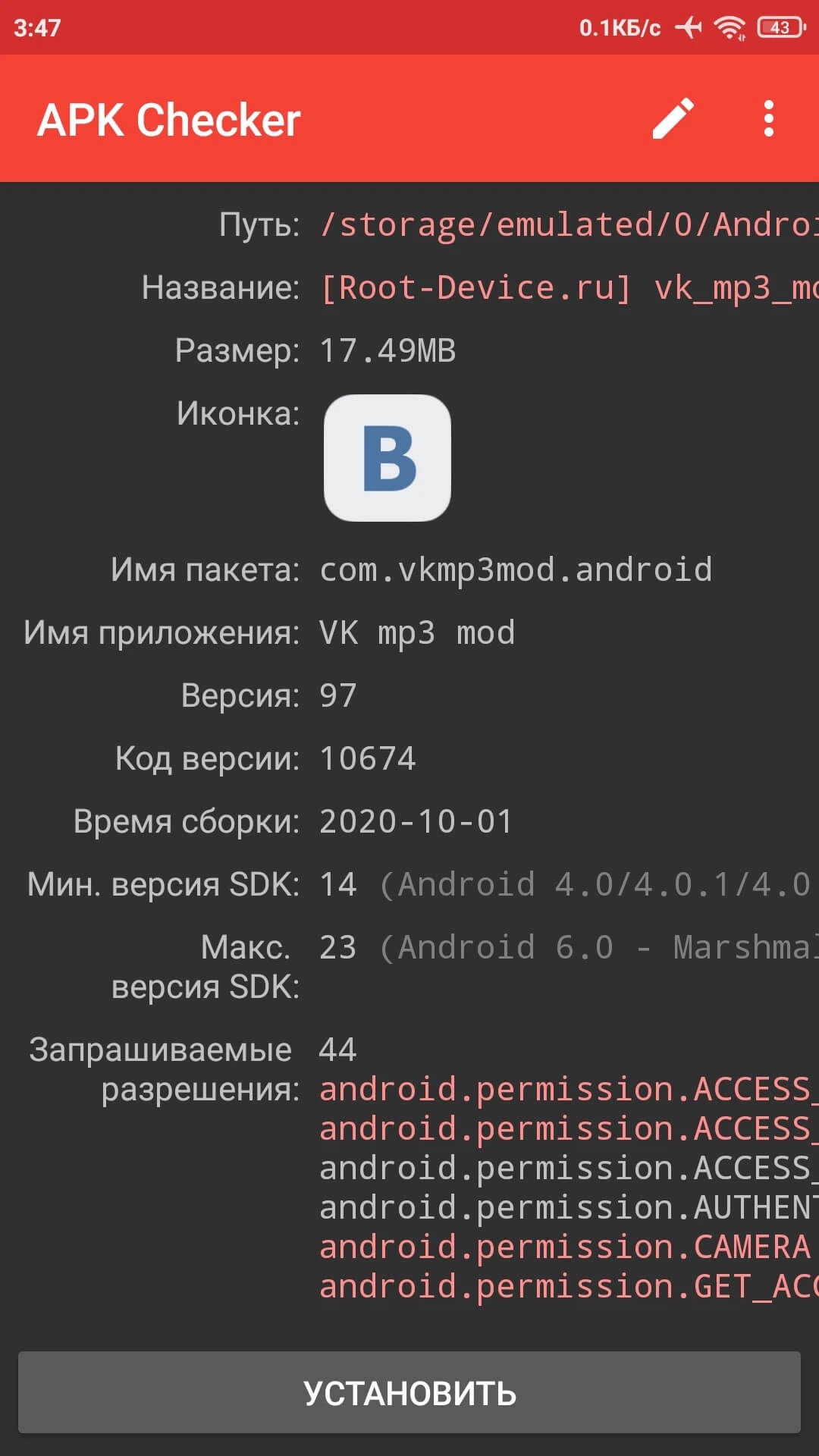
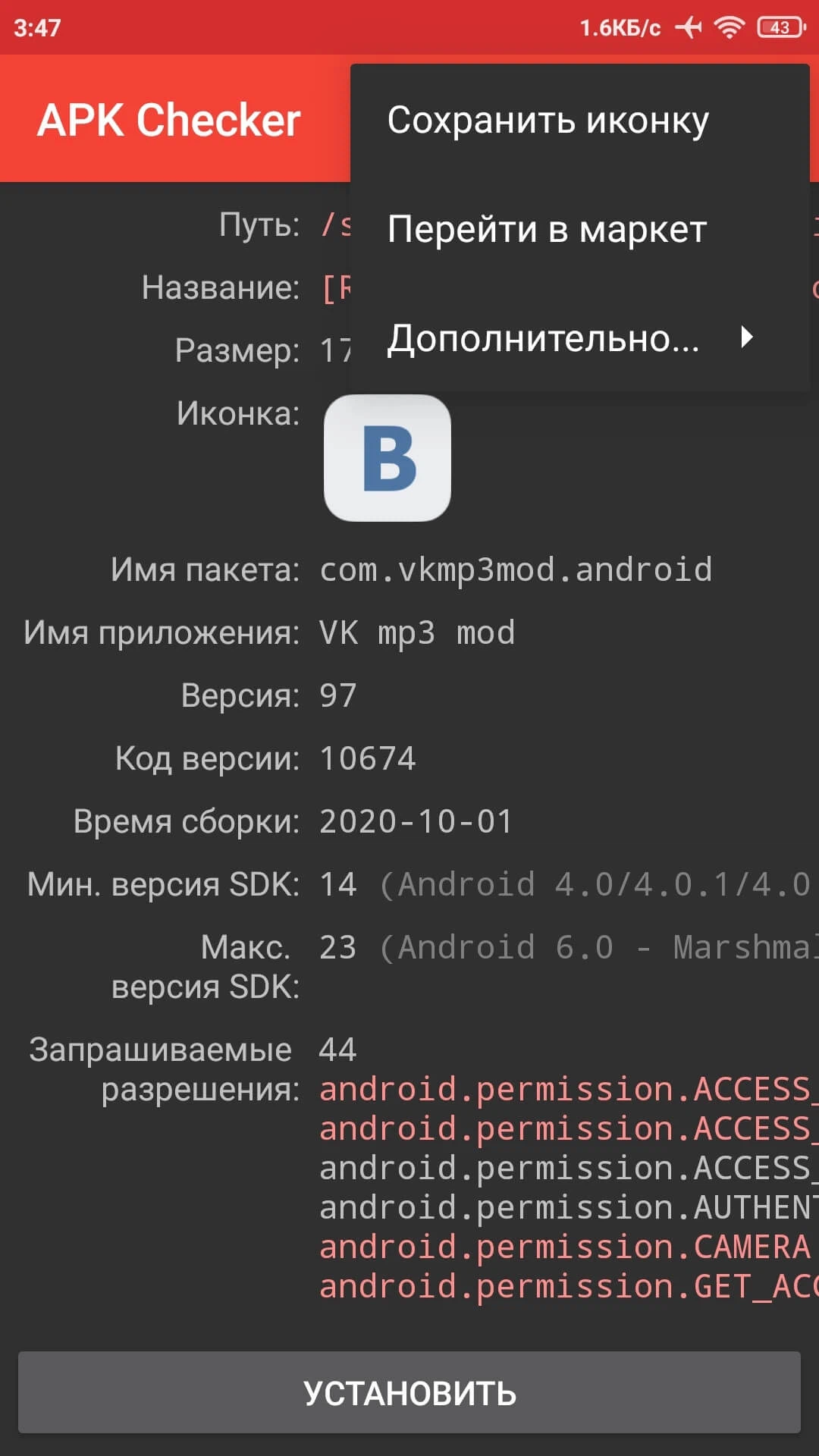
- Wait until the utility analyzes the APK file information and displays it on the screen.
- APK file installer;
- Full path to the APK file;
- Package name;
- Full size of the APK file;
- App drawer icon;
- Icon size;
- Internal package name;
- Application name;
- Application version;
- Version code;
- Build time;
- Minimum Android SDK version;
- Target Android SDK version;
- Supported ABI libraries;
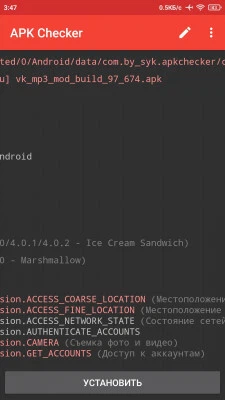
- Requested permissions;
- Flags;
- Active activities;
- Services;
- Content providers;
- Broadcast receivers;
- Signatures;
- Certificate fingerprint;
- Certificate validity start date;
- Certificate validity end date.
Mod features (by Infiltrovat'):
- Patched;
- Removed unused languages;
- Fixed SDK error;
- The informer now displays even the newest versions of SDK and Android.
Screenshots
0 7 7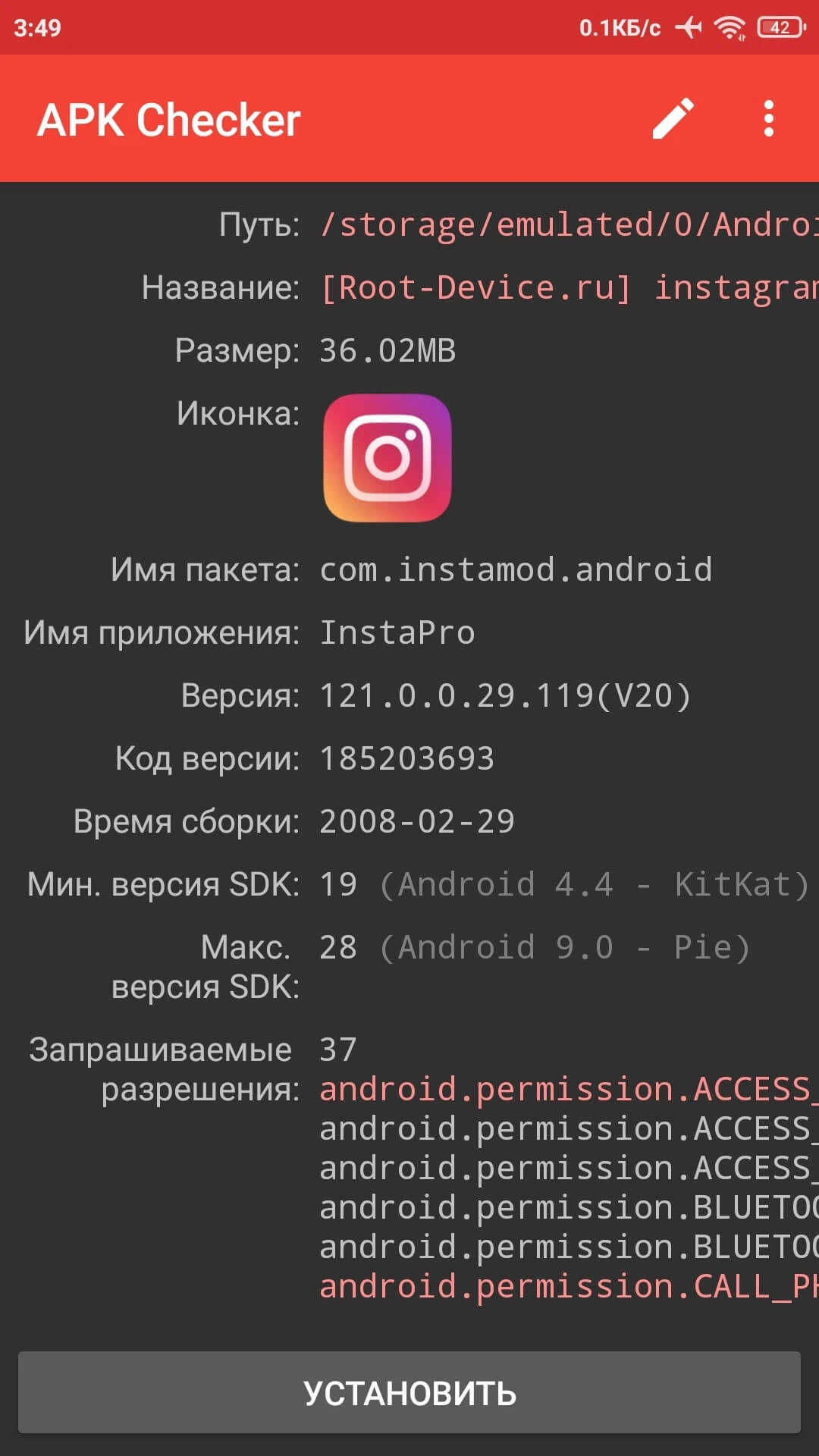
Information
Version 1.4.6.nightly (Fix) OS(MIN) Android 2.2+ Language Russian Developer syk Status Modification Root Not required Tags APK file installer, Check apk, Find out information about the APK file, Verify app signature on Android, Get full information, IconHow to install
- Download the APK file above to your phone.
- Allow “Install unknown apps” when prompted.
- Open the downloaded APK and tap Install.
- If the package includes OBB/XAPK data, follow the bundled instructions.
MOD APKs are modified builds, so Play Protect may show a warning. Install only if you trust the file; use at your own risk.