
Screenshots

Description
- Payment
XurajB LabsSize
55 MBVersion
9.3.0Requirements
Varies with deviceGet it on
Report this app
Images
Mod Info
- Full Version
Description
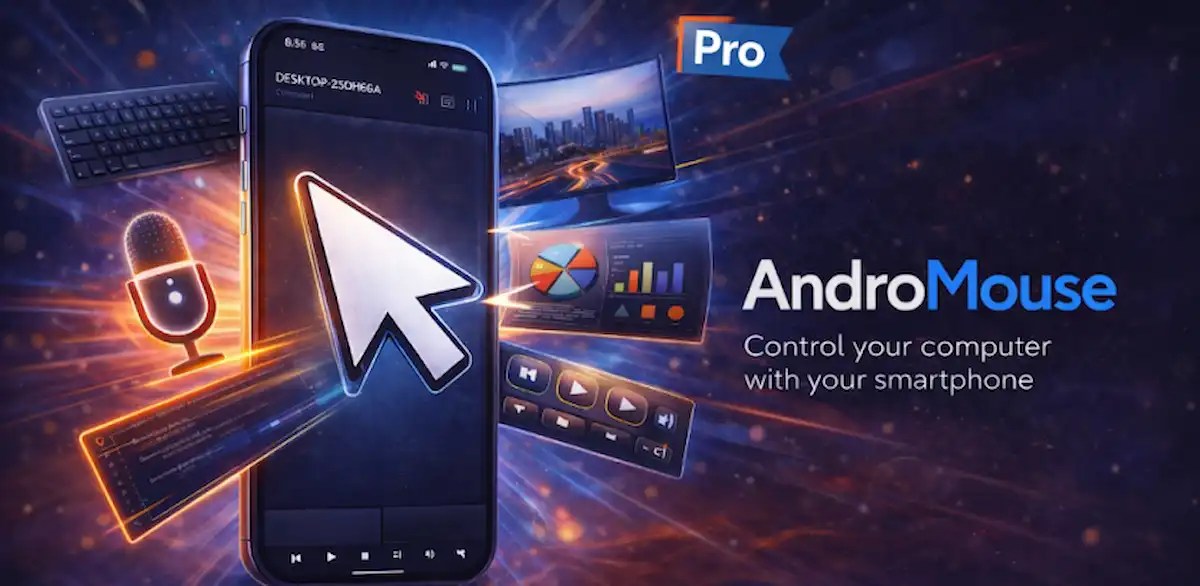
WiFi and Bluetooth Remote The best and the original remote Android mouse and keyboard out there. AndroMouse converts your phone into wireless mouse, keyboard, and more. Connection with your computer is made either using your existing wi-fi or using Bluetooth. AndroMouse also features speech-to-type which uses Google speech recognition to make your work easier.
Works with Windows/Mac/Linux
*** Ads free
** Great for presentations.
* Loads of new features are added in AndroMouse 6.0
Relax in your bed and search YouTube with your voice. You need to run AndroMouse Desktop Server on your computer to use AndroMouse. Please visit http://andromouse.com to download free desktop server, to watch an intro video and for a quick tutorial.
Mouse features:
★ Tap click
★ Two finger tap to double click
★ Scrollbar
★ Easy drag and drop
★ Right click
★ Left handed mode
★ Middle mouse button
Keyboard features:
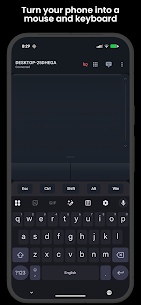
★ Standard keyboard
★ Function and special keys
Other features:
★ Automatic server detection
★ Speech-to-type
★ Connect using Wi-Fi (Windows/Mac/Linux) or Bluetooth (Windows)
★ Save remote connections
★ Clean UI
Numpad features
★ Dedicated Numpad
★ Numlock
Custom Remote
★ Create your own remote
★ Add custom buttons with your own actions
Media player features
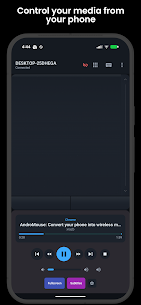
★ Media remote with media buttons
★ Control Windows Media Player/iTunes/YouTube/Netflix/Spotify
★ Browse your computer’s media files
System remote
★ Use this remote to restart/logoff/shutdown your system
File Browser
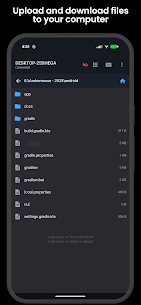
★ Browse your computer’s file in your phone
★ Click on a file to open it on your computer
Game Controller
★ Use AndroMouse as your remote game computer
★ Easily programmable buttons
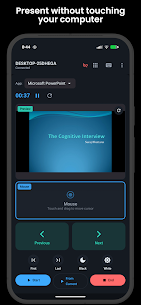
Presentation Remote
★ Great while doing your powerpoint presentation
★ Can also be used in photo viewer
★ Buttons to go next/previous slide
★ Integrated mouse functionality
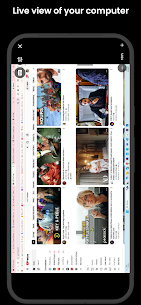
★ Ability to view computer’s screen on the app
Shortcuts
★ Program your own custom shortcut keys
Languages – English, Spanish, and French
AND MORE
Please visit www.andromouse.com to learn how to use AndroMouse and download the server.
Related apps
Password Manager – Smart Safe 6.0.1 2cLab 13.55 MB Premium Unlocked Clipboard+ 10.14.2 CodeDAC 4.91 MB Premium Unlocked Bottom notifications 2.7 Pleiades7Apps 13.83 MB Premium Unlocked AppBlock 7.21.2 MobileSoft s.r.o. 136.03 MB Premium Unlocked FairEmail 1.2339 Marcel Bokhorst FairCode BV 28.77 MB Premium UnlockedHow to install
- Download the APK file above to your phone.
- Allow “Install unknown apps” when prompted.
- Open the downloaded APK and tap Install.
- If the package includes OBB/XAPK data, follow the bundled instructions.
MOD APKs are modified builds, so Play Protect may show a warning. Install only if you trust the file; use at your own risk.